Adobe InDesign supports creating digital and print documents such as flyers, stationary, posters, and other types of media, with rich graphics, images, and more. Adobe InDesign is available standalone or as part of the Adobe Creative Suite collection of media management and creation products.
$31.49
per month
Conga Composer
Score 8.6 out of 10
N/A
Conga Composer is a document generation and automation tool designed to simplify and streamline the process of creating and distributing customized documents, presentations, and reports.
Adobe InDesign is very well-suited to creating professional-looking page designs. If you want a newspaper or magazine to have attractive pages that go beyond simple templates, InDesign is the best option out there, to my knowledge. It's less suited to scenarios where people without page design skills are responsible for creating pages, as it requires some training and skills to use effectively.
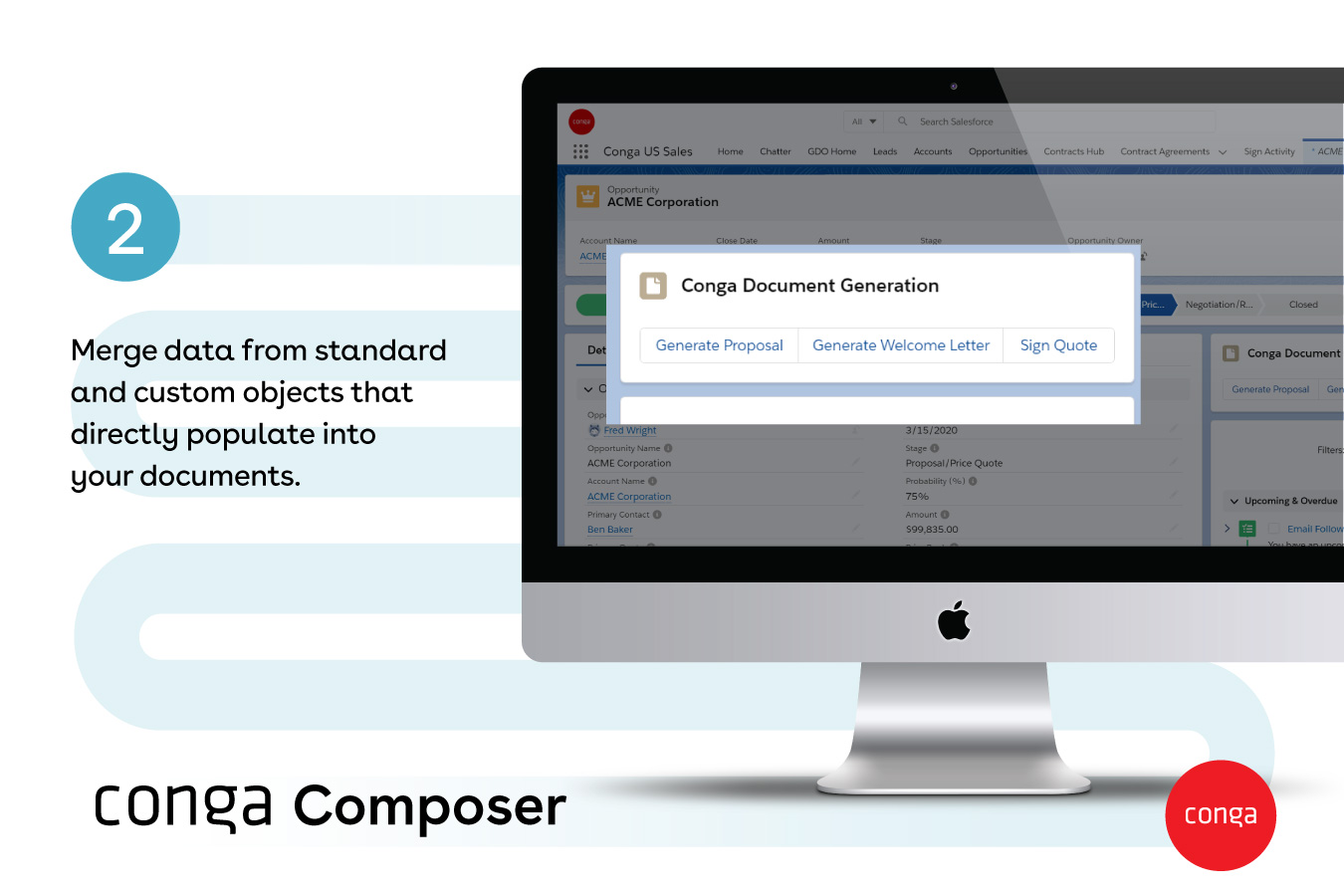
From my experience, Conga Composer is particularly well-suited for generating documents, such as quotes and contracts, directly from Salesforce. It saves us a great deal of time, which is remarkably beneficial for companies with sales teams. Not suitable for companies lacking significant Salesforce expertise or administrative support.
Customization - With Adobe InDesign, as well as many other applications in the Adobe Creative Suite, I can fully customize my workspaces and save different workspaces. This makes it easy to navigate through my project and have the panels and tools I need easily accessible and configured based on my project needs.
Styles - Adobe InDesign has character styles, object styles, and tables styles. This speeds up my workflows and allows me to easily apply the same format across multiple elements. This is super helpful, especially when working with length documents.
File compatibility - I can easily export my files into so many different file types.
The Book feature - This feature is really helpful when creating books or very long documents with multiple sections.
I've had great experiences with the product and plan to continue to use it. It has been my go-to product for designing and creating materials. I have had great luck with it and have been able to create all of the needed marketing materials that have been requested for our company.
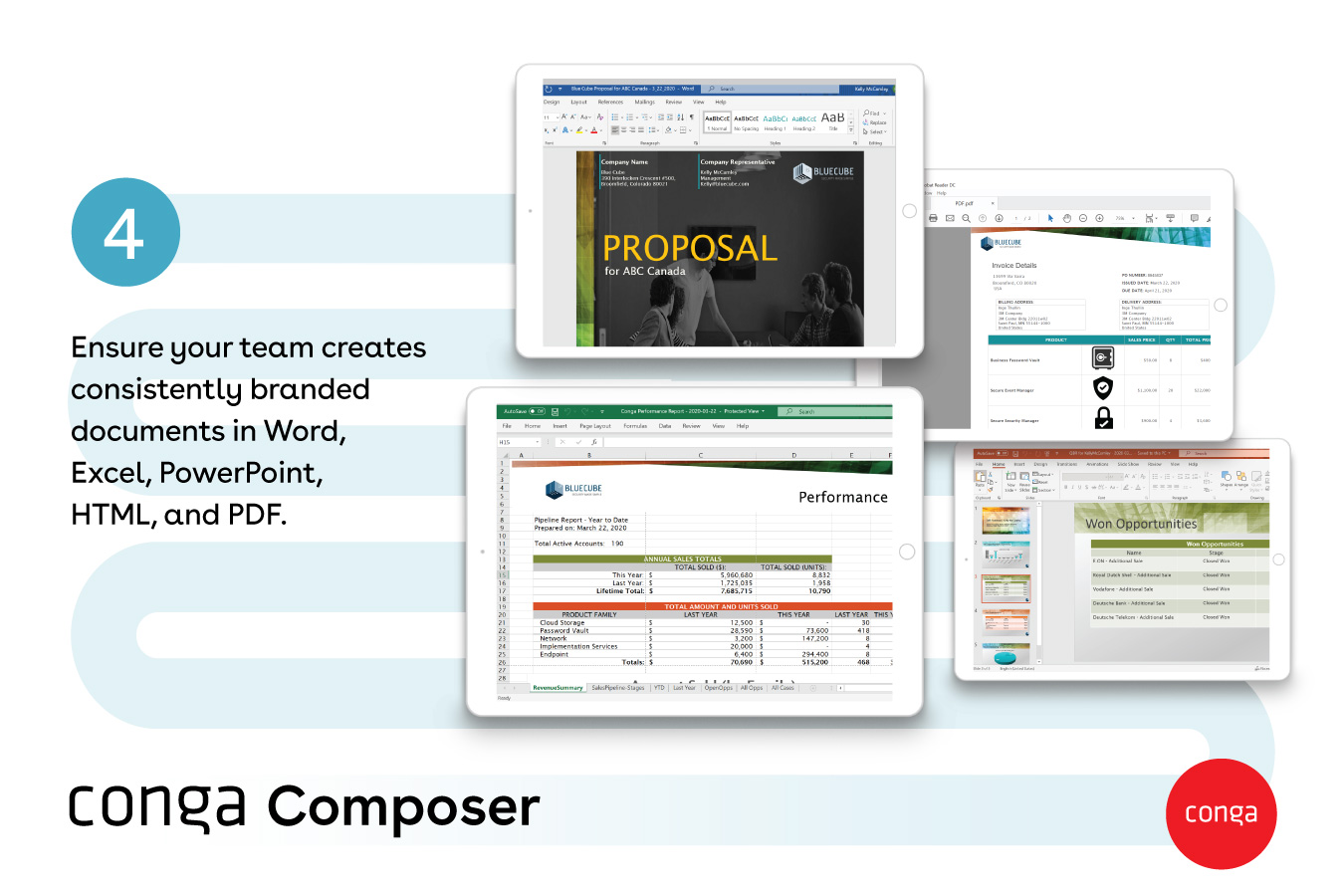
Though I love how easily Conga Composer ties into Salesforce and its given analytics, it takes a lot of data entry to get up and running. I don't love that sometimes queries can take a long time to pull. I like keeping our marketing templates consistent via templates in the system. Pulling multiple objects into one report is fantastic too.
If you know what you are doing it is an amazingly granular and powerful application. You can control pretty much any aspect of the design and layout of your documents and make changes globally and rapidly. But, if you don't know what you are doing...you will be staring at your screen in bewilderment for a long time. You can learn it, but be ready for a hefty time investment.
It's a fairly simple tool to integrate into your current business structure. When we've had issues, we were able to resolve them extremely quickly. The users click a button and it can bring in all the quote lines, and our credit application seamlessly into our tool. I'd definitely recommend it to other colleagues
Adobe support is ok but not great. Chat support often doesn't initially understand the question at-hand and it takes awhile to get to the right agent. Phone support has long wait times, and though I've had more luck there, it does take quite a time investment if you are looking for help. However, Adobe does have some online learning solutions available as well as a knowledgebase for frequently asked questions. If you're looking to learn how to use the platform, there are lots of resources which can typically be found in a few Google searches. If you have a technical issue with the system, that's going to be a bit more of a time investment as far as getting a tech's assistance to resolve the problem.
It's been hit and miss depending on the issue. We use javascript to generate the urls which has confused many techs even though it generates a clean url - they are overwhelmed by the concept of code and can't understand that the url is all that matters.
Microsoft products do not match the aesthetic tools that [Adobe] InDesign offers, cannot support the customizable options available for export, and do not produce documents with as high a degree of accessibility. That said, they do have their place in collaboration in a team- I'd consider Office to be the first step and [Adobe] InDesign to be the final product.
I think Nintex is the primary competitor for Conga Composer, but I have not personally used it. I was not present for the decision to purchase Conga but I would recommend it in future document automation vendor selection processes because I have seen how well it works! We are especially fond of complementary features in Conga Composer, including Conga Email Templates and Conga Global Merge.
A great ROI for time in my small architectural practice, [especially] when a design has been updated and a report needs to be submitted. We can be submitting many reports that all look similar, clean and beautiful. We just save as the file and replace the images with more updated images. This way the client finds it easy to navigate updated reports, as many as they can be.
Could really use better error handling on the product when the document doesn't generate. Zero notifications are provided right now and have no idea where in a 20 page template the error is. Need to keep cutting the template into pieces to find the error.
The report generates 90% of the time so far.
Getting easier to generate templates when knowing how the JSON will be structured to add to merged fields.
Use Work Plan Template Entries and Work Steps to dynamically generate many deliverables.