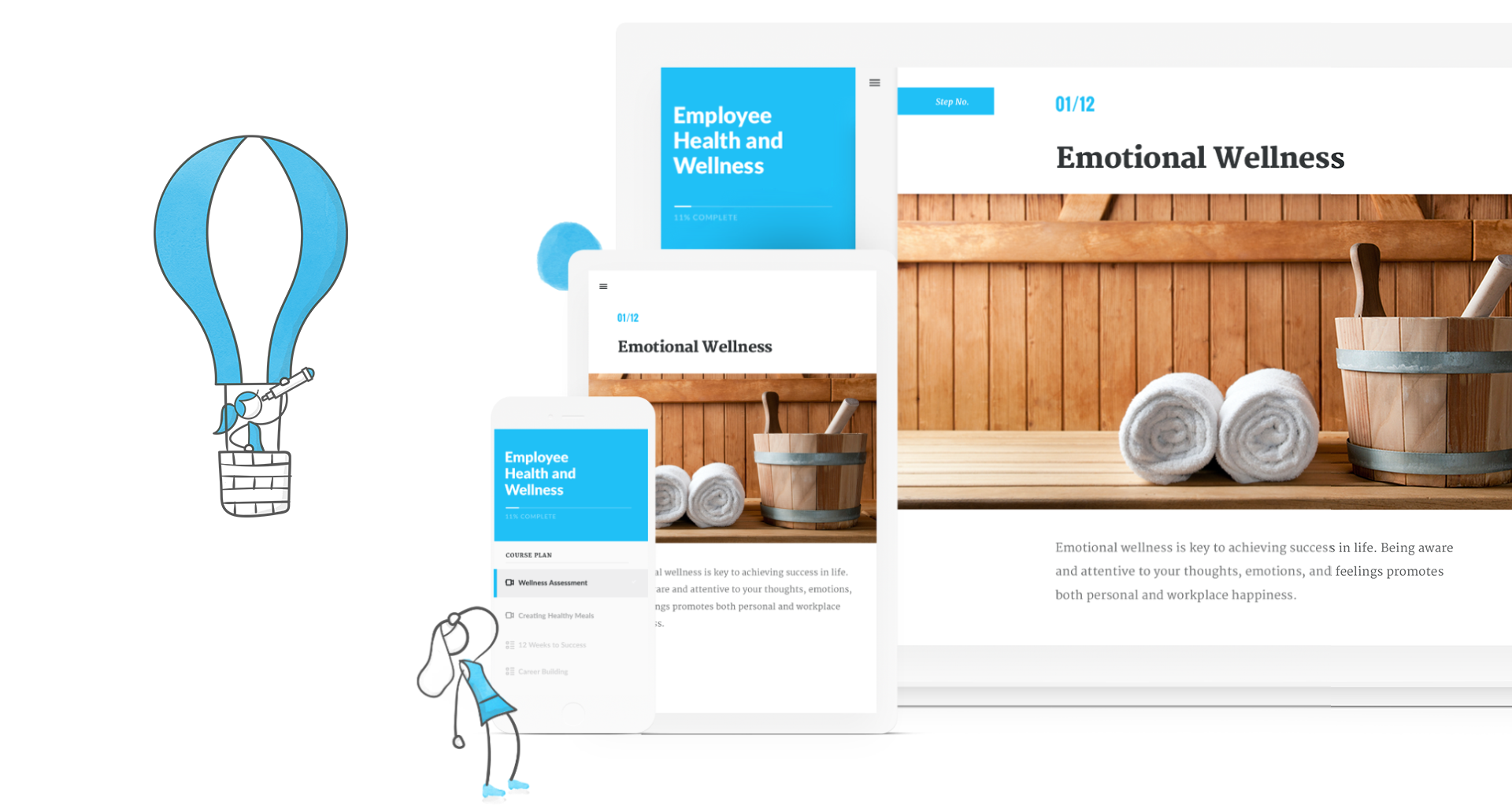
Articulate 360 is an e-learning course development subscription offering. It includes every Articulate authoring tool, including the latest version of Storyline and Rise, a web-based app for creating inherently responsive courses. The vendor offers a 30-day free trial.
$549
per year
Schoology Learning
Score 9.2 out of 10
N/A
Schoology aims to combine as many parts of the learning process as possible into a single platform for K-12 students. By doing this they aim to simplify the learning experience for students, parents, and teachers.
N/A
Pricing
Articulate 360
Schoology Learning
Editions & Modules
Academic - Personal
$549.00
per year
Academic - Teams
$699.00
per year
Freelancer - Personal
$1,099.00
per year
Teams
$1,399.00
per year
Schoology Basic
Free
Schoology Enterprise
Contact sales team
Offerings
Pricing Offerings
Articulate 360
Schoology Learning
Free Trial
Yes
No
Free/Freemium Version
No
Yes
Premium Consulting/Integration Services
No
No
Entry-level Setup Fee
No setup fee
No setup fee
Additional Details
Articulate 360 is available on the Articulate website and through Articulate Authorized Resellers. The Articulate 360 Teams plan is available for $1,399 per user, per year, and individual subscriptions perfect for freelancers are available for $1,099 per user, per year (all prices USD). Eligible educational customers receive a 50% discount on list prices.
Reach out to the vendor for pricing options based on your needs.
We looked at all of these platforms for training, and Articulate offered the most features, the best portability, the easiest build environment, and the easiest use for our users. Captivate is a good tool, too, but it's only comparable to Storyline, and we had a number of use …
I am not a fully trained instructional designer, but I found the user experience to be enjoyable. I have crafted my own revision of a course using Articulate 360 and while the process was lengthy, I found edits and changes to be relatively easy to implement. I also had a great deal of fun making tweaks, organizing and adding imagery. I think with regard to creating online courses/products for students to utilize, this is a great program and serves several levels of instructional design well (from me being brand new to this, to my supervisor who is newly certified, up to a longtime LD). I don't know that this is wholly relevant to courses that are live, be they in-person or virtual (Zoom webinars for example). Most of the material created in Articulate 360 tends to sit on the side of an on-demand, at-your-own-pace as far as coursework is concerned. A live course with an instructor, while it could be utilized in a live setting, the way it would be used I am unsure would be as dynamic or worthwhile as other more traditional options.
Schoology does the job well enough, but there are enough areas of contention that make advanced use of the system unwieldy. District staff does not have easy reporting ability to determine adoption and use of the platform without having to export to another program for analysis. The reliability of the system is a huge pain point as we need to deliver the curriculum but cannot count on it being available when we need to use it.
I'd like to see more variety in the types of interactions available. The ones that exist now (hot spot, drag n' drop, flip cards, etc.) are useful, but it would be nice to have more options without having to build something custom in Storyline to pull over. For example, I'd like a more elaborate sorting activity, customizable drag and drop activity, game options such as crosswords, options that allow user response, and more variety in the quizzing and assessment.
The built-in branching scenario feature requires a bit of trial and error. I'd like to see a snapshot, at-a-glance view of the scenario so it easier to see where the branching is, or where its missing.
The built-in assessment features are pretty limited - the Knowledge Check block has only multiple choice, multiple response, fill in the blank and basic matching. There is the option to pull in a test bank which is great, but it would be great to have more options built-in without having to develop something more elaborate in Storyline.
While this product constantly seeks to make improvements, certain features need tweaking. As educators enroll in various courses, these course tend to accumulate. If the educator is not an administrator of the course, it is next to impossible to get out.
Switching from one course/group to another course/group takes several steps. Not always easy to find the course/group needed.
Articulate 360 is an essential tool in our organisation's workflow. The money that we make through its use, far outweighs the cost of renewing our licenses. Articulate 360 has exposed us to new clients that we may not have otherwise encountered if we did not subscribe to the Articulate services.
While we have taken time to re-evaluate our selected 1:1 devices, Schoology's impact on student learning is unquestioned. Students are able to connect with other learners, create and share products of their learning, and develop their digital fluency through their use of Schoology.
I rate the overall usability of Articulate 360 with an 8, because of the many possibilities the software offers me. The software ensures that almost anyone without knowledge of coding can develop an interactive online course in a fairly simple and pleasant way.
It's very easy to use Schoology. As with any LMS, it helps to learn some tips and tricks prior to getting started. But, each item is clearly indicated within the platform. If I want to add materials, it is right at the top of my screen. If I want to view the calendar, it is indicated to the right of my screen. Navigating a course and the platform is quite straightforward. Additionally, the benefit of Schoology's help center and user community makes asking and answering questions quick and easy.
Generally good, but issue self-reporting has become a problem. When there are issues, it can be 20 minutes to an hour before it gets noted on the status page
It took forever to get someone to respond--either by email or by phone--directly to a pricing and licensing question. It is unfortunate that a company that has such potential as a streamlined course building/authoring tool not only missed the boat with service but also proves itself to be all fluff and no substance.
We have county-level support and district-level support, but their HELP page offers everything that is needed to answer questions and to find "how-to" information for staff. This includes video and written directions for every available feature. Schoology has also worked with our district to improve their product.
Sit and get with very little hands-on time. 5 minutes to try out a feature/question type, etc. is not enough time. Once your training is done, there is no option for new employees to get that training without having to rebook and pay for the training again. If you pay for basic training, that should be available to a district to use in the future.
It is pretty straight forward and easy to implement is you are already creating eLearning. If you have old courses created in other versions of Articulate I recommend you update them to the new version even though it is not necessary (especially From Storyline3 to 360) but if you don't you may find difficulty opening and keeping things straight
Adobe Captivate has a ton of incredible functionality. You're able to fully customize user experiences through interactive elements, buttons, transitions, hiding and activating various elements, and so on. But overall Captivate is insanely difficult for someone new to the tool to learn. Most of what I learned about Captivate, I had to do by trial and error or by watching Paul Wilson's YouTube videos. I find Articulate 360 to be far more intuitive
I have taught using both Edmodo and Google Classroom. While both were easier than Schoology was to get in the beginning, Schoology is infinitely more powerful than either of them was. I can do so much more, and differentiate so much easier using Schoology than I could with either of my previous LMSs.
We use it 5-12 so scalability is not an issue but sharing materials between departments including common assessments is difficult without paying for add-on features
I am an independent user so far so no ROI; however it has clearly made a positive impact on my course as my students love the clear navigation interface and know exactly where to find content.
On point to consider is that it has no forum option on its lesson option so this hinders some asynchronous users from interacting with others on the course.
Users have expressed many positive feedback from using Articulate 360 which increases productivity and engagement.