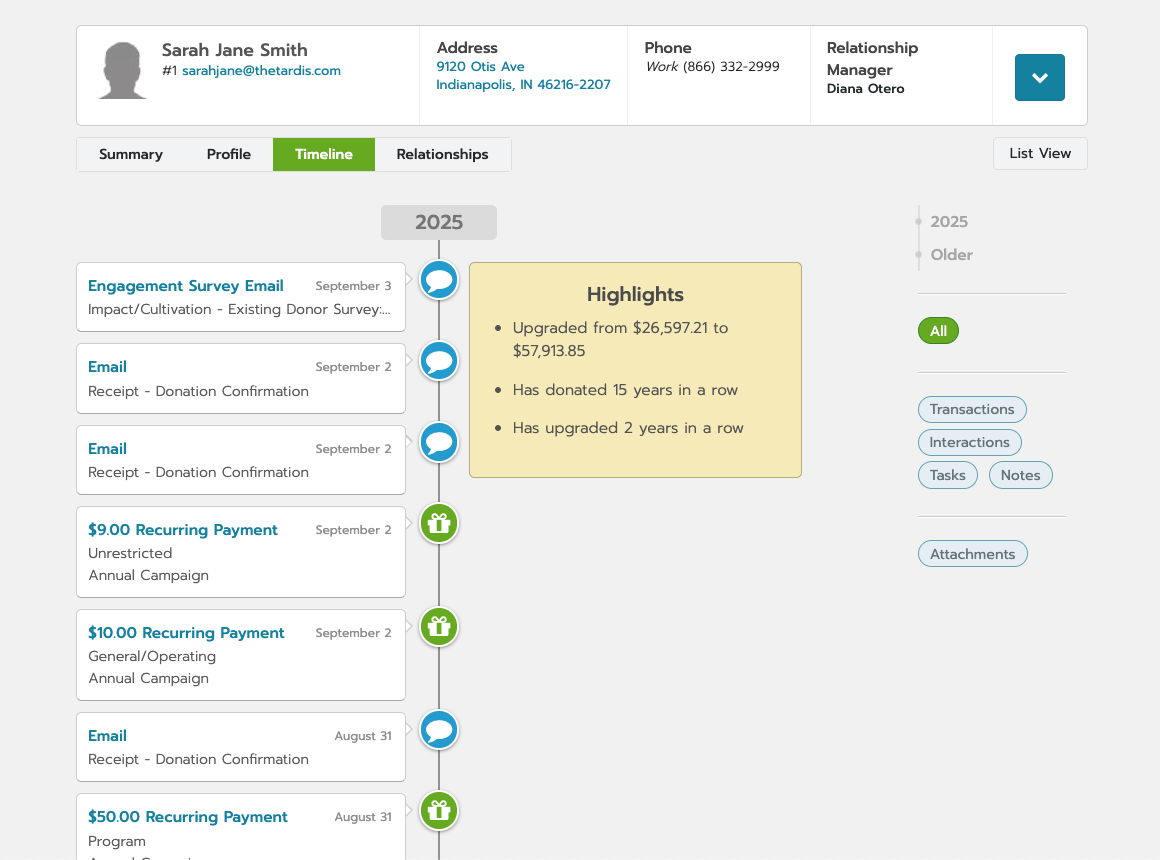
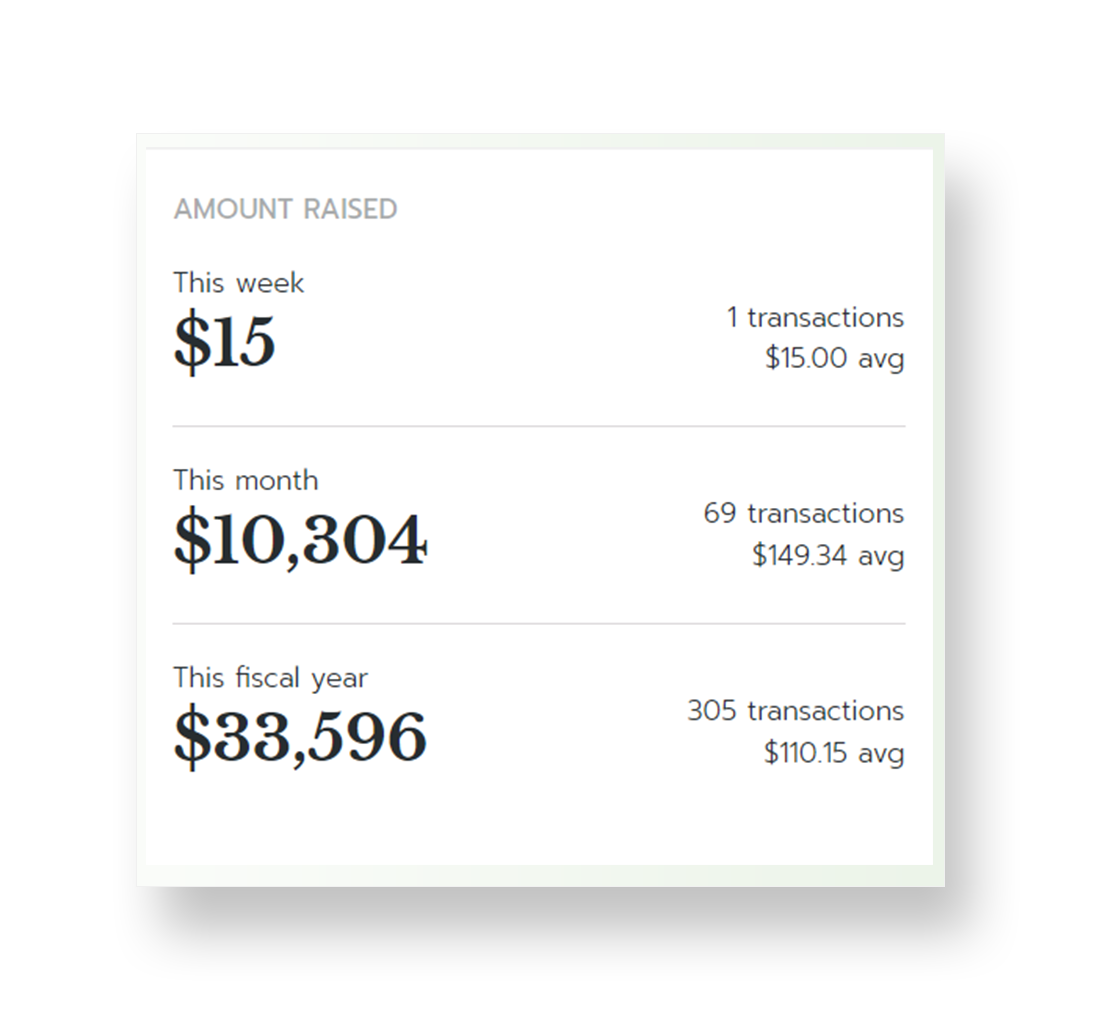
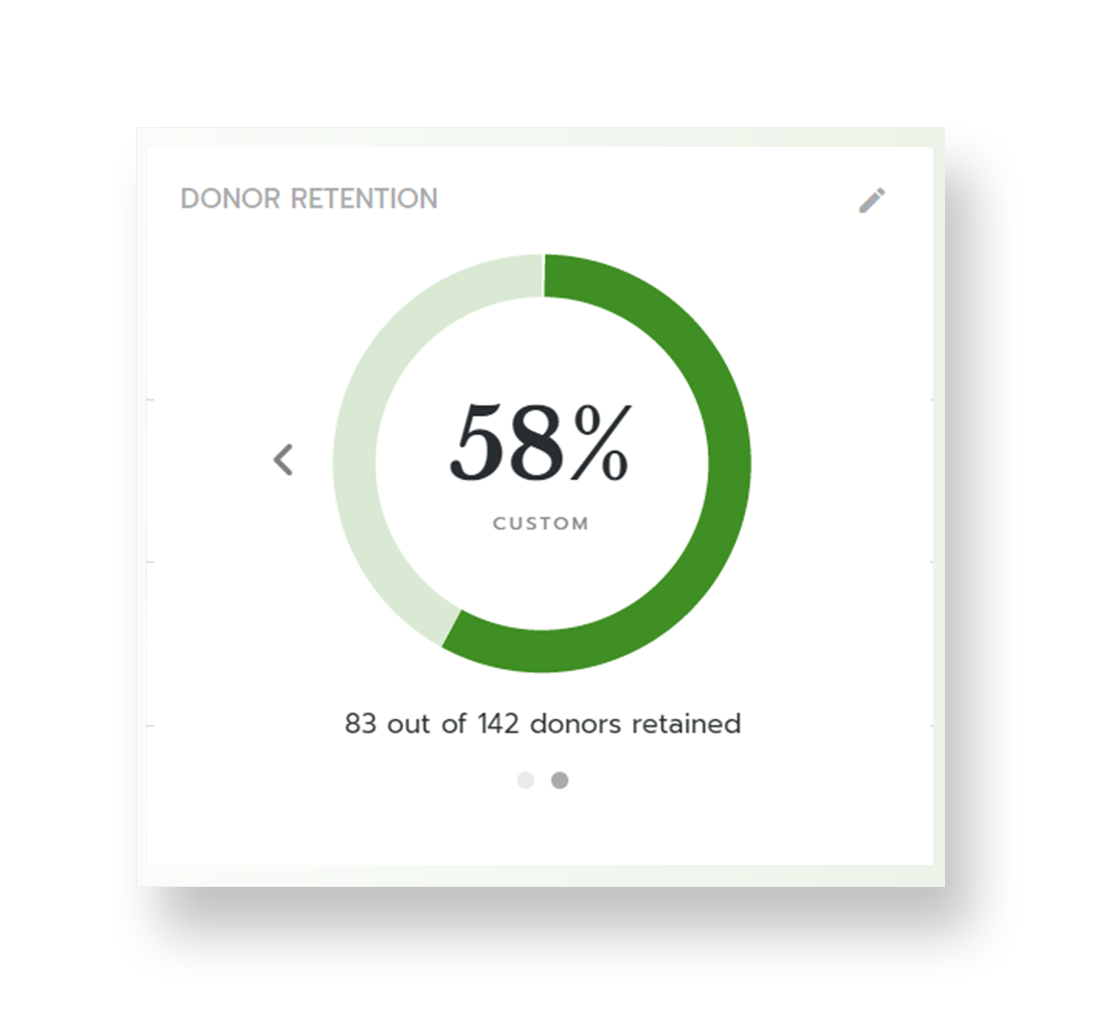
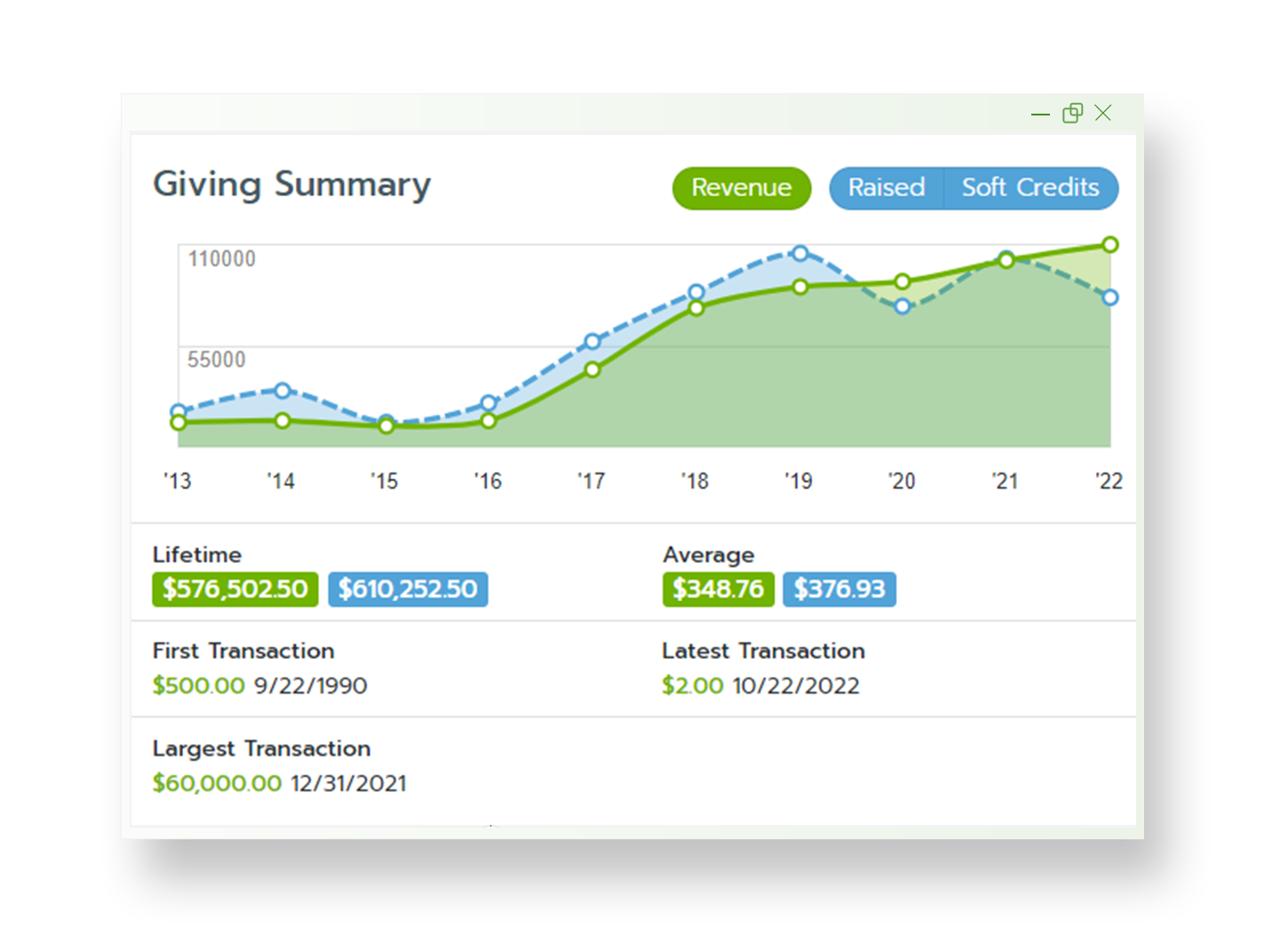
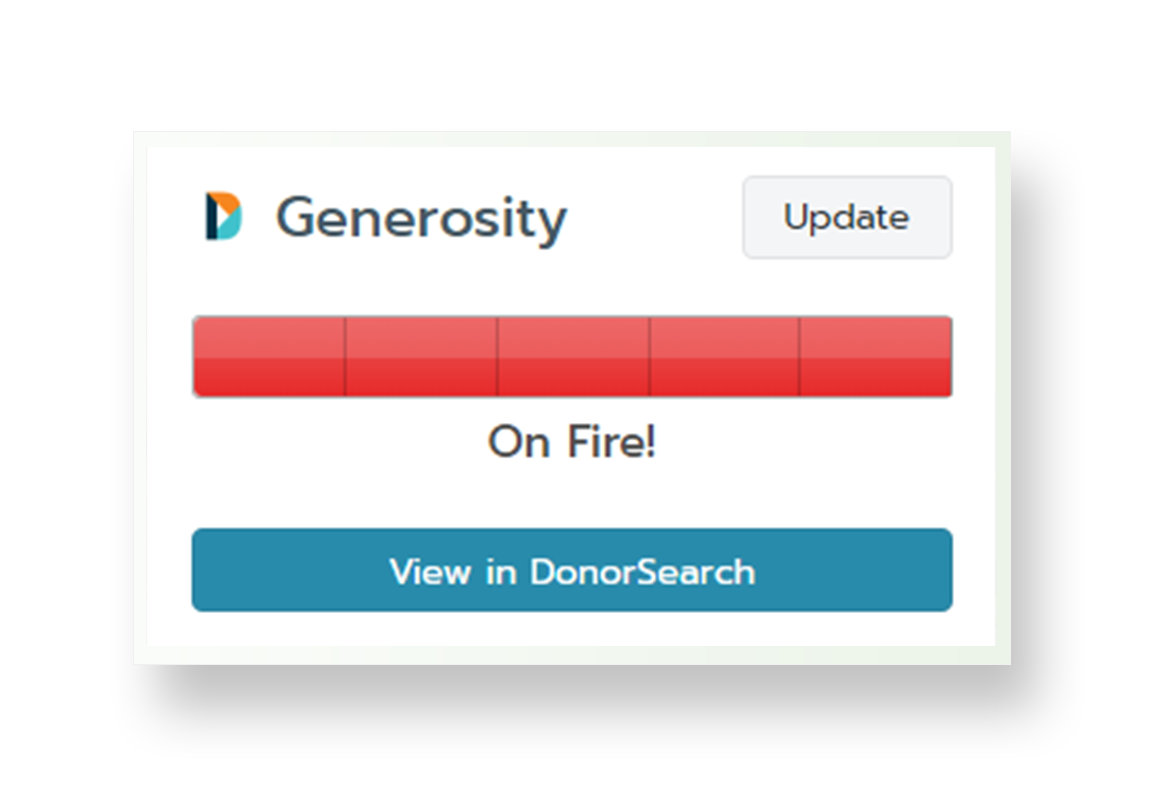
Bloomerang CRM helps nonprofits to raise more by turning donor data into deeper relationships. With a complete 360º view of every supporter, the solution helps identify top prospects, personalize outreach, and retain more donors. Engagement and Generosity Scores, real-time dashboards, and mobile access help users to see who’s ready to give and when to reach out—supporting fundraising with confidence. From first-time donors to lifelong champions, every interaction is an opportunity…
$1,500
per year
Method:CRM
Score 9.4 out of 10
N/A
Method:crm is a QuickBooks-integrated, cloud-based CRM platform.
$25
per month per user
Pricing
Bloomerang CRM
Method:CRM
Editions & Modules
Bloomerang Fundraising
$40
per month (billed annually)
Bloomerang Volunteer
$119
per month (billed annually)
Bloomerang CRM
$125
per month (billed annually)
The Giving Platform
Contact Sales
Contact Management
$25
per month per user
CRM Pro
$44
per month per user
CRM Enterprise
$74
per month per user
CRM Multi-Entity
Custom Quote
Offerings
Pricing Offerings
Bloomerang CRM
Method:CRM
Free Trial
No
Yes
Free/Freemium Version
No
No
Premium Consulting/Integration Services
Yes
Yes
Entry-level Setup Fee
Optional
No setup fee
Additional Details
All Plans include: Unlimited users, free email & chat support, free access to Bloomerang Academy, unlimited standard online giving pages & forms, donor engagement scoring, wealth screening, sustainability scorecard, email marketing, nightly address verification & deceased suppression updates, and 1 scholarship to Fundraising Standard (40 pts toward CFRE certification, $599 value)
—
More Pricing Information
Community Pulse
Bloomerang CRM
Method:CRM
Features
Bloomerang CRM
Method:CRM
Communications and Marketing
Comparison of Communications and Marketing features of Product A and Product B
Bloomerang CRM
9.8
2 Ratings
40% above category average
Method:CRM
-
Ratings
Constituent engagement and marketing
9.42 Ratings
00 Ratings
Social listening
10.01 Ratings
00 Ratings
Digital advocacy enablement
10.01 Ratings
00 Ratings
Reporting and Analytics
Comparison of Reporting and Analytics features of Product A and Product B
Bloomerang CRM
6.1
2 Ratings
6% below category average
Method:CRM
-
Ratings
Reporting and data visualization
8.02 Ratings
00 Ratings
Wealth screening
4.22 Ratings
00 Ratings
Fundraising and Events
Comparison of Fundraising and Events features of Product A and Product B
Bloomerang CRM
7.0
1 Ratings
15% above category average
Method:CRM
-
Ratings
Online donation options
7.01 Ratings
00 Ratings
Security and Platform
Comparison of Security and Platform features of Product A and Product B
Bloomerang CRM
8.9
2 Ratings
25% above category average
Method:CRM
-
Ratings
Role-based user permissions
8.82 Ratings
00 Ratings
Mobile access
8.01 Ratings
00 Ratings
Integrations
10.01 Ratings
00 Ratings
Sales Force Automation
Comparison of Sales Force Automation features of Product A and Product B
Bloomerang CRM
-
Ratings
Method:CRM
8.2
22 Ratings
6% above category average
Customer data management / contact management
00 Ratings
8.722 Ratings
Workflow management
00 Ratings
8.720 Ratings
Territory management
00 Ratings
1.81 Ratings
Opportunity management
00 Ratings
8.720 Ratings
Integration with email client (e.g., Outlook or Gmail)
00 Ratings
8.620 Ratings
Contract management
00 Ratings
8.711 Ratings
Quote & order management
00 Ratings
9.418 Ratings
Interaction tracking
00 Ratings
9.019 Ratings
Channel / partner relationship management
00 Ratings
10.012 Ratings
Customer Service & Support
Comparison of Customer Service & Support features of Product A and Product B
Bloomerang CRM
-
Ratings
Method:CRM
10.0
2 Ratings
27% above category average
Case management
00 Ratings
10.01 Ratings
Call center management
00 Ratings
9.92 Ratings
Help desk management
00 Ratings
10.01 Ratings
Marketing Automation
Comparison of Marketing Automation features of Product A and Product B
Bloomerang CRM
-
Ratings
Method:CRM
8.9
19 Ratings
14% above category average
Lead management
00 Ratings
8.817 Ratings
Email marketing
00 Ratings
9.014 Ratings
CRM Project Management
Comparison of CRM Project Management features of Product A and Product B
Bloomerang CRM
-
Ratings
Method:CRM
7.8
20 Ratings
2% above category average
Task management
00 Ratings
9.418 Ratings
Billing and invoicing management
00 Ratings
10.015 Ratings
Reporting
00 Ratings
4.117 Ratings
CRM Reporting & Analytics
Comparison of CRM Reporting & Analytics features of Product A and Product B
Bloomerang CRM
-
Ratings
Method:CRM
7.7
18 Ratings
1% above category average
Forecasting
00 Ratings
8.09 Ratings
Pipeline visualization
00 Ratings
9.017 Ratings
Customizable reports
00 Ratings
6.017 Ratings
Customization
Comparison of Customization features of Product A and Product B
Bloomerang CRM
-
Ratings
Method:CRM
7.8
19 Ratings
2% above category average
Custom fields
00 Ratings
7.119 Ratings
Custom objects
00 Ratings
7.118 Ratings
Scripting environment
00 Ratings
9.212 Ratings
API for custom integration
00 Ratings
8.014 Ratings
Security
Comparison of Security features of Product A and Product B
Bloomerang CRM
-
Ratings
Method:CRM
8.5
19 Ratings
2% above category average
Single sign-on capability
00 Ratings
8.417 Ratings
Role-based user permissions
00 Ratings
8.719 Ratings
Integrations with 3rd-party Software
Comparison of Integrations with 3rd-party Software features of Product A and Product B
Bloomerang CRM
-
Ratings
Method:CRM
10.0
2 Ratings
30% above category average
Marketing automation
00 Ratings
10.02 Ratings
Compensation management
00 Ratings
10.02 Ratings
Platform
Comparison of Platform features of Product A and Product B
If you are a small organization just getting started, Bloomerang can be a good fit. It is simple and straightforward for development staff who maybe aren’t super savvy with data management or analysis in spreadsheets. In the sales demo they will try to upsell a lot of extras that are ultimately not necessary unless your stuff is very unfamiliar with database software. The base price of the software is something like $300 per year, as long as you mix all of the training and phone support add-ons they initially present you with.
Method[:CRM] is well suited when you have a large company that needs to keep track of customers. It also connects with Quickbooks and that has really been nice for our organization. Our company is small so this really helps us stay on track and build our data base of customers.
Reporting: Once I understood the logic behind Bloomerang's reporting tools, I could not believe I'd ever worked a different way. Some of our funders request very complicated reports and getting the relevant data out of Bloomerang is SO much easier than it was with our previous CRM tools.
Website integration: I love the tracking functionality that Bloomerang offers, as well as how easy it is to integrate event ticket, volunteer, and other forms into our existing website.
Intuitive design: I've introduced total novices to Bloomerang and been very impressed with how quickly they've been able to figure out all the top level navigation as well as deeper functionality.
#1 - I am very happy with the product and support so far. #2 - With significant data migration costs, I wouldn't even consider another option for at least 3 years no matter how much better it might be.
The things Method does well - QuickBooks data integration and extreme customization - it does very, very well. If you are looking for a CRM product or any business process automation software that integrates with QuickBooks, you have to look at Method CRM
Data and settings are very customizable to fit the needs of our organization. We are able to not only keep track of donations, but also other interactions we may have with a constituent. Support is extremely helpful when issues arise.
Method has a great overall "usability". Once we started using the software; it did not take long before we were able to start editing our own web lead forms, email templates, etc. I think there is a learning curve however the learning curve is not bad. Anyone looking for a cloud CRM should start here
Any time i had a problem or question it has been easy to find an answer or tutorial. When I cannot find an answer, it is easy to email or live chat with support and they resolve my problems very quickly.
The Customer Support of this app is fantastic. If you ever have any questions they are there to answer you or fix whatever issue that you are having. The FAQ pages are also extremely helpful when you want to learn about the more in-depth qualities this program has to offer.
Be available to learn! There is a huge learning curve to this program. You have to be willing to take it all in. Be available to the Method expert and be patient.
We left DonorPerfect for Bloomerang. I had come from an organization that used Raisers Edge and there was no way I was going to stay with DP. RE is great for larger organizations with staff dedicated to the database, but we were a much smaller organization and needed to have something we could all use easily. We demoed Salsa and Neon and liked them both, but Bloomerang had better integration features and seemed to be the most user-friendly.
We chose Method:CRM for the QuickBooks integration. It was important for us to have integrations that allowed us to view payments, organize our contacts, and manage our sales force. There were some learning curves, however, such as creating activities, leads, customers and making sure our payments were being logged appropriately. I do wish that payments would be added to the calendar automatically so that the sales rep could view and make a phone call letting them know their invoice is due.
Because my organization has been using Bloomerang for only one year, we haven't yet studied what impact it has had on our ROI. We have, however, noted that we are able to more efficiently and more rapidly communicate with constituents now than we were able to before we had Bloomerang. We can quickly and efficiently generate acknowledgements and tax receipts - and do so - better than we ever did before.