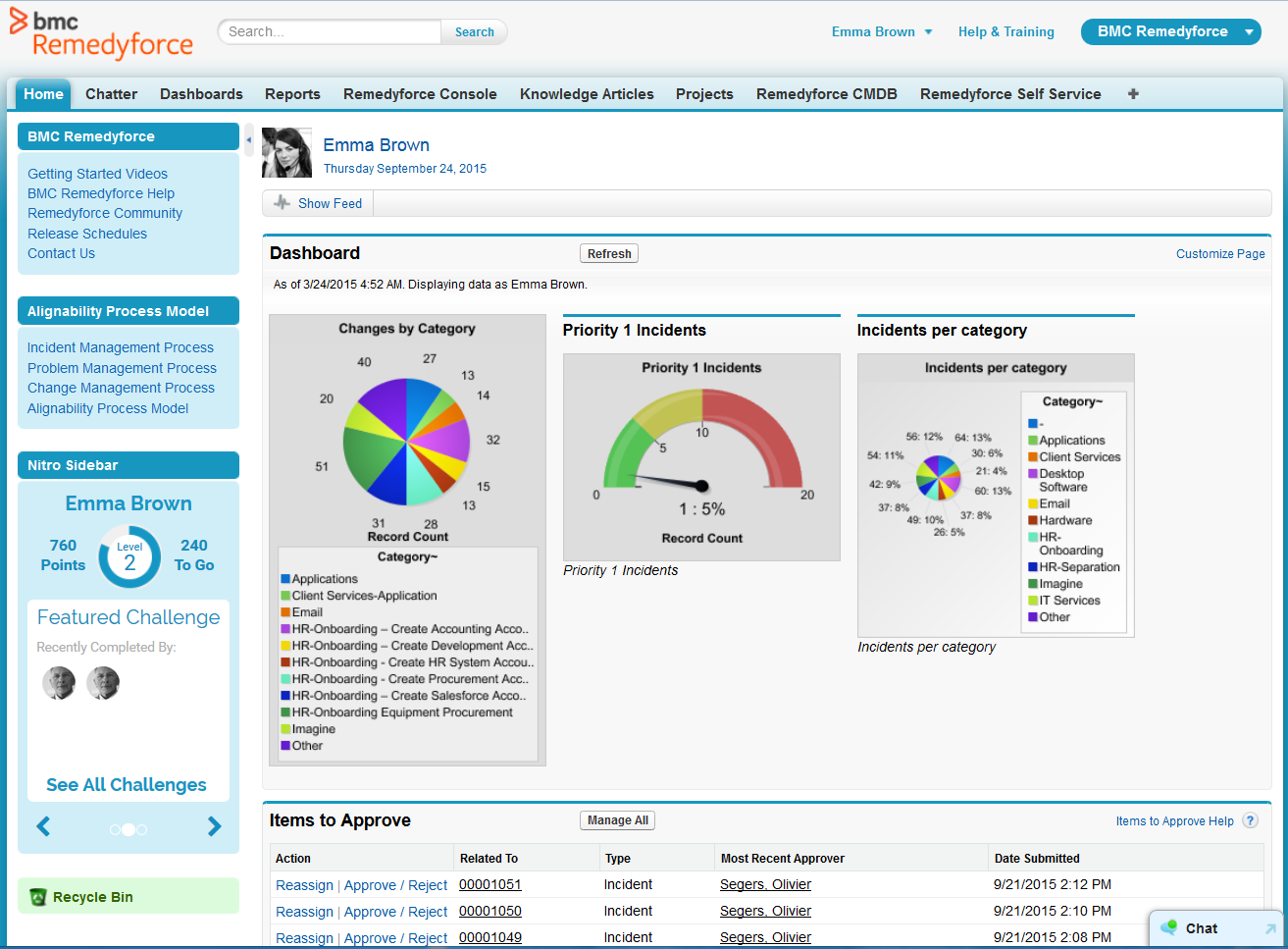
BMC Helix Remedyforce is a cloud-delivered SaaS solution for IT Helpdesk and Ticketing Management.
$67.90
per user/per month
HubSpot Service Hub
Score 8.4 out of 10
N/A
HubSpot Service Hub aims to bring customer service data and channels together in one place, and helps scale support through automation and self-service. According to the vendor, Service Hub provides more time for proactive service that delights, retains, and grows your customer base.
$15
per month per seat
Pricing
BMC Helix Remedyforce
HubSpot Service Hub
Editions & Modules
BMC Helix Remedyforce
$67.90
per user/per month
Service Hub Starter
$15
per month per seat
Professional
$100
per month per seat
Enterprise
$150
per month per seat
Enterprise
Starting at $1,200
per month
Offerings
Pricing Offerings
BMC Helix Remedyforce
HubSpot Service Hub
Free Trial
Yes
No
Free/Freemium Version
No
Yes
Premium Consulting/Integration Services
Yes
No
Entry-level Setup Fee
Optional
No setup fee
Additional Details
—
A discount is offered for annual billing.
More Pricing Information
Community Pulse
BMC Helix Remedyforce
HubSpot Service Hub
Features
BMC Helix Remedyforce
HubSpot Service Hub
Incident and problem management
Comparison of Incident and problem management features of Product A and Product B
BMC Helix Remedyforce
7.7
7 Ratings
6% below category average
HubSpot Service Hub
7.9
16 Ratings
4% below category average
Organize and prioritize service tickets
9.07 Ratings
7.616 Ratings
Expert directory
6.05 Ratings
7.94 Ratings
Service restoration
9.07 Ratings
00 Ratings
Self-service tools
7.95 Ratings
00 Ratings
Subscription-based notifications
6.06 Ratings
8.26 Ratings
ITSM collaboration and documentation
8.07 Ratings
7.65 Ratings
ITSM reports and dashboards
8.07 Ratings
00 Ratings
Ticket creation and submission
00 Ratings
8.416 Ratings
Ticket response
00 Ratings
7.816 Ratings
ITSM asset management
Comparison of ITSM asset management features of Product A and Product B
BMC Helix Remedyforce
8.0
7 Ratings
3% below category average
HubSpot Service Hub
-
Ratings
Configuration mangement
9.07 Ratings
00 Ratings
Asset management dashboard
9.05 Ratings
00 Ratings
Policy and contract enforcement
6.03 Ratings
00 Ratings
Change management
Comparison of Change management features of Product A and Product B
BMC Helix Remedyforce
9.0
7 Ratings
6% above category average
HubSpot Service Hub
-
Ratings
Change requests repository
9.07 Ratings
00 Ratings
Change calendar
9.07 Ratings
00 Ratings
Service-level management
9.07 Ratings
00 Ratings
Self Help Community
Comparison of Self Help Community features of Product A and Product B
BMC Helix Remedyforce
-
Ratings
HubSpot Service Hub
8.7
16 Ratings
8% above category average
External knowledge base
00 Ratings
8.816 Ratings
Internal knowledge base
00 Ratings
8.516 Ratings
Multi-Channel Help
Comparison of Multi-Channel Help features of Product A and Product B
[BMC Helix Remedyforce] is probably best suited for an MSP who needs to keep multiple clients separated. If you were an internal IT department I think the additional features it has would be lost. When dealing with an MSP who needs to know what software and what issues have effected specific clients it is very well suited to do that.
I'd recommend HubSpot Service Hub for sure. When switching from a different platform to HubSpot Service Hub orgs and admins can count with a vast number of trainings in HubSpot Academy and most of them are free. This means users will find the resources they need without needing to reach for their superiors for training sessions or guidance.
An admin user is able to quickly create a request definition with all of its components from one screen. We use to have to go to the 7 or 8 different screens to create each piece of the request definition.
Ability to update multiple Incidents/Service Requests at once with the update button. This allows essentially an inline edit functionality within Remedyforce.
Change management schedule is a great feature as well to be able to see how changes align and what there expected start dates/times are.
The ability to monitor/regulate the volume of tickets when you integrate with your monitoring software. We have so many items that trigger alerts, creating a ticket for each is somewhat overwhelming. Would like to be able to better control when an incident should be created.
Being able to report on Service requests and tasks together would be nice. Right now I have to do it separately as they are in different buckets, so to speak.
Remedy console is an improvement from where it started but can still be a cleaner interface for a tech to be able to work out of for their day to day work.
We've had some issues setting up the Client Portal functionality because we merged with another company and are still operating under two domains; Setting up the Client Portal could be easier or they could provide better support to help us work through it
We've been able to do everything we need to do with HubSpot Service Hub
The total amount of time spent from installation to configuration for a minimal ticketing system was 2 hours. Maintenance and customization for the application can be completed with a great amount of ease. In addition having a customer portal is an added benefit that pays for itself
I'd give it a 9 or 10 for the survey functionality because that is what we use regularly. I left it at an eight because we don't yet have experience with some of the other functionalities within the ServiceHub. Based on our demos, the ticketing system and the ChatBot are great, and we look forward to adding them soon.
Learning industry best practices or gaining insight on them from either BMC or an implementation partner would have saved some headaches we faced after roll-out.
I previously worked with tools like Service Manager which were difficult to configure, administer and maintain. The support options were very limited. Remedyforce has local US support, dedicated reps, and a more developed infrastructure to work from to support an organization. This runs on the Salesforce platform so worrying about server failures and unscheduled outages was no longer going to be an issue for us. Self service, knowledge base, and change control were just a few highly utilized features that helped employees support themselves and automate very manual processes.
HubSpot [Service Hub] had many integrations we needed to connect to our CRM, and the cost was just right from them VS the others. We had to look at all the features, and HubSpot CRM just had way more than the others and more bang for your buck. So the Service Hub was just a bonus with their CRM tools.
Remedyforce has allowed us to eliminate other solutions that provided similar features. By now using one true ITSM we have been able to save money which in higher education is always a concern.
The reports and dashboards allow for a birds-eye view of our daily operations and provide managers and executives the information they need to make important cost saving decisions.
Easy to keep track of leads and track their journey into becoming a customer. For example, we can tell which leads open what emails and target people differently to help increase sales.
Even though HubSpot Service Hub is very expensive, I do think it is worth the price because we can keep track of all leads/ customers very easy, track the customer journey, rework emails with AI, etc.
HubSpot Service Hub also has reporting so you can track everything which helps to improve our sales