
Mailtastic vs. gSignature
Mailtastic vs. gSignature
| Product | Rating | Most Used By | Product Summary | Starting Price |
|---|---|---|---|---|
 Mailtastic | N/A | Mailtastic is an email signature marketing tool, that aims to turn employees email signatures into a strong, measurable marketing effort. Mailtastic is a Cognism brand. | N/A | |
 gSignature | Mid-Size Companies (51-1,000 employees) | gSignature helps businesses create professional email signatures for employees. It integrates with Google Workspace to automatically populate user information like names, titles, and contact details. Email signatures can be designed with logos, banners, disclaimers, and social media links. gSignature also offers features for managing large teams, including user acceptance of pre-installed signatures, CSV import/export for employee data, and scheduled signature updates for employees. This… | $1 per month per user |
| Mailtastic | gSignature | |||||||||||||||
|---|---|---|---|---|---|---|---|---|---|---|---|---|---|---|---|---|
| Editions & Modules | No answers on this topic |
| ||||||||||||||
| Offerings |
| |||||||||||||||
| Entry-level Setup Fee | No setup fee | No setup fee | ||||||||||||||
| Additional Details | — | Premium package - Aligns employee data with the company's signature template. Supported by the automatic assignment of signatures for new hires in the company. Theconsole for central management of signatures is pay per use. | ||||||||||||||
| More Pricing Information | ||||||||||||||||
| Mailtastic | gSignature | |
|---|---|---|
| Small Businesses |  Terminus ABM Platform Score 8.0 out of 10 | Terminus ABM Platform Score 8.0 out of 10 |
| Medium-sized Companies | Terminus ABM Platform Score 8.0 out of 10 | Terminus ABM Platform Score 8.0 out of 10 |
| Enterprises | No answers on this topic | No answers on this topic |
| All Alternatives | View all alternatives | View all alternatives |
| Mailtastic | gSignature | |
|---|---|---|
| Likelihood to Recommend | 8.0 (1 ratings) | - (0 ratings) |
| Usability | 8.0 (1 ratings) | - (0 ratings) |
| Mailtastic | gSignature | |
|---|---|---|
| Likelihood to Recommend | Cognism
 Nikita Vinichenko Marketing Manager CRM | gSignature No answers on this topic |
| Pros | Cognism
Nikita Vinichenko Marketing Manager CRM | gSignature No answers on this topic |
| Cons | Cognism
Nikita Vinichenko Marketing Manager CRM | gSignature No answers on this topic |
| Usability | Cognism
Nikita Vinichenko Marketing Manager CRM | gSignature No answers on this topic |
| Return on Investment | Cognism
Nikita Vinichenko Marketing Manager CRM | gSignature No answers on this topic |
| ScreenShots | gSignature Screenshots 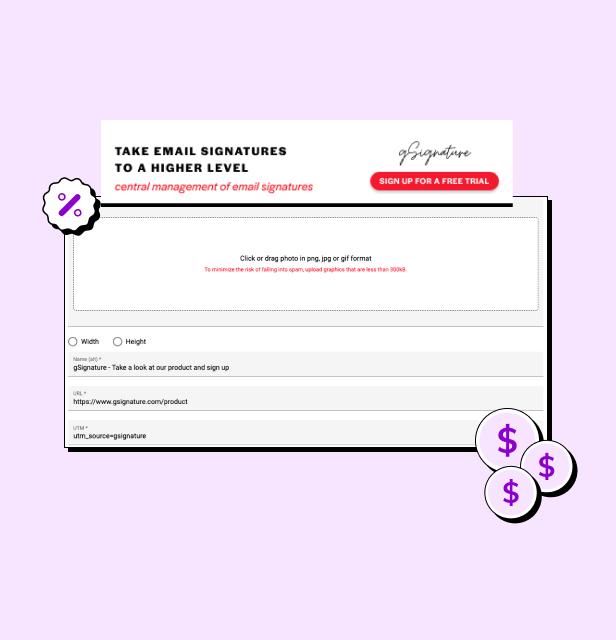 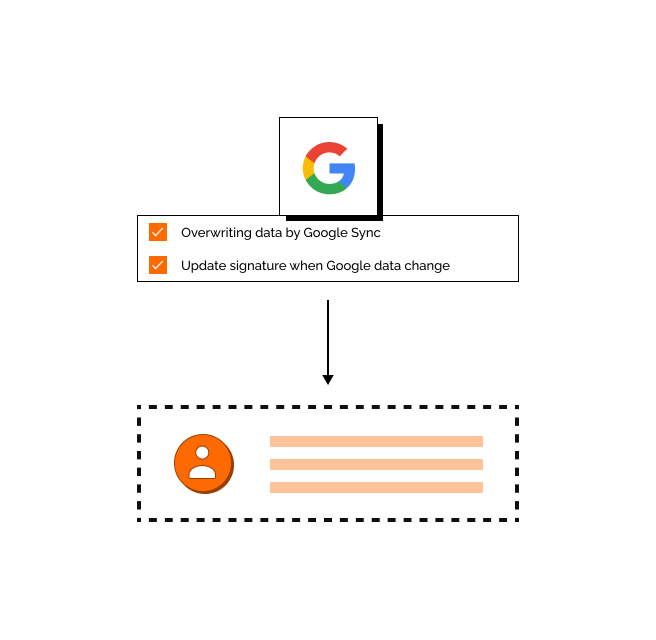 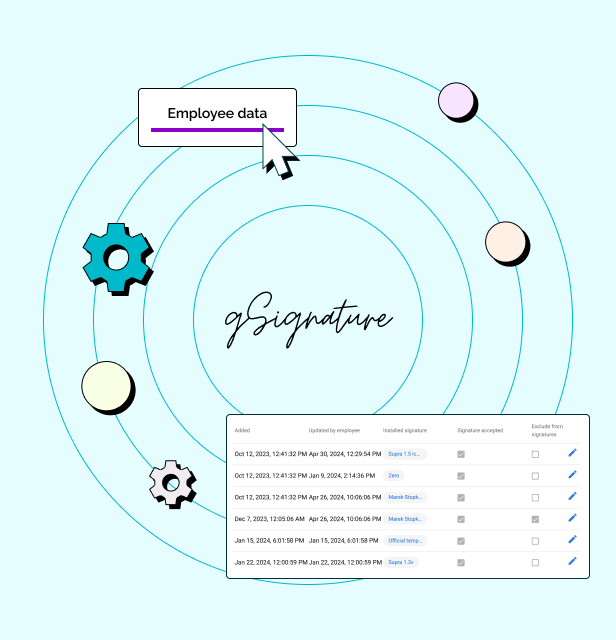 |