What is OneClickPDF?
• Core capabilities
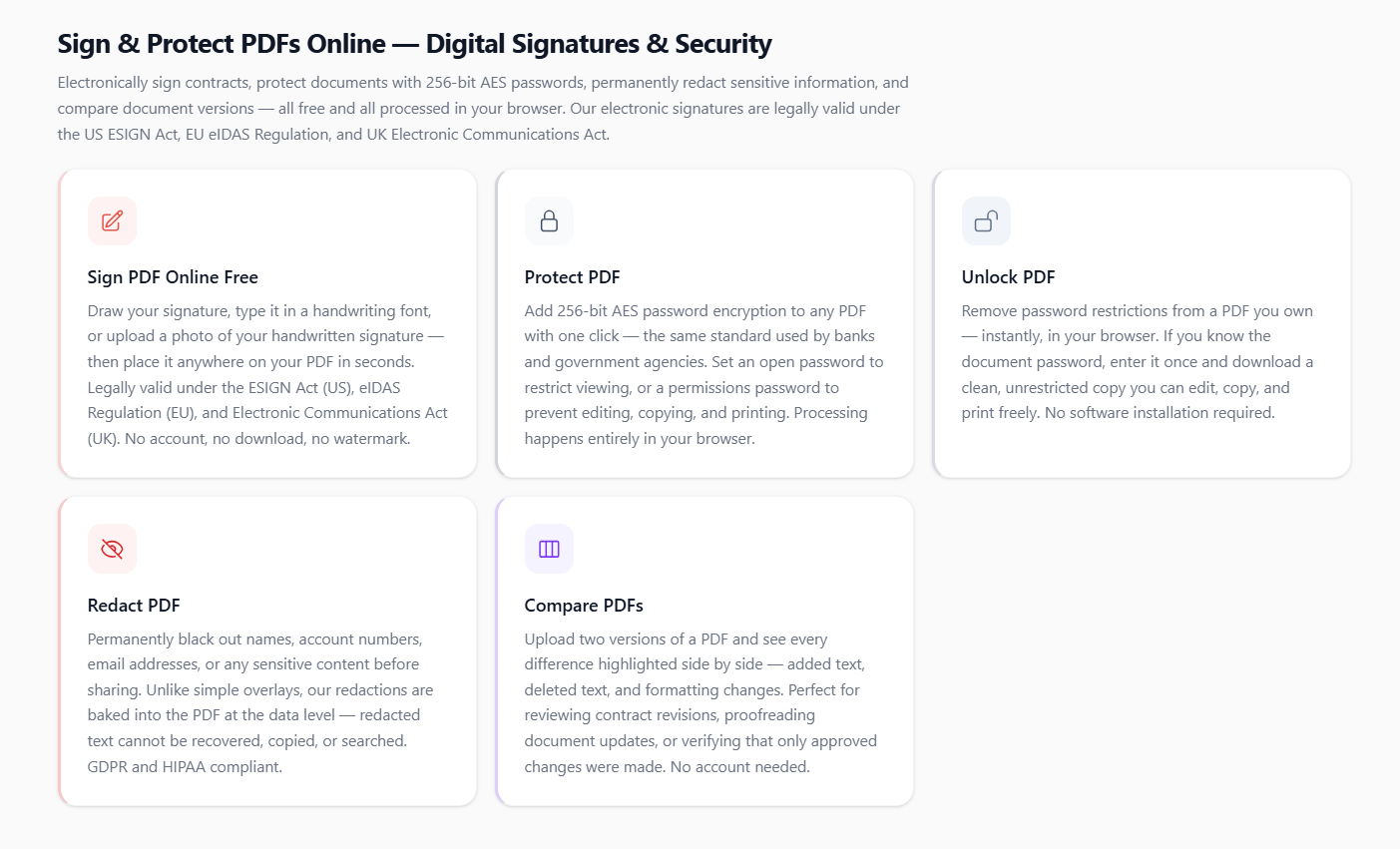
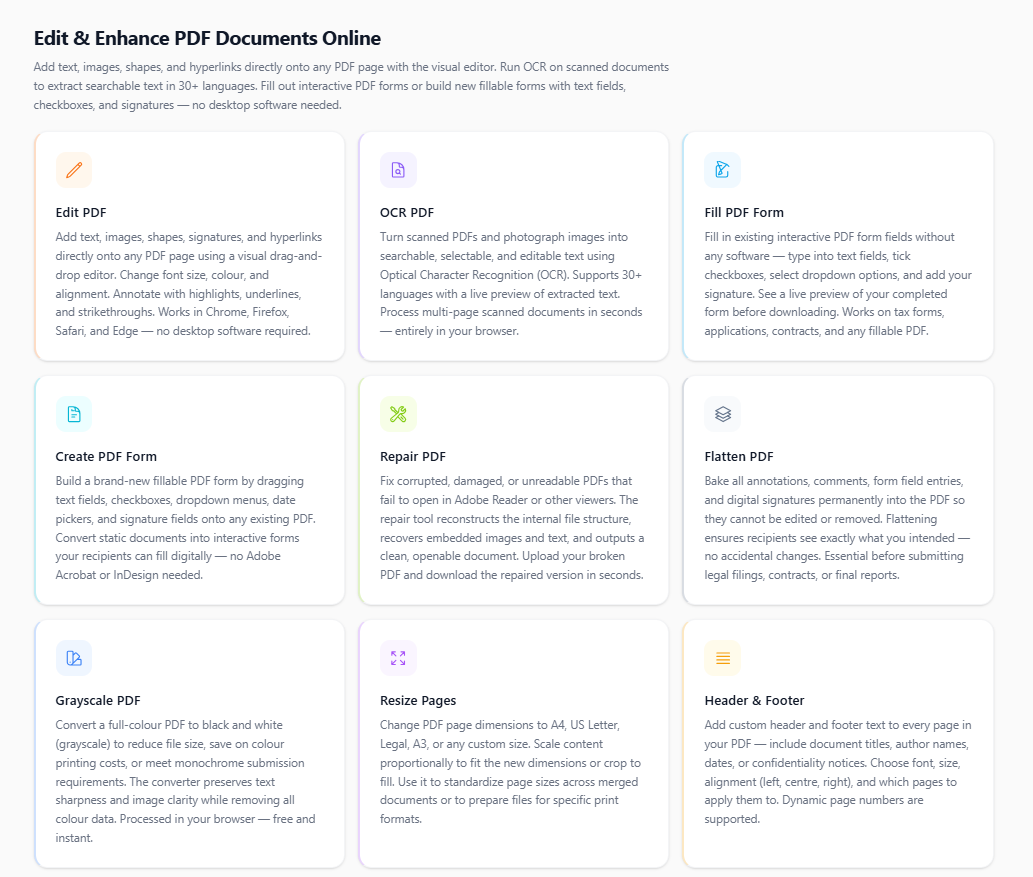
The platform covers every common PDF task without requiring account creation, software installation, or payment. Tools include PDF compression, merging, splitting, page reordering, rotating, cropping, watermarking, password protection, password removal, digital signing (legally valid under ESIGN, eIDAS, and the UK Electronic Communications Act), redaction, form creation and filling, and conversion between PDF and Word (.docx), Excel (.xlsx), PowerPoint (.pptx), JPG, PNG, and WEBP formats.
• Privacy and security architecture
Compression, merging, splitting, rotation, and watermarking run entirely in the browser via WebAssembly — no file is transmitted to any server for these operations. For server-side operations (format conversions, OCR, AI features), all uploads are encrypted over TLS 1.3 and automatically deleted from servers within 60 minutes of upload. The platform does not display ads inside the tool workspace and imposes no watermarks on output files.
• OCR and AI features
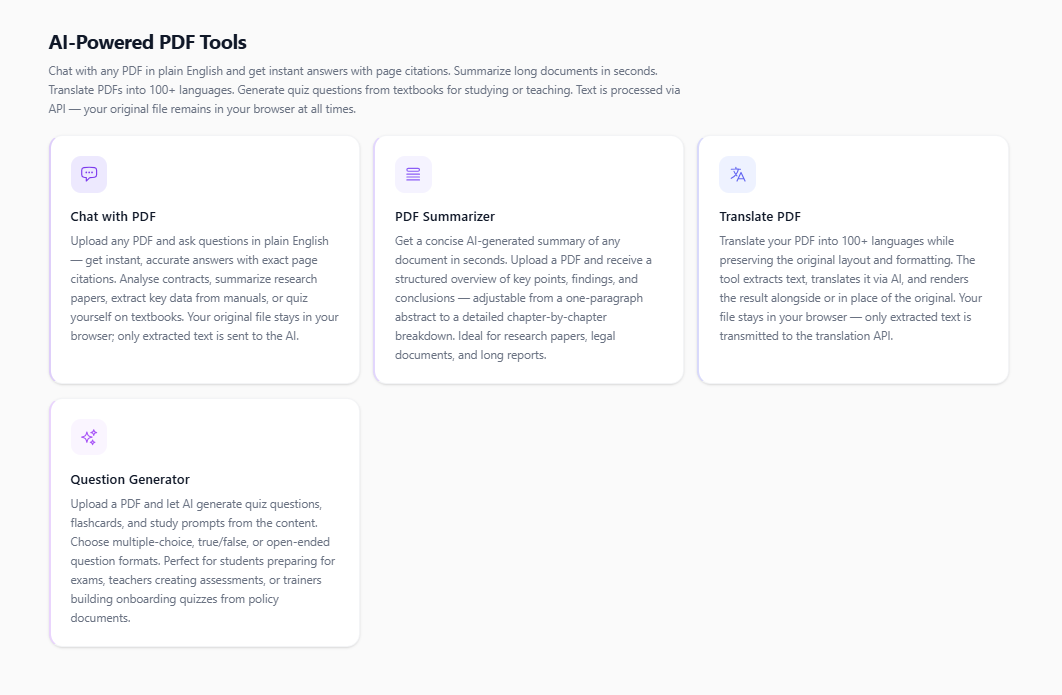
Optical Character Recognition supports 30+ languages and converts scanned PDFs and image files into searchable, editable text. AI tools include Chat with PDF (question-and-answer against document content with page citations), AI Summarizer (condenses long documents into structured briefs), multilingual translation (100+ languages), and a quiz generator for educational use. AI processing sends only extracted text to the LLM API; the original file remains in the browser.
• Pricing and roadmap
All 59 tools are free for individual use with no feature gating, daily caps, or forced sign-up. AI features are available from $0.99 per use. A team plan with SSO, audit logs, retention policies, and API access is scheduled for Q3 2026. A native mobile application is on the Q4 2026 roadmap.
Categories & Use Cases
Media


1 / 5
Screenshot of Sign & Protect PDFs Online — Digital Signatures & Security