
TrustRadius: an HG Insights company

Orangescrum

Score7 out of 10

8 Reviews and Ratings

What is Orangescrum?

Orangescrum is an integrated project management platform providing tools for task tracking, resource allocation, and project lifecycle management. The platform is available via a cloud-based SaaS model (Orangescrum Cloud) or through on-premises deployment.

Deployment Options

  • Cloud (SaaS): Managed hosting with automated maintenance and updates.
  • On-Premises: Self-managed deployment for organizations requiring local data control and specific infrastructure integration.

Core Functionalities

The platform centralizes the following project management modules within a single interface:

  • Task & Agile Management: Support for Agile methodologies, including sprint planning and task tracking.

  • Resource Management: Tools for resource allocation, workload monitoring, and time tracking.

  • Project Scheduling: Gantt charts for timeline visualization and dependency mapping.

  • Financial Tracking: Modules for budget management and cost monitoring.

  • Automation & Integration: Automated workflows, notification systems, and API capabilities for third-party integrations.

Technical Features and Security

  • Authentication & Access Control: Support for Single Sign-On (SSO), LDAP, and role-based access control (RBRB).
  • Reporting: Automated reporting engines for project progress, team productivity, and financial metrics.
  • Extensibility: Plugin architecture for adding custom functionalities and integrating with existing enterprise software.

Pricing Structure (Cloud)

  • Basic: $29/month
  • Professional: $69/month
  • Enterprise: $349/month
    (Note: On-premises licensing and enterprise-grade features are available via custom quote.)

Media

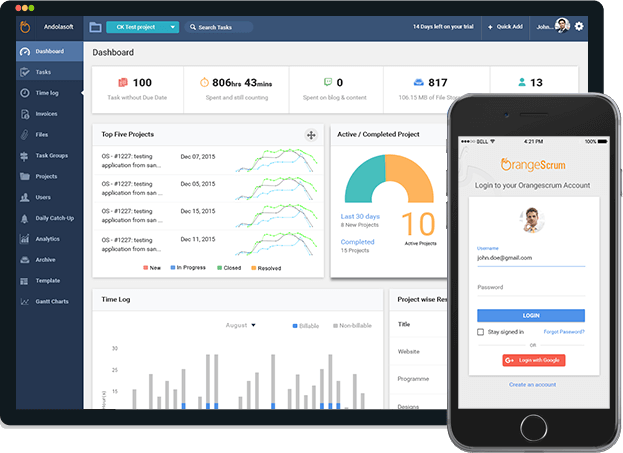
Screenshot of the Web and Mobile Application
Screenshot of Instant messaging and chat
Screenshot of the Projects dashboard
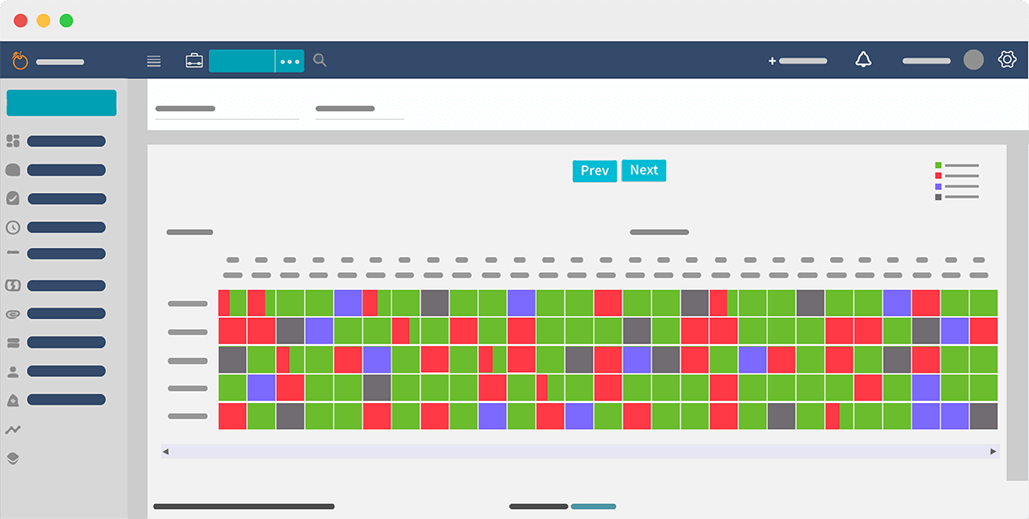
Screenshot of Resource Availability
Screenshot of the Task Group Kanban View
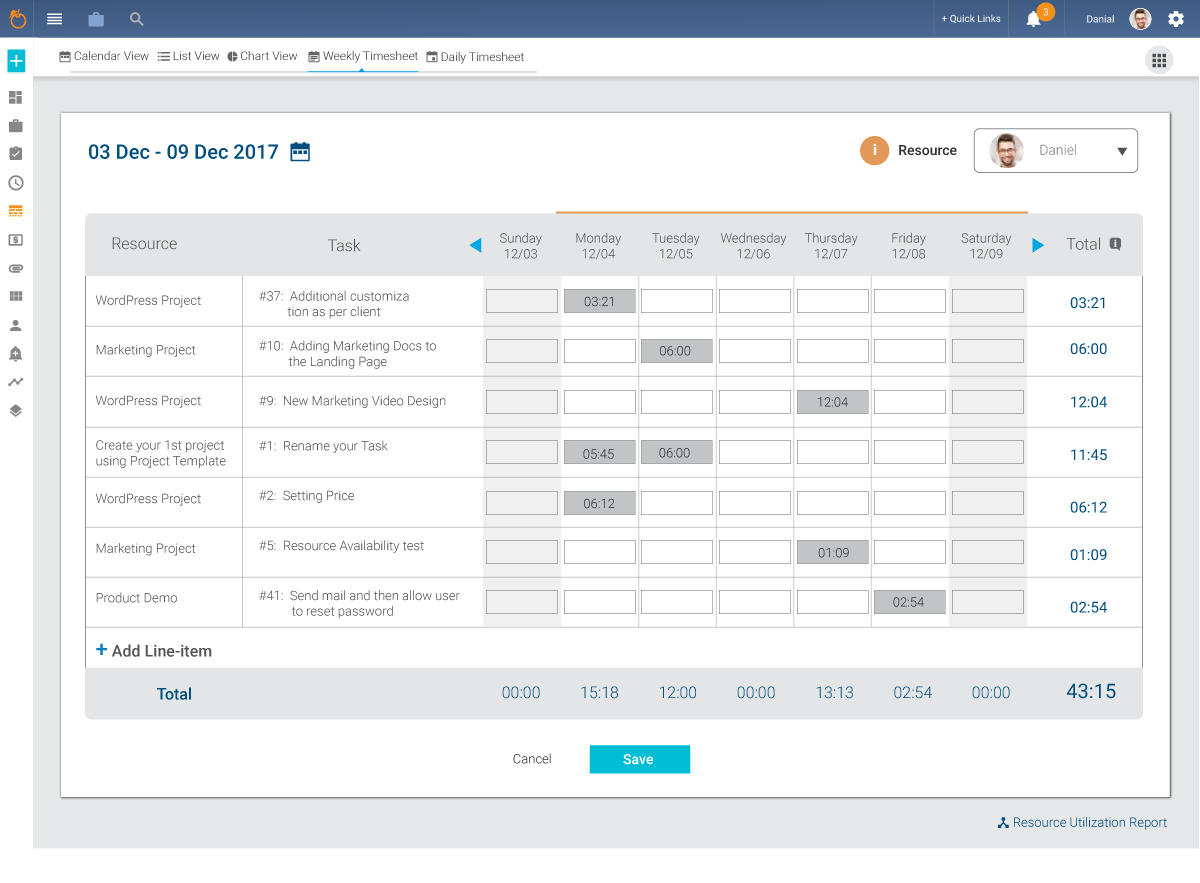
Screenshot of a Weekly Time Sheet
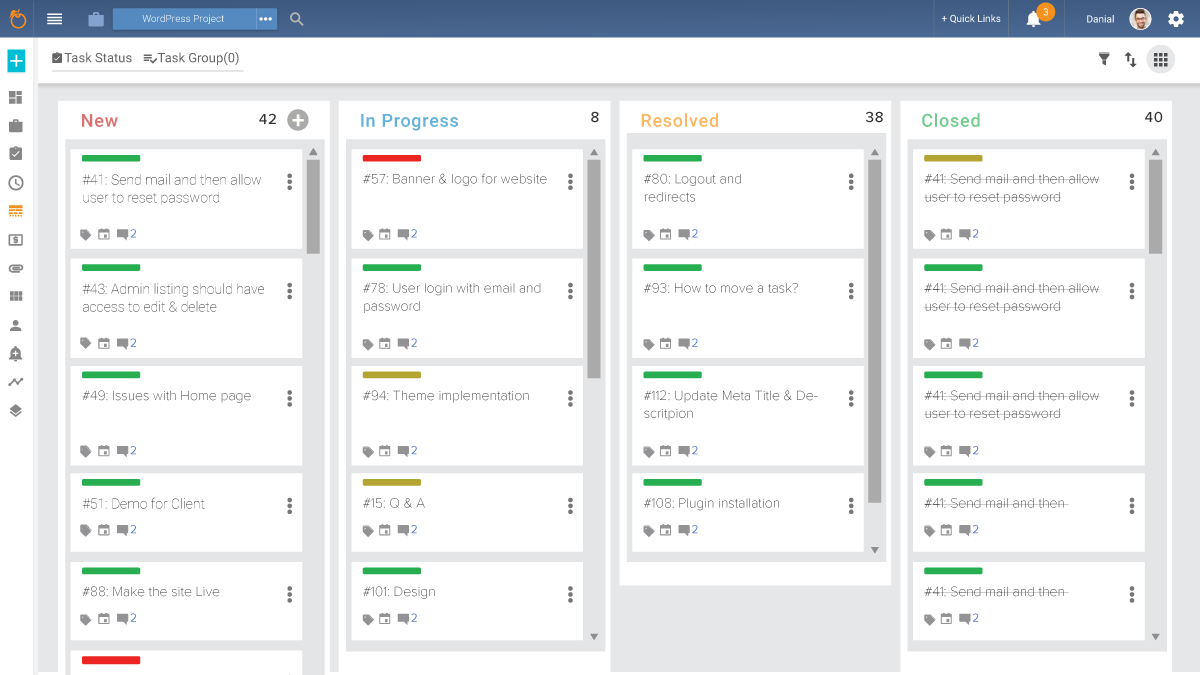
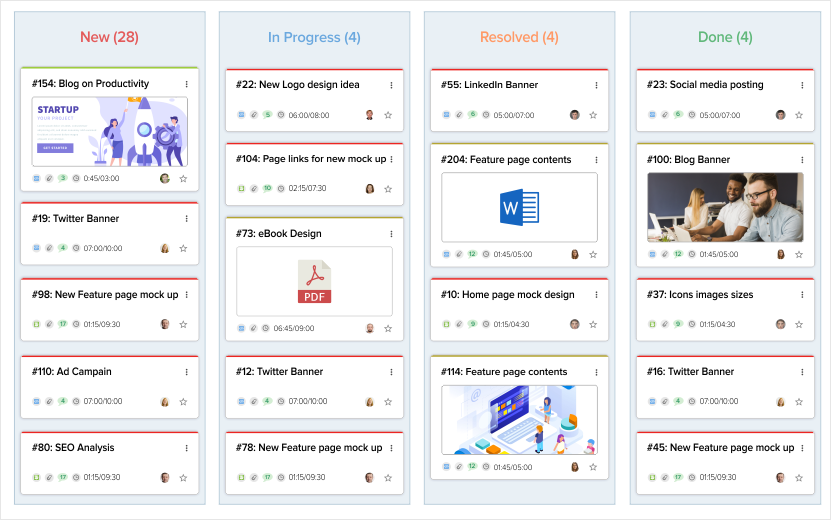
Screenshot of the Kanban View
Screenshot of the website Home Page
Screenshot of Kanban Agile Project Management
Screenshot of Scrum Board Agile Management
Screenshot of Gantt Chart Task Progress
Screenshot of a Product Backlog
Screenshot of a Sprint Board
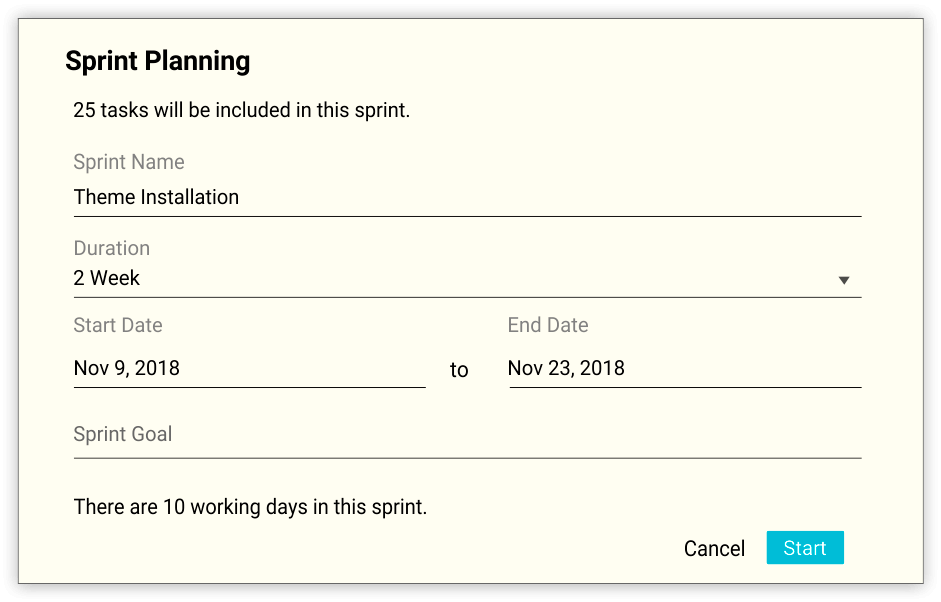
Screenshot of Sprint Planning
Screenshot of a Sprint Report
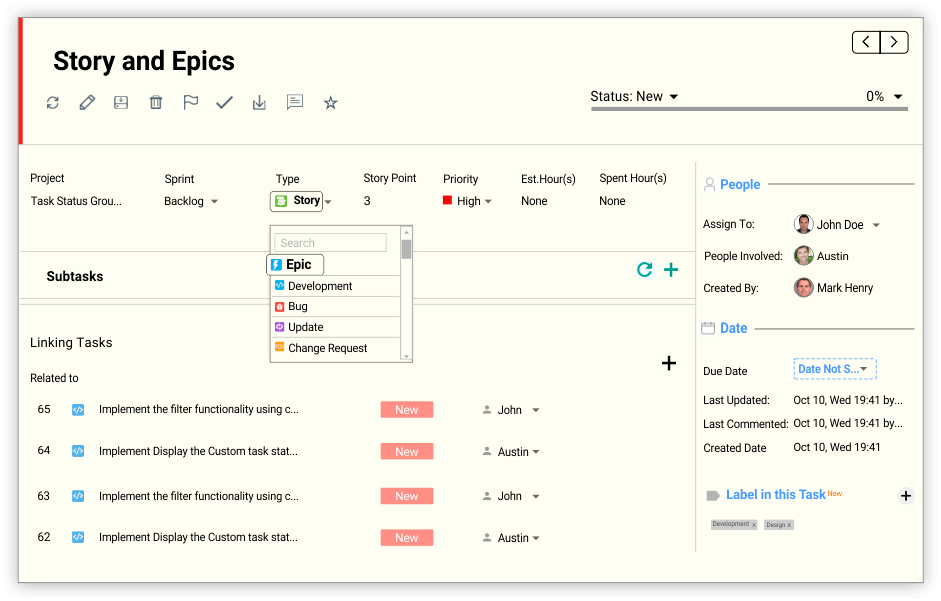
Screenshot of a Story Epic
Screenshot of a Story Point
Screenshot of Resource Availability
Screenshot of Resource Utilization
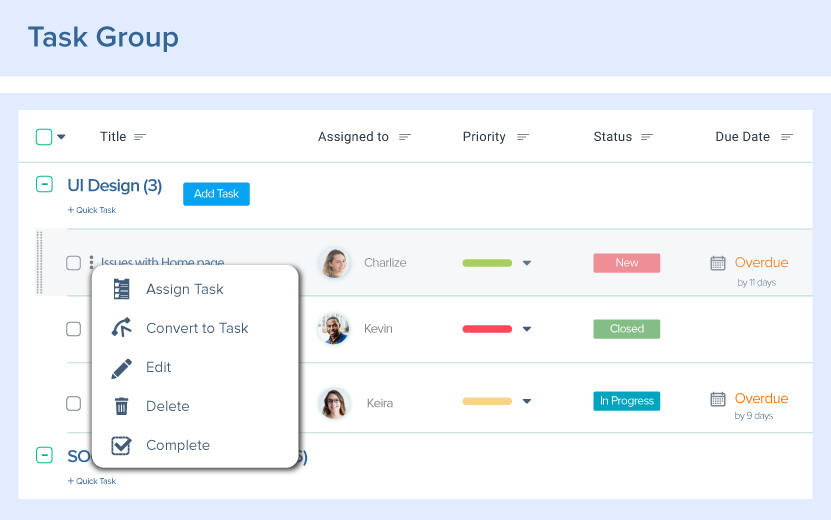
Screenshot of a Task Group
Screenshot of a Drop down Task Group
Screenshot of a Subtask
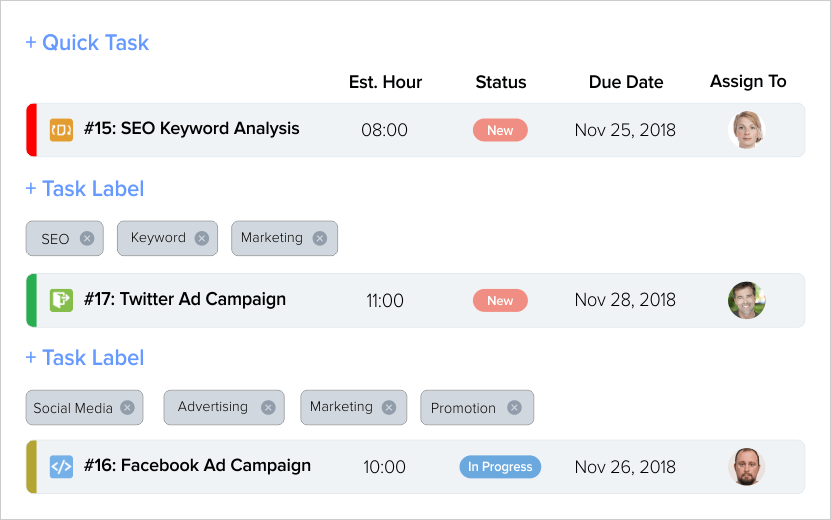
Screenshot of a Task Label
Screenshot of Task Linking
Screenshot of the Task List View
Screenshot of Task Priority
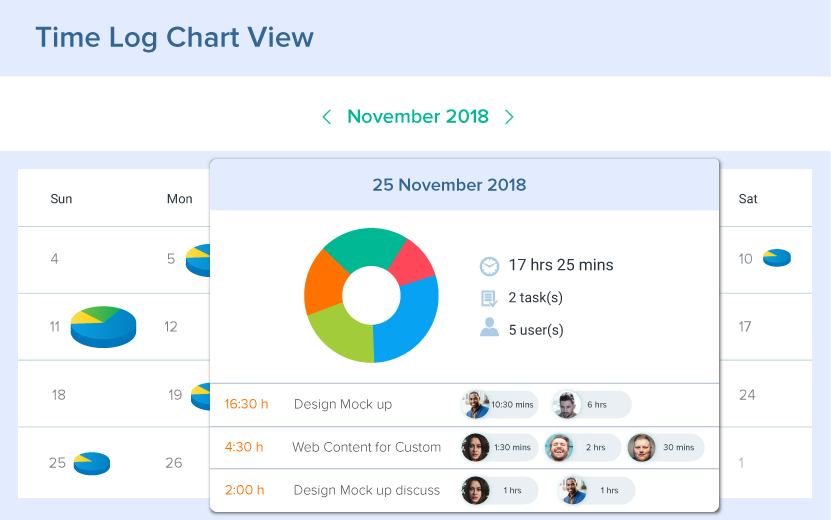
Screenshot of a Time Log

1 / 27

Screenshot of the Web and Mobile Application

Top Performing Features

  • Task Management

    This includes the ability to plan, track, collaborate and report on tasks.

    Category average: 9

  • Resource Management

    Resource management is workload planning to maximize resources.

    Category average: 8.1

  • Gantt Charts

    Gantt charts are charts that show tasks or events along the y-axis displayed against time along the x-axis.

    Category average: 7.9

Areas for Improvement

  • Workflow Automation

    Workflow automation is the ability to route work requests along an approval process automatically.

    Category average: 8.2

  • Email integration

    Email integration allows work requests to be made directly from email.

    Category average: 7.6

  • Budget and Expense Management

    Budget and expense management provides the capability to track all expenses by employee or department and link them back to department. It also enables hourly rates to be set.

    Category average: 7.7

Good software but the price is steep

Pros

  • We tested the free version of the program. It improved communication within the team.
  • Allowed to trace performance and time spent on tasks. Each team member was aware of the status of the tasks and could plan their work.
  • Simplified interaction with managers, as it could present the results in the form of Gantt charts.

Cons

  • The program interface is overloaded. Especially when there is little time for a detailed description of the tasks.
  • I would like a faster way to publish the result at the completion of the task.
  • Projects and tasks are two different workspaces/pages. Personally, it would be more convenient to combine these things.

Return on Investment

  • It accelerated the work of the team, but the mastering of the program interface was slow.
  • The interface is not intuitive. It proved to be quite complicated.
  • For managers, the program has facilitated reporting and streamlined team tracking.

Alternatives Considered

Trello

Other Software Used

Trello, Google Drive, MindMeister