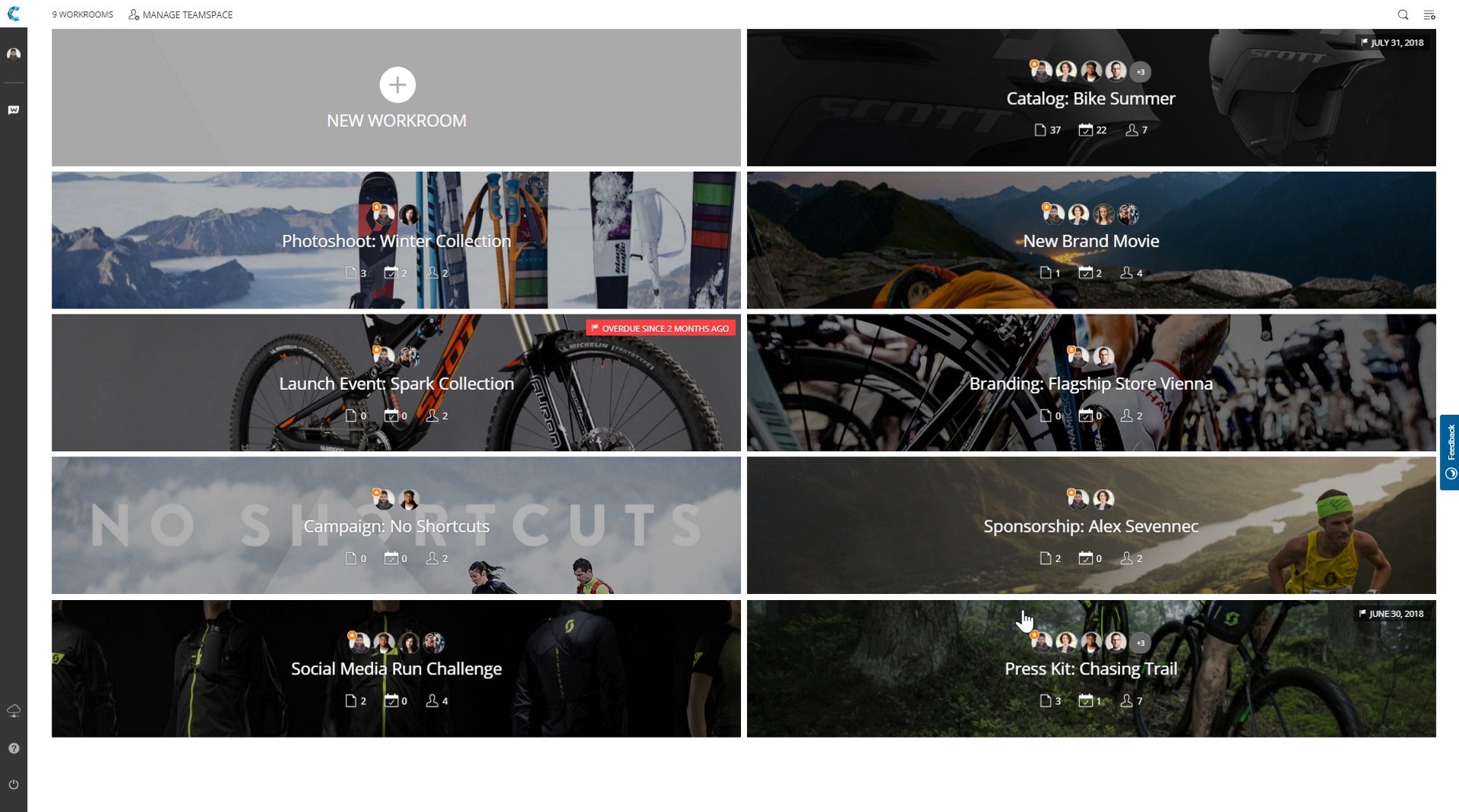
Workrooms is great!
Use Cases and Deployment Scope
Pros
- Being easy to use
- Cheap
- Clean interface
Cons
- Finding it online
- Downloading it
- Subscribing/buying
Return on Investment
- More productivity
- More spare time
- Not accessible on phones
WorkRooms blends agile task management with file organization. Users get a visual overview of projects, reviews and approvals and can share files with anyone.
Built with a content-centric approach, WorkRooms focuses on the production, management and approval of content such as photos and graphics, audio or video material. Kanban-style boards are enhanced by clearly defined processes, smart access and approval rules, and file management capabilities. The software offers unlimited seats so users can invite & collaborate with all internal & external stakeholders.
WorkRooms is described by the vendor as a key tool to digitally transform teamwork and file handling. They say it boosts team productivity by bringing tasks and files together and provides full transparency on every status of a project.
The challenges WorkRooms aims to solve:
- Files and tasks in one place
Increase project speed by unifying files, tasks, and conversations in one place.
- Review and approve
Set markers and review any filetype – from documents and pictures to videos.
- Invite anyone to work with you
Share, approve and delegate any work to unlimited users without additional costs.
- A new kind of workflow
Make teamwork transparent, agile, and easily manageable.
1 / 4
Includes visual tools such as pinboards, mind-maps, or charts for collaborative brainstorming and/or workflow planning.
Category average: 7.8
Scheduling capabilities allow users to set schedules on tasks, and create timelines and milestones.
Category average: 8.1
Users can control access to (shared) files, including different levels of access such as view-only or permission to edit.
Category average: 8.2
Supports audio file types, such as .mp3, .mp4, and .wav
Category average: 8.2
Instant messaging tool allows users to communicate with select other users in real-time threads.
Category average: 9
Mobile access is the ability to access the software from a smartphone or tablet.
Category average: 8.5