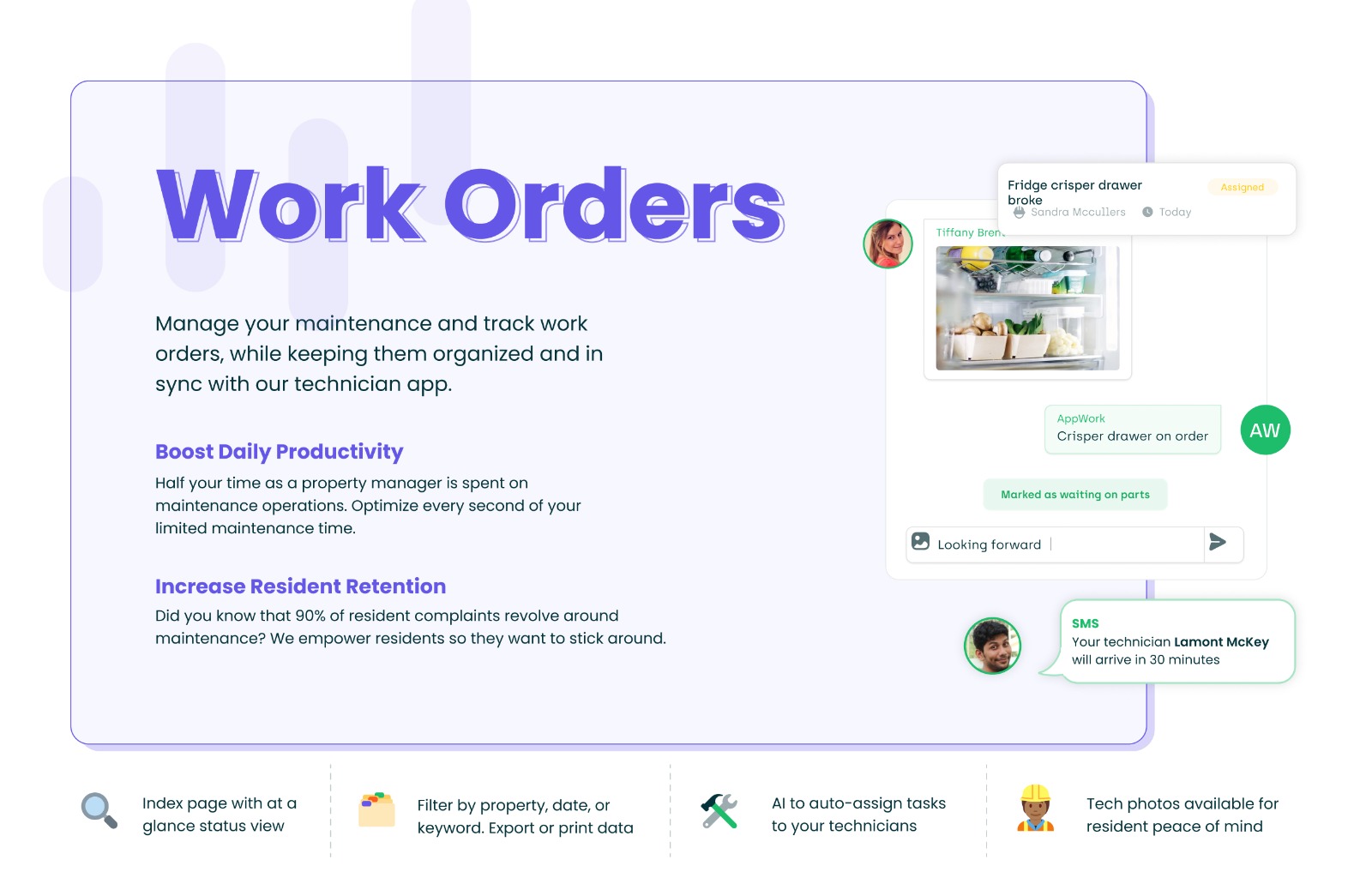
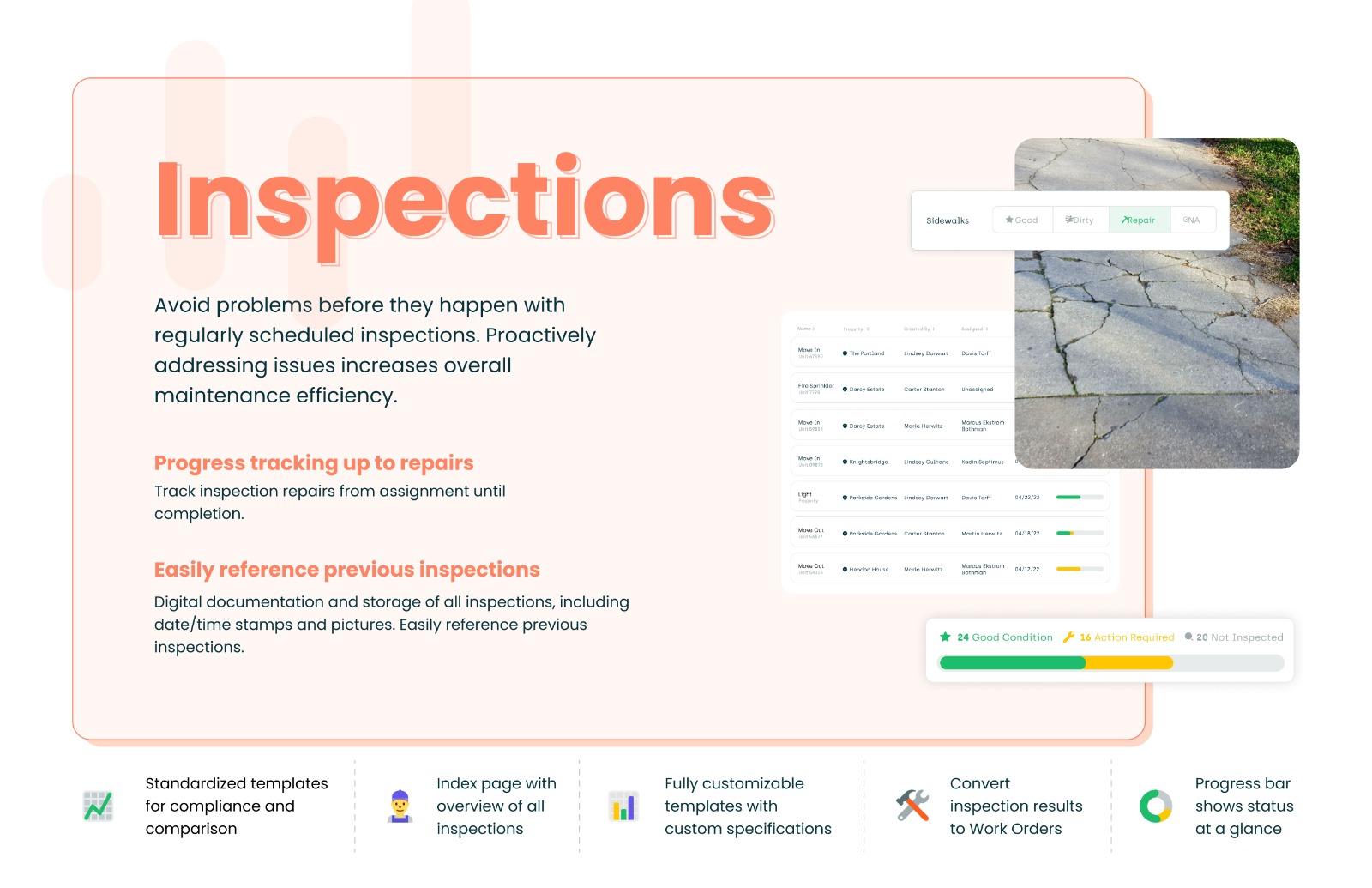
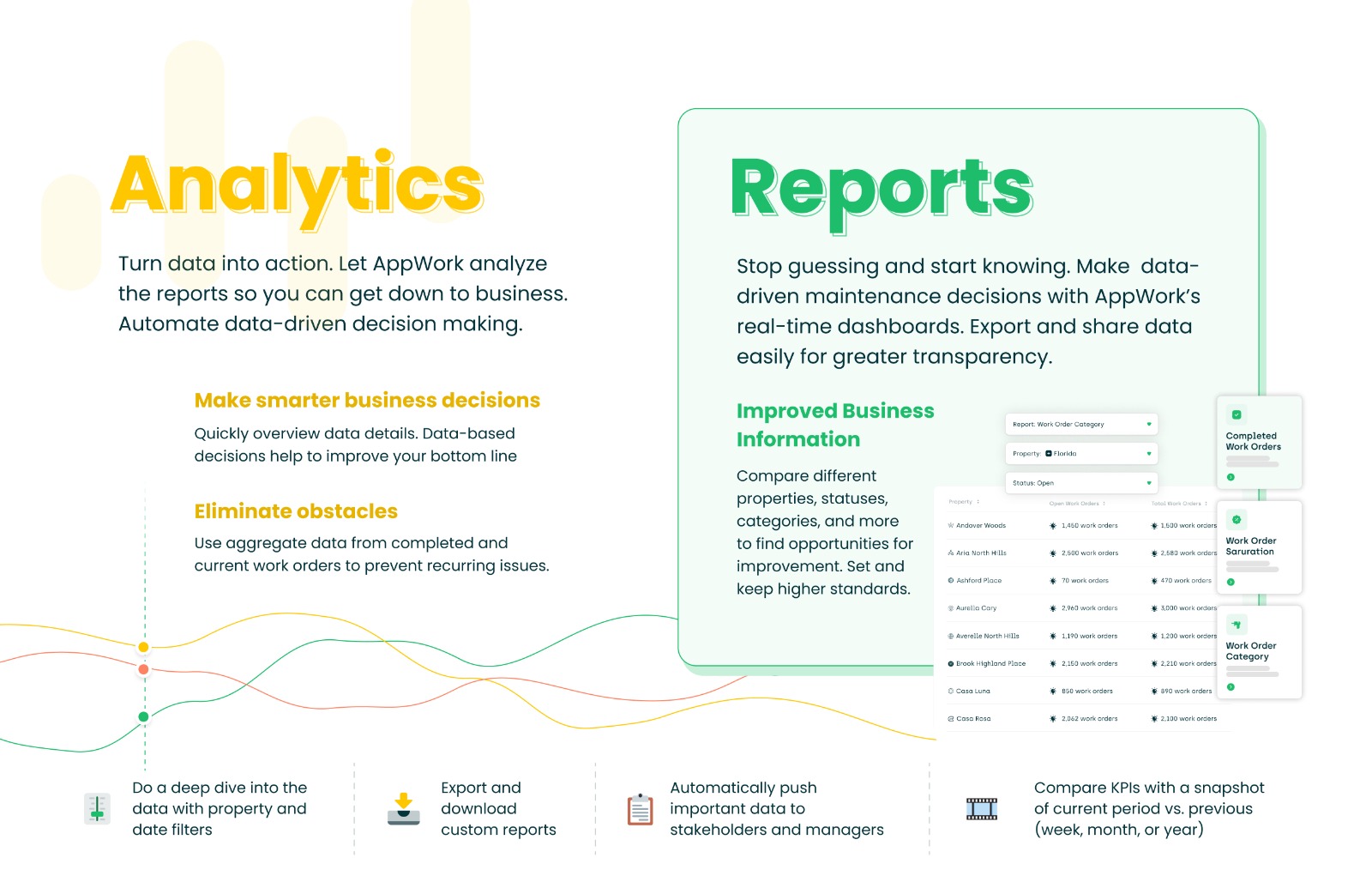
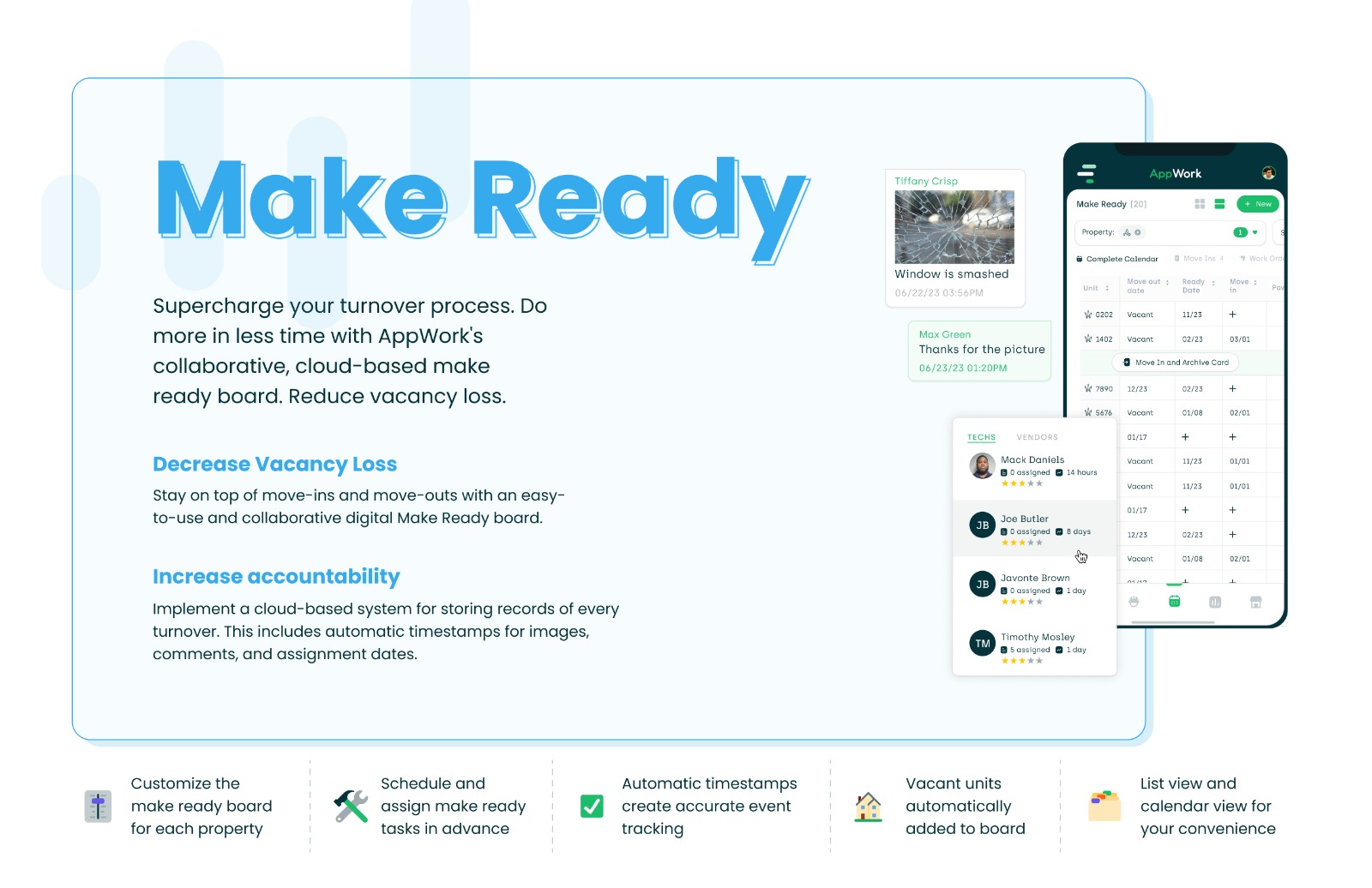
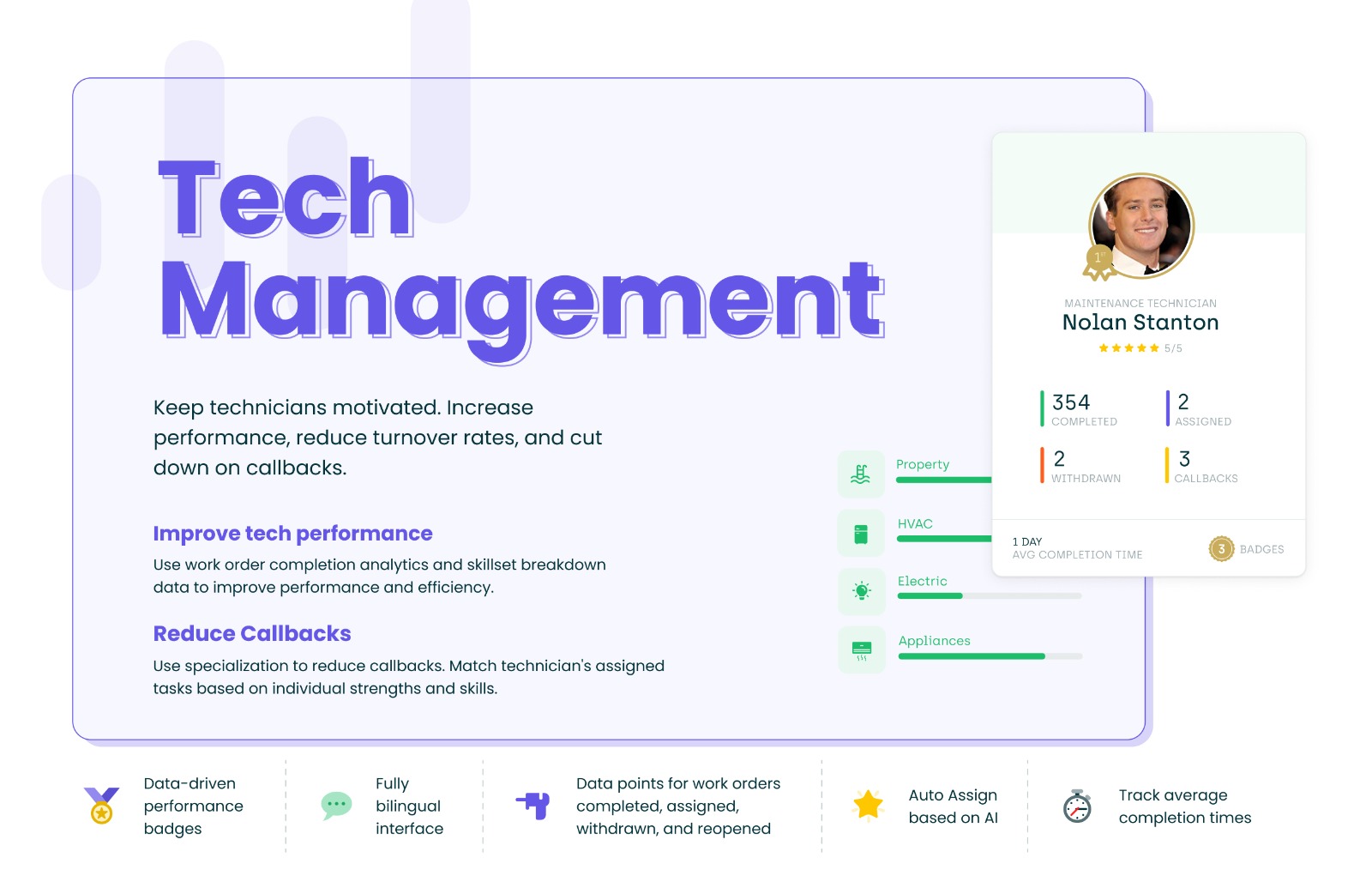
For property management teams looking to enhance their maintenance operations, AppWork presents a solution that covers processes from work orders and inspections to vendor management and incident reporting.
N/A
IBM Maximo Real Estate and Facilities
Score9 out of 10
N/A
IBM Maximo Real Estate and Facilities (formerly Tririga) is an integrated workplace management system (IWMS) supporting facilities management, real estate portfolio management, space management, and environmental / energy management.
It is great for organizations who have complex data or large amounts of data. For an organization that has small amounts of data or very simple processes TRIRIGA might be too much. It can handle small data and processes but the costs of implementing and supporting might be greater than the reward that would be provided. It also has a lot of room to grow. You can utilize existing forms and business objects or you can custom build new ones to fit business needs.
A de minimis incentive was given to thank the reviewer for their time. The incentive was not used to bias or drive a particular response, nor was the incentive contingent on a positive endorsement. More Info
A de minimis incentive was given to thank the reviewer for their time. The incentive was not used to bias or drive a particular response, nor was the incentive contingent on a positive endorsement. More Info
In order to get into the back end and manage spaces, there are too many "clicks" and pop up boxes to get to the area that is needed, which causes delays and confusions.
It can be a bit slow when processing requests, pulling up maps.
Trigia holds a lot of information, which is good but it could be easier to get to at times.
A de minimis incentive was given to thank the reviewer for their time. The incentive was not used to bias or drive a particular response, nor was the incentive contingent on a positive endorsement. More Info
I give it this rating because it has more than one way to get to most forms but it can be hard to navigate if you don't know the terms TRIRIGA uses. Also being a new developer can bring up issues with not knowing exactly where certain things are found. The documentation doesn't help too much sometimes since the TRIRIGA community is pretty small.
A de minimis incentive was given to thank the reviewer for their time. The incentive was not used to bias or drive a particular response, nor was the incentive contingent on a positive endorsement. More Info
In the almost 7 months I have been working on my current project there has been exactly one unplanned outage. This was in the QA environment during data migration and was caused by a workflow that was circular and self referencing which caused the processing JAVA memory to spike, not resolve and then crash the server.
A de minimis incentive was given to thank the reviewer for their time. The incentive was not used to bias or drive a particular response, nor was the incentive contingent on a positive endorsement. More Info
TRIRIGA does a good job of this, being a server based web application it is like other web based systems so it's not as fast as a client server application or a local system but it is very consistent across locations and for different roles and employees. This does allow consistent use no matter where people are located. It also does a fair job of notifying the user when it is loading with the spinning circle or hour glass. The reports can get fairly complex but native TRIRIGA reports perform well even when they are complex. They can be a little slow if they are fetching 100's of 1000's of rows but this doesn't take more than 10 or so seconds. I have yet to write a native report that takes more than 20 seconds and that 20 second report is getting data from 4 BO's and nets over 130K rows.
A de minimis incentive was given to thank the reviewer for their time. The incentive was not used to bias or drive a particular response, nor was the incentive contingent on a positive endorsement. More Info
The process does seem to take some time and has to go through a preset escalation process. IBM does a good job of communicating through the process, it just seems to take it's natural course.
A de minimis incentive was given to thank the reviewer for their time. The incentive was not used to bias or drive a particular response, nor was the incentive contingent on a positive endorsement. More Info
A de minimis incentive was given to thank the reviewer for their time. The incentive was not used to bias or drive a particular response, nor was the incentive contingent on a positive endorsement. More Info
A de minimis incentive was given to thank the reviewer for their time. The incentive was not used to bias or drive a particular response, nor was the incentive contingent on a positive endorsement. More Info
TRIRIGA can be split into many servers and is easily scaled over multiple environments. TRIRIGA is also capable of being implemented on multiple operating systems and a wide range of environments with different database management systems. This makes it easy for clients to choose since they can choose vendors they have previous relationships with or are required to use for various reasons.
A de minimis incentive was given to thank the reviewer for their time. The incentive was not used to bias or drive a particular response, nor was the incentive contingent on a positive endorsement. More Info
A de minimis incentive was given to thank the reviewer for their time. The incentive was not used to bias or drive a particular response, nor was the incentive contingent on a positive endorsement. More Info