Microsoft's Azure Machine Learning is and end-to-end data science and analytics solution that helps professional data scientists to prepare data, develop experiments, and deploy models in the cloud. It replaces the Azure Machine Learning Workbench.
$0
per month
Gavagai
Score 10.0 out of 10
Enterprise companies (1,001+ employees)
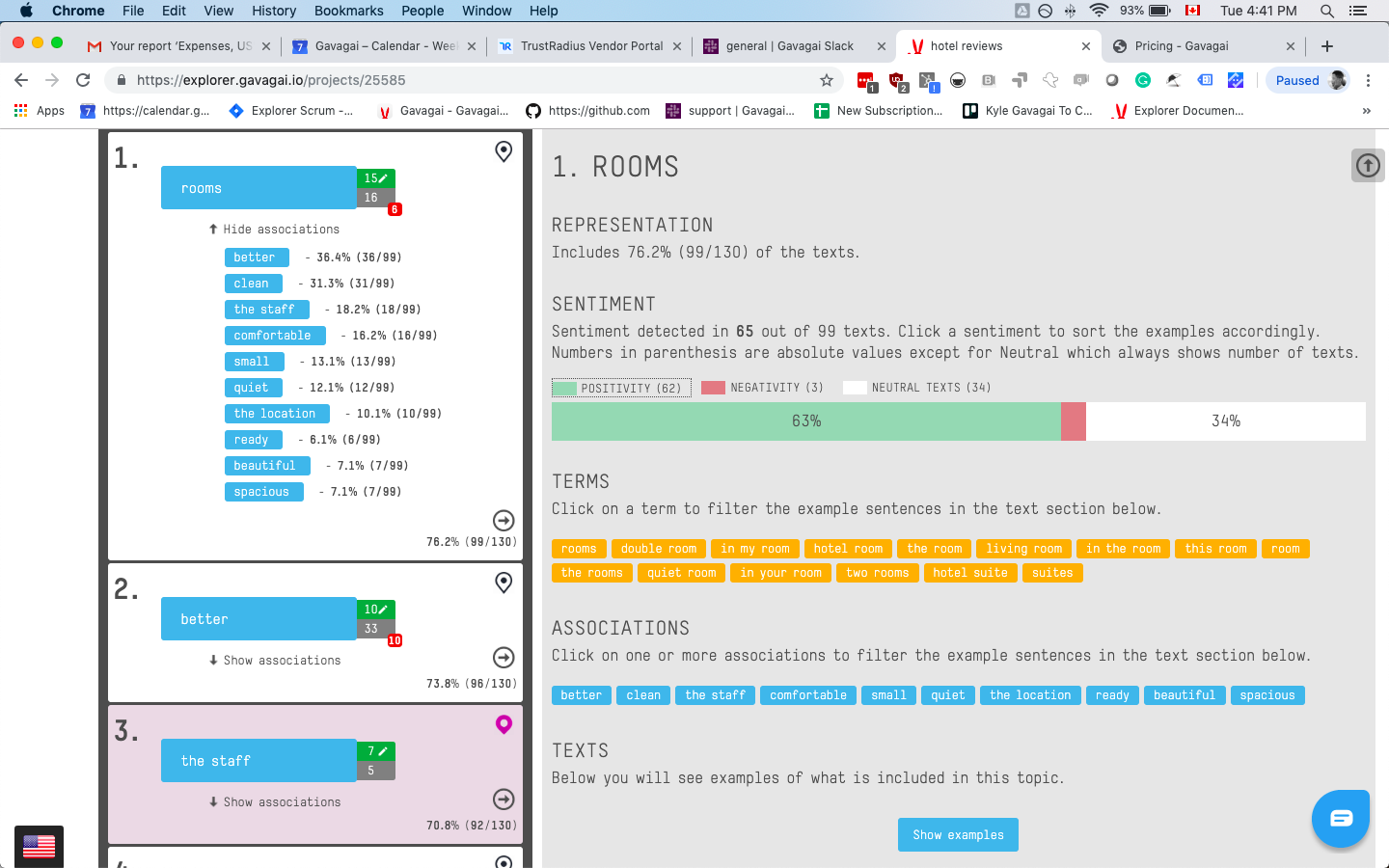
Gavagai Explorer is a text analysis tool for companies that want to keep track of what their customers think – regardless of which language they speak. Explorer analyzes texts in 47 languages. The texts get automatically analyzed and the results are presented in interactive and share-able Dashboards. Gavagai understands meaning The majority of the text data it analyzes comes from sources such as surveys, reviews, emails, chat conversations, and social…
$3,000
Time used to Set Up
Keras
Score 7.0 out of 10
N/A
Keras is a Python deep learning library
N/A
Pricing
Azure Machine Learning
Gavagai
Keras
Editions & Modules
Studio Pricing - Free
$0.00
per month
Production Web API - Dev/Test
$0.00
per month
Studio Pricing - Standard
$9.99
per ML studio workspace/per month
Production Web API - Standard S1
$100.13
per month
Production Web API - Standard S2
$1000.06
per month
Production Web API - Standard S3
$9999.98
per month
Small - 3 project slots -1200 credits
€ 120 per month - More or extra credits can be purchased
Number of Texts Analyzing, number of seats, number of projects
Medium - 10 project slots - 1200 credits
€ 400 per month - More or extra credits can be purchased
Number of Texts Analyzing, number of seats, number of projects
Large - 50 project slots - 1200 credits
€ 2,000 per month - More or extra credits can be purchased
Number of Texts Analyzing, number of seats, number of projects
The Entire Web Application
$3000.00
Time used to Set Up
Enterprise
quote: https://www.gavagai.io/request-quote/
Number of Texts Analyzing, number of seats, number of projects
No answers on this topic
Offerings
Pricing Offerings
Azure Machine Learning
Gavagai
Keras
Free Trial
No
Yes
No
Free/Freemium Version
No
No
No
Premium Consulting/Integration Services
No
No
No
Entry-level Setup Fee
No setup fee
Optional
No setup fee
Additional Details
—
Buy extra credits at any time
Bought credits never expire
—
More Pricing Information
Community Pulse
Azure Machine Learning
Gavagai
Keras
Considered Multiple Products
Azure Machine Learning
Verified User
Anonymous
Chose Azure Machine Learning
The Azure Machine Learning Studio eliminates the
complex tasks of data engineering and python coding for the data scientists to build models a simpler way. While SageMaker provide[s] a similar environment, [it] requires higher knowledge of data engineering. Even same for the …
It is easier to learn, it has a very cost effective license for use, it has native build and created for Azure cloud services, and that makes it perfect when compared against the alternatives. As a Microsoft tool, it has been built to contain many visual features and improved …
The answer is quite simple: Microsoft Azure Machine Learning Workbench is the cheapest and most user friendly analytics tool I have ever seen! Unless you are running a team of data scientists, this is the tool to go. Most functions (marketing, sales, finance, supply chain, …
Deputy Manager - Consumer Insights and Brand Development
Chose Gavagai
I didn't evaluate many options while choosing Gavagai, I had explored a few local vendors whose capabilities were either incomplete or were not up to the mark. Their customer support was also quite poor. Also, the tool was debugged enough which led to frequent crashing. Alchmer …
As Keras is the high level API, so using Keras, we don't have to be bothered by the low level TensorFlow complexity, and we can reduce a lot coding and testing efforts.
For beginners, I always recommend starting with Keras, because it's really easy to use and learn at first. There is not much pre-requisite for this to start with.
Keras is a good point where you can learn lots of things and also have hands-on experience. There is not much comparison of Keras with Tensorlow, as Keras is a wrapper library which supports TensorFlow and Theano as backends for computation. But once you have enough knowledge …
Keras is good to develop deep learning models. As compared to TensorFlow, it's easy to write code in Keras. You have more power with TensorFlow but also have a high error rate because you have to configure everything by your own. And as compared to MATLAB, I will always prefer …
TensorFlow and Caffe are bit hard to learn but they give you power to implement everything by you own. But most of the time it is not required to implement our own algorithm, we can solve the problem with just using the already provided algorithms. As compared to TensorFlow and …
Azure can be a more unified product. It feels like 10 different tech teams were building it but we're not talking to each other. An example is when the user needs to know what is the next step. Automatically saving a previous state is very helpful as new users are usually not aware of the functionality.
Gavagai is well suited for a B2C business that receives a lot of customer feedback in a form of open-ended text. It makes life easier for the customer experience team to efficiently identify the strengths and areas of improvement for the business. It saves a lot of time and also the hassle of analysing text data manually. It is not just a word cloud tool that shows you the words with the most number of mentions. Gavagai directs you towards actionability.
I would recommend it for use when anyone wants to quickly develop a neural network. Or if a user is solving any machine learning problem that includes deep learning. And this kind of problem will be like image recognition, face recognition, doing some text analysis using deep learning which includes LSTM or some other algorithm.
Few models: Even though it has a lot of Machine Learning models, it is quite limited when compared to R. Most Data Scientists still use and prefer R, so the newest models tend to release as R libraries. With Azure ML, we need to wait for Microsoft to evaluate and decide if including a new model is a good idea or not
Tableau interface: last time I checked there was no easy way to connect with Tableau.
Cloud based: You always need a good internet connection to use it.
Good UX/UI and overall good usability, but it takes a while to get used to the product & platform. The whole design seems fragmented with little in terms of integration with project management tools such as JIRA, or wireframing. Overall it feels like an unfinished product that's meant for teaching more than for production.
I'm satisfied with the Azure Machine Learning Studio- it fulfilled my goal in a single channel. Even haven't worr[ied] about the maintenance or any fault tolerance. This provide[s] the user interactive UI to grab the features easily. [Their] support teams also very help[ful], they stand with us at any time.
The answer is quite simple: Microsoft Azure Machine Learning Workbench is the cheapest and most user friendly analytics tool I have ever seen! Unless you are running a team of data scientists, this is the tool to go. Most functions (marketing, sales, finance, supply chain, logistics, HR, R&D, etc.) could easily integrate Azure ML in its day to day activity.
I didn't evaluate many options while choosing Gavagai, I had explored a few local vendors whose capabilities were either incomplete or were not up to the mark. Their customer support was also quite poor. Also, the tool was debugged enough which led to frequent crashing. Alchmer although is not a direct competitor to Gavagai, since it's more of a customer feedback tool with additional capabilities of text analytics. I found Alchemer to be extremely expensive. Zonka on the other hand was quite welcoming to feedback from me and promised to develop additional capabilities for my specific requirements although the plan didn't go through due to internal reasons.
As Keras is the high level API, so using Keras, we don't have to be bothered by the low level TensorFlow complexity, and we can reduce a lot coding and testing efforts.