brightwheel vs. Famly

Overview
ProductRatingMost Used ByProduct SummaryStarting Price
brightwheel
Score 9.2 out of 10
N/A
Brightwheel is a platform for early education that combines SaaS, Payments, and a consumer-like daily experience, from the company of the same name headquartered in San Francisco. With brightwheel, teachers have tools for assessment, communication, and photo sharing; administrators can manage their business with enrollment, reporting, and online bill pay; parents get a real-time view of their child’s day that helps them participate in the learning + continue it at home.N/A
Famly
Score 9.5 out of 10
N/A
Famly is a childcare management software for childcare centers, daycares or preschools. The software allows directors, managers, staff, teachers, and families to connect and collaborate. Within the platform directors can manage enrollment and finances, families and educators can communicate through messages and news feed, and invoices can be sent and paid, right from within the app. Users among 6300+ childcare centers across the globe Top…
$89
per month
Pricing
brightwheelFamly
Editions & Modules
No answers on this topic
Offerings
Pricing Offerings
brightwheelFamly
Free Trial
NoNo
Free/Freemium Version
NoYes
Premium Consulting/Integration Services
NoNo
Entry-level Setup FeeNo setup feeNo setup fee
Additional Details
More Pricing Information
Community Pulse
brightwheelFamly
Best Alternatives
brightwheelFamly
Small Businesses

No answers on this topic

No answers on this topic

Medium-sized Companies
PowerSchool SIS
PowerSchool SIS
Score 7.2 out of 10
PowerSchool SIS
PowerSchool SIS
Score 7.2 out of 10
Enterprises
PowerSchool SIS
PowerSchool SIS
Score 7.2 out of 10
PowerSchool SIS
PowerSchool SIS
Score 7.2 out of 10
All AlternativesView all alternativesView all alternatives
User Ratings
brightwheelFamly
Likelihood to Recommend
10.0
(1 ratings)
-
(0 ratings)
User Testimonials
brightwheelFamly
Likelihood to Recommend
brightwheel
Any preschool can benefit from brightwheel, no matter the size. Brightwheel is also excellent for billing, which is especially helpful for schools that do not have other databases and billing systems. Because our school is a PS-12, it is a little cumbersome to have brightwheel along with another management system that we use school-wide. It would be nice to have a separate price point that does not include the things that another database system does for schools that are required to use what the older grades also use.
Read full review
Famly
No answers on this topic
Pros
brightwheel
  • Recording data for students.
  • Connecting to parents with photos, videos, and messages.
  • Signing in and out electronically and saving paper daily.
Read full review
Famly
No answers on this topic
Cons
brightwheel
  • Offering a price point that does not include billing.
  • Allowing more freedom of uploading own documents.
Read full review
Famly
No answers on this topic
Alternatives Considered
brightwheel
Brightwheel does much more for the preschool level than FACTS does. The creators of this app know early childhood. The company also provides helpful webinars that are unrelated to their software, such as staff retention or ways to market. They understand the business of early childhood and exist to make the lives of providers easier.
Read full review
Famly
No answers on this topic
Return on Investment
brightwheel
  • Value add for parents
  • Saves paper
  • Benefits for teachers who fully utilize
Read full review
Famly
No answers on this topic
ScreenShots

Famly Screenshots

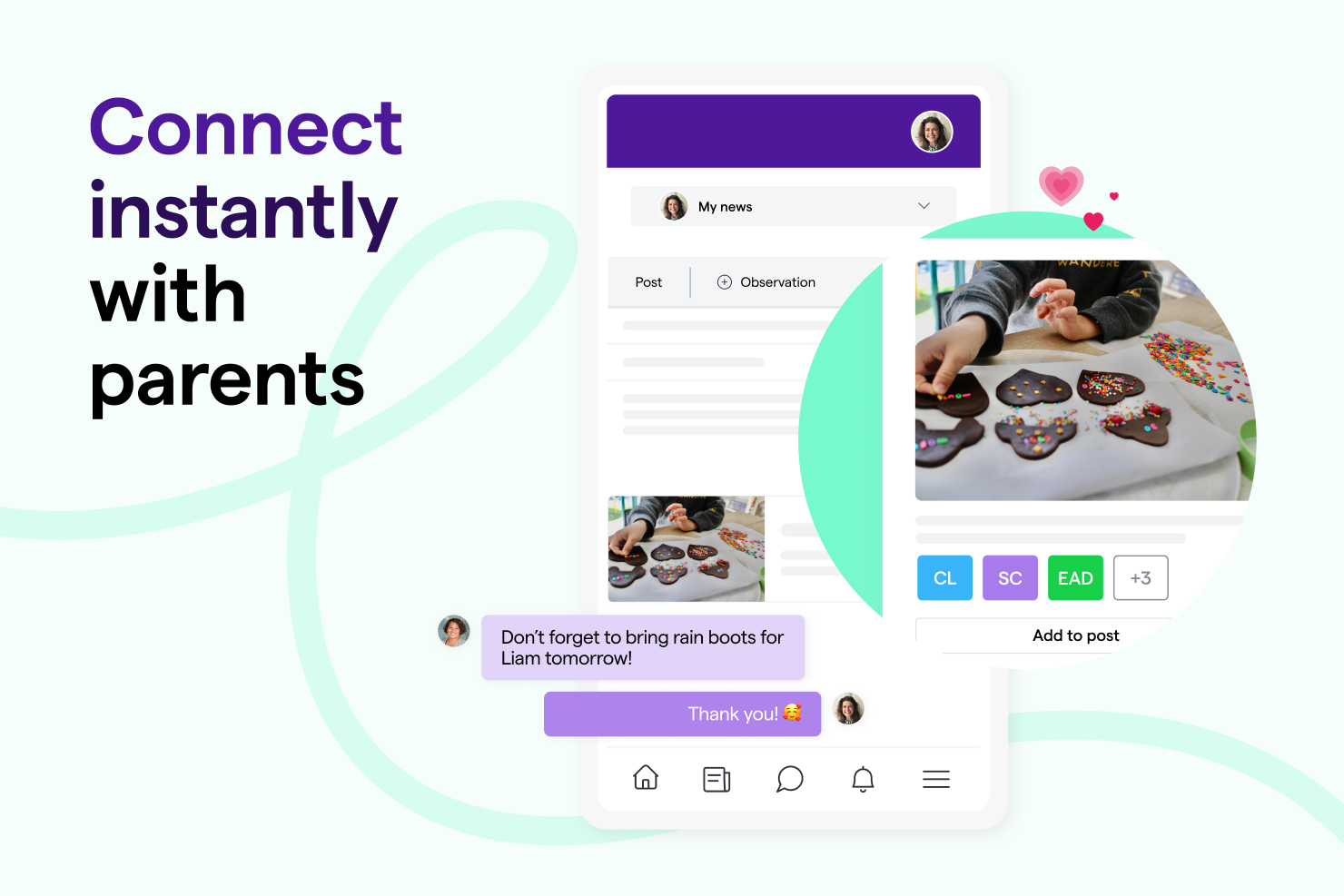
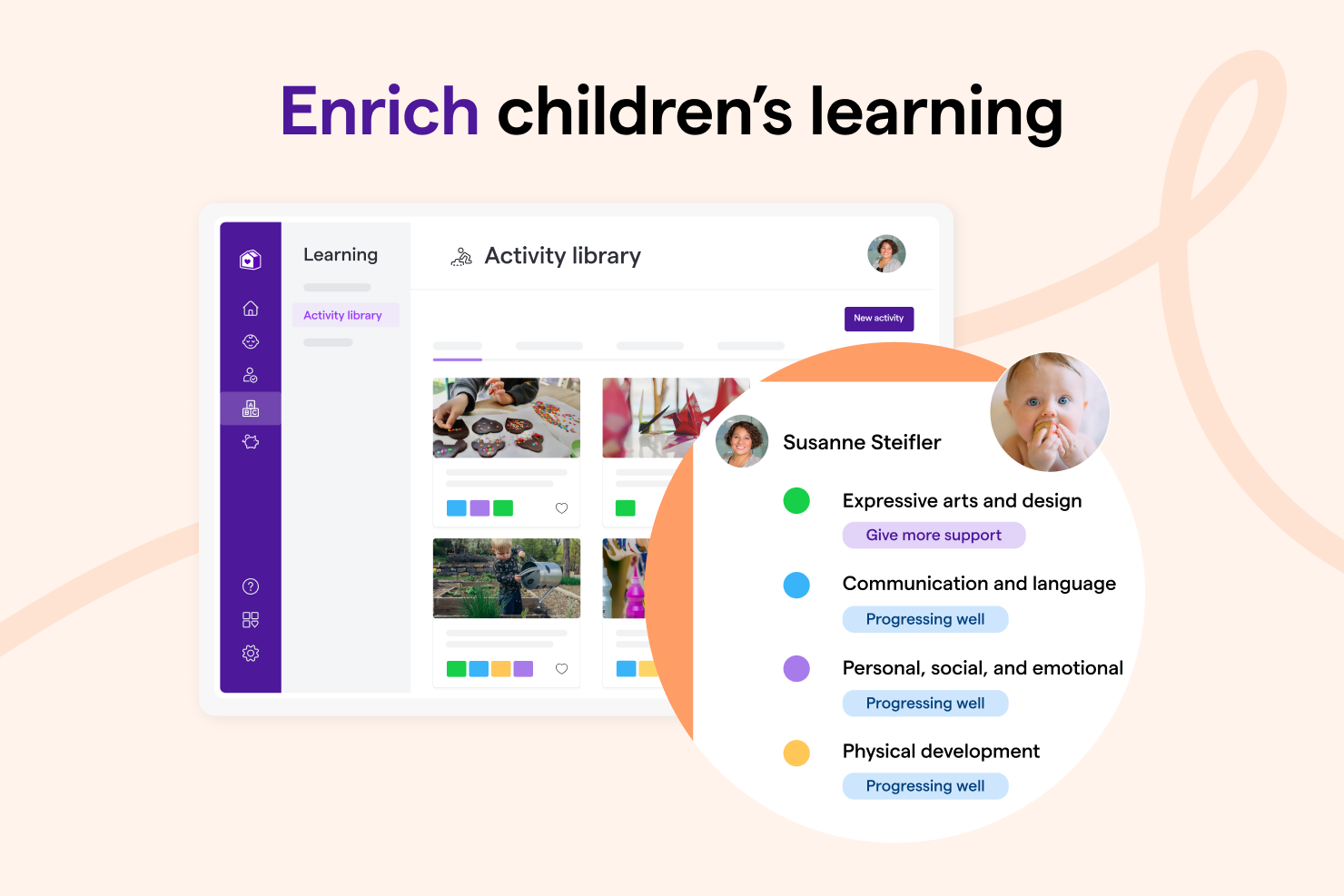
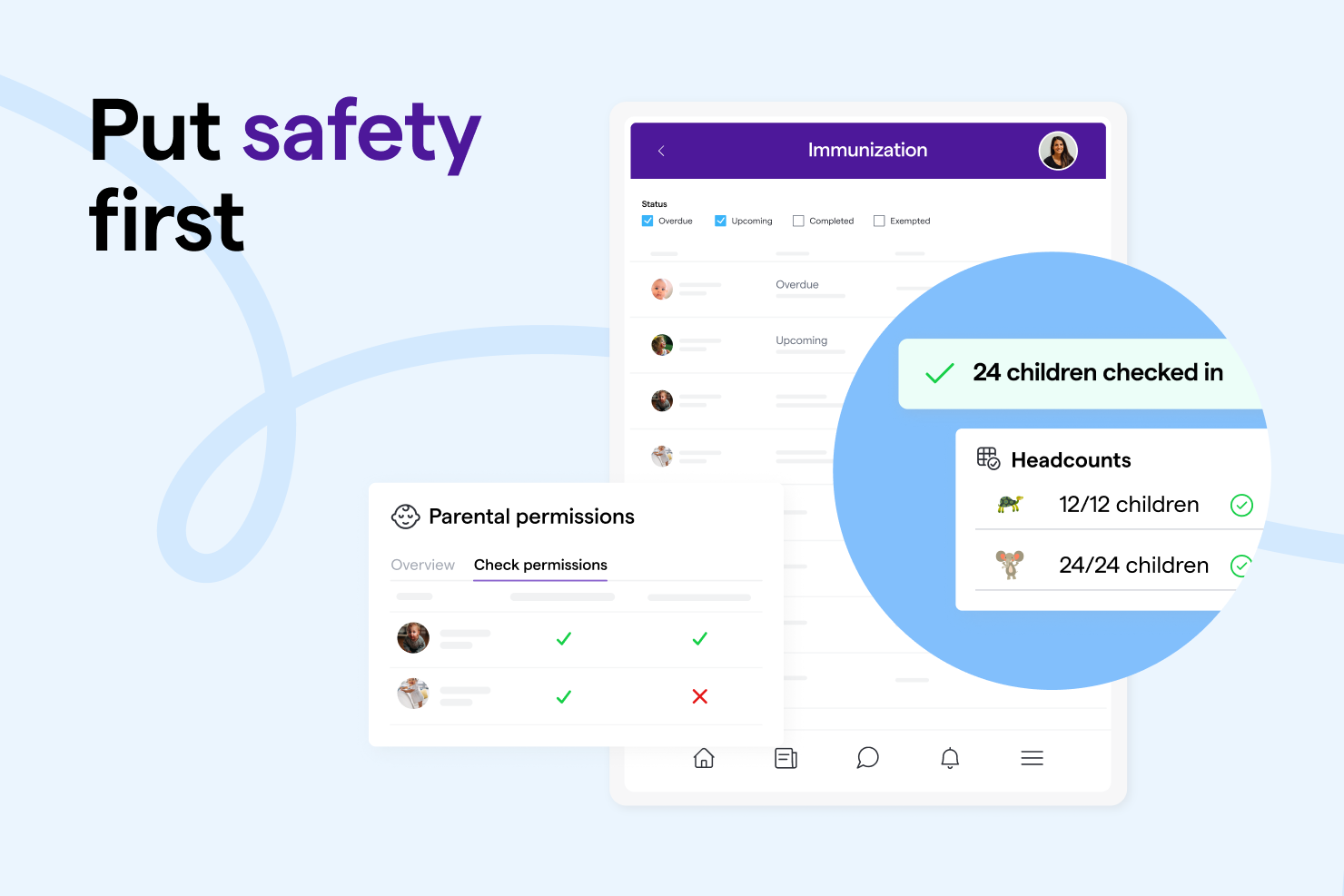
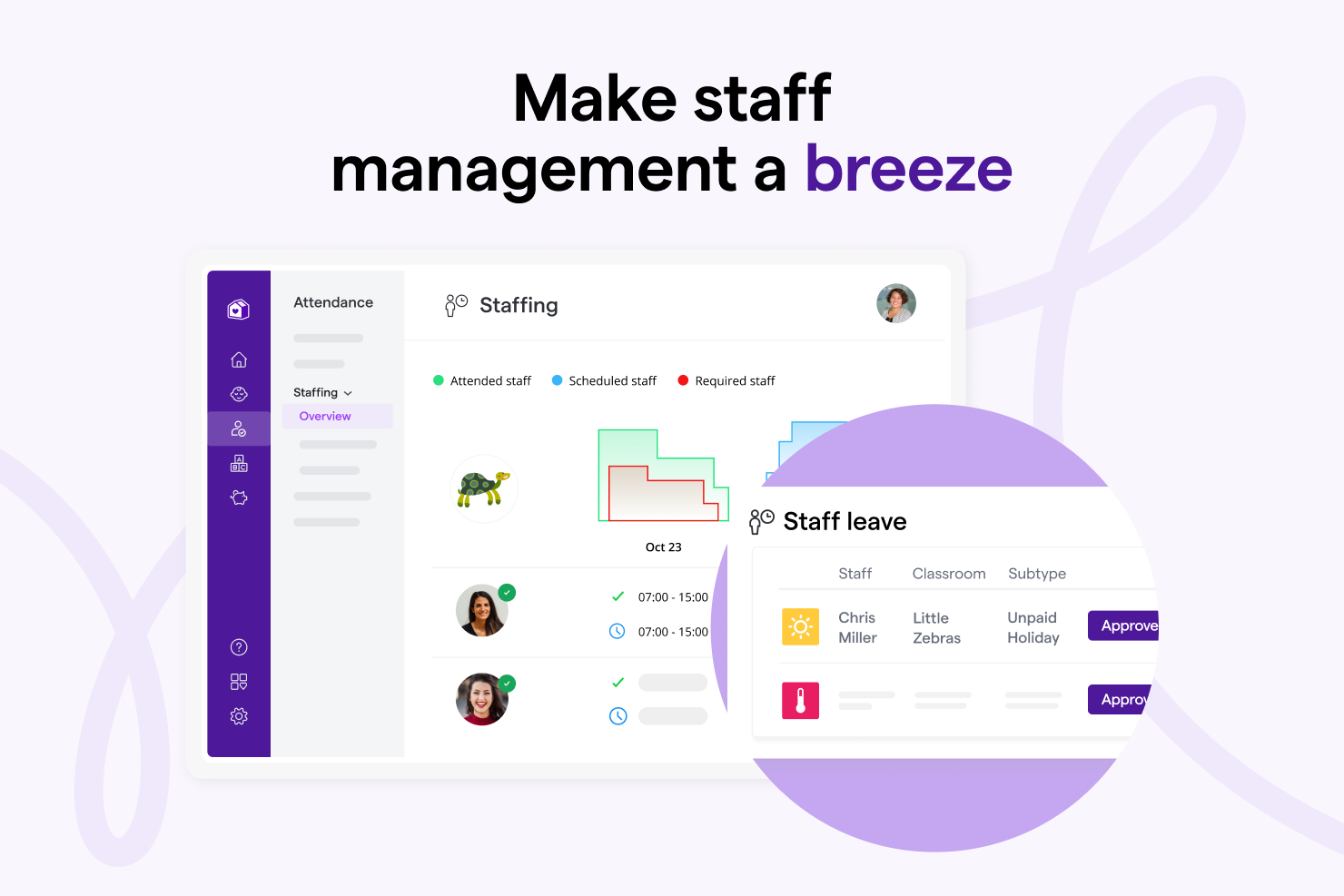
Screenshot of Famly is a collaborative child care platform for directors, parents, and staff. Works together to put the children first - with everything from  finances to instant messaging tools.Screenshot of In-app automatic payments, one-click billing and payment reminders to simplify parent billing.Screenshot of Instant messages to share lesson plans and post updates to a news feed.Screenshot of Hundreds of activities from an activity library, the ability to create lesson plans and connect with parents by posting to the news feed or sharing observations.Screenshot of Headcount records, with automated immunization reminders, and parental permissions to keep everyone safe, and stay compliant.Screenshot of Staff availability, stay in ratio, and an overview of schedules, for staff.