
Calipio vs. Videolink
Calipio vs. Videolink
| Product | Rating | Most Used By | Product Summary | Starting Price |
|---|---|---|---|---|
 Calipio | N/A | N/A | $5 per month | |
 Videolink | N/A | Videolink brings clarity and collaboration to team conversations through video recording, sharing and instant playback. It can be used to record a screen or camera in seconds, send a link, and add visual context to information – whether it’s customer feedback, internal updates, or product walkthroughs. Instead of chasing down details in chat logs or ambiguous tickets, Videolink lets teams share ideas that are clear, direct, and… | $0 per active video |
| Calipio | Videolink | |||||||||||||||
|---|---|---|---|---|---|---|---|---|---|---|---|---|---|---|---|---|
| Editions & Modules |
|
| ||||||||||||||
| Offerings |
| |||||||||||||||
| Entry-level Setup Fee | No setup fee | Optional | ||||||||||||||
| Additional Details | — | Only saved videos are counted. If a video is deleted, it only counts for the month it was active — never after. Videolink has no per-seat usage fees. You’re only billed for videos your team actually keeps. | ||||||||||||||
| More Pricing Information | ||||||||||||||||
| Calipio | Videolink | |
|---|---|---|
| Likelihood to Recommend | - (0 ratings) | 9.1 (2 ratings) |
| Usability | - (0 ratings) | 9.1 (2 ratings) |
| Calipio | Videolink | |
|---|---|---|
| Likelihood to Recommend | calipio No answers on this topic | Videolink
|
| Pros | calipio No answers on this topic | Videolink
|
| Cons | calipio No answers on this topic | Videolink
|
| Usability | calipio No answers on this topic | Videolink
|
| Return on Investment | calipio No answers on this topic | Videolink
|
| ScreenShots | Videolink Screenshots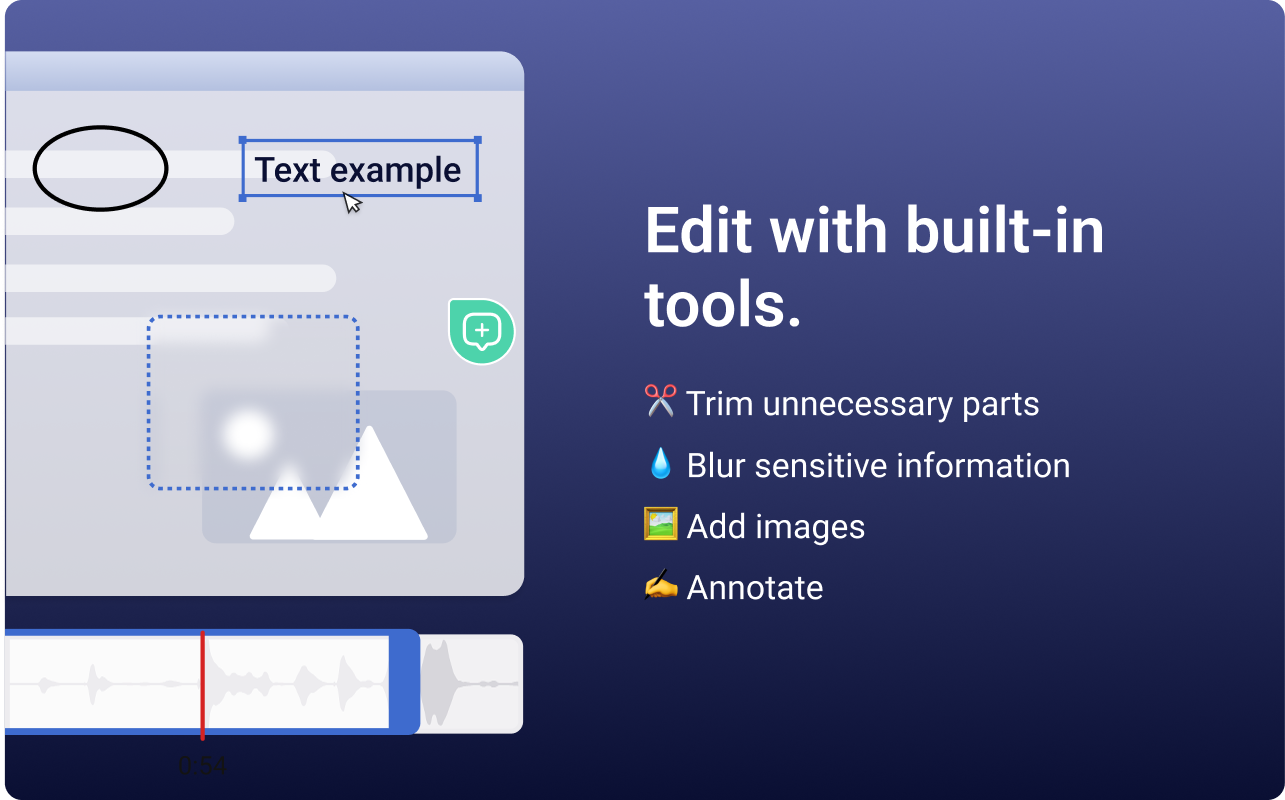   |