
Canvas X Draw (macOS) vs. Procreate
| Product | Rating | Most Used By | Product Summary | Starting Price |
|---|---|---|---|---|
 Canvas X Draw (macOS) | Score10 out of 10 | N/A | A macOS solution, Canvas X Draw is an application developed to sit at the heart of illustration and documentation workflows. Canvas X Draw for macO is able to import and handle both 2D vector graphics, raster graphics, text, AutoCAD, and web content — and output to an array of formats — Canvas X Draw foe macOS is designed to do the work of numerous other applications combined. | $199 per year per user |
 Procreate | Score9 out of 10 | N/A | Savage, headquartered in North Hobart, Tasmania, is dedicated to making exceptional creative tools. They are the creators of Procreate, a digital art and illustration app for iPad. Offering 100s of handmade brushes, a suite of artistic tools, advanced layer system, and its Valkyrie graphics engine — Procreate is designed to enable the creation of expressive sketches, rich paintings, gorgeous illustrations and beautiful animations. | $9.99 one-time fee |
| Canvas X Draw (macOS) | Procreate | |||||||||||||||
|---|---|---|---|---|---|---|---|---|---|---|---|---|---|---|---|---|
| Editions & Modules |
| No answers on this topic | ||||||||||||||
| Offerings |
| |||||||||||||||
| Entry-level Setup Fee | No setup fee | No setup fee | ||||||||||||||
| Additional Details | — | — | ||||||||||||||
| More Pricing Information | ||||||||||||||||
| Canvas X Draw (macOS) | Procreate | |
|---|---|---|
| Small Businesses |  GIMP Score8 out of 10 | GIMP Score8 out of 10 |
| Medium-sized Companies |  Adobe Illustrator Score9.3 out of 10 | Adobe Illustrator Score9.3 out of 10 |
| Enterprises |  Adobe PhotoShop Score9.2 out of 10 | Adobe PhotoShop Score9.2 out of 10 |
| All Alternatives | View all alternatives | View all alternatives |
| Canvas X Draw (macOS) | Procreate | |
|---|---|---|
| Likelihood to Recommend | - | 7.1 |
| Usability | - | 7.7 |
| Canvas X Draw (macOS) | Procreate | |
|---|---|---|
| Likelihood to Recommend | No answers on this topic |
|
| Pros | No answers on this topic |
|
| Cons | No answers on this topic |
|
| Usability | No answers on this topic |
|
| Alternatives Considered | No answers on this topic |
|
| Return on Investment | No answers on this topic |
|
| ScreenShots | Canvas X Draw (macOS) Screenshots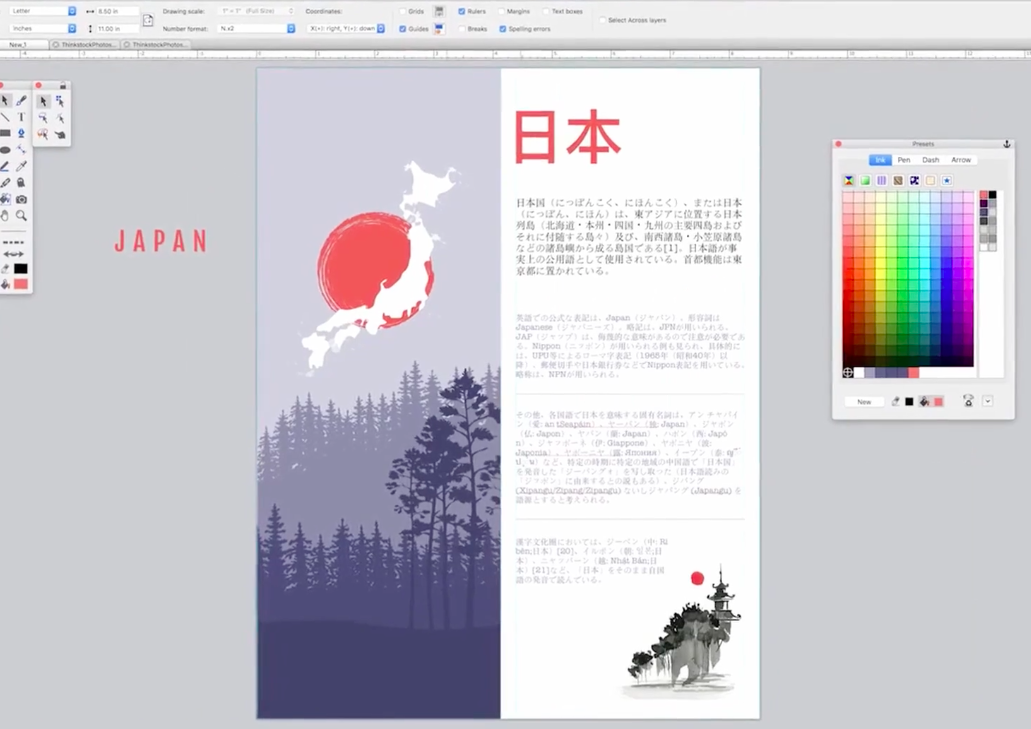 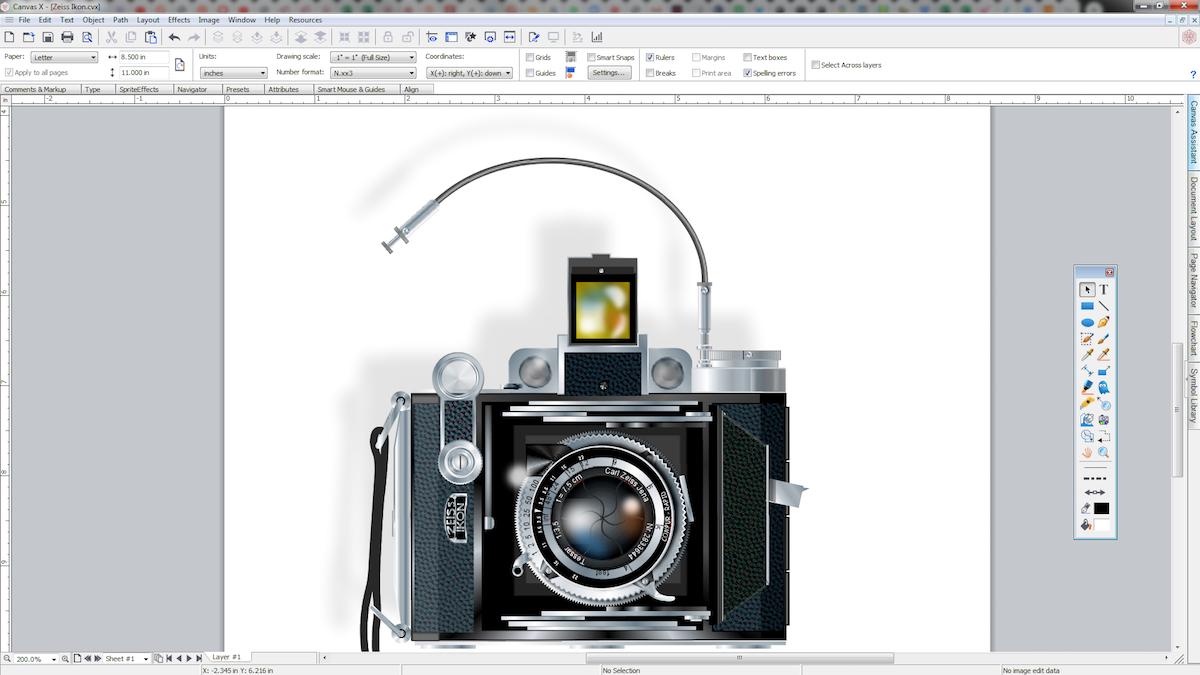 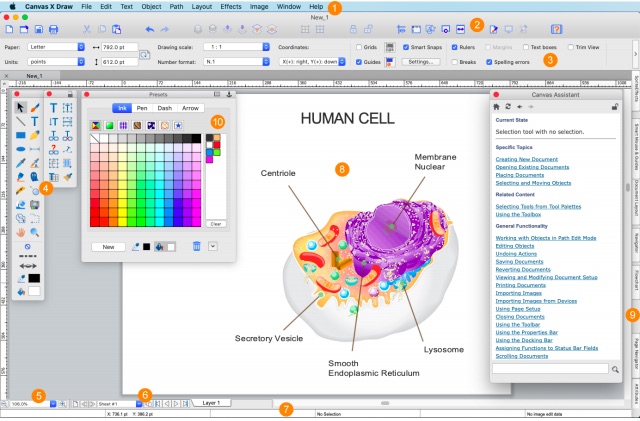 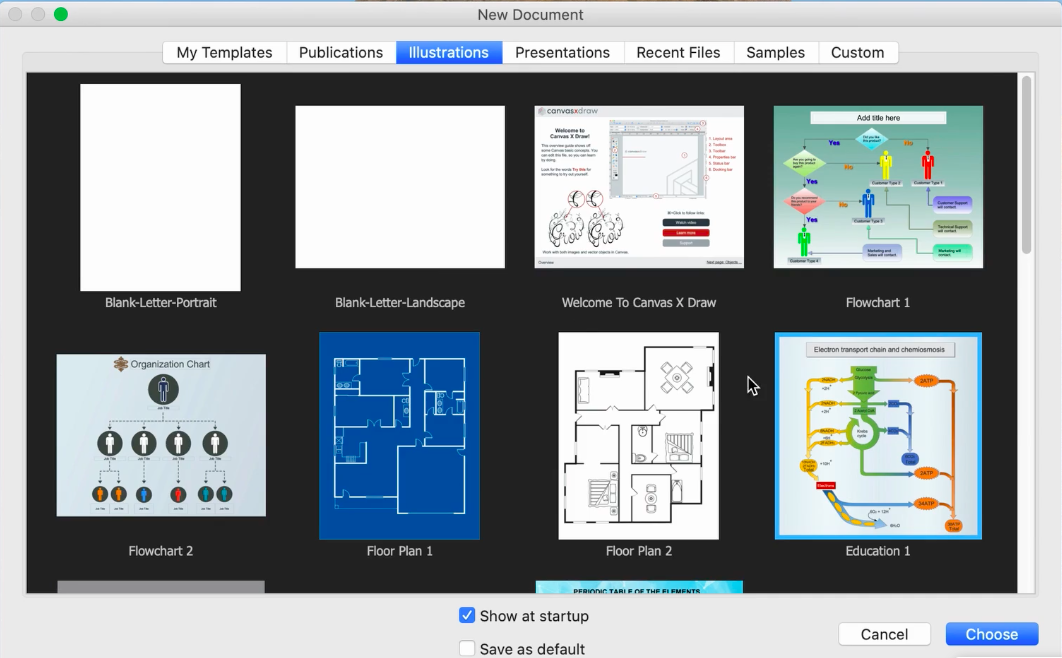 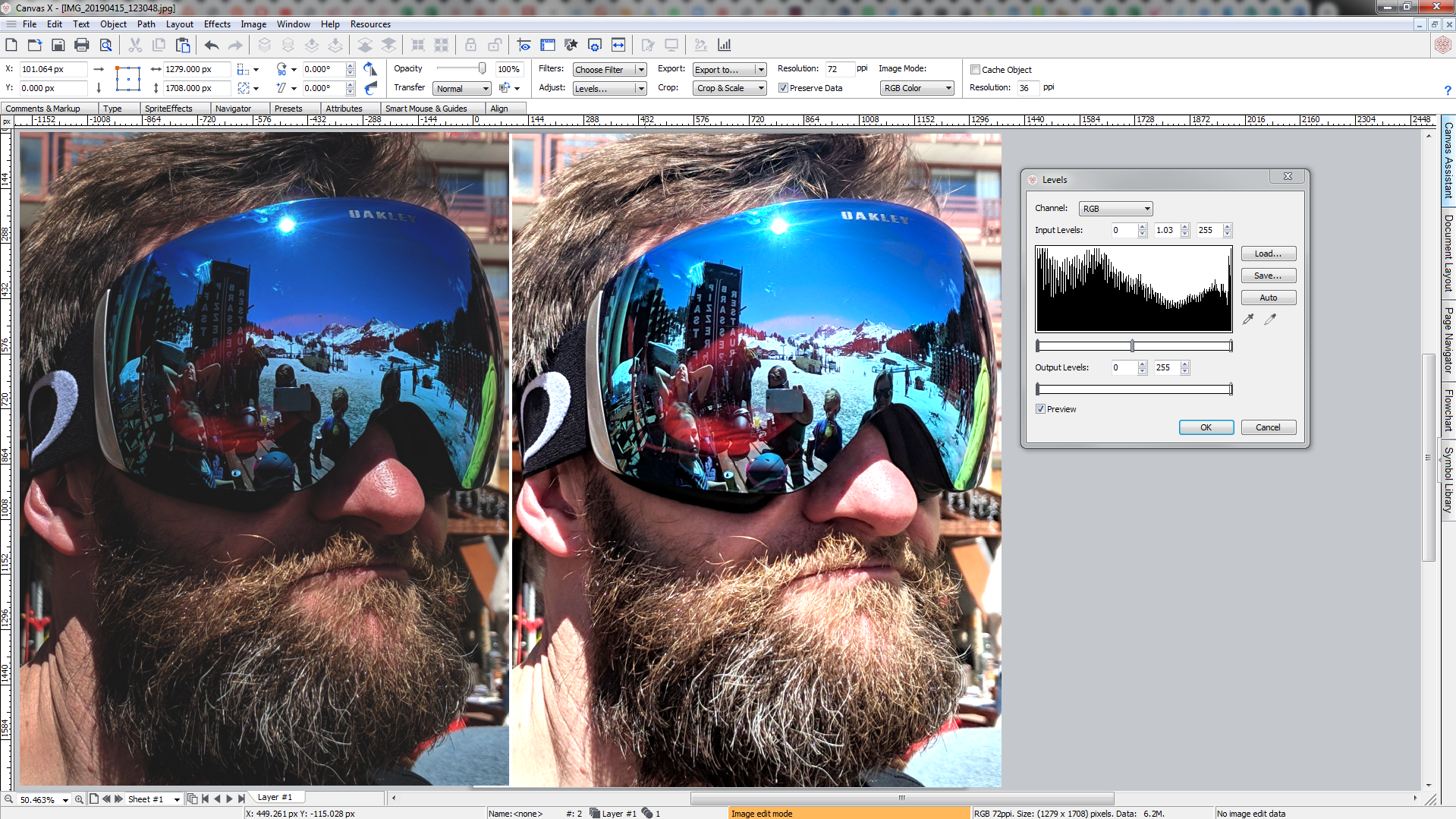 |
