
Clockboost vs. RescueTime
| Product | Rating | Most Used By | Product Summary | Starting Price |
|---|---|---|---|---|
 Clockboost | N/A | N/A | ClockBoost is a time tracking and productivity platform designed for small teams and remote companies. It helps managers gain visibility into daily work activity, reduce unproductive hours, and organize task flow without micromanagement. Key Features: • Automatic time tracking with idle time detection • Task and project boards with assignment tracking • Daily and weekly performance summaries • Activity insights by user, task, and time spent • Lightweight… | $6.40 per month per user |
 RescueTime | Score10 out of 10 | N/A | RescueTime, from the company of the same name in Seattle, is a platform for understanding attention and time spent on digital devices, with the goal of helping knowledge workers to understand the ever-increasing time they spend staring at a screen, and be able to take steps to optimize their work days for maximum efficiency, balance and happiness. RescueTime tracks exactly how a user spends time on digital devices, automatically categorizing activity so users can see the time spent on specific… | N/A |
| Clockboost | RescueTime | |||||||||||||||
|---|---|---|---|---|---|---|---|---|---|---|---|---|---|---|---|---|
| Editions & Modules |
| No answers on this topic | ||||||||||||||
| Offerings |
| |||||||||||||||
| Entry-level Setup Fee | No setup fee | No setup fee | ||||||||||||||
| Additional Details | ClockBoost is billed per user, per month or per year. A 3-month free trial is available with full feature access and no credit card required. Enterprise pricing is customized based on team size and needs. Discounts are available for annual billing and larger teams. | — | ||||||||||||||
| More Pricing Information | ||||||||||||||||
| Clockboost | RescueTime | |
|---|---|---|
| Small Businesses |  Time Doctor Score8 out of 10 | No answers on this topic |
| Medium-sized Companies |  Toggl Track Score9 out of 10 | No answers on this topic |
| Enterprises |  TimeCamp Score7 out of 10 | No answers on this topic |
| All Alternatives | View all alternatives | View all alternatives |
| Clockboost | RescueTime | |
|---|---|---|
| Likelihood to Recommend | - | 7.0 |
| Clockboost | RescueTime | |
|---|---|---|
| Likelihood to Recommend | No answers on this topic |
|
| Pros | No answers on this topic |
|
| Cons | No answers on this topic |
|
| Return on Investment | No answers on this topic |
|
| ScreenShots | Clockboost Screenshots  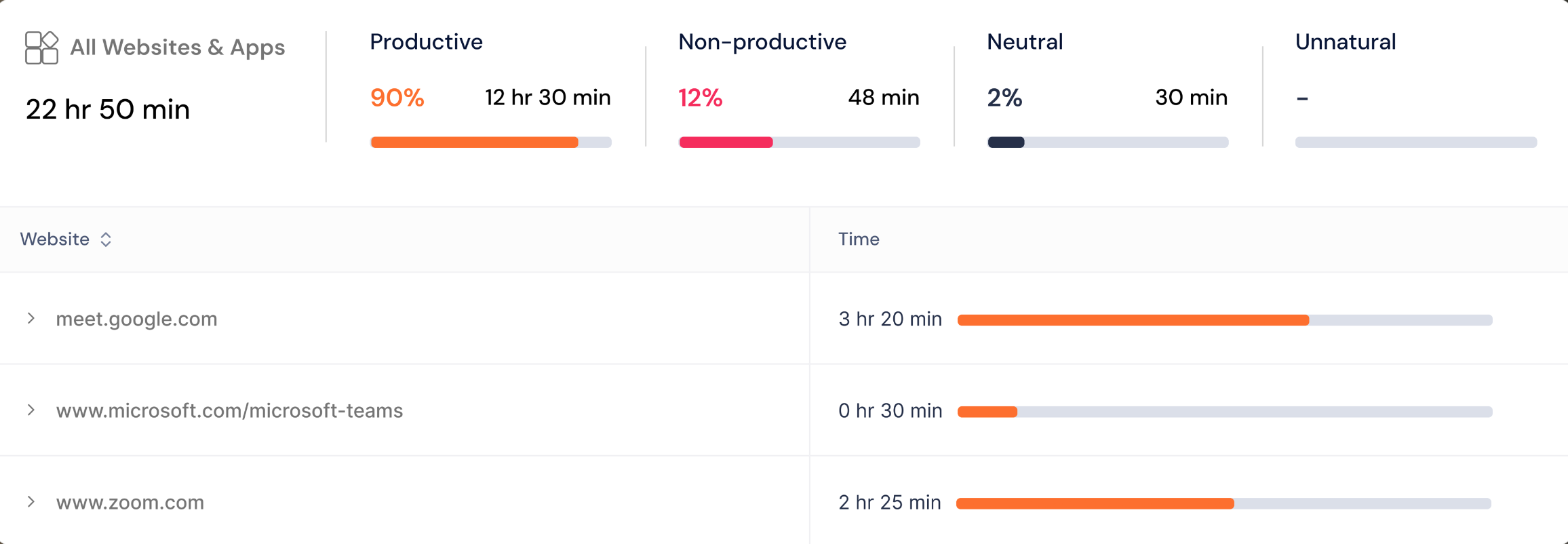  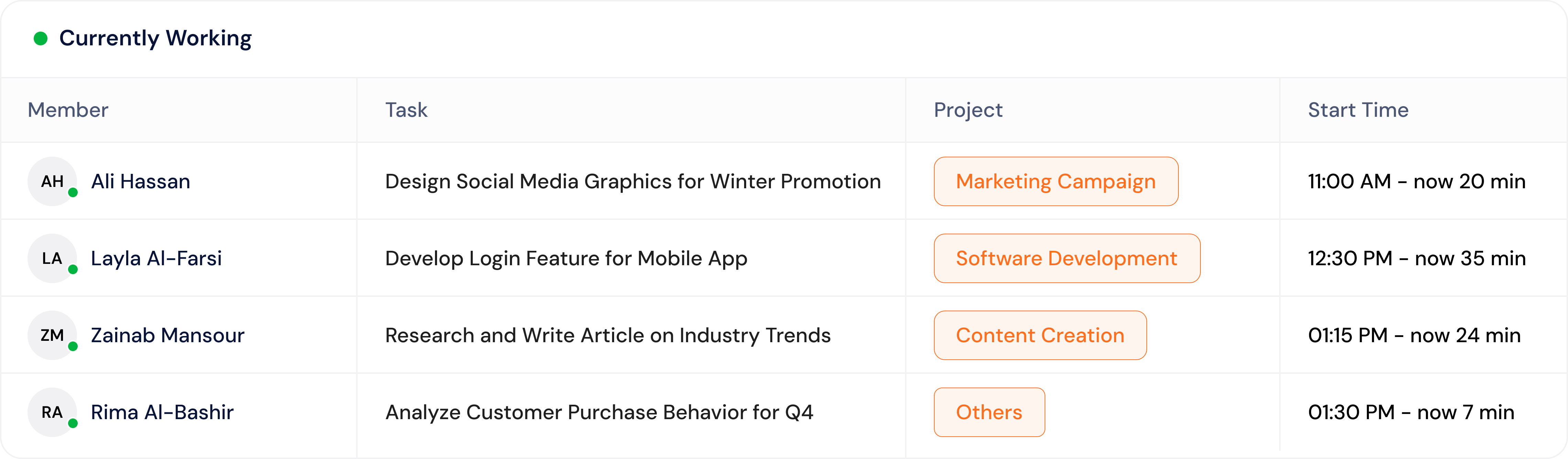 |