
CrashSight vs. Linear
| Product | Rating | Most Used By | Product Summary | Starting Price |
|---|---|---|---|---|
 CrashSight | N/A | N/A | CrashSight is a crash and exception management platform for game developers. It captures and analyzes crashes, ANRs, errors, and OOM issues across mobile, PC, and console platforms, helping studios reduce crash rates and improve player experience. | N/A |
 Linear | Score9.2 out of 10 | N/A | Linear is a purpose-built issue tracking and project management system designed for software engineering teams. It prioritizes high-performance synchronization and keyboard-driven workflows to streamline the product development lifecycle from initial triage to feature release. | $12 per month per user |
| CrashSight | Linear | |||||||||||||||
|---|---|---|---|---|---|---|---|---|---|---|---|---|---|---|---|---|
| Editions & Modules | No answers on this topic |
| ||||||||||||||
| Offerings |
| |||||||||||||||
| Entry-level Setup Fee | No setup fee | No setup fee | ||||||||||||||
| Additional Details | CrashSight is billed by MAU (Monthly Active Users) with a tiered pricing model. | Discount available for annual billing. | ||||||||||||||
| More Pricing Information | ||||||||||||||||
| CrashSight | Linear | |
|---|---|---|
| Considered Both Products | No answer on this topic | No answer on this topic |
| Key User Insights | ||
| Would buy again | ||
No answers on this topic | 100% Would buy again 11 Answers | |
| Delivers good value for the price | ||
No answers on this topic | 100% Delivers good value for the price 9 Answers | |
| Happy with the feature set | ||
No answers on this topic | 100% Happy with the feature set 11 Answers | |
| Lived up to sales and marketing promises | ||
No answers on this topic | 100% Lived up to sales and marketing promises 6 Answers | |
| Implementation went as expected | ||
No answers on this topic | 100% Implementation went as expected 7 Answers | |
| CrashSight | Linear | |
|---|---|---|
| Small Businesses |  Sentry Score8.8 out of 10 | Sentry Score8.8 out of 10 |
| Medium-sized Companies | Sentry Score8.8 out of 10 | Sentry Score8.8 out of 10 |
| Enterprises | No answers on this topic | No answers on this topic |
| All Alternatives | View all alternatives | View all alternatives |
| CrashSight | Linear | |
|---|---|---|
| Likelihood to Recommend | - | 9.5 |
| Usability | - | 8.8 |
| CrashSight | Linear | |
|---|---|---|
| Likelihood to Recommend | No answers on this topic |
|
| Pros | No answers on this topic |
|
| Cons | No answers on this topic |
|
| Usability | No answers on this topic |
|
| Alternatives Considered | No answers on this topic |
|
| Return on Investment | No answers on this topic |
|
| ScreenShots | CrashSight Screenshots    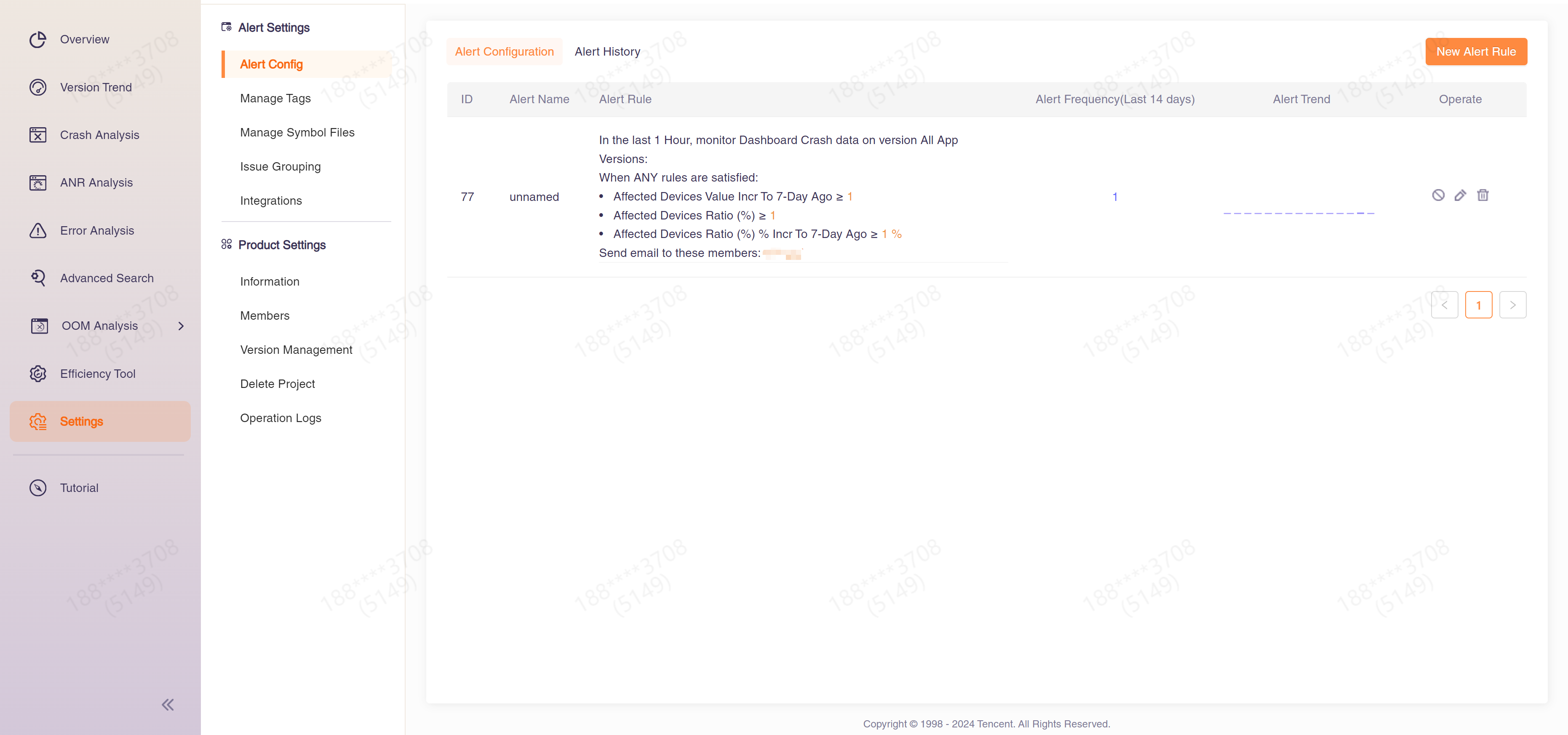 |

