TrustRadius: an HG Insights company

DeliverySlip (discontinued) vs. EZ File Drop

Save this comparison

Save this comparison

Add Product

Recommended Comparisons

    Overview
    ProductRatingMost Used ByProduct SummaryStarting Price

    DeliverySlip (discontinued)

    Score9 out of 10
    N/ADeliverySlip (formerly Zix’s Secure File Sharing) aims to make it simple for users to send large attachments in email—up to 100GB in size—securely. Plus, you can recall files, enforce rights management, and append legally binding e-signatures. The product is no longer available since Zix's acquisition by OpenText.N/A

    EZ File Drop

    N/AN/AEZ File Drop is a file collection tool for teams that receive files from people outside their organization. Users build a branded upload form, share it as a link, QR code, or website embed, and every submission is delivered into the account owner's own cloud storage: Google Drive, Dropbox, OneDrive, SharePoint, Box, or FTP/SFTP. The people sending files do not need an account, an app, or a sign-in. What it replaces: EZ File Drop is positioned against three common…

    $12

    per month

    Pricing
    DeliverySlip (discontinued)EZ File Drop
    Editions & Modules
    No answers on this topic
    Starter
    $12
    per month
    Business
    $49
    per month
    Premium
    $149
    per month
    Offerings
    Pricing Offerings
    DeliverySlip (discontinued)EZ File Drop
    Free Trial
    NoYes
    Free/Freemium Version
    NoNo
    Premium Consulting/Integration Services
    NoNo
    Entry-level Setup FeeNo setup feeNo setup fee
    Additional DetailsPrices shown are for monthly billing. Annual billing is available at two months free: Starter $120/year, Business $490/year, Premium $1,490/year. Plans differ mainly by monthly upload allowance (5 GB, 100 GB, or 1 TB) and by feature set. Starter is limited to one user and a 5 GB cap per submission. Business and Premium include up to 20 users with no per-seat fees, a 25 GB cap per submission, and features such as dynamic subfolders, file renaming, conditional logic, white-label branding, website embedding, and Zapier and webhook integrations. Premium adds 1 TB of monthly bandwidth, custom domains for share links and notification emails, and priority email support. Pricing is based on bandwidth used rather than storage or seats. Files are delivered into the customer's own cloud storage, so there is no separate storage charge. Every plan includes unlimited forms and all six cloud destinations. The 25 GB per-submission cap can be raised on request. Every account begins with a 7-day trial of the Business plan with no credit card required.
    More Pricing Information
    Best Alternatives
    DeliverySlip (discontinued)EZ File Drop
    Small Businesses
    Dropbox DocSend
    Score8.3 out of 10
    Dropbox DocSend
    Score8.3 out of 10
    Medium-sized Companies
    Dropbox DocSend
    Score8.3 out of 10
    Dropbox DocSend
    Score8.3 out of 10
    Enterprises
    No answers on this topic
    No answers on this topic
    All AlternativesView all alternativesView all alternatives
    User Ratings
    DeliverySlip (discontinued)EZ File Drop
    Likelihood to Recommend
    9.0
    (1 ratings)
    -
    (0 ratings)
    User Testimonials
    DeliverySlip (discontinued)EZ File Drop
    Likelihood to Recommend
    Discontinued Products
    Zix Secure File Sharing (DeliverySlip) is well suited for people or companies that are constantly having to share or request sensitive information with/from customers: ACH, credit card info, financial info, etc. I think every finance department should use Zix Secure File Sharing (DeliverySlip). Also, every small business should use it because small businesses are so vulnerable to being hacked, and Zix Secure File Sharing (DeliverySlip) can protect you and your customers. However, Zix Secure File Sharing (DeliverySlip) would not be the easiest replacement to your regular email. If there were a way to integrate both, ] it would be amazing. But for now, you have to treat it as a supplemental email address.
    Incentivized
    Read full review
    EZ File Drop
    No answers on this topic
    Pros
    Discontinued Products
    • Easy to send to anyone with an email address
    • Ability to put a password protecting the email and documents
    • Options to block forwarding, replies, or downloading of documents
    Incentivized
    Read full review
    EZ File Drop
    No answers on this topic
    Cons
    Discontinued Products
    • The platform could look like and behave more like an email box
    • Maybe having a way to integrate with Outlook/Microsoft email so you can email from one platform
    • The invitation email could be tailored to match the look and logo of the company
    Incentivized
    Read full review
    EZ File Drop
    No answers on this topic
    Alternatives Considered
    Discontinued Products
    Zix Secure File Sharing (DeliverySlip) is a step up from the regular email encryption options provided at the basic level of Microsoft emails. However, it does lack the integration and some features that Virtru has. Overall it still is a great choice for any company or person to protect their information online, and it is super easy to use.
    Incentivized
    Read full review
    EZ File Drop
    No answers on this topic
    Return on Investment
    Discontinued Products
    • It is great because it shows customers we practice what we preach: email security
    • Peace of mind that all our staff knows how to share information safely with customers
    Incentivized
    Read full review
    EZ File Drop
    No answers on this topic
    ScreenShots

    EZ File Drop Screenshots

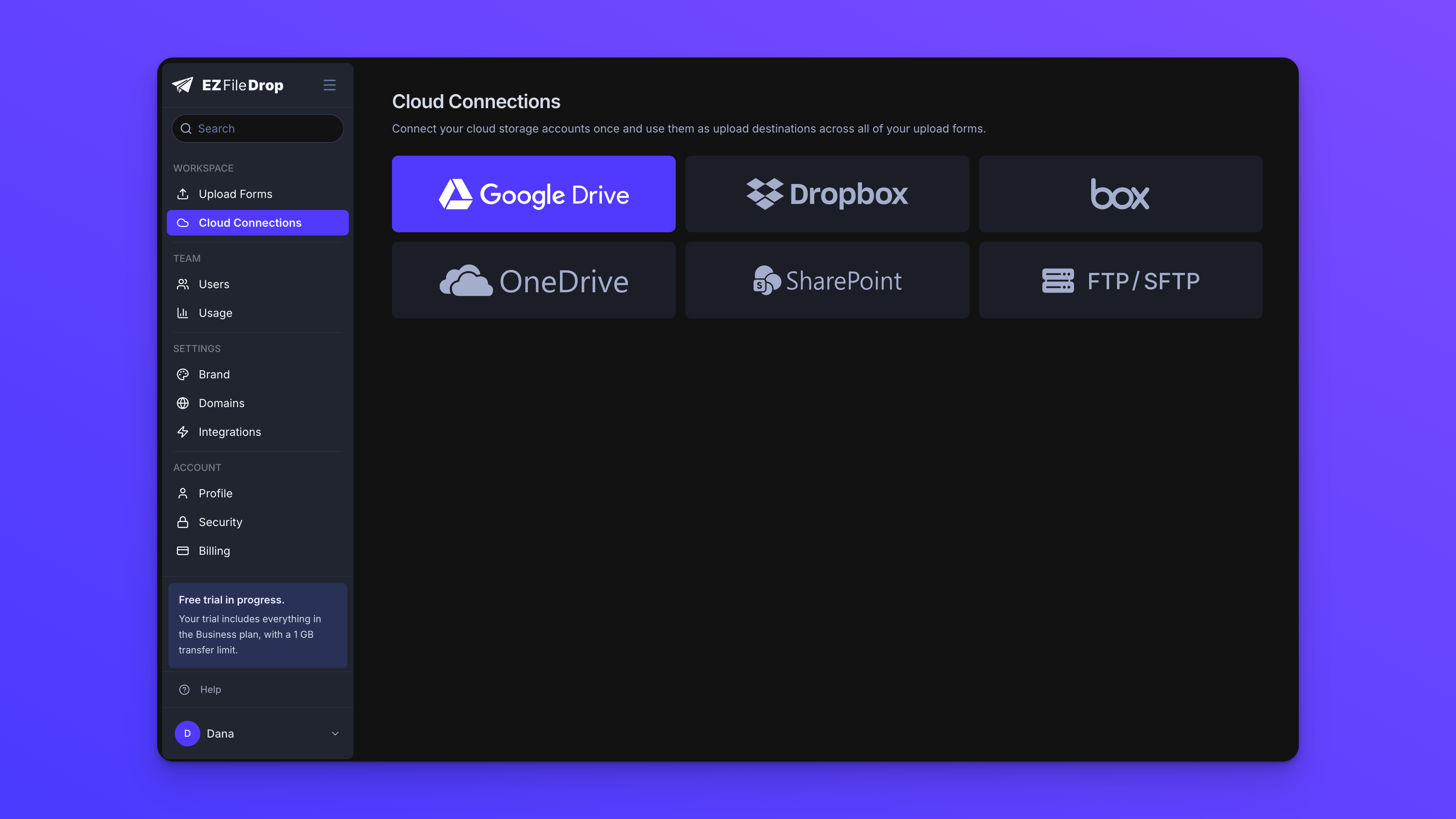
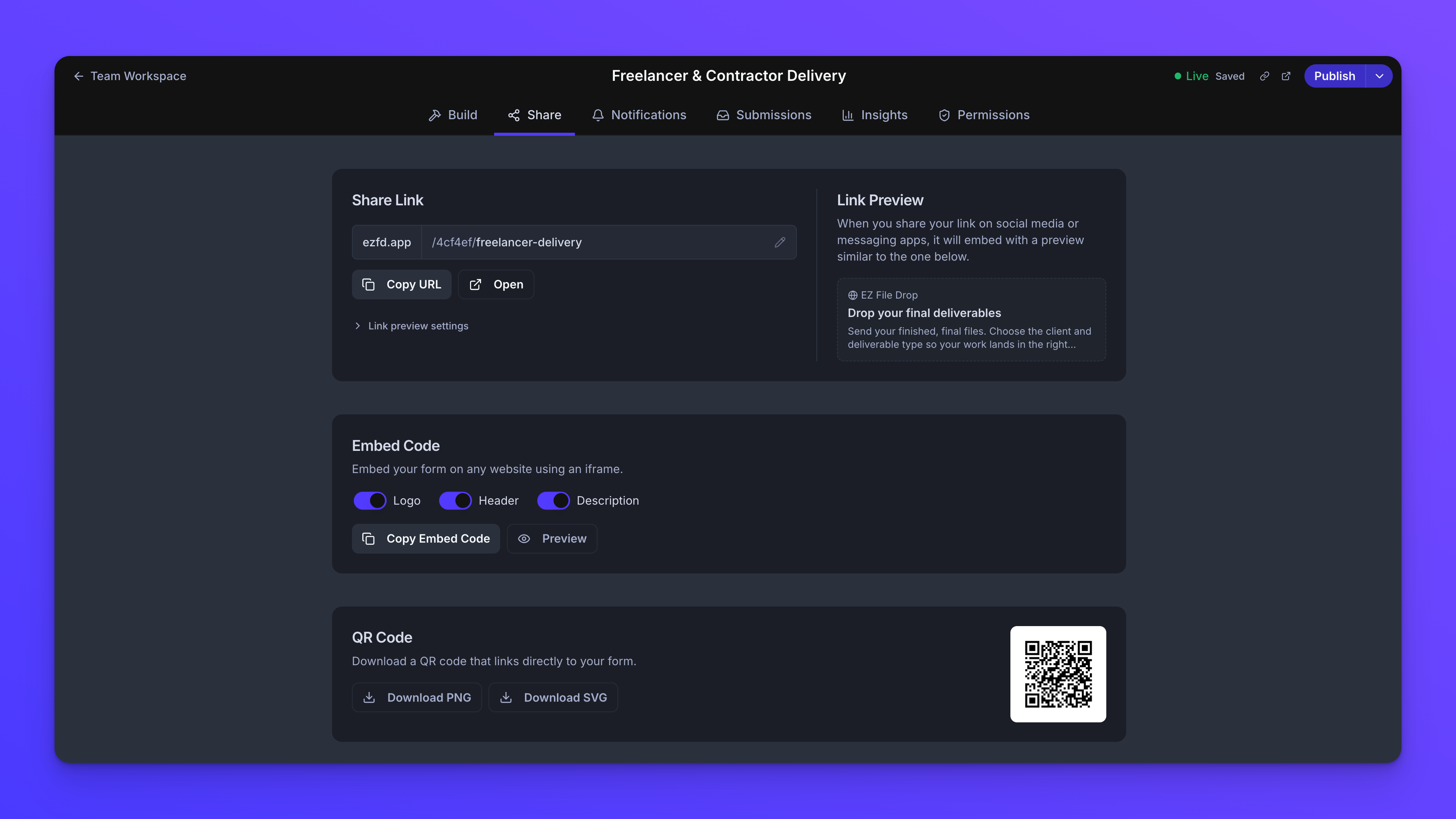
    Screenshot of the customization options.Screenshot of EZ File Drop isn't a storage product. Every submission is delivered into the cloud account you've connected: Google Drive, Dropbox, OneDrive, SharePoint, Box, or FTP/SFTP. You stay in control of where your files live, who can access them, and how long they're kept. EZ File Drop is a pipeline, not a destination.Screenshot of Every form ships with a standalone share link, an embed code, and a built-in QR code. On Premium, share links and notification emails can run on your own custom domain so EZ File Drop never appears in the customer-facing experience.Screenshot of Every form supports three notification groups: the uploader, your team, and third-party recipients. Use the default templates or write your own HTML. On Business and Premium you control the reply-to address and the full email design. On Premium, notifications can also send from an address on your own domain.Screenshot of Starter is a single-user plan. On Business and Premium you can add up to 20 users with no per-seat pricing. Two roles cover the common cases: Owners administer the account, and Members work on the forms they have access to. Granular per-form permissions let each team member see and edit only the forms relevant to their work. Private and shared forms are managed in separate workspaces.