Chose DHTMLX
We have evaluated several Open Source solutions for Gantt and Spreadsheets, but none of them was comparable to the DHTMLX components.

| Product | Rating | Most Used By | Product Summary | Starting Price |
|---|---|---|---|---|
 DHTMLX | N/A | DHTMLX delivers JavaScript/HTML5 libraries and UI widgets designed for building enterprise web apps of any complexity. With these out-of-the-box components, web developers can streamline their coding processes and integrate advanced functionality, to reduce development time. The actual DHTMLX product lineup comprises a range of web-based tools that can cover most of the contemporary business needs. DHTMLX | $799 one-time fee for 1 developer | |
 ActiveReports | N/A | ActiveReports line of products is a complete developer reporting solution for both .NET and JavaScript. Users can deliver interactive reports with its designers and rich controls. | $899 per year per developer |
| DHTMLX | ActiveReports | |||||||||||||||
|---|---|---|---|---|---|---|---|---|---|---|---|---|---|---|---|---|
| Editions & Modules |
|
| ||||||||||||||
| Offerings |
| |||||||||||||||
| Entry-level Setup Fee | No setup fee | No setup fee | ||||||||||||||
| Additional Details | UI widgets are available standalone or "a la carte," or as part of bundles built around a theme (e.g. complete edition, scheduling components, planning components, etc.). | — | ||||||||||||||
| More Pricing Information | ||||||||||||||||
| DHTMLX | ActiveReports | |
|---|---|---|
| Considered Both Products |  DHTMLX  Tal Shemesh CTO Chose DHTMLX DHTMLX surpasses other solutions with its extensive features and strong maintenance support. It offers a wide range of capabilities, including advanced data manipulation, sophisticated visualizations, and intricate user interface controls. DHTMLX stands out in its commitment to … |  ActiveReports No answer on this topic |
| DHTMLX | ActiveReports | |
|---|---|---|
| Small Businesses |  Syncfusion Essential Studio Score 7.0 out of 10 | Syncfusion Essential Studio Score 7.0 out of 10 |
| Medium-sized Companies |  React (React.js) Score 8.9 out of 10 | React (React.js) Score 8.9 out of 10 |
| Enterprises | React (React.js) Score 8.9 out of 10 | React (React.js) Score 8.9 out of 10 |
| All Alternatives | View all alternatives | View all alternatives |
| DHTMLX | ActiveReports | |
|---|---|---|
| Likelihood to Recommend | 8.9 (0 ratings) | - (0 ratings) |
| Usability | 8.1 (0 ratings) | - (0 ratings) |
| DHTMLX | ActiveReports | |
|---|---|---|
| Likelihood to Recommend |
Tal Shemesh CTO | No answers on this topic |
| Pros |
| No answers on this topic |
| Cons |
| No answers on this topic |
| Usability |
| No answers on this topic |
| Alternatives Considered |
| No answers on this topic |
| Return on Investment |
| No answers on this topic |
| ScreenShots | DHTMLX Screenshots  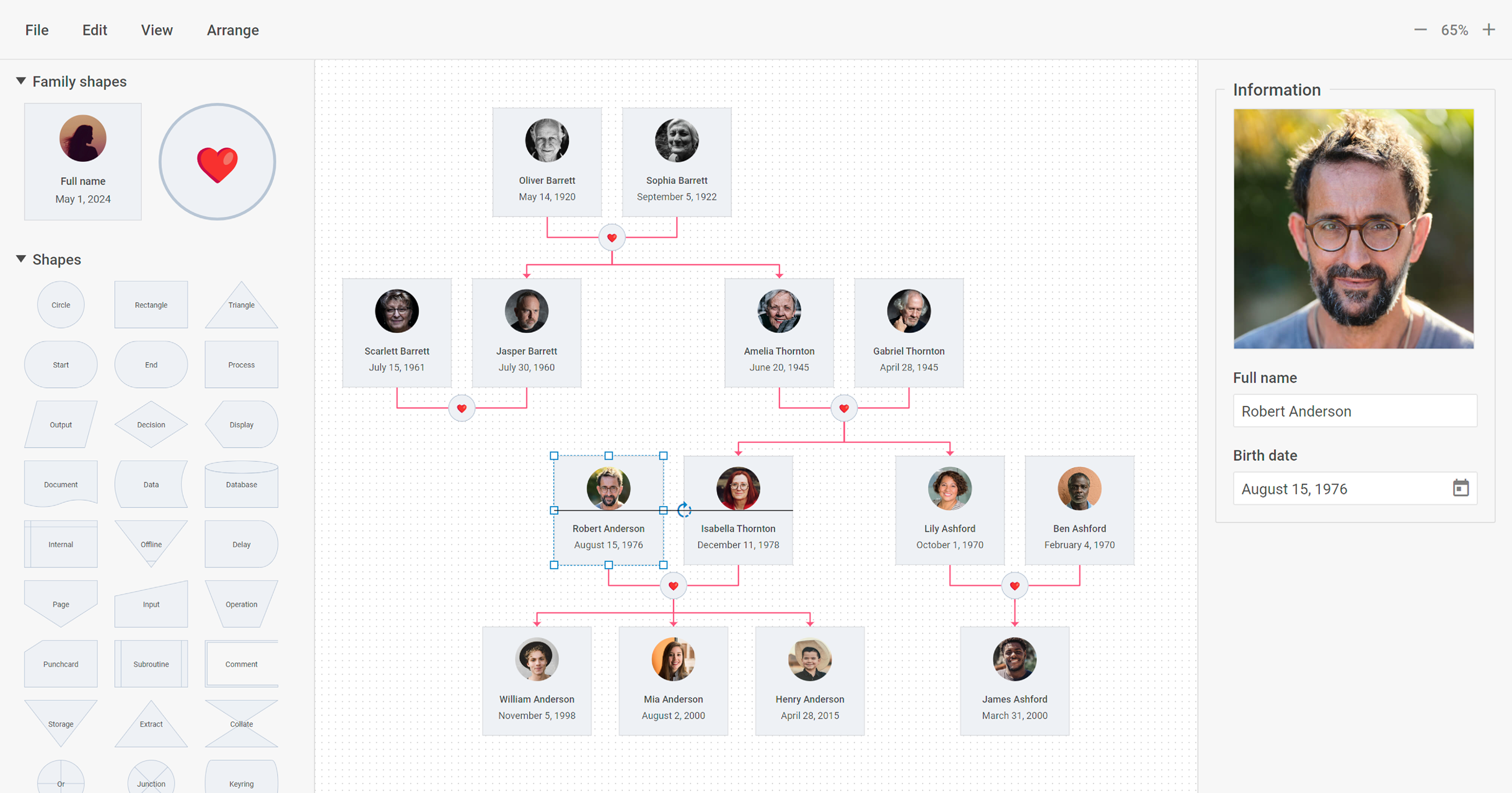    | ActiveReports Screenshots 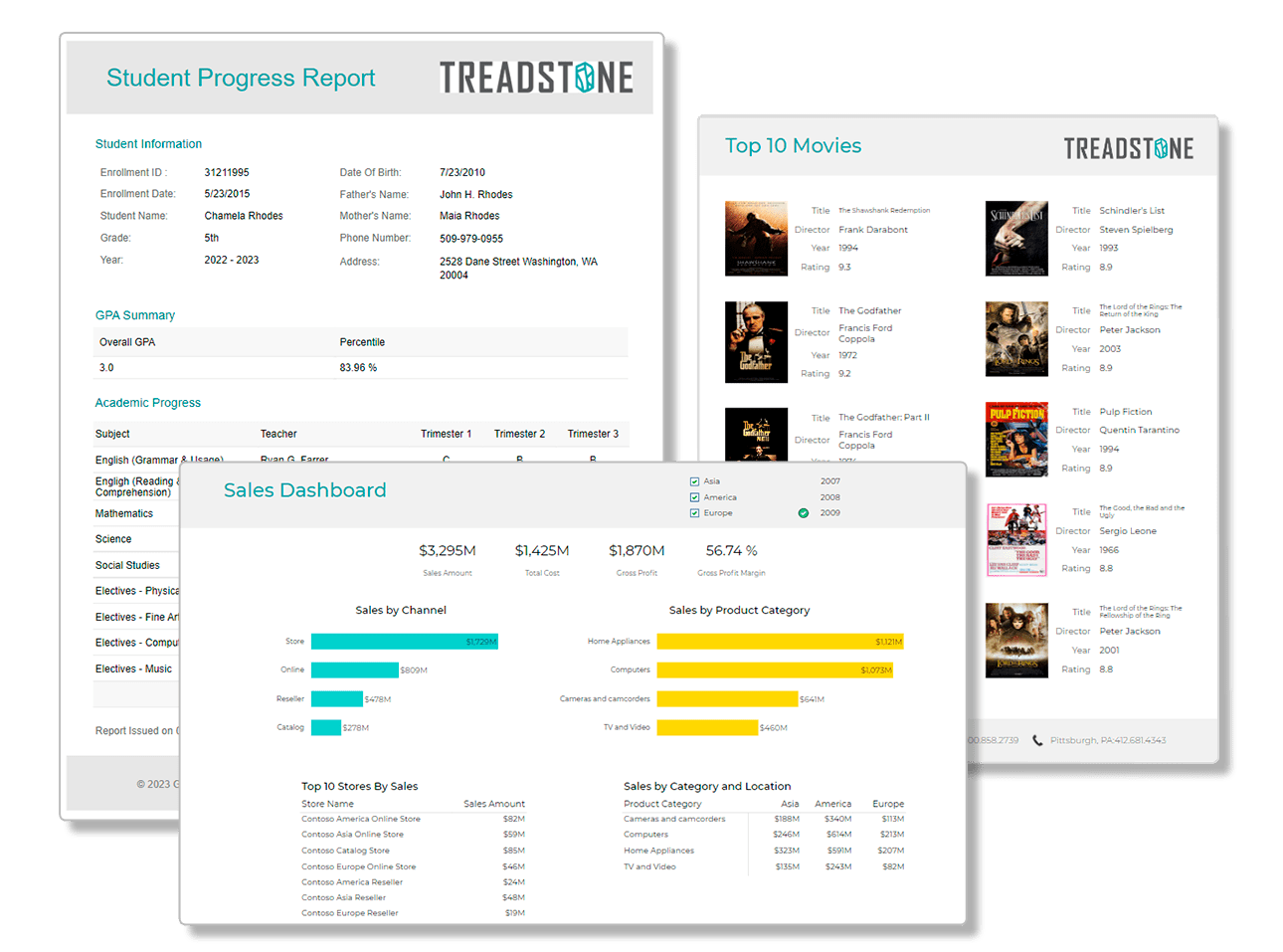 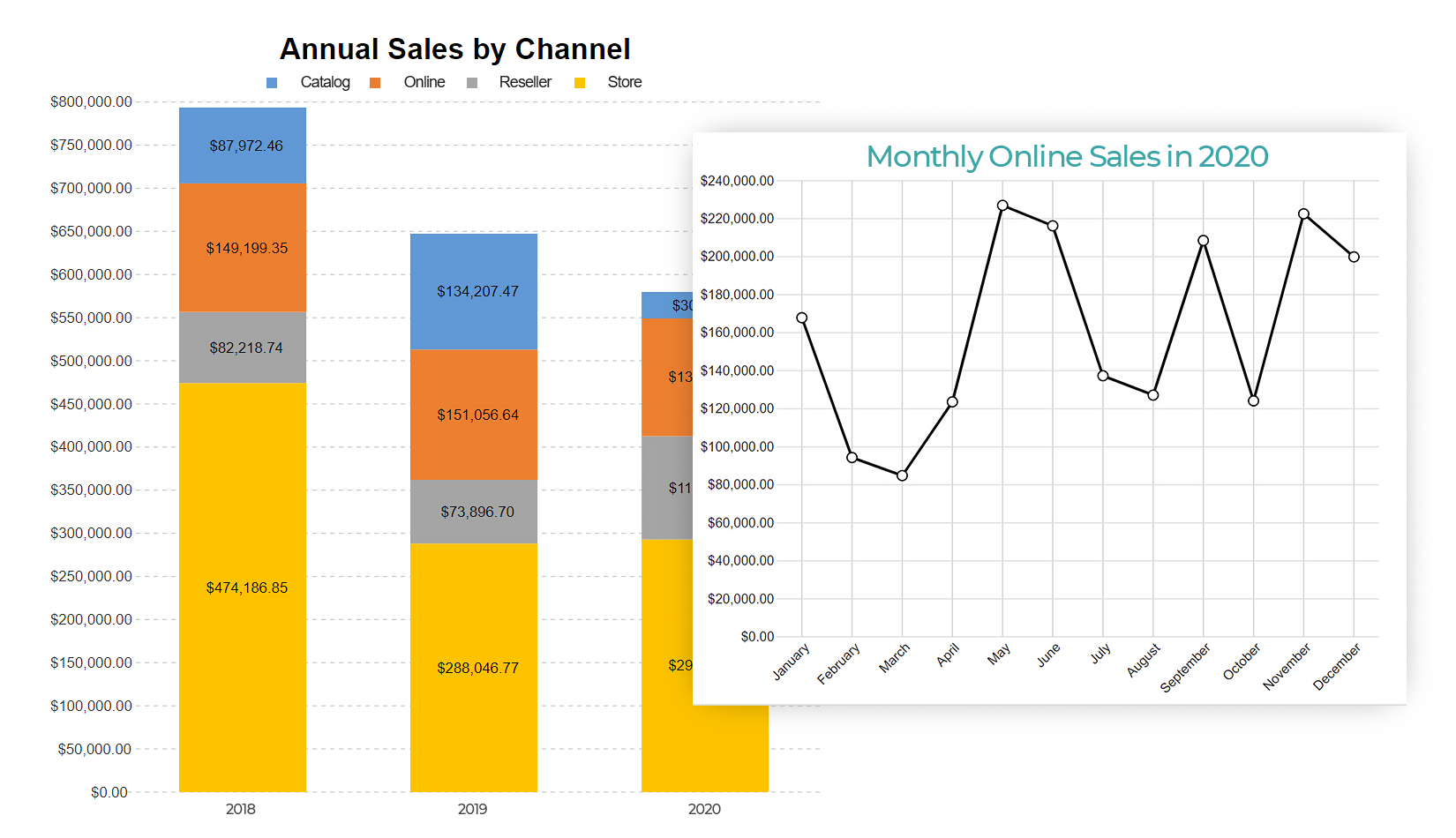  |