DriveWorks Design Automation & Product Configurator software, from the company of the same name in Thelwal, is for companies where designs or orders are the ‘Same but Different’. DriveWorks software is used to automate repetitive tasks in the design process and to streamline the generation of design, manufacturing and sales documents (Pricing &Quotes) and data. It aims to help users create custom designs in minutes, not days, on any device desktop, mobile or tablet by engineers, sales teams or…
N/A
Zakeke
Score 7.0 out of 10
N/A
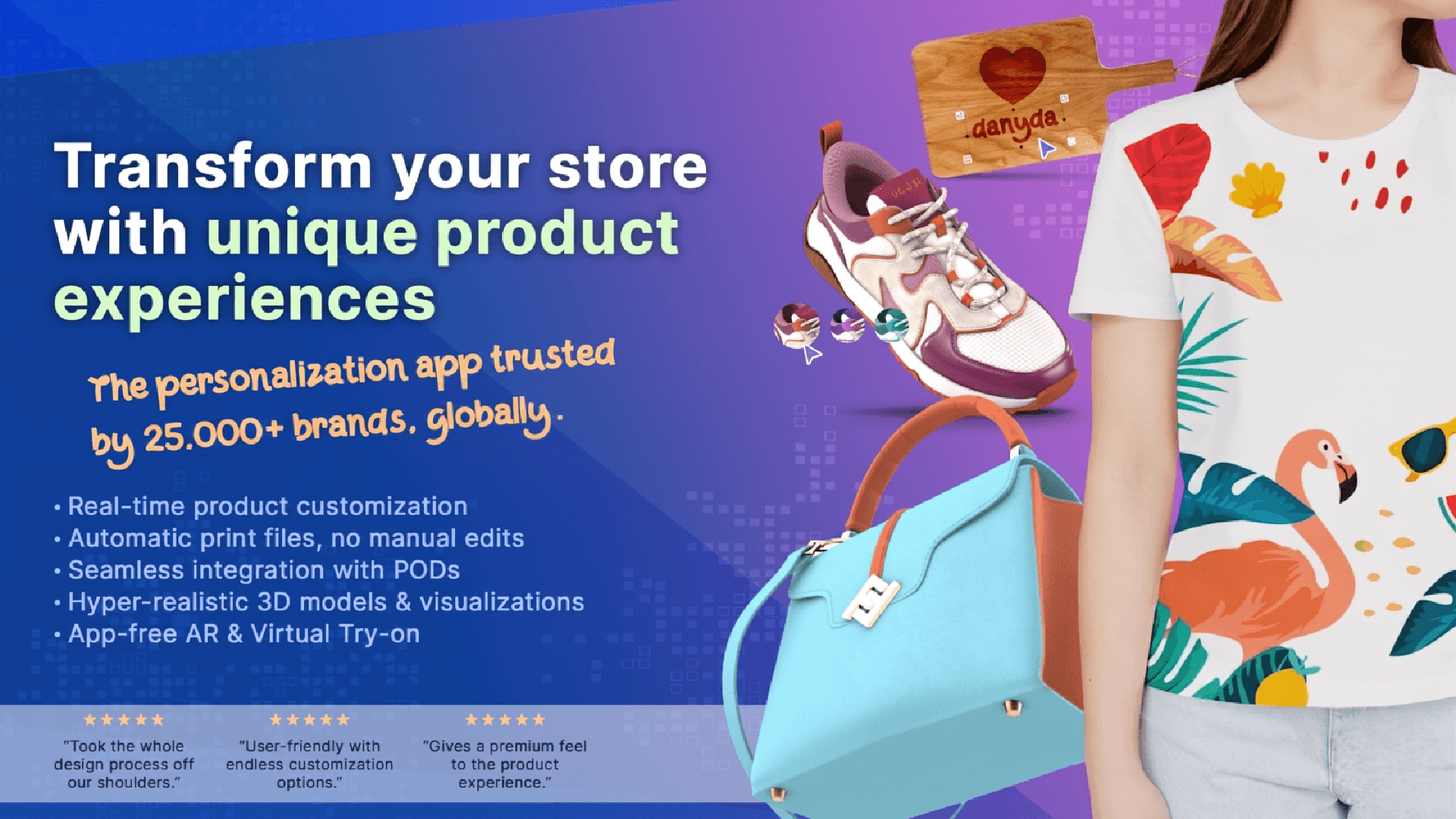
Zakeke is a cloud platform used by retailers and brands to offer their customers tools for Visual Customization, 3D & AR Configuration, 3D Digital Asset Management, Virtual Try-On and AI visual content production at scale. Customers became creators, being able to customize products with texts, images, materials, and colors before they buy.
$70
per month
Pricing
DriveWorks
Zakeke
Editions & Modules
No answers on this topic
No answers on this topic
Offerings
Pricing Offerings
DriveWorks
Zakeke
Free Trial
No
No
Free/Freemium Version
No
No
Premium Consulting/Integration Services
No
No
Entry-level Setup Fee
No setup fee
Optional
Additional Details
—
—
More Pricing Information
Community Pulse
DriveWorks
Zakeke
Considered Both Products
DriveWorks
No answer on this topic
Zakeke
Verified User
Project Manager
Chose Zakeke
Zakeke is easy to set up. Provides integration with most e-commerce platforms. Pricing is also almost the same as other such products. They also help in back office things like dropshipping and print-on-demand providers.
While selecting between zekeke and other options, we found …
I would recommend DriveWorks to a college if they have similar needs to those I am personally experiencing at my university. Above all, I would not recommend it if the user needs to allow simultaneous access to a very high number of users (as is my case) since the software does not give this possibility. On the contrary, I would recommend it if a colleague needs to use software that works in the background and generates stand-alone models and prints for time reasons.
If you are not tech-savvy, running a merchandise store, and want to experiment with different products, then go for zakeke. Here you will need very less help from a developer. Once setup is done, you can add /update/experiment with as many products as you want. You make changes from zakeke dashboard and it will reflect in your e-commerce platform in real time.
In some cases, the exchange of documentation between different users is not so automatic. Some operations still have to be done manually.
All the variables and design parameters introduced by the user are not always visible and can be analyzed simultaneously. Sometimes changing the parameters related to the characteristics of the products is not so easy.
DriveWorks allows access to a limited number of users at the same time. This issue sometimes makes the use of the software difficult for many of our students.
It is very easy to understand all terminologies used by zakeke. Also adding any product, pricing rules, product variations, everything it very easy to do. You are not required to any kind of training to use it
DriveWorks is similar to some of its competitors but there are areas where it excels in comparison. For example, DriveWorks has an easier integration with other systems in terms of automation. However, some of its competitors have an easier learning curve than opposed to DriveWorks. If a skilled user has knowledge of DriveWorks then it will not be an issue.
Zakeke is easy to set up. Provides integration with most e-commerce platforms. Pricing is also almost the same as other such products. They also help in back office things like dropshipping and print-on-demand providers. While selecting between zekeke and other options, we found zakeke more user-friendly and easy to learn for any of our clients, and hence choose zakeke.