The eponymous Efficient Elements from the company in Neubiberg is for presentations, and comes as an add-in for Microsoft PowerPoint. It is designed to help increase the user's efficiency in working with Microsoft PowerPoint. It is available to install on Mac OS or Windows devices, and is available via a single-user license, a multi-user license, or a corporate license.
N/A
VistaCreate
Score 7.1 out of 10
N/A
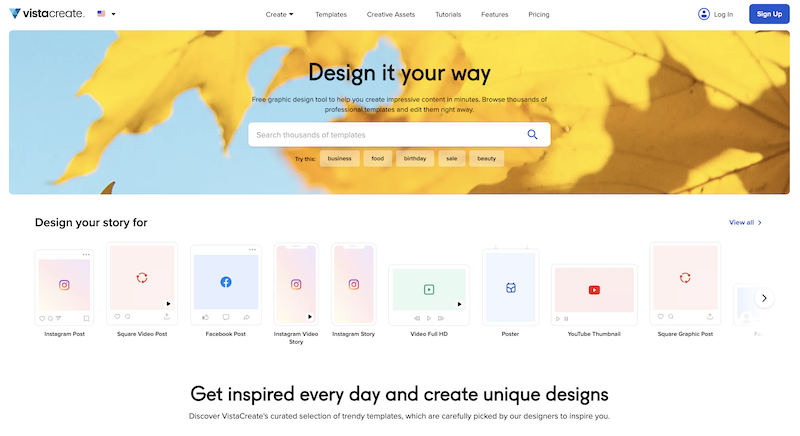
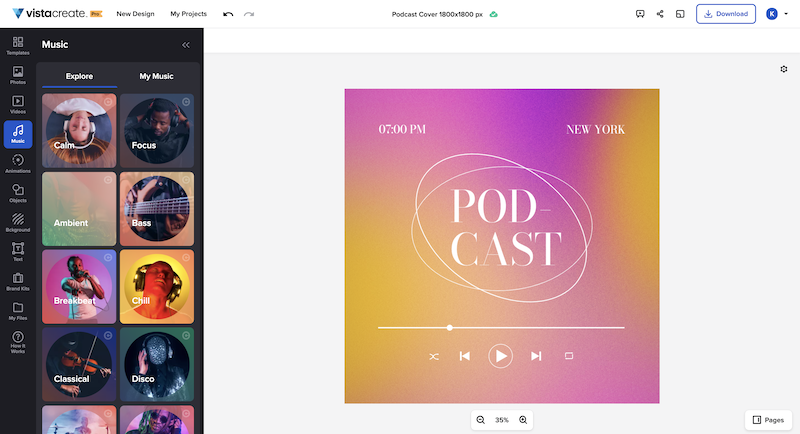
What is VistaCreate (ex-Crello)? VistaCreate is an online visual editing tool for creating videos, animations, graphic designs for social media, print, websites, or virtually any kind of static and animated design for commercial, business, or personal needs. On October 27, 2021 Crello joined the Vista group of companies and changed its brand name to VistaCreate. It includes 50,000 professionally designed templates that are already preformatted and…
N/A
Pricing
Efficient Elements
VistaCreate
Editions & Modules
No answers on this topic
No answers on this topic
Offerings
Pricing Offerings
Efficient Elements
VistaCreate
Free Trial
Yes
Yes
Free/Freemium Version
No
Yes
Premium Consulting/Integration Services
No
No
Entry-level Setup Fee
No setup fee
No setup fee
Additional Details
—
—
More Pricing Information
Community Pulse
Efficient Elements
VistaCreate
Considered Both Products
Efficient Elements
No answer on this topic
VistaCreate
Verified User
Anonymous
Chose VistaCreate
In my view, VistaCreate is easier to navigate and design content. The templates are fun and appealing. The availability of Shutterstock photos is endless. The version history is saved so that work is not lost. There is a brand feature that automatically selects color themes to …
It's great for social media campaigns where you need to adapt pictures for different sizes for each social channel. With VistaCreate it's easy to modify all of them in a few clicks. It also works well with creating diagrams with cool statistics.
In my view, VistaCreate is easier to navigate and design content. The templates are fun and appealing. The availability of Shutterstock photos is endless. The version history is saved so that work is not lost. There is a brand feature that automatically selects color themes to support branding. It is easy to export content to your desired file type.