
esProc SPL Community
esProc SPL Community
| Product | Rating | Most Used By | Product Summary | Starting Price |
|---|---|---|---|---|
 esProc SPL Community | Small Businesses (1-50 employees) | esProc SPL is an open-source and JVM-based analyzing and computing engine for structured data and semi-structured data, and capable at solving data problems, including hard to write, slow to run and difficult to operate and maintain. esProc SPL adopts self-created SPL (Structured Process Language) syntax, boasting the characteristics of low code, high performance, lightweight and versatility. Compared with SQL, SPL has more abundant data types and calculation features, which enhances… | $0 |
| esProc SPL Community | |||||||||||
|---|---|---|---|---|---|---|---|---|---|---|---|
| Editions & Modules | No answers on this topic | ||||||||||
| Offerings |
| ||||||||||
| Entry-level Setup Fee | No setup fee | ||||||||||
| Additional Details | — | ||||||||||
| More Pricing Information | |||||||||||
| esProc SPL Community | |
|---|---|
| Small Businesses |  Jupyter Notebook Score 8.6 out of 10 |
| Medium-sized Companies |  Posit Score 10.0 out of 10 |
| Enterprises | Posit Score 10.0 out of 10 |
| All Alternatives | View all alternatives |
| esProc SPL Community | |
|---|---|
| ScreenShots | esProc SPL Community Screenshots  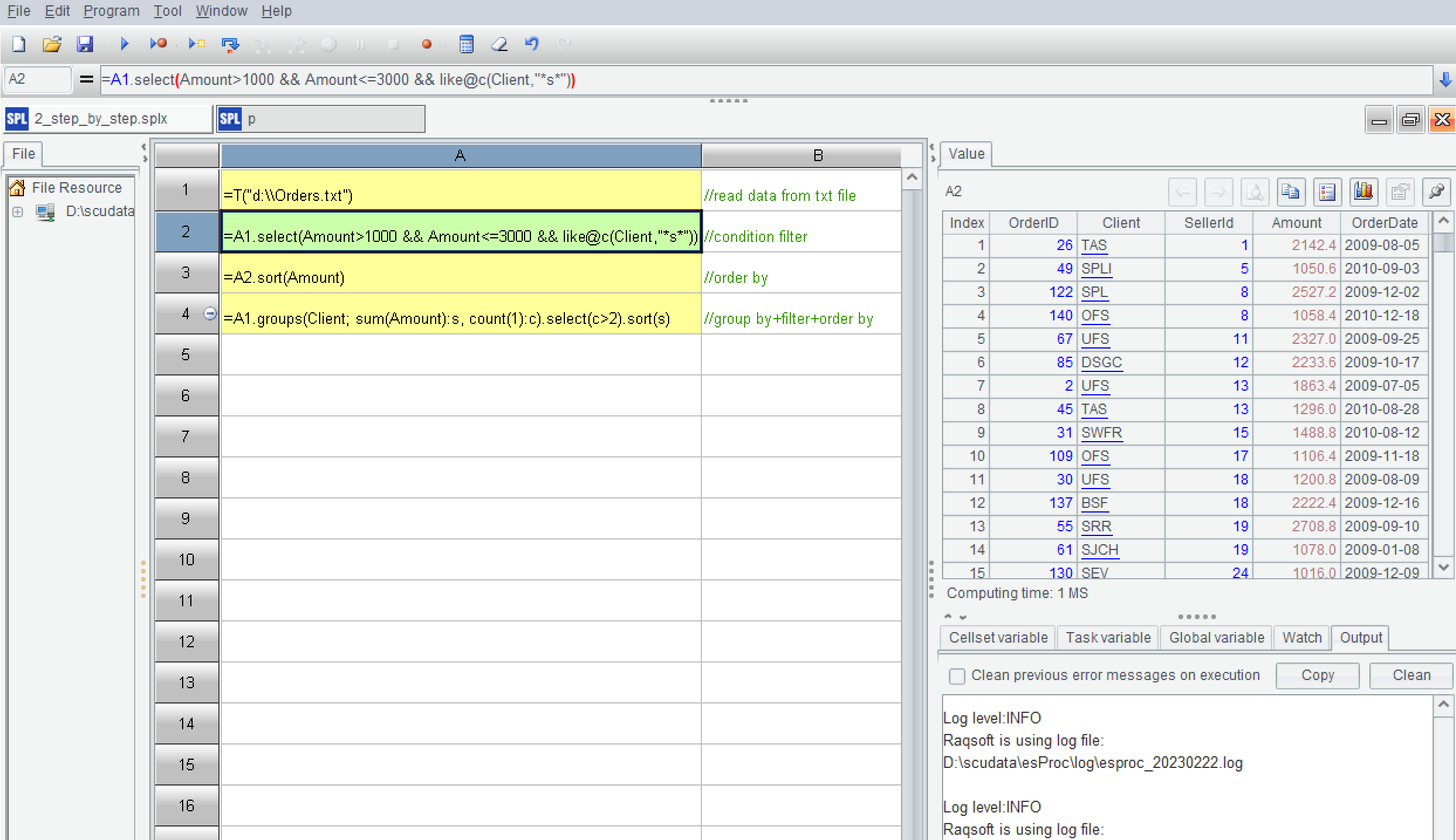  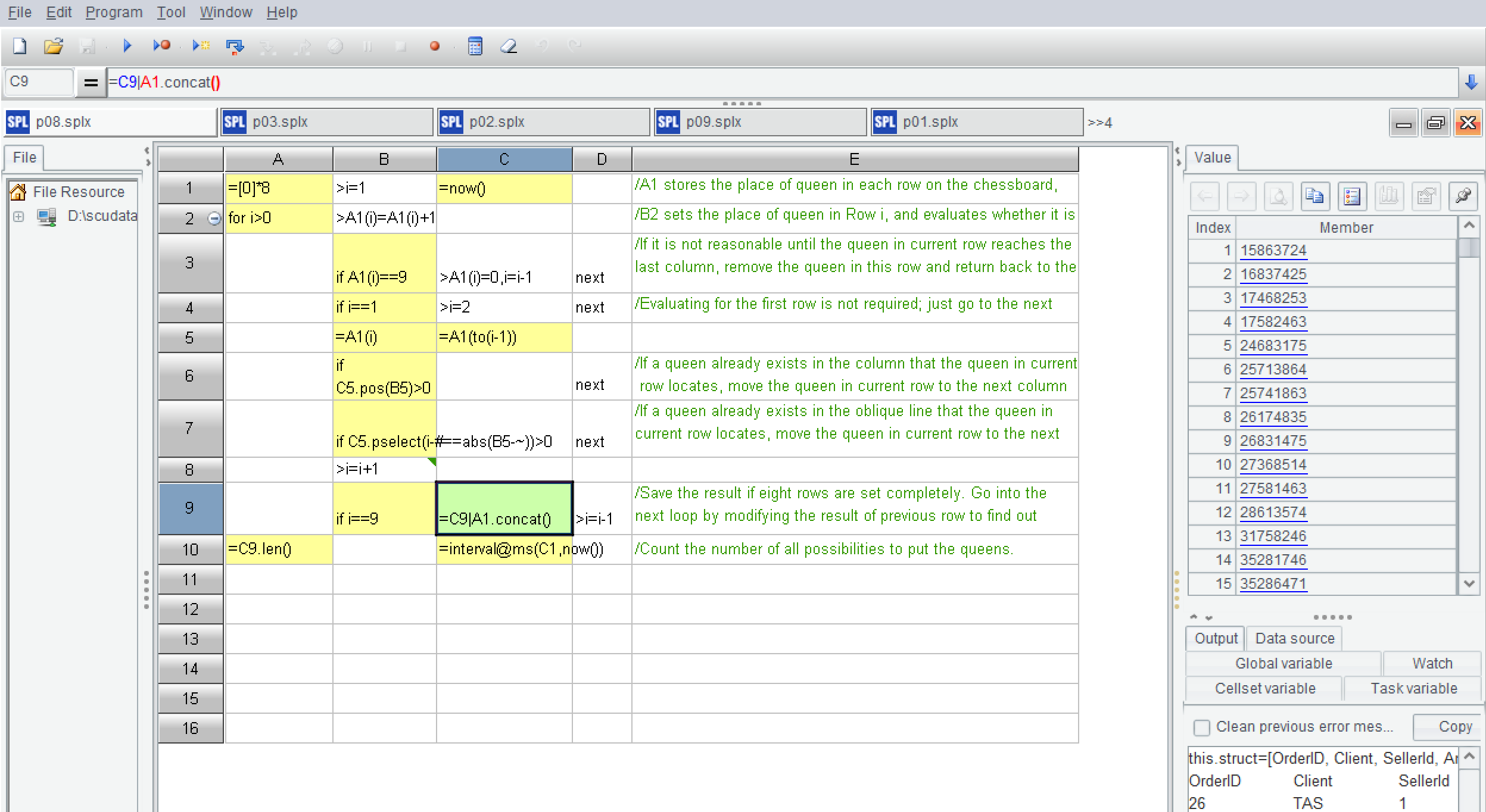 |