EZ Home Inspection Software vs. SiteCapture

Overview
ProductRatingMost Used ByProduct SummaryStarting Price
EZ Home Inspection Software
Score 6.0 out of 10
N/A
EZ Home Inspection Software, from the small company of the same name in Tampa, enables users to create reports, as well as: Do full reports on-site with a phone or tablet. Impress clients with great looking reports. Save time with user-friendly features. Customize reports for virtually any type of inspection.
$299
one-time fee & $99 for annual renewal
SiteCapture
Score 9.0 out of 10
N/A
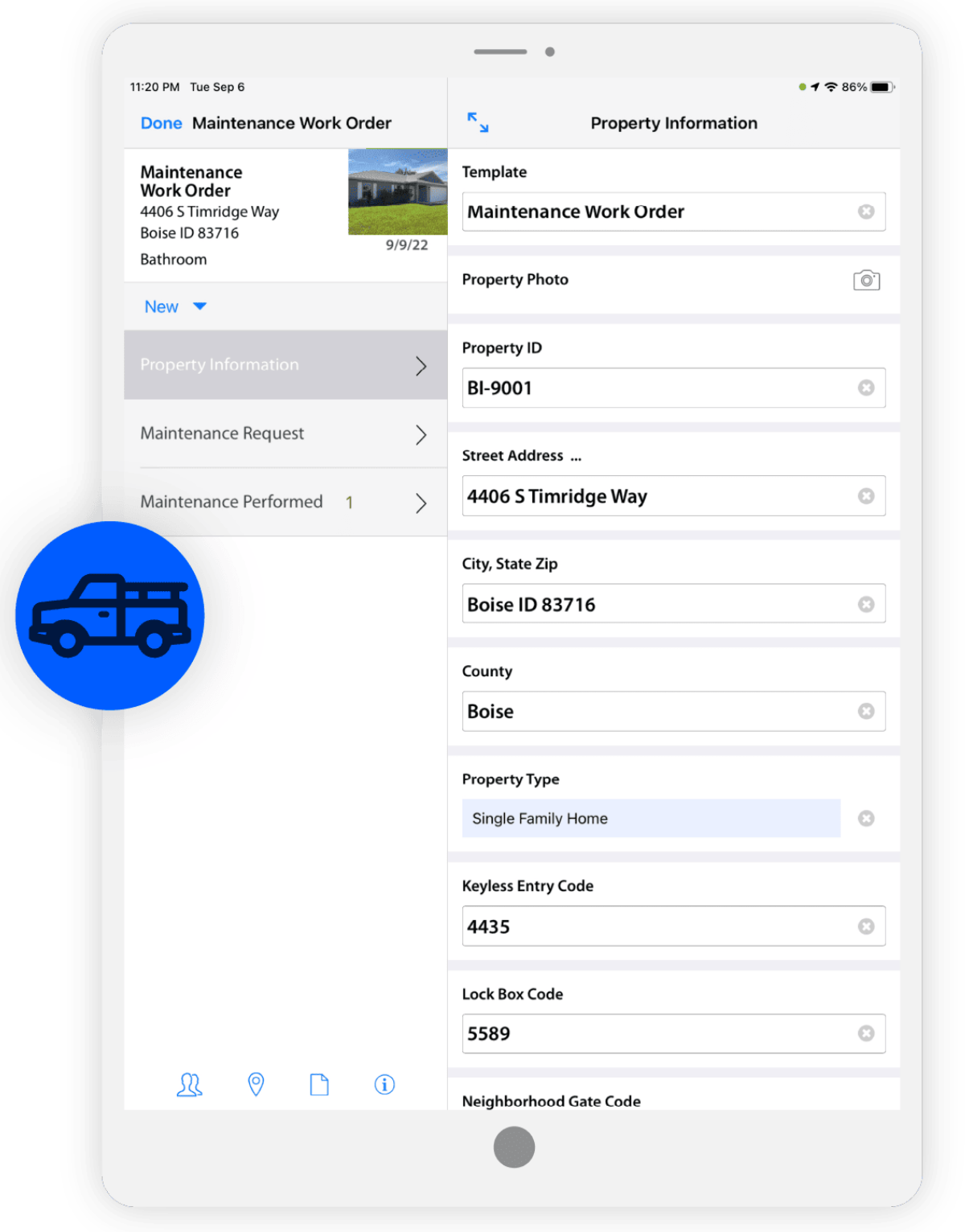
SiteCapture is a mobile and cloud solution that transforms how businesses capture and communicate information from the field. SiteCapture lets companies that rely heavily on remote workers replace inefficient processes with a single, easy-to-use mobile solution that improves workforce productivity, streamlines operations, and improves levels of customer service. SiteCapture can be configured for virtually any field data collection task and integrated into existing back-office systems.
$100
per month
Pricing
EZ Home Inspection SoftwareSiteCapture
Editions & Modules
Desktop
$299
Setup Cost & $99 annual renewal
Desktop + Mobile
$399
Setup cost & $20 per month
Desktop + Mobile + Website
$599
Setup cost & $40 per month
Basic
$100.00
per month
Professional
$300.00
per month
Premium
$700.00
per month
Offerings
Pricing Offerings
EZ Home Inspection SoftwareSiteCapture
Free Trial
YesYes
Free/Freemium Version
NoNo
Premium Consulting/Integration Services
NoYes
Entry-level Setup FeeNo setup feeOptional
Additional Details
More Pricing Information
Community Pulse
EZ Home Inspection SoftwareSiteCapture
Best Alternatives
EZ Home Inspection SoftwareSiteCapture
Small Businesses
Dashpivot - By Sitemate
Score 9.8 out of 10
Dotloop
Dotloop
Score 6.3 out of 10
Medium-sized Companies
Dashpivot - By Sitemate
Score 9.8 out of 10
Condo Control
Condo Control
Score 9.0 out of 10
Enterprises
Dashpivot - By Sitemate
Score 9.8 out of 10
Accruent Lucernex
Accruent Lucernex
Score 7.9 out of 10
All AlternativesView all alternativesView all alternatives
User Ratings
EZ Home Inspection SoftwareSiteCapture
Likelihood to Recommend
6.0
(1 ratings)
10.0
(1 ratings)
User Testimonials
EZ Home Inspection SoftwareSiteCapture
Likelihood to Recommend
EZ Home Inspection Software
EZ Home Inspection Software is best suited for residential applications. I had issues when trying to use the software on multi-family developments because the labels were not clear-cut, and I had a difficult time making my original labels mesh with the existing labels that I could find.
Read full review
SiteCapture
Any scenario where you are managing off-site work tasks, especially if those work tasks involve virtual verification and media.
Read full review
Pros
EZ Home Inspection Software
  • Easy to understand interface.
  • Includes a Summary Page for defective items found.
  • Ability to work while offline.
Read full review
SiteCapture
  • Creating products that are highly configurable for the user.
  • Creating API integrations.
  • Understanding and adapting to mobile user needs.
Read full review
Cons
EZ Home Inspection Software
  • The pictures are not always consistent in size when viewing as a pdf.
  • Template maker is cumbersome.
  • Mobile app is not very responsive.
Read full review
SiteCapture
  • Industry/market specification.
  • Expansion and scale.
  • Look and design.
Read full review
Alternatives Considered
EZ Home Inspection Software
Spectora Home Inspection Software is the product that we use and understand the most. We tried several reporting software products, and Spectora was superior to other products we tested.
Read full review
SiteCapture
No answers on this topic
Return on Investment
EZ Home Inspection Software
  • Saved time when teaching new inspectors to use the software.
  • Customer support was adequate.
  • Developers are open to customer/users suggestions for additional features.
Read full review
SiteCapture
  • Reduced our labor spend due to integration and automation.
  • Reduced subcontracting burdens due to advanced mobile features (i.e., eliminated the need for homework, uploading, and transcription after job completion).
Read full review
ScreenShots

SiteCapture Screenshots

Screenshot of Field communicationScreenshot of Consumer Inspection & SurveysScreenshot of Work Order ManagementScreenshot of Photo & Data ManagementScreenshot of ReportingScreenshot of Estimating