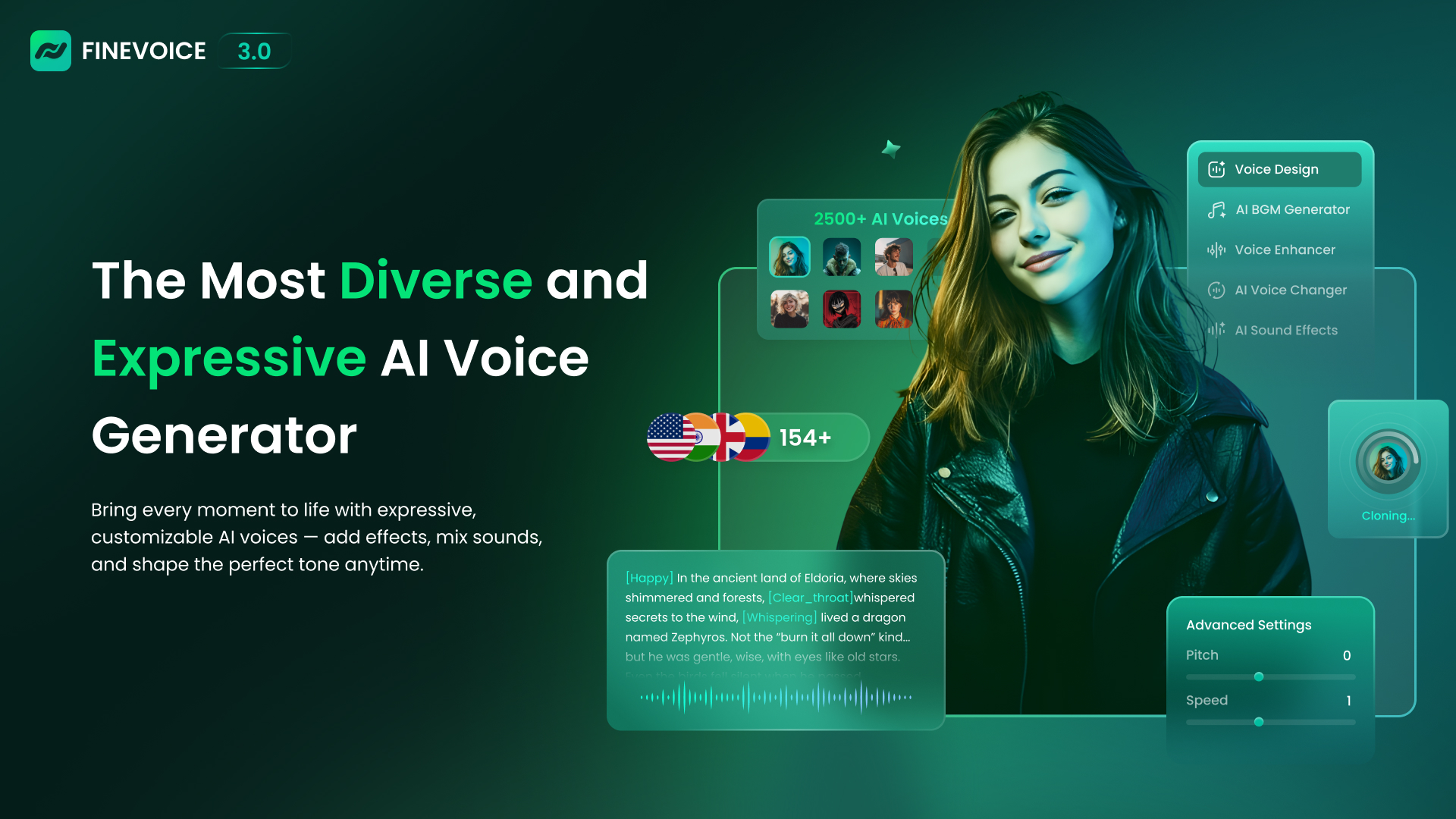
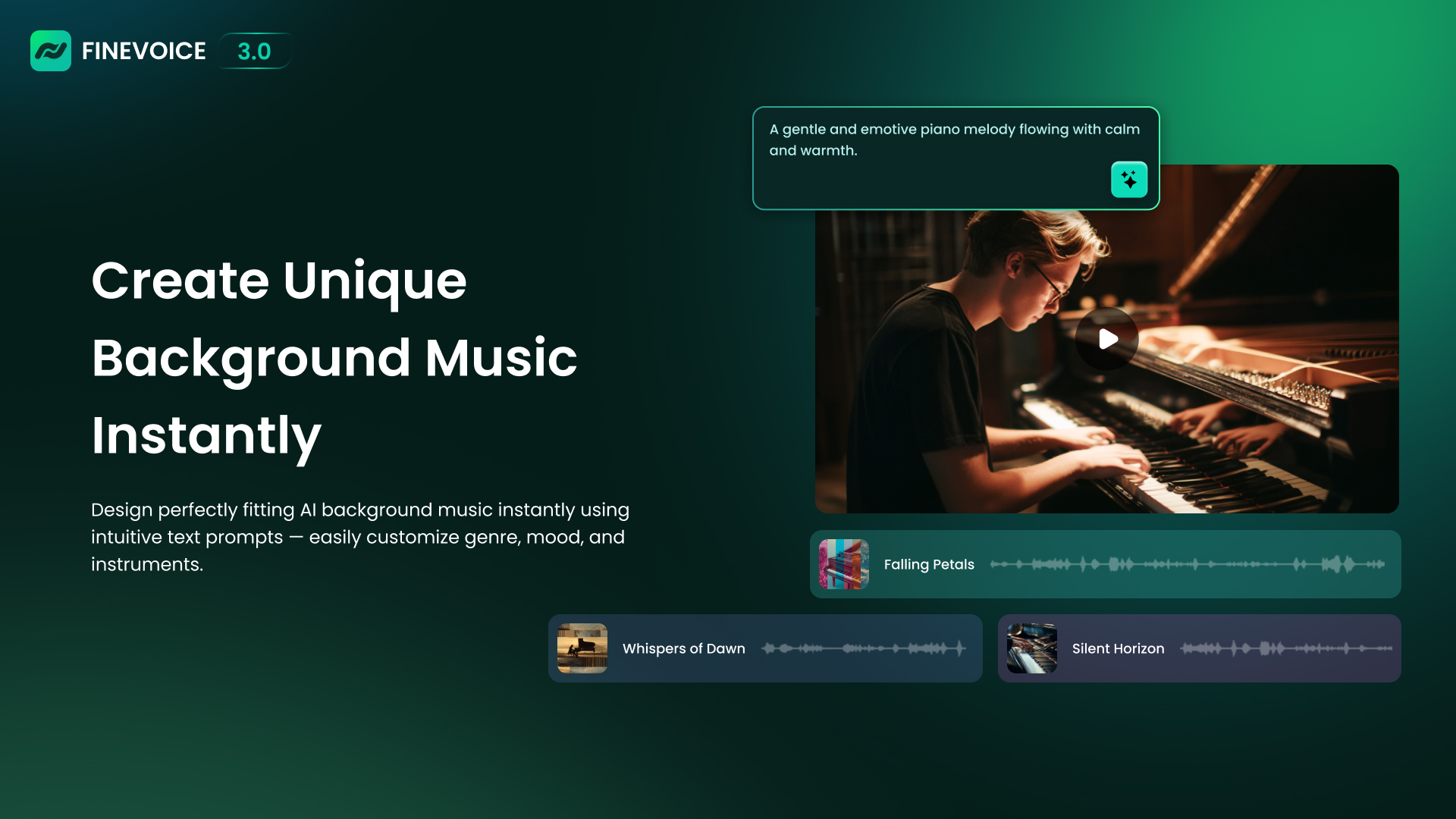
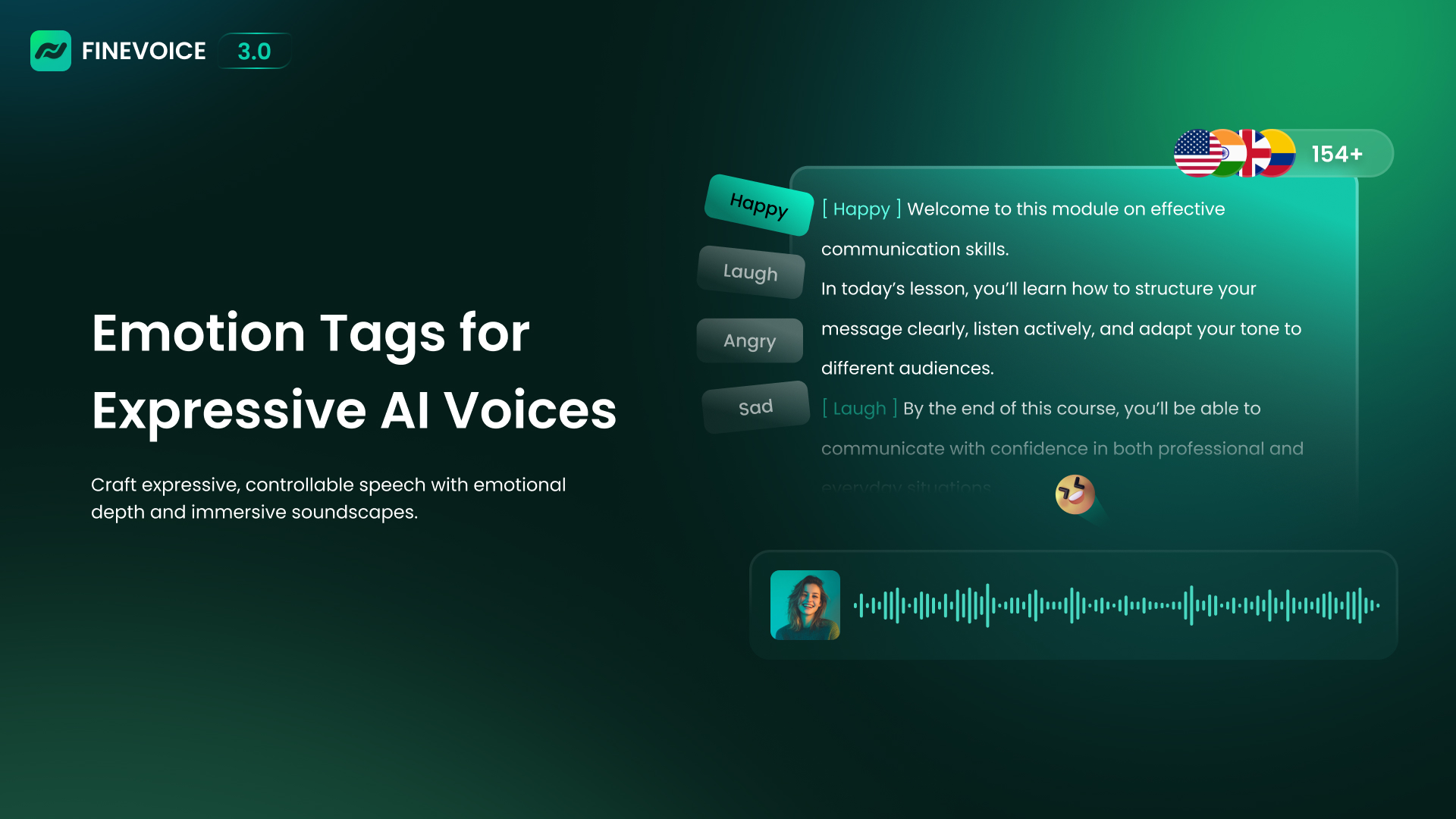
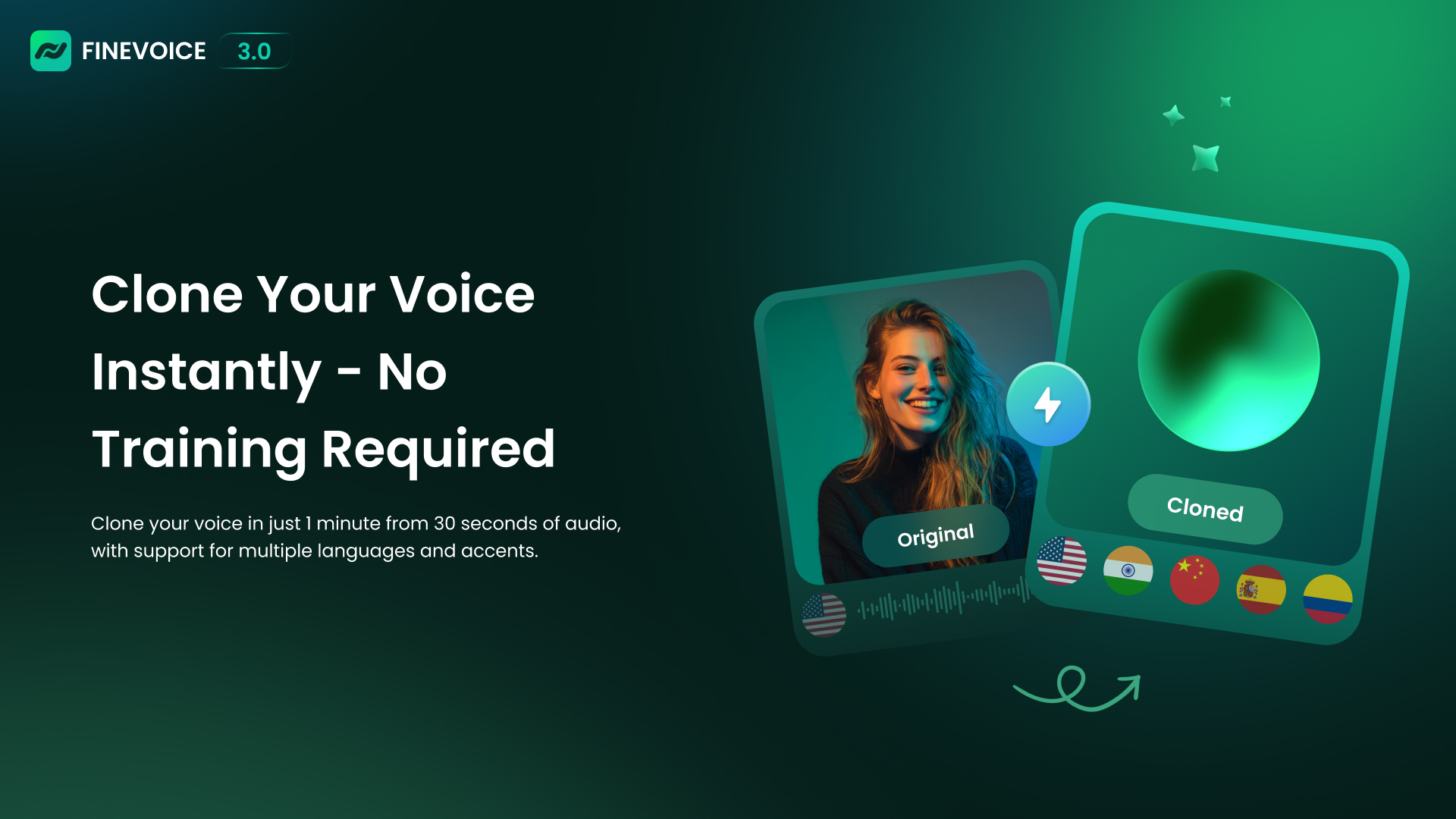
FineVoice is offered as a versatile and expressive AI voice generator designed for creators. With just text prompts, the user can generate royalty-free voices in seconds, supporting 154 languages and (according to the vendor) over 1,500 AI voices. Using just a 30-second audio clip, the application can clone any voice within one minute. FineVoice also offers sound effects, personalized voices, the ability to enhance or change voices and to add background music, with the goal of…
$8.99
per month per user
WaveLab
Score9 out of 10
N/A
Steinberg Media Technologies headquartered in Hamburg offers WaveLab, an audio editing application.
WaveLab is well-suited when you want to apply a lot of VST FX processing to audio, or do a real-time recording and be able to hear how the FX processing sounds as you're recording. It is an excellent tool for recording in the studio. However, it lacks the sophisticated multitrack capabilities you find in a Digital Audio Workstation (DAW), instead of focusing on the features of an audio editor. It is also great for quickly opening, editing, and saving a lot of files because of how fast it is.
A de minimis incentive was given to thank the reviewer for their time. The incentive was not used to bias or drive a particular response, nor was the incentive contingent on a positive endorsement. More Info
Realtime FX Chain - This is the big one for me. I always had both WaveLab and Sound Forge (along with some other audio editing programs, and using Pro Tools at school). Of the two, I preferred Sound Forge for its user interface and hotkeys, but I preferred WaveLab for its realtime FX. The ability to easily chain FX together and tweak them on the fly while the audio is playing is enormous for me.
Speed - Quite simply, saving a huge file in WaveLab is orders of magnitude faster than in Sound Forge. To this day, I don't know why that is, but it's just faster. Opening and saving files is a breeze in WaveLab, while in some other audio editing programs, it can take 30 seconds or a minute for a large file.
A de minimis incentive was given to thank the reviewer for their time. The incentive was not used to bias or drive a particular response, nor was the incentive contingent on a positive endorsement. More Info
User Interface and Hotkeys - I've always struggled with the UI in WaveLab, and even after all these years, I am just much faster in Sound Forge. I used to have a job as an audio editor, where I edited hundreds of hours of interviews. By using the "Mark" feature, I could easily cut out silence, "ums" and "ahs," and other audio artifacts in Sound Forge. I struggled to do the same in WaveLab but was never able to work even a fraction as quickly.
Built-In Audio Processing - I much prefer Sound Forge's built-in audio tools like time-stretching, normalization, compression, and so on. WaveLab has many of the same tools, but I have not found them to be as easy to use, and in some cases, nonexistent (relying instead on a VST plugin).
A de minimis incentive was given to thank the reviewer for their time. The incentive was not used to bias or drive a particular response, nor was the incentive contingent on a positive endorsement. More Info
I have never contacted Steinberg, so I am not sure how responsive they are. Still, I've watched countless tutorials on audio editing and mastering in WaveLab, so I am pleased with the level of support available from the online community of users. It is a much-loved program among audio industry professionals, and there are all sorts of great tutorials, tips, and tricks available online.
A de minimis incentive was given to thank the reviewer for their time. The incentive was not used to bias or drive a particular response, nor was the incentive contingent on a positive endorsement. More Info
I am relatively agnostic about what audio software I use. I still use WaveLab to this day, 21 years later, for applications where I want to apply effects chains and tweak them in real-time. Sound Forge even can't do this for some reason. But when I have a lot of editing to do, I'll typically open Sound Forge instead, because I prefer the workflow of using the "M" hotkey to mark the audio as it's playing, and then quickly skip through markers and edit out audio artifacts. When I'm recording a vocalist, however, if I am not using a Digital Audio Workstation (like Ableton Live), then I do prefer WaveLab. I can apply VST effects in real-time to the audio coming in through the sound card input and playing back in their headphones.
A de minimis incentive was given to thank the reviewer for their time. The incentive was not used to bias or drive a particular response, nor was the incentive contingent on a positive endorsement. More Info
A de minimis incentive was given to thank the reviewer for their time. The incentive was not used to bias or drive a particular response, nor was the incentive contingent on a positive endorsement. More Info