TrustRadius: an HG Insights company

Fishbowl Inventory vs. ITEM WMS

Save this comparison

Save this comparison

Add Product

Recommended Comparisons

    Overview
    ProductRatingMost Used ByProduct SummaryStarting Price

    Fishbowl Inventory

    Score7.9 out of 10
    N/AFishbowl Advanced is the company's on-premises inventory tracking, warehousing, and manufacturing solution with hosted capabilities, offering real-time inventory visibility and control across all locations and order fulfillment for physical warehouses, on-the-go inventory, 3PL, or drop shipping.N/A

    ITEM WMS

    N/A
    Mid-Size Companies (51-1,000 employees)
    ITEM WMS is an intelligent warehouse management system that supports multi-warehouse, multi-client, and multilingual operations. It offers comprehensive warehouse features including inbound/outbound workflows, inventory control, wave picking, task dispatching, replenishment, and cycle counting. With LP-based inventory traceability and slotting engine optimization, it supports efficient, accurate, and scalable warehouse operations.

    $30

    per month per user

    Pricing
    Fishbowl InventoryITEM WMS
    Editions & Modules
    No answers on this topic
    No answers on this topic
    Offerings
    Pricing Offerings
    Fishbowl InventoryITEM WMS
    Free Trial
    NoYes
    Free/Freemium Version
    NoNo
    Premium Consulting/Integration Services
    NoYes
    Entry-level Setup FeeNo setup feeNo setup fee
    Additional Details—All plans include a 14-day free trial.
    More Pricing Information
    User Ratings
    Fishbowl InventoryITEM WMS
    Likelihood to Recommend
    8.1
    (5 ratings)
    -
    (0 ratings)
    Support Rating
    7.0
    (1 ratings)
    -
    (0 ratings)
    User Testimonials
    Fishbowl InventoryITEM WMS
    Likelihood to Recommend
    Fishbowl
    Fishbowl is well suited for warehouse operations because you can control, monitor, report or view the progress of materials all the way from purchasing and receiving to the shipment and tracking of products. It integrates with major carriers and with QuickBooks so it does offer a suite that can support the entire operation. It allows for workflow monitoring, so particular groups or products can be tracked.
    Incentivized
    Read full review
    ITEM
    No answers on this topic
    Pros
    Fishbowl
    • Inventory control - provides easy/accurate reports. Also, cycle counts can be done at any time. The warehouse team was easily trained.
    • Sales Orders - Fishbowl allowed us to have the sales orders accessible to everyone and linked the customers' purchase order to the orders and work orders (within the system). It no longer needs to be manually linked.
    • Custom reports - for a small fee we had reports customized specifically for our company.
    • Link to Quickbooks - invoices generated directly after closure of sales order.
    Incentivized
    Read full review
    ITEM
    No answers on this topic
    Cons
    Fishbowl
    • MRP
    • BOM creation
    • Unified interface
    Incentivized
    Read full review
    ITEM
    No answers on this topic
    Support Rating
    Fishbowl
    Originally the support for Fishbowl was very poor. It was hard to get anyone to help. In the last 12 - 14 months, it has greatly improved and if it continues this way I would certainly rate it higher.
    Incentivized
    Read full review
    ITEM
    No answers on this topic
    Alternatives Considered
    Fishbowl
    Fishbowl is more useful than QuickBooks Manufacturing if you operate complex manufacturing with multiple multi layered BOMS
    Incentivized
    Read full review
    ITEM
    No answers on this topic
    Return on Investment
    Fishbowl
    • Positive: Decreased time spent on copy/pasting in spreadsheets.
    • Positive: Easier to analyze costs and guarantee efficiency.
    • Negative: Time to get it up and running is really difficult to work with.
    Incentivized
    Read full review
    ITEM
    No answers on this topic
    ScreenShots

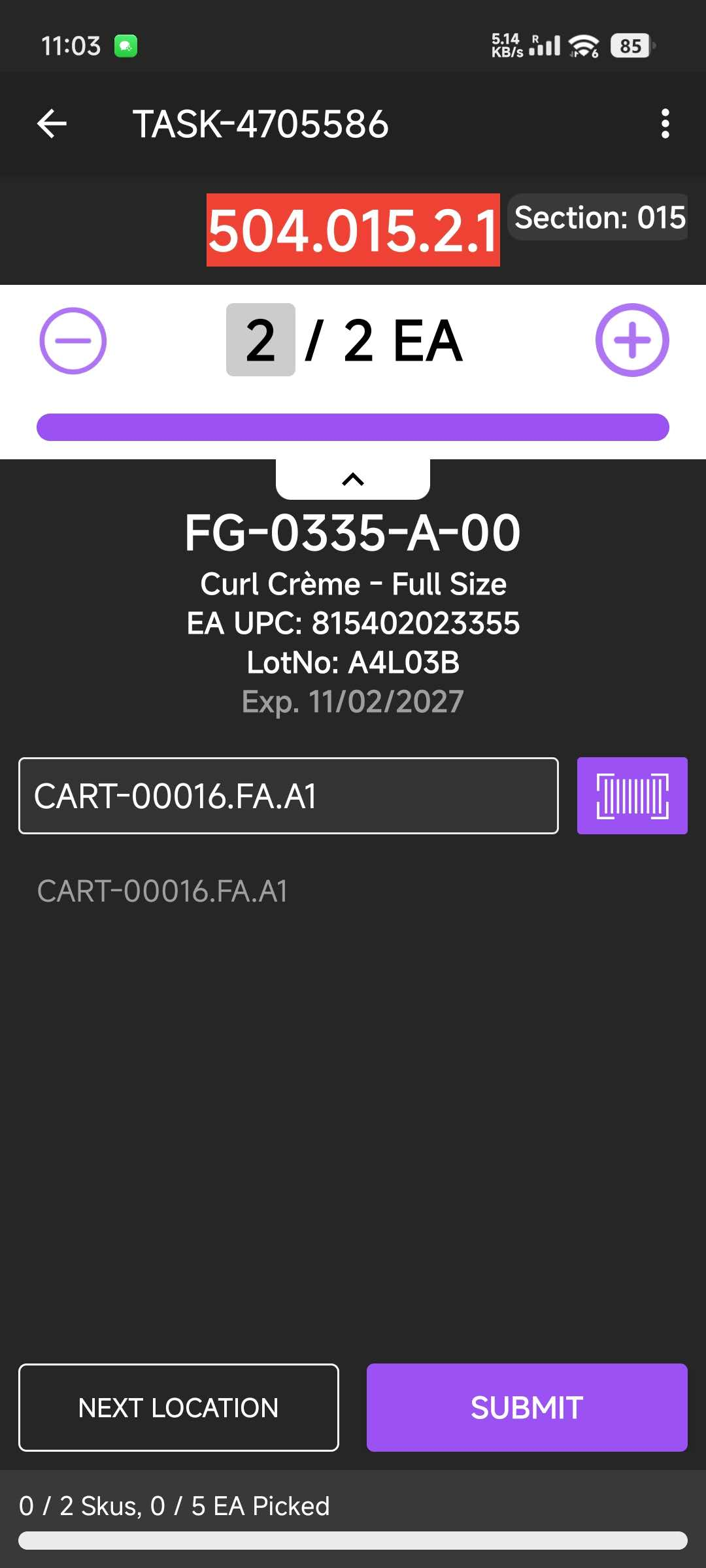
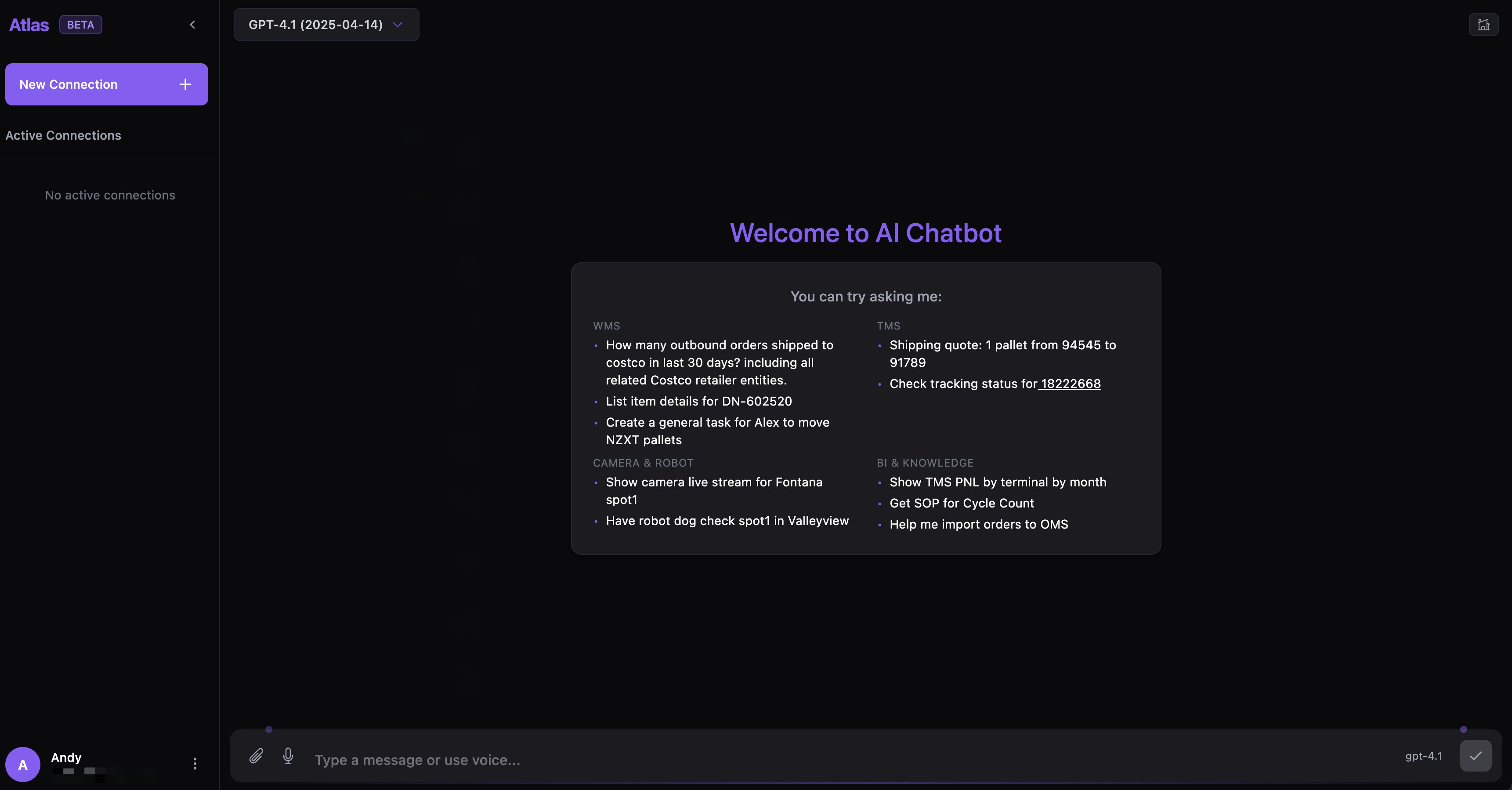
    ITEM WMS Screenshots

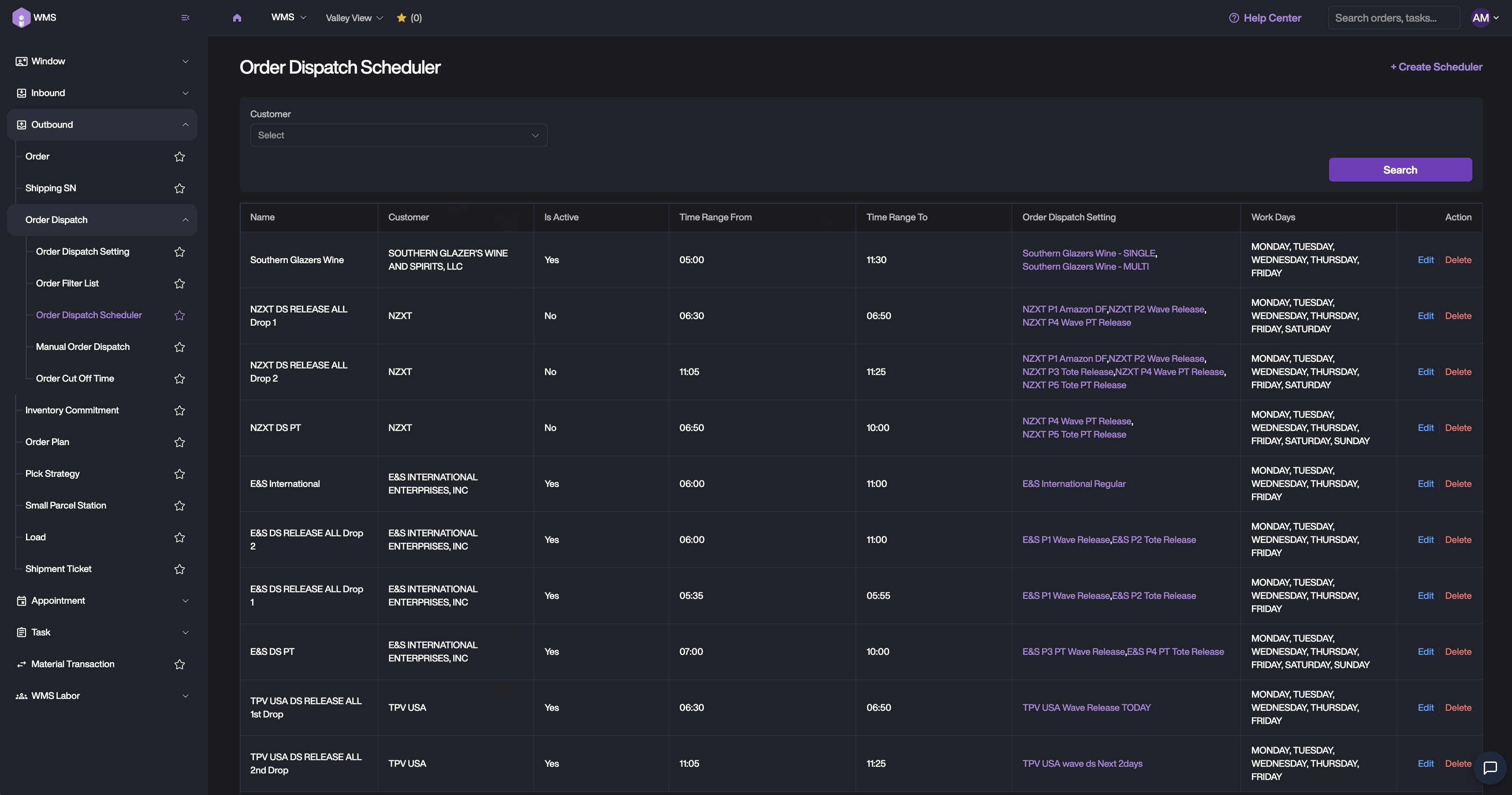
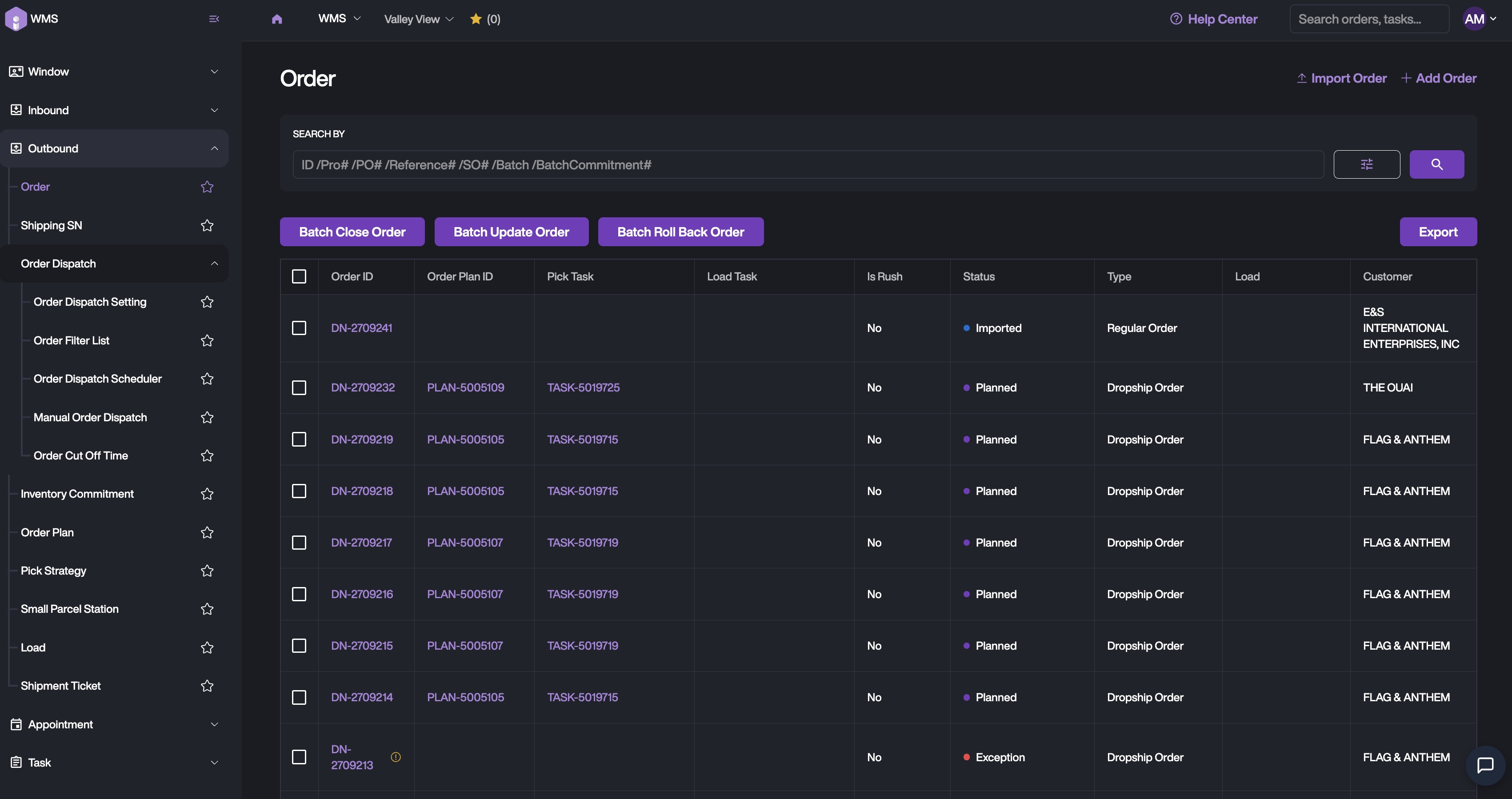
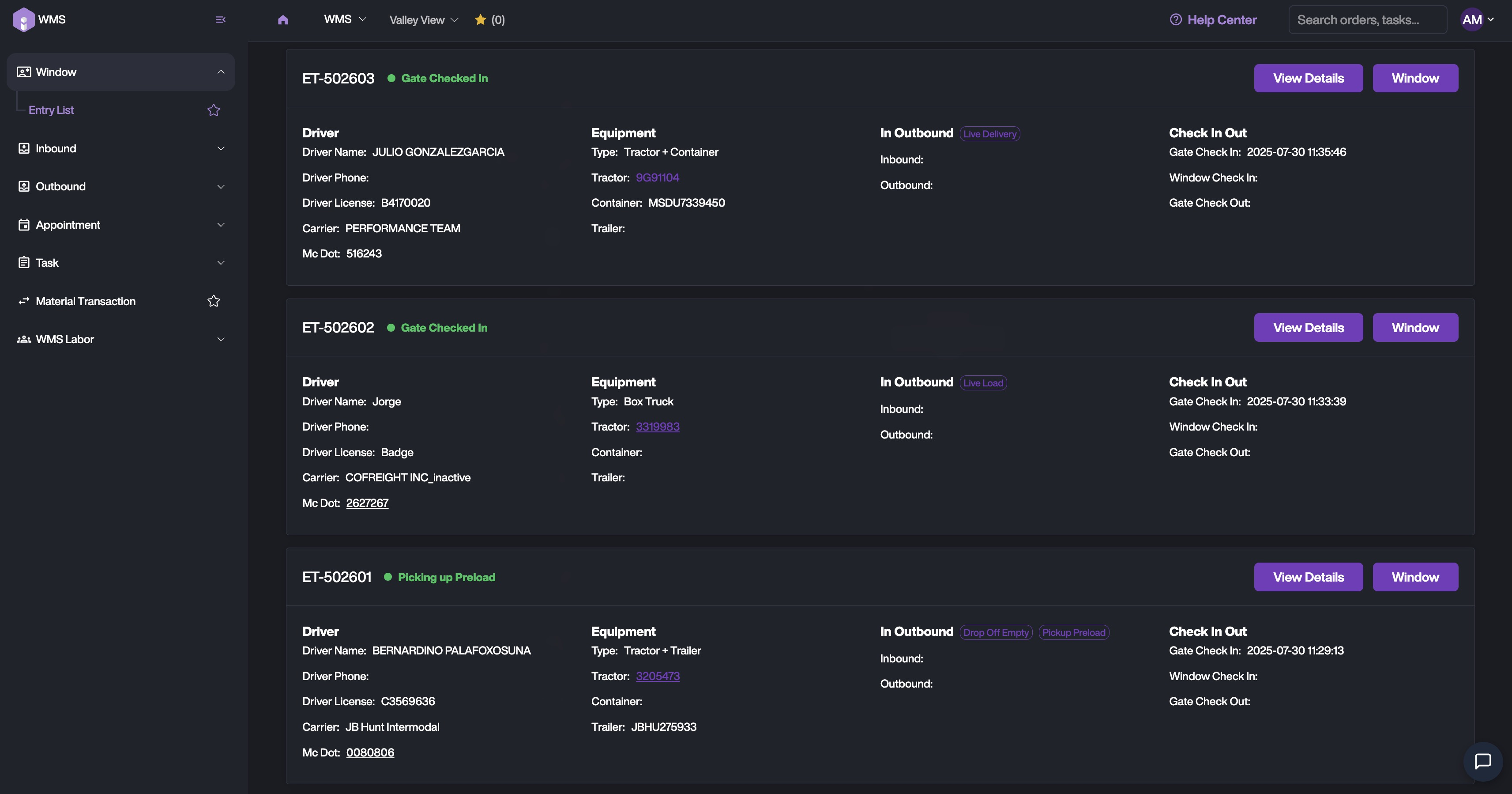
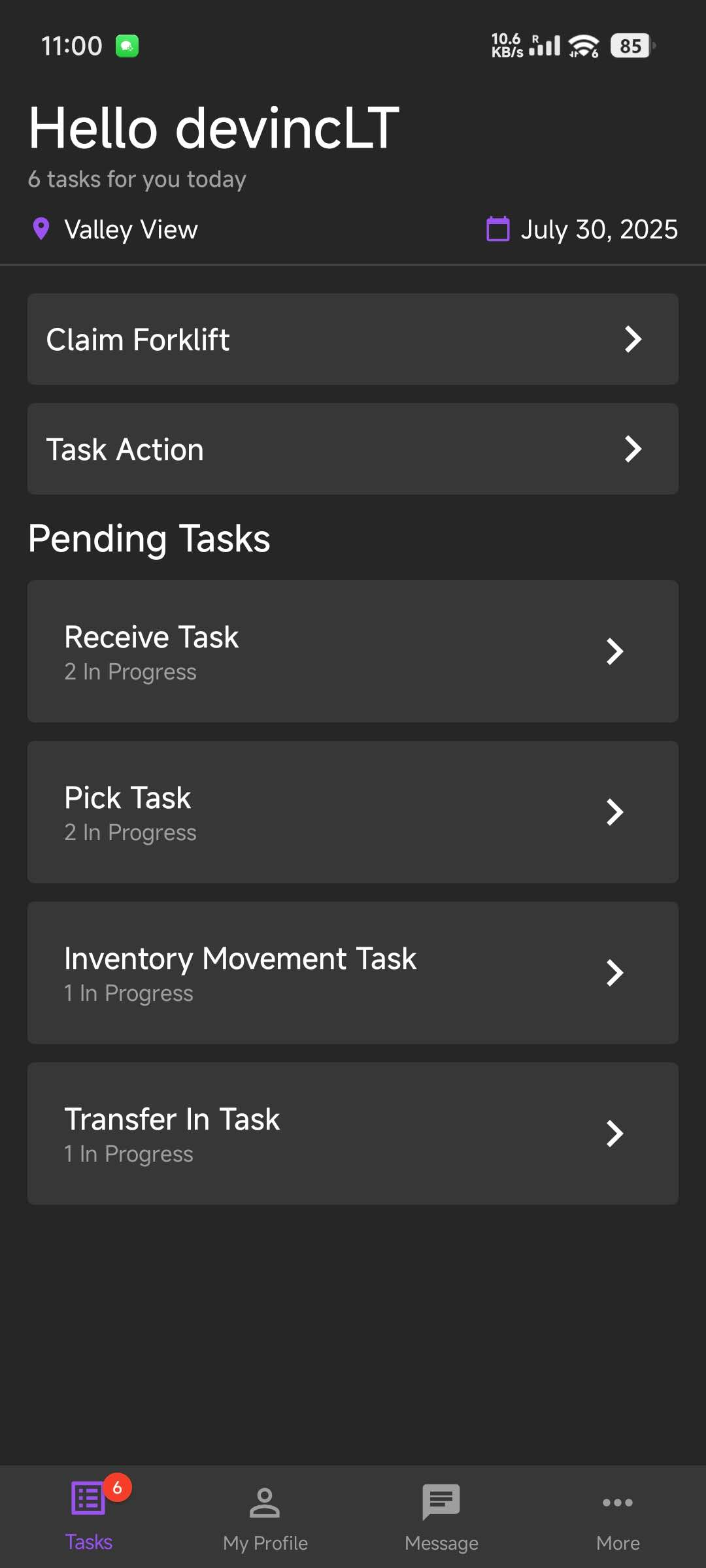
    Screenshot of auto order dispatch for pickingScreenshot of the order execution interfaceScreenshot of the Yard Entry screenScreenshot of the mobile task-based screenScreenshot of Pick-to-LightScreenshot of the smart assistant helping guide warehouse task