
| Product | Rating | Most Used By | Product Summary | Starting Price |
|---|---|---|---|---|
 GForge | Enterprise companies (1,001+ employees) | GForge is a DevOps and project management platform offering tools for tickets, code, documentation, and collaboration. Available as both cloud-hosted SaaS and on-premise installation, GForge supports air-gapped networks and offline deployment - making it a fit for defense contractors, aerospace companies, and other organizations with strict security or compliance requirements. Core Capabilities Project Management: Customizable trackers… | $6 per month per user |
| GForge | |||||||||||
|---|---|---|---|---|---|---|---|---|---|---|---|
| Editions & Modules |
| ||||||||||
| Offerings |
| ||||||||||
| Entry-level Setup Fee | $2,000 one-time fee per installation | ||||||||||
| Additional Details | All features are included at every pricing level - there are no add-on modules or tiered feature gates. The first 5 users are free on both SaaS and on-premise deployments. Enterprise licensing is available for organizations that need to deploy multiple on-premise instances without separate procurement for each installation. Contact GForge Group for enterprise pricing. | ||||||||||
| More Pricing Information | |||||||||||
| GForge | |
|---|---|
| Small Businesses |  Polarion ALM Score 10.0 out of 10 |
| Medium-sized Companies | Polarion ALM Score 10.0 out of 10 |
| Enterprises | Polarion ALM Score 10.0 out of 10 |
| All Alternatives | View all alternatives |
| GForge | |
|---|---|
| ScreenShots | GForge Screenshots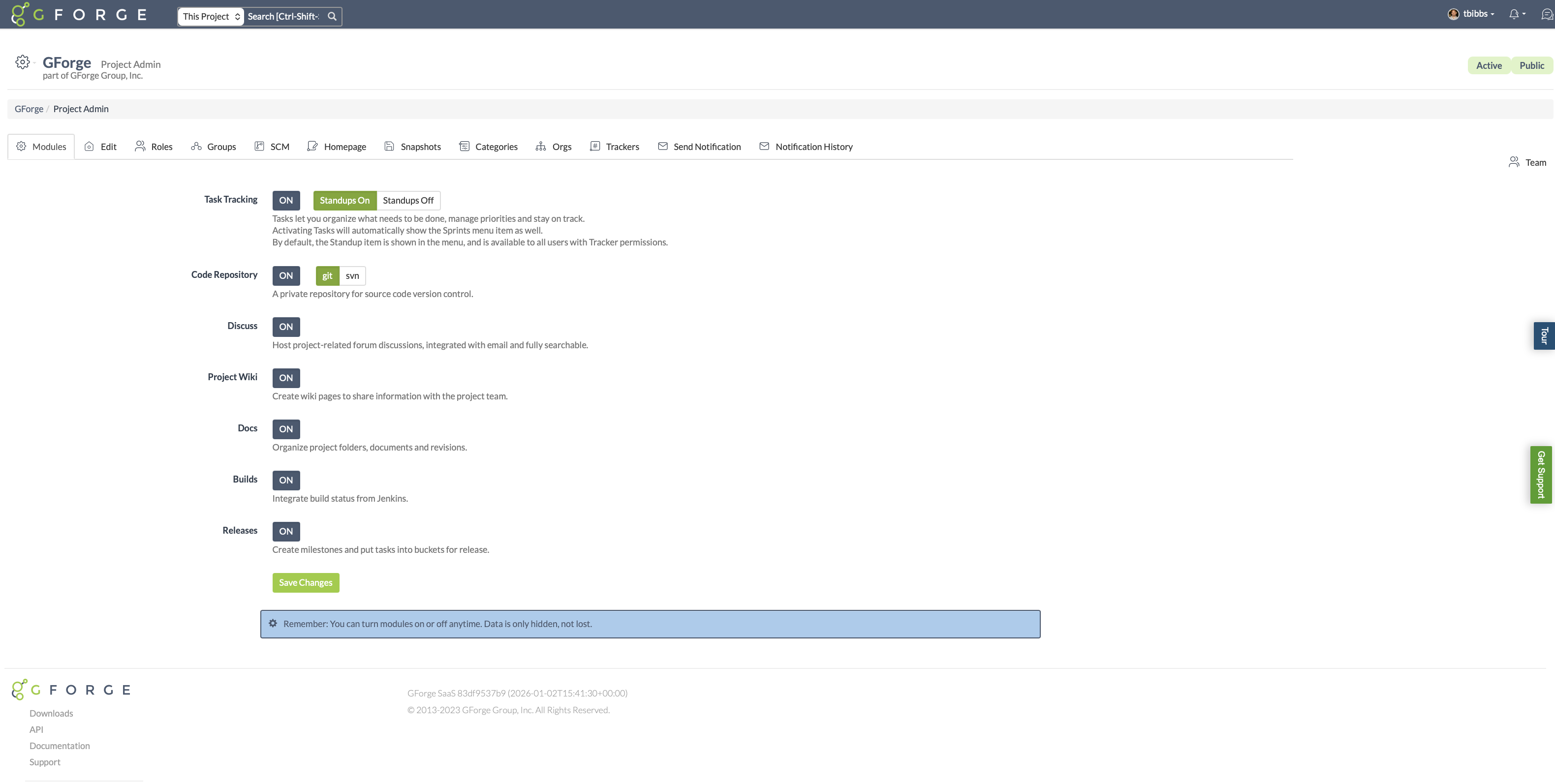 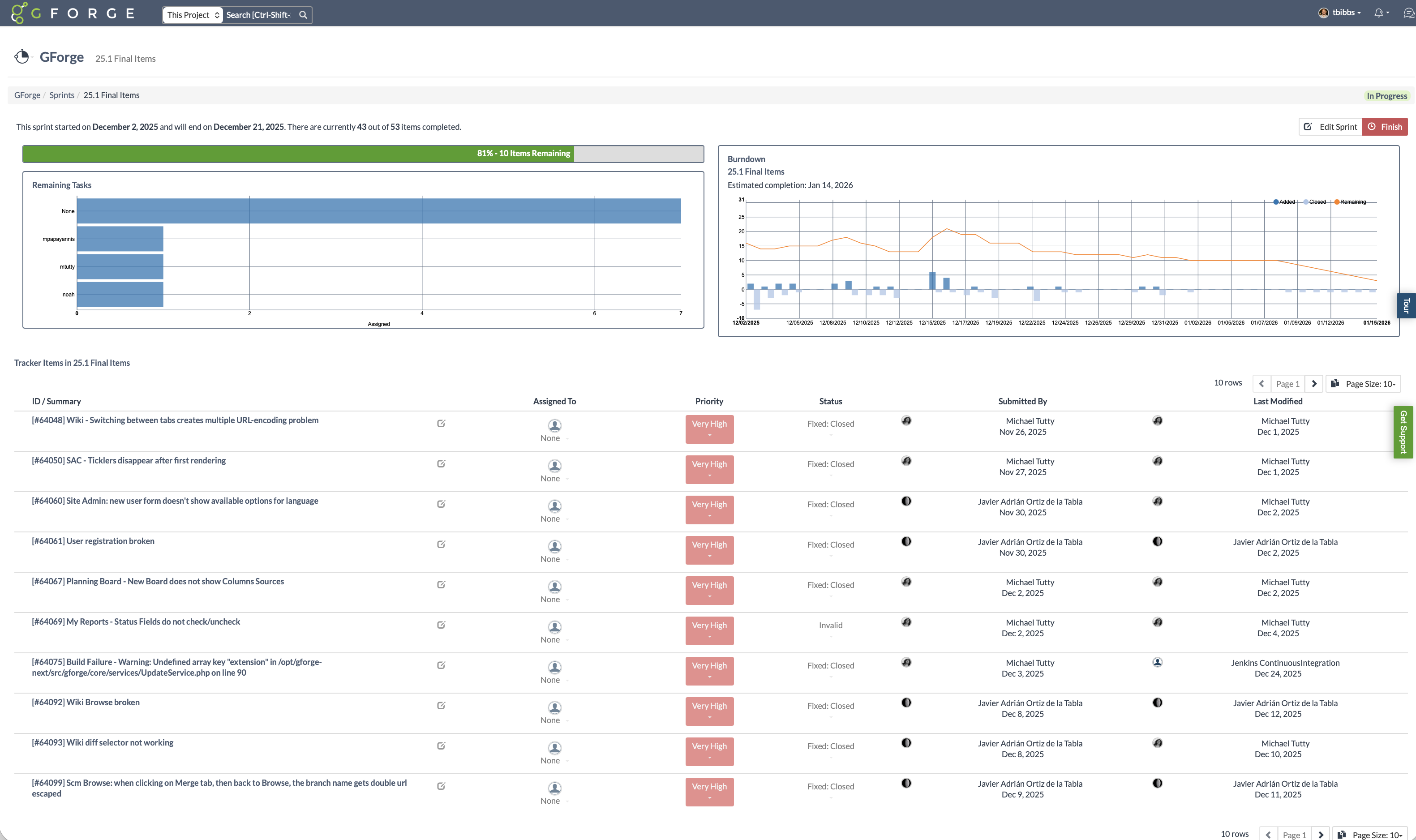 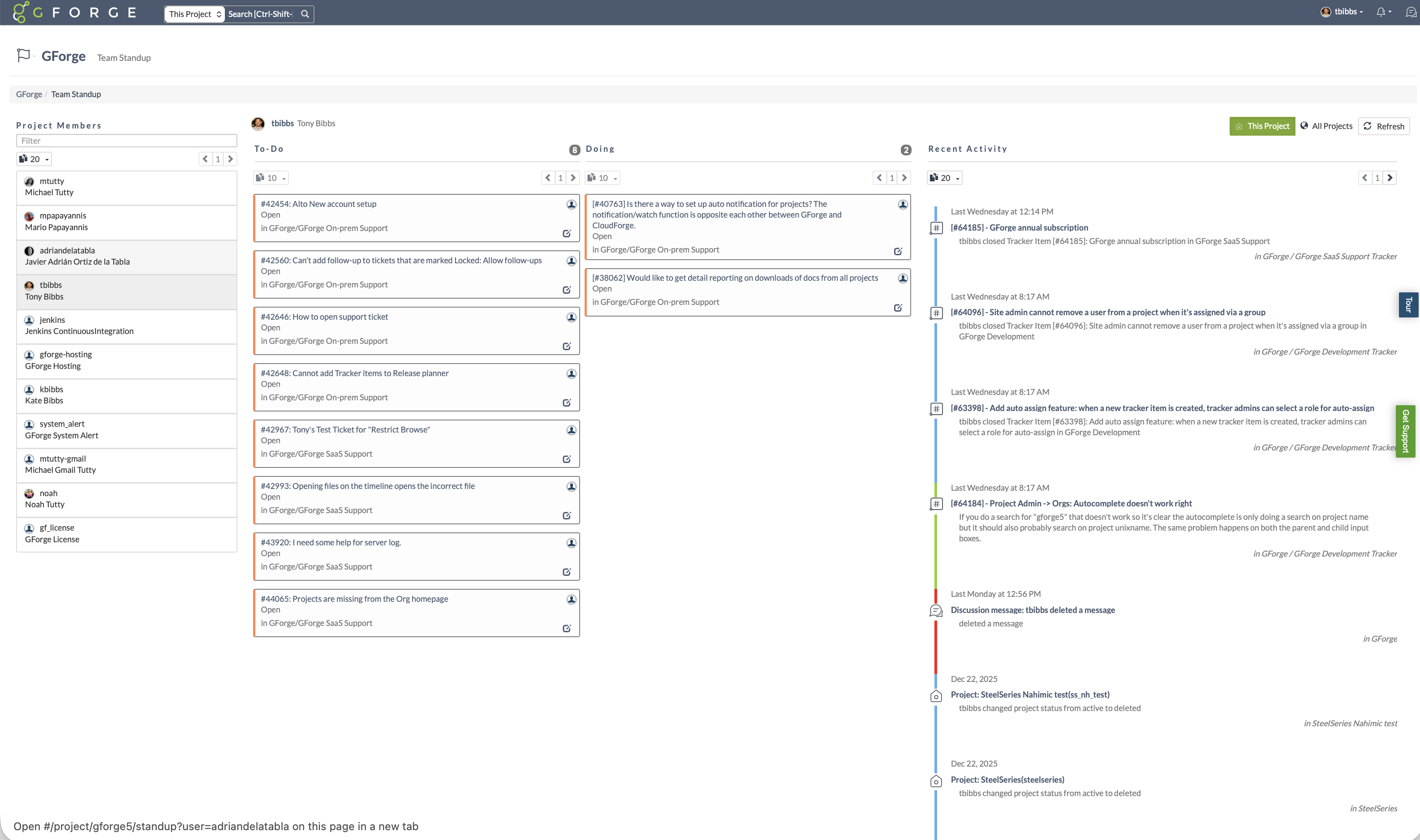 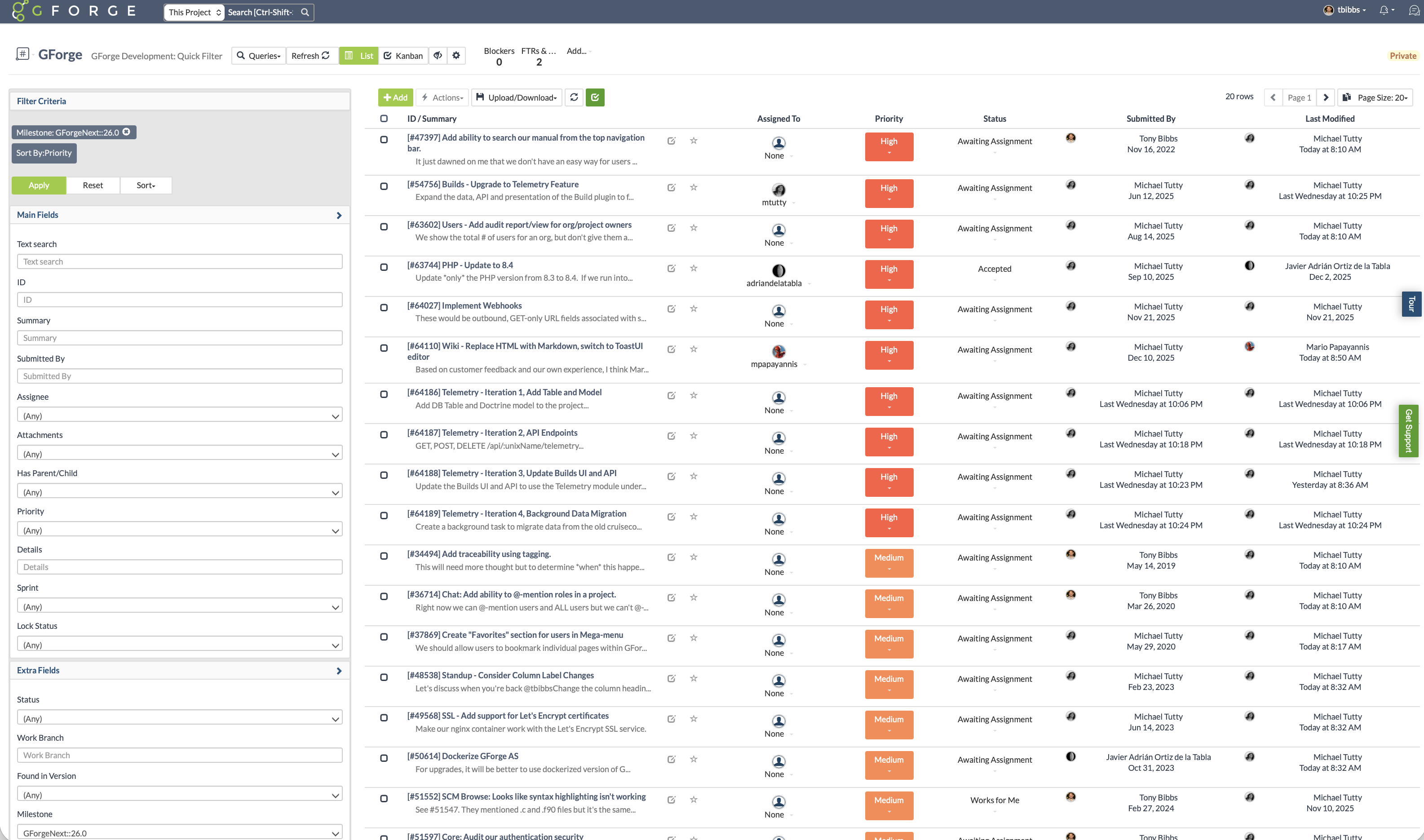 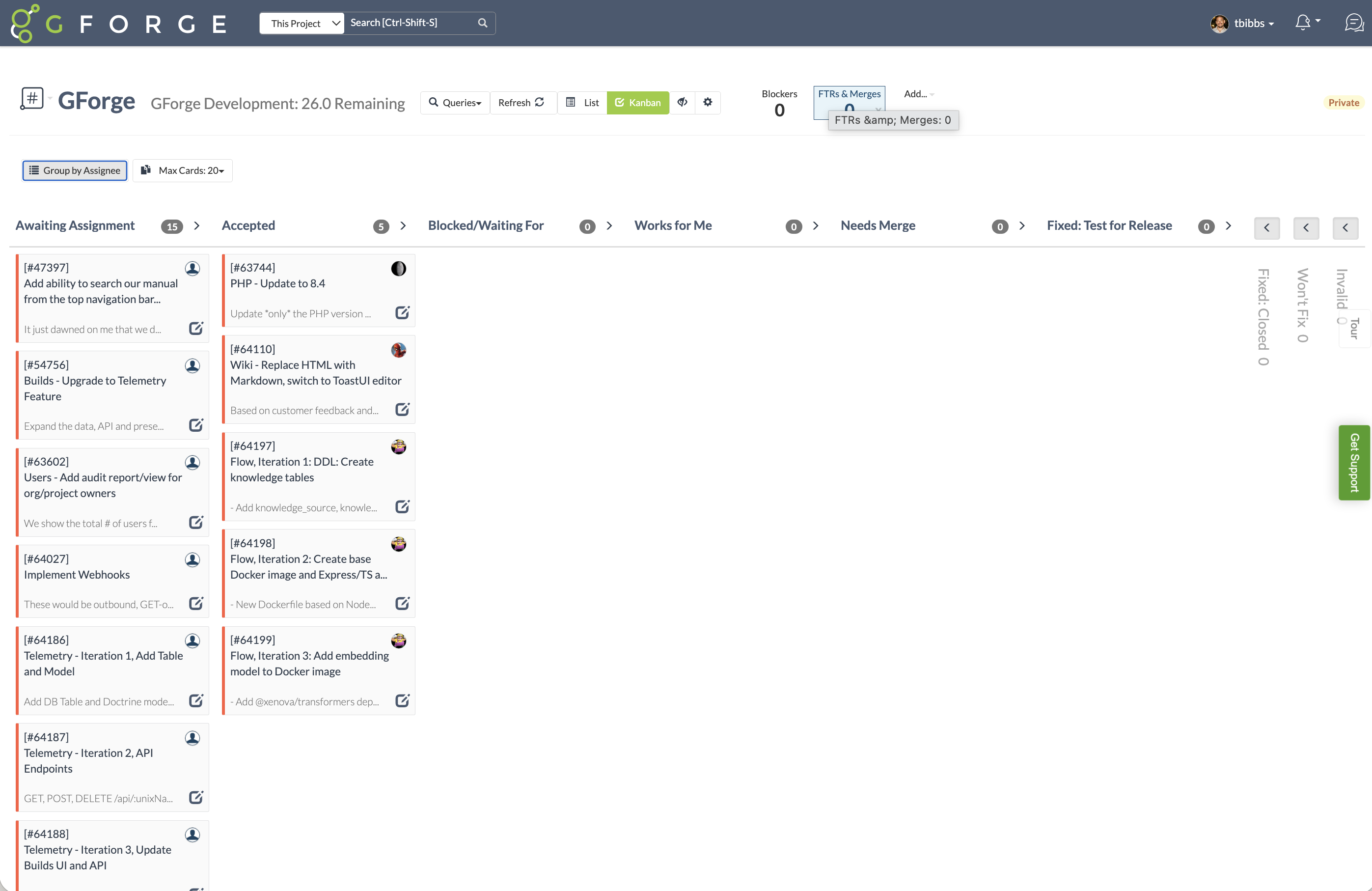 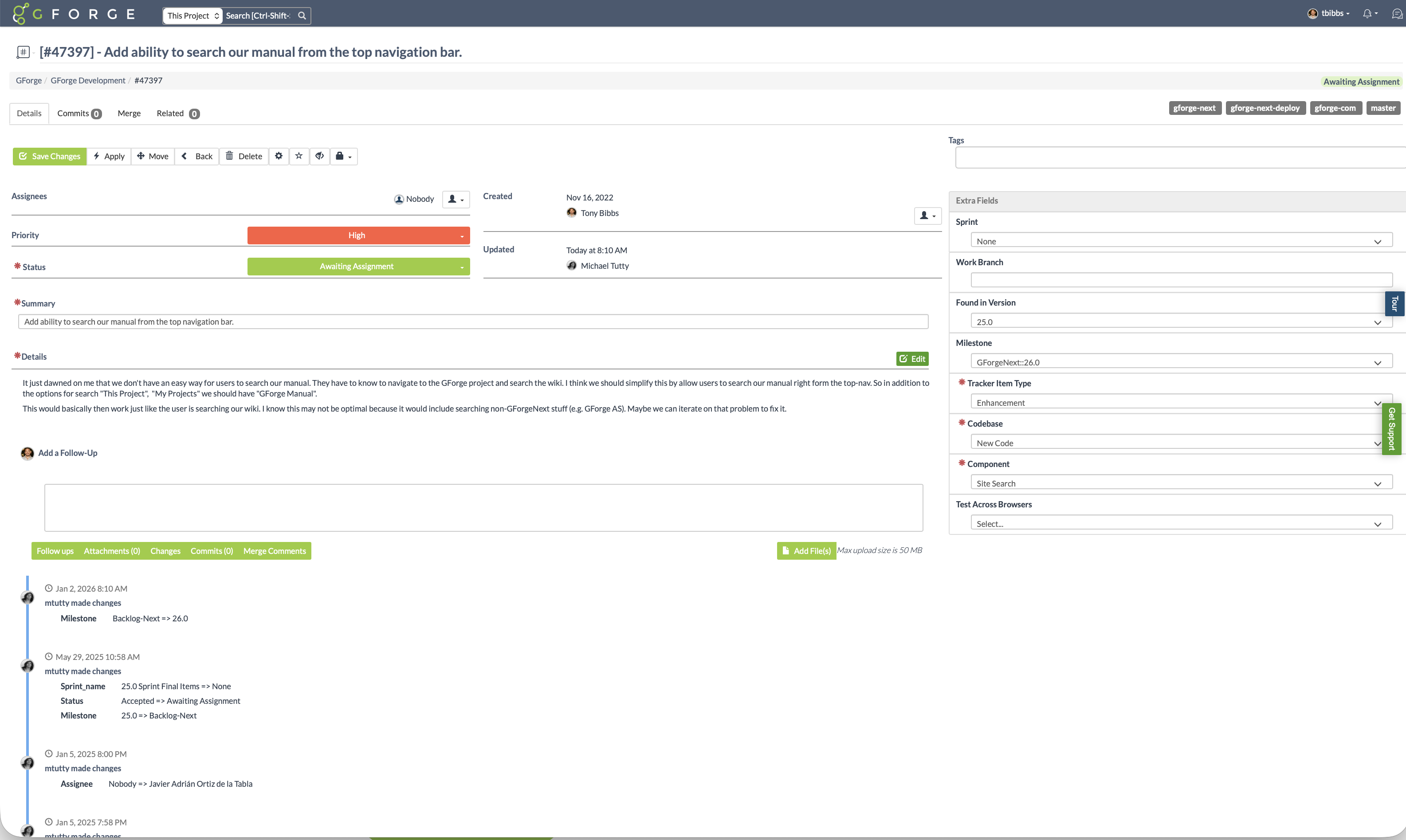 |