Ghostprompter vs. Visme

Overview
ProductRatingMost Used ByProduct SummaryStarting Price
Ghostprompter
Score 0.0 out of 10
N/A
GhostPrompter is a specialized desktop utility engineered for professionals, remote presenters, and content creators who need real-time script assistance during video calls, webinars, and live recordings. By integrating advanced customization features directly into the workspace, the software eliminates the traditional friction of public speaking and remote presentation delivery. Key Features and Differentiators Transparent Overlay: Provides a custom-configured,…
$49
one-time fee per installation
Visme
Score 6.8 out of 10
N/A
Visme is an online platform with a mission to allow anyone to visualize their ideas into engaging presentations, infographics, animations, and product demonstrations.
$0
Pricing
GhostprompterVisme
Editions & Modules
GhostPrompter Pro
$49
one-time fee per installation
Basic
$0
Starter - Yearly
$12.25
per month billed yearly
Pro - Yearly
$24.75
per month billed yearly
Starter
$29
per month
Pro
$59
per month
Pro - Team of 3 - Yearly
$72
per month billed yearly
Pro - Team of 5 - Yearly
$120
per month billed yearly
Pro - Team of 5
$159
per month
Pro - Team of 3
$199
per month
Pro - Team of 6+
Let's Talk
Enterprise
Custom Pricing
Pro - Team of 6+ - Yearly
Let's Talk
per month billed yearly
Offerings
Pricing Offerings
GhostprompterVisme
Free Trial
YesNo
Free/Freemium Version
NoYes
Premium Consulting/Integration Services
NoNo
Entry-level Setup FeeNo setup feeNo setup fee
Additional DetailsGhostPrompter utilizes a straightforward, accessible pricing model designed for individual creators, remote professionals, and small teams. Transparent subscription tiers ensure users only pay for the features they need to streamline their virtual presentations and video call workflows without hidden enterprise setup costs or complex licensing fees.
More Pricing Information
Community Pulse
GhostprompterVisme
Considered Both Products
Ghostprompter

No answer on this topic

Visme
Chose Visme
We use both tools - Canva is great but not as effective for creating presentations as Visme is.
Chose Visme
When compared to Visme, Prezi has only one feature: presentation creation. However, Visme has many more features, including creating social media content and various marketing videos for our company. This is the reason we choose Visme over Prezi.
Chose Visme
PowerPoint has fewer templates when compared to Visme, PowerPoint has limited editor options, and both offer transitions and animations. Visme has the ability to share files and folders privately, while PowerPoint can only share files privately. Visme helps format the …
Chose Visme
Visme is one of the finest applications in terms of producing more engaging and effective designs, slides or infographics for the business very easily. Illustrator is much more complex and requires a lot of practice for becoming an expert. Whereas, Visme doesn't require …
Chose Visme
Visme in my opinion is a little sub par compared to the other visualization and infographic tools I have used previously. it is a good toll and gets the job done however the training I recieved in tableau was much more helpful and helped me make a better decision and use of …
Chose Visme
In my opinion - PowerPoint slides get boring and even their new auto-designs get outdated after a while.
Best Alternatives
GhostprompterVisme
Small Businesses
Canva
Canva
Score 9.1 out of 10
Canva
Canva
Score 9.1 out of 10
Medium-sized Companies
Mentimeter
Mentimeter
Score 8.4 out of 10
Mentimeter
Mentimeter
Score 8.4 out of 10
Enterprises
Mentimeter
Mentimeter
Score 8.4 out of 10
Mentimeter
Mentimeter
Score 8.4 out of 10
All AlternativesView all alternativesView all alternatives
User Ratings
GhostprompterVisme
Likelihood to Recommend
-
(0 ratings)
8.0
(0 ratings)
User Testimonials
GhostprompterVisme
Likelihood to Recommend
No answers on this topic
Visme is great for our team of 8 marketing professionals to create and share graphics, presentations and other marketing collateral. I could see that it would also be effective for a larger, enterprise marketing department. It is a bit pricey when your team grows, and at times our newer team members have struggled to learn the tool.
Read full review
Pros
No answers on this topic
  • You can prepare eye appealing presentations.
  • Best for data visualization.
  • One can easily create professional animated info graphics for dynamic data.
  • Audio and video addition feature.
Read full review
Cons
No answers on this topic
  • Downloaded vs printed quality might not always match here
  • Other than this I have found this application as the best in designing of slides or communication material
Read full review
Alternatives Considered
No answers on this topic
Visme is one of the finest applications in terms of producing more engaging and effective designs, slides or infographics for the business very easily. Illustrator is much more complex and requires a lot of practice for becoming an expert. Whereas, Visme doesn't require technical expertise for this type of job. Visme always allows the company to create standard process policies in visual as it helps the employees to adhere to.
Read full review
Return on Investment
No answers on this topic
  • It is saving us time because using Visme, we are now able to create our social media posts within a few hours
  • It is saving on our costs, as we don't need to hire experienced designers at a high payout
  • We have found a high level of customer engagement on our posts after using Visme
Read full review
ScreenShots

Ghostprompter Screenshots

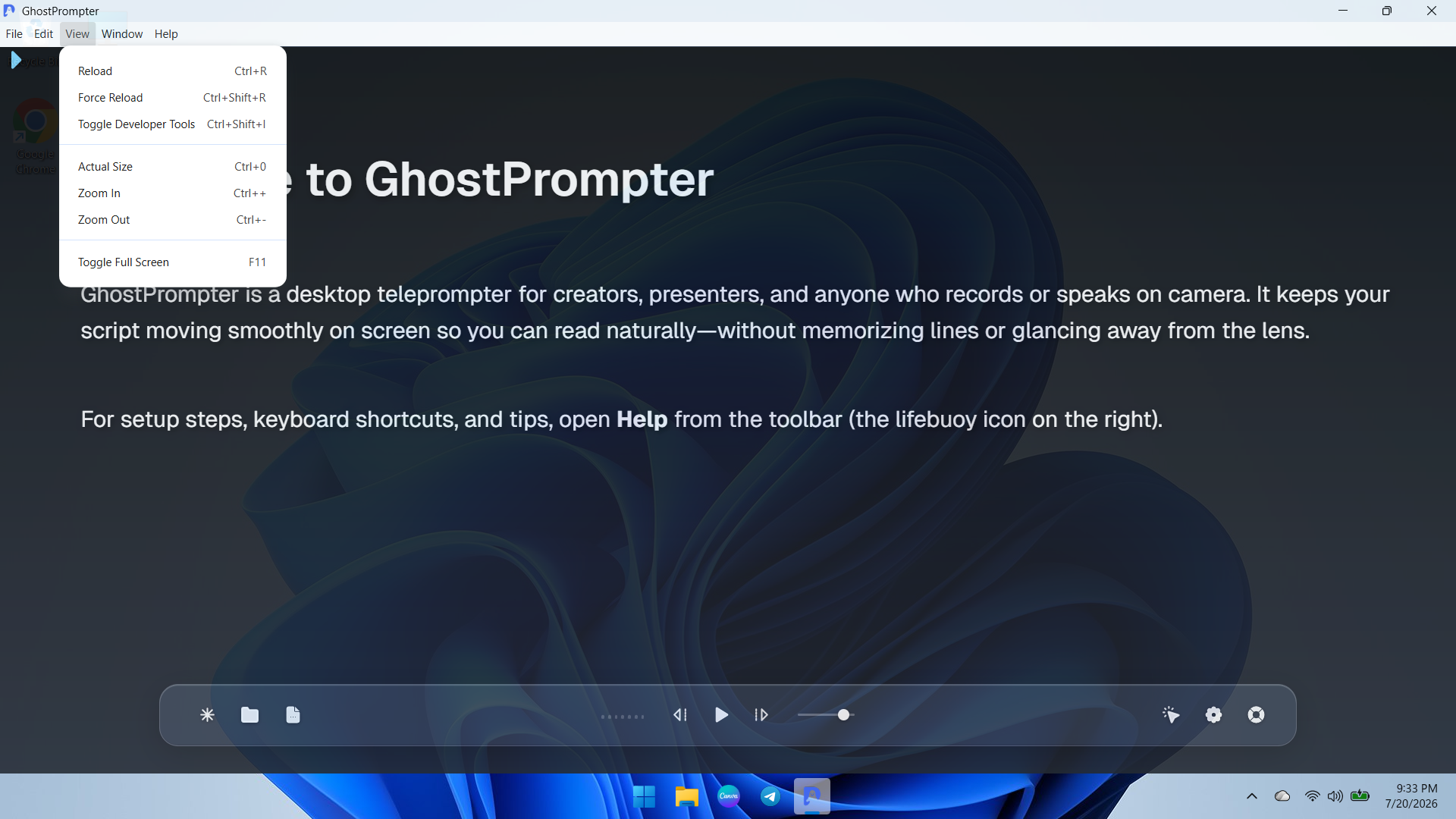
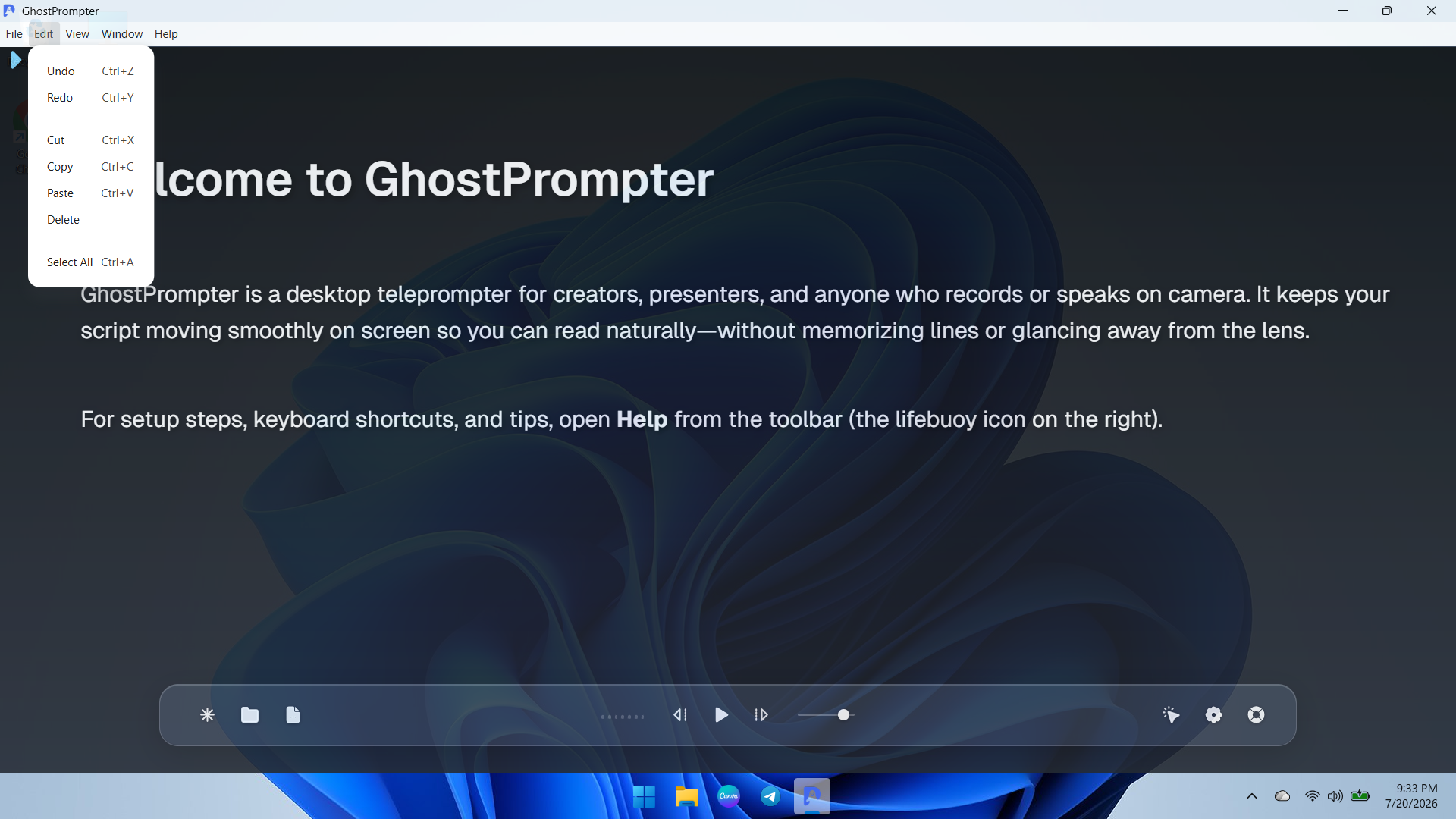
Screenshot of an overview of the GhostPrompter desktop application showing the clean main dashboard, welcome guide, and floating control toolbar with playback options and settings icons.Screenshot of a demonstration of GhostPrompter's adjustable transparent overlay mode seamlessly blending the teleprompter text over the desktop background wallpaper for natural eye-contact presentations.Screenshot of a dropdown view of the application menu showing quick navigation and developer or reload utility options for managing the workspace.Screenshot of ext editing and clipboard management controls menu (Undo, Redo, Cut, Copy, Paste) for fast script updates directly inside the app.Screenshot of the Display Settings panel featuring font size adjustments, reading speed configuration, text color customization, and the essential Ghost Mode (Capture Protection) toggle.Screenshot of the General and General-Audio configuration tab displaying microphone input devices, global hotkeys, mouse controls, and Voice-Activated Scrolling setup.