
Gologin vs. Vivaldi Browser
| Product | Rating | Most Used By | Product Summary | Starting Price |
|---|---|---|---|---|
 Gologin | Score8.8 out of 10 | N/A | Gologin is a Browser platform for creating and managing isolated browser profiles. Each profile can use a separate browser fingerprint—the collection of browser and device attributes websites use to identify a session—so teams can separate authorized account-management, testing, and research workflows. Key Capabilities Isolated browser profiles with configurable fingerprint settings Cloud Browser access for launching and managing… | $0 |
 Vivaldi | Score8.2 out of 10 | N/A | Vivaldi is a web browser that is free to use, but that includes a customizable interface, tab tiling and web panels as organizational elements, email management features, and an integrated calendar, to make it a task and work organization solution. It is developed by Vivaldi Technologies headquartered in Oslo, Norway. | $0 |
| Gologin | Vivaldi | |||||||||||||||
|---|---|---|---|---|---|---|---|---|---|---|---|---|---|---|---|---|
| Editions & Modules |
| No answers on this topic | ||||||||||||||
| Offerings |
| |||||||||||||||
| Entry-level Setup Fee | No setup fee | No setup fee | ||||||||||||||
| Additional Details | — | — | ||||||||||||||
| More Pricing Information | ||||||||||||||||
| Gologin | Vivaldi | |
|---|---|---|
| Considered Both Products | No answer on this topic | No answer on this topic |
| Key User Insights | ||
| Would buy again | ||
100% Would buy again 8 Answers | No answers on this topic | |
| Delivers good value for the price | ||
100% Delivers good value for the price 6 Answers | No answers on this topic | |
| Happy with the feature set | ||
100% Happy with the feature set 8 Answers | No answers on this topic | |
| Lived up to sales and marketing promises | ||
100% Lived up to sales and marketing promises 6 Answers | No answers on this topic | |
| Implementation went as expected | ||
100% Implementation went as expected 8 Answers | No answers on this topic | |
| Gologin | Vivaldi | |
|---|---|---|
| Likelihood to Recommend | 8.8 | 6.0 |
| Usability | 8.5 | 9.0 |
| Gologin | Vivaldi | |
|---|---|---|
| Likelihood to Recommend |
|
|
| Pros |
|
|
| Cons |
|
|
| Usability |
|
|
| Alternatives Considered |
|
|
| Return on Investment |
|
|
| ScreenShots | Gologin Screenshots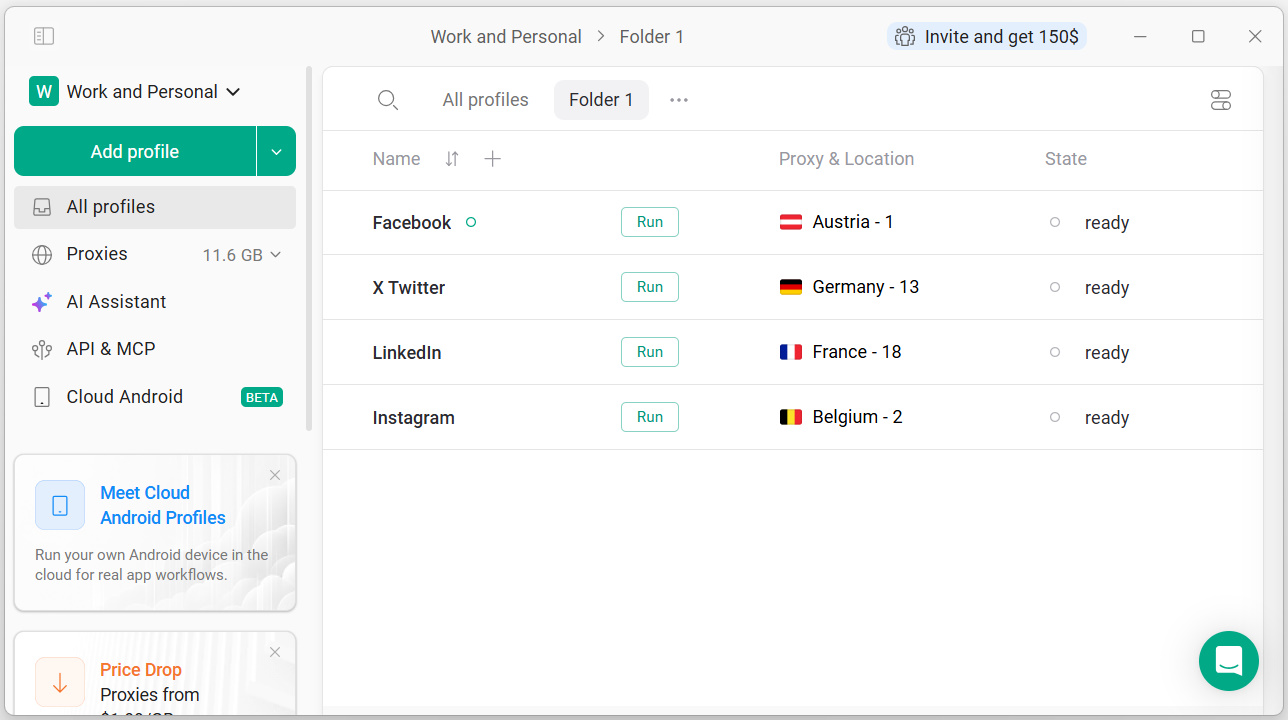 |

