
InstaCourse vs. Mighty
| Product | Rating | Most Used By | Product Summary | Starting Price |
|---|---|---|---|---|
 InstaCourse | N/A | N/A | InstaCourse is a SCORM course generator built for hospitality operators, learning and development teams, and small-to-medium businesses that need to produce compliant training content without a dedicated instructional design function. What it does: InstaCourse ingests source materials the user already has, standard operating procedures, policies, training decks, PDFs, and generates a structured, SCORM-compliant eLearning… | $39 per month (60 credits / month) |
 Mighty | Score10 out of 10 | N/A | Mighty is a Chrome extension designed to enhance content creation within Articulate Rise 360, a popular e-learning platform. By integrating with it, Mighty unlocks advanced authoring features that allow users to create more engaging and dynamic courses. It simplifies content authoring by offering improved formatting, additional interactive elements, and streamlined workflows, making it easier to build rich, interactive… | $47 per month per user |
| InstaCourse | Mighty | |||||||||||||||
|---|---|---|---|---|---|---|---|---|---|---|---|---|---|---|---|---|
| Editions & Modules |
| No answers on this topic | ||||||||||||||
| Offerings |
| |||||||||||||||
| Entry-level Setup Fee | No setup fee | No setup fee | ||||||||||||||
| Additional Details | Credit model: InstaCourse plans are priced by monthly credit allowance rather than per-seat. Credits are consumed when generating and refining courses; a single credit supports one course generation action. This means light users on lower-tier plans do not pay for capacity they don't use, and larger teams on higher tiers get proportionally more course output for their spend. Credit allowances per plan: - Free: 20 credits per month - Starter: 60 credits per month - Pro: 300 credits per month - Team: 700 credits per month Note: Free-tier credits reset monthly and do not roll over. Paid plans include roll-over policies as detailed in the account settings. Pay-as-you-go top-ups: Additional credits can be purchased on any plan (including the free tier) at $0.72 per credit, sold in packs of 25 for $18. This is designed for teams with variable or seasonal training needs that do not fit a fixed monthly subscription, or for one-off projects. Annual billing: Annual billing options are available on paid plans and offer a discount versus monthly billing. Contact sales for annual pricing. | 40% discount available for annual pricing. | ||||||||||||||
| More Pricing Information | ||||||||||||||||
| InstaCourse | Mighty | |
|---|---|---|
| Small Businesses |  iSpring Suite Score7.7 out of 10 | iSpring Suite Score7.7 out of 10 |
| Medium-sized Companies |  Articulate 360 Score9.2 out of 10 | Articulate 360 Score9.2 out of 10 |
| Enterprises | Articulate 360 Score9.2 out of 10 | Articulate 360 Score9.2 out of 10 |
| All Alternatives | View all alternatives | View all alternatives |
| InstaCourse | Mighty | |
|---|---|---|
| Likelihood to Recommend | - | 10.0 |
| Usability | - | 10.0 |
| InstaCourse | Mighty | |
|---|---|---|
| Likelihood to Recommend | No answers on this topic |
|
| Usability | No answers on this topic |
|
| ScreenShots | InstaCourse Screenshots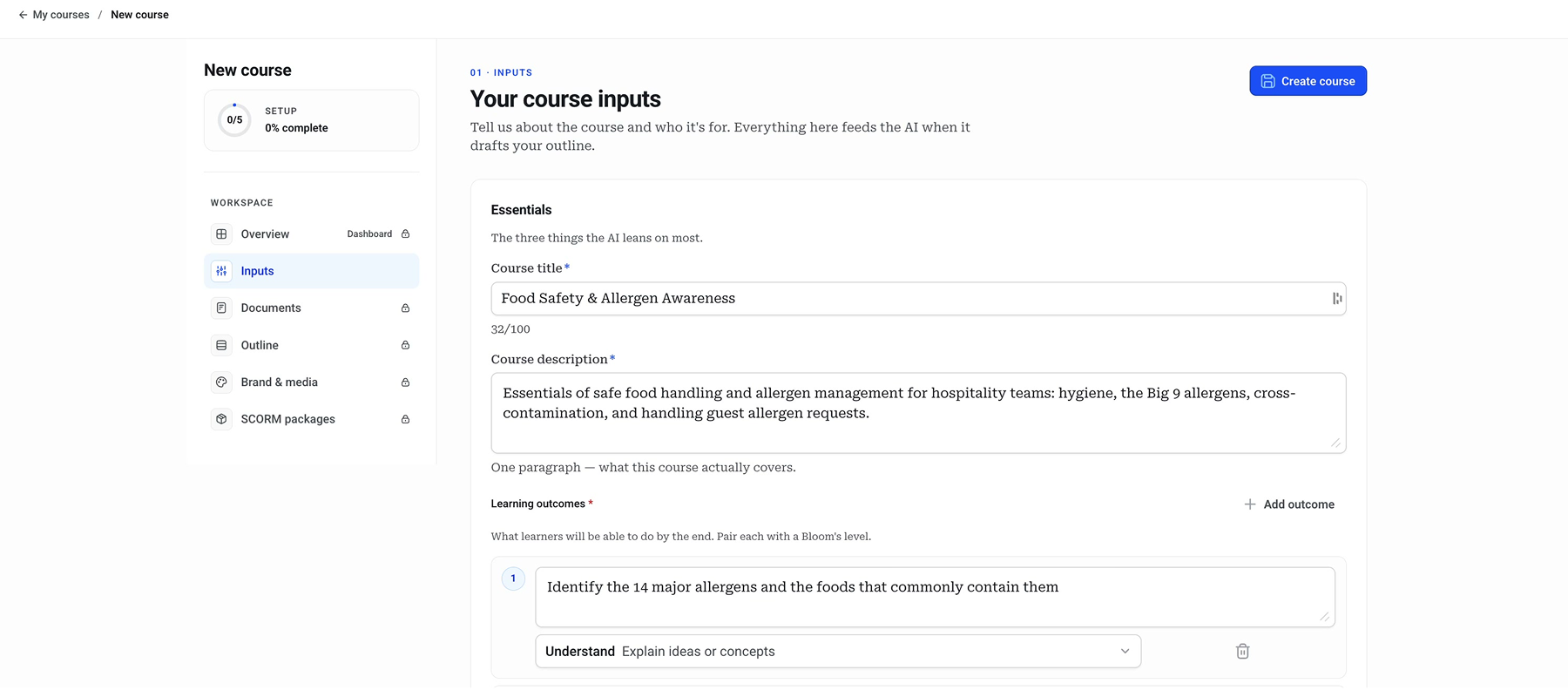 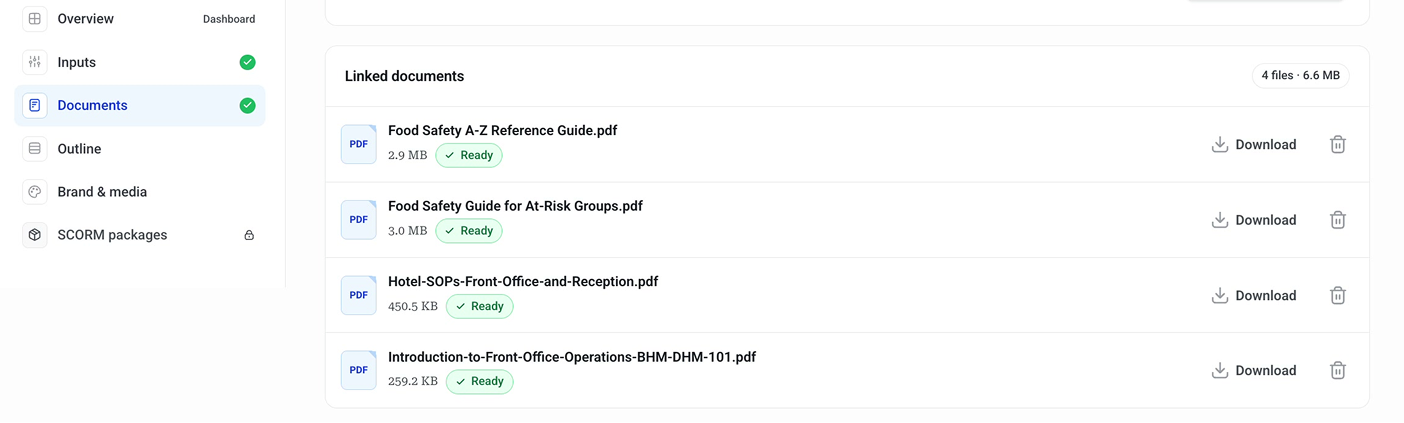  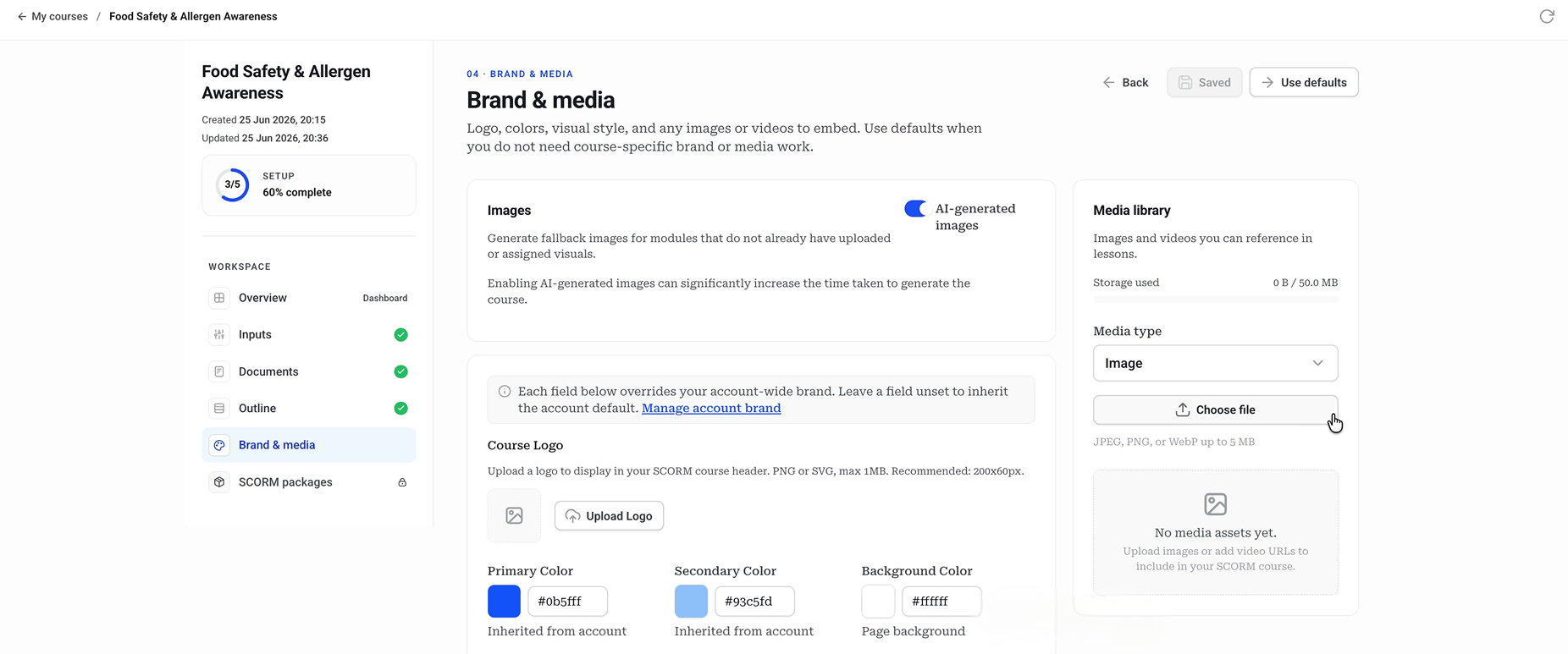  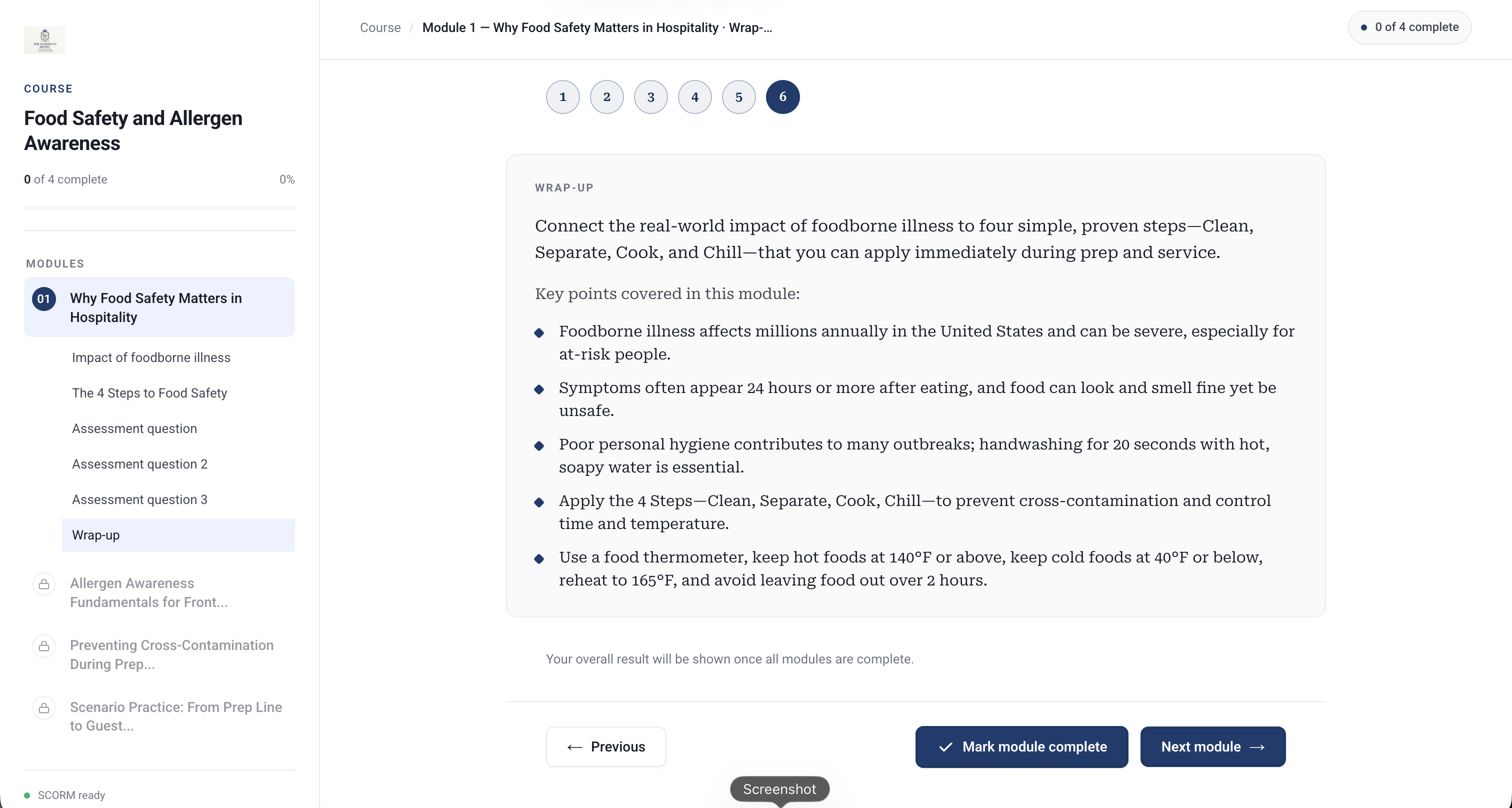 | Mighty Screenshots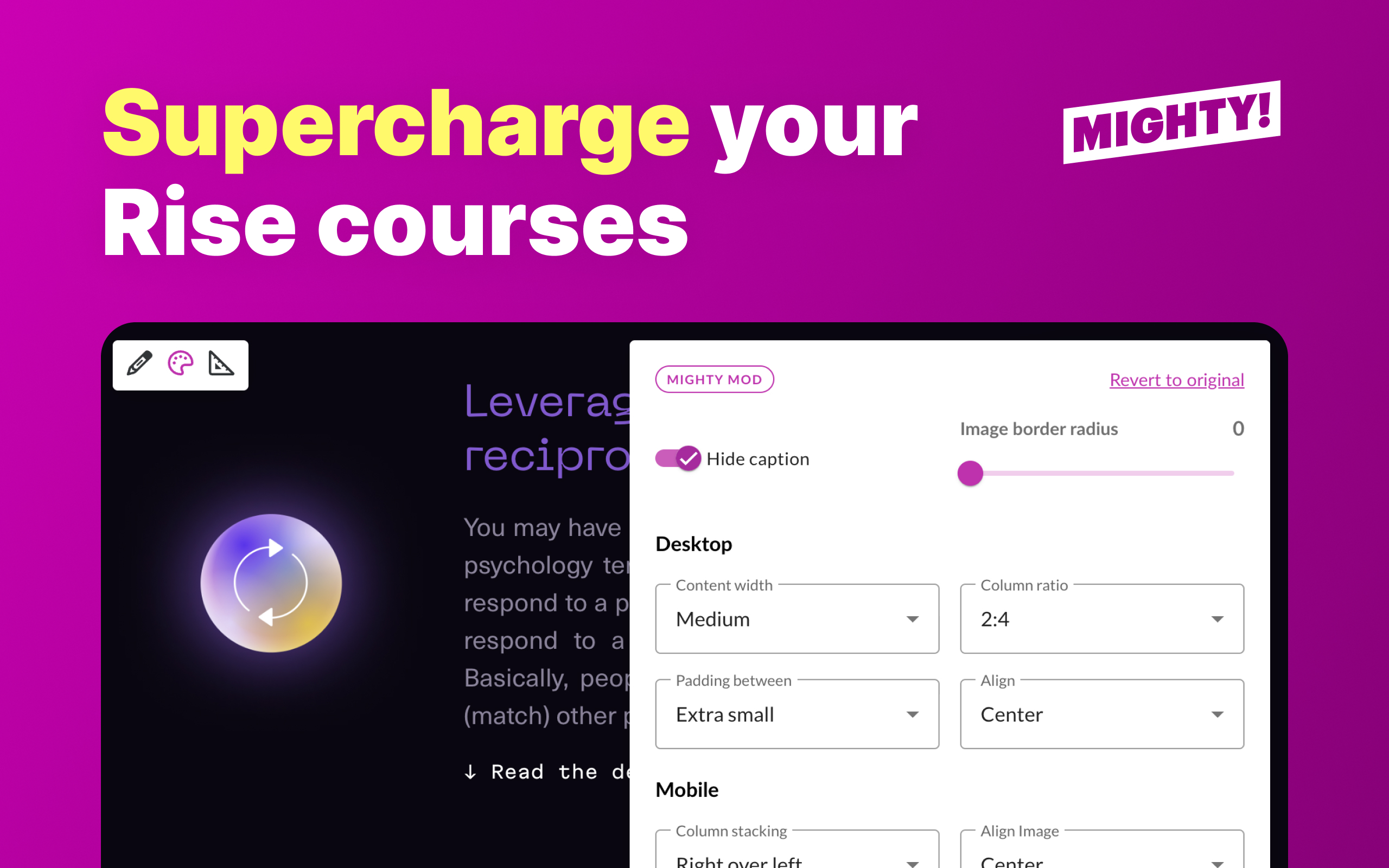 |
