
JSEAsy vs. Public Safety Pro powered by Incode
JSEAsy vs. Public Safety Pro powered by Incode
| Product | Rating | Most Used By | Product Summary | Starting Price |
|---|---|---|---|---|
 JSEAsy | Small Businesses (1-50 employees) | JSEAsy Environmental Health and Safety (EHS) Software is a tool designed to streamline and enhance safety management and risk assessment processes. It simplifies the creation of site-specific Job Hazard Analysis (JHA), Job Safety and Environmental Analyses (JSEA), Job Safety Analyses (JSA), and Safe Work Method Statements (SWMS) with a library of pre-built templates. The software offers customization options to meet the unique safety requirements of various industries. JSEAsy helps… | $435 one-time fee per installation | |
 Public Safety Pro powered by Incode | N/A | Incode Public Safety is a mobile RMS integrated with its CAD counterpart to share information between agencies, departments, and jurisdictions, and update state and federal reporting features. | N/A |
| JSEAsy | Public Safety Pro powered by Incode | |||||||||||||||
|---|---|---|---|---|---|---|---|---|---|---|---|---|---|---|---|---|
| Editions & Modules | No answers on this topic | No answers on this topic | ||||||||||||||
| Offerings |
| |||||||||||||||
| Entry-level Setup Fee | No setup fee | No setup fee | ||||||||||||||
| Additional Details | Rental and Cloud versions include a joining fee. Subsequent renewals are discounted. | — | ||||||||||||||
| More Pricing Information | ||||||||||||||||
| JSEAsy | Public Safety Pro powered by Incode | |
|---|---|---|
| Small Businesses |  BrightHR Score 6.9 out of 10 | BrightHR Score 6.9 out of 10 |
| Medium-sized Companies | BrightHR Score 6.9 out of 10 | BrightHR Score 6.9 out of 10 |
| Enterprises | No answers on this topic | No answers on this topic |
| All Alternatives | View all alternatives | View all alternatives |
| JSEAsy | Public Safety Pro powered by Incode | |
|---|---|---|
| Likelihood to Recommend | - (0 ratings) | 9.0 (1 ratings) |
| JSEAsy | Public Safety Pro powered by Incode | |
|---|---|---|
| Likelihood to Recommend | JSEAsy No answers on this topic |  Tyler Technologies
|
| Pros | JSEAsy No answers on this topic | Tyler Technologies
|
| Cons | JSEAsy No answers on this topic | Tyler Technologies
|
| Return on Investment | JSEAsy No answers on this topic | Tyler Technologies
|
| ScreenShots | JSEAsy Screenshots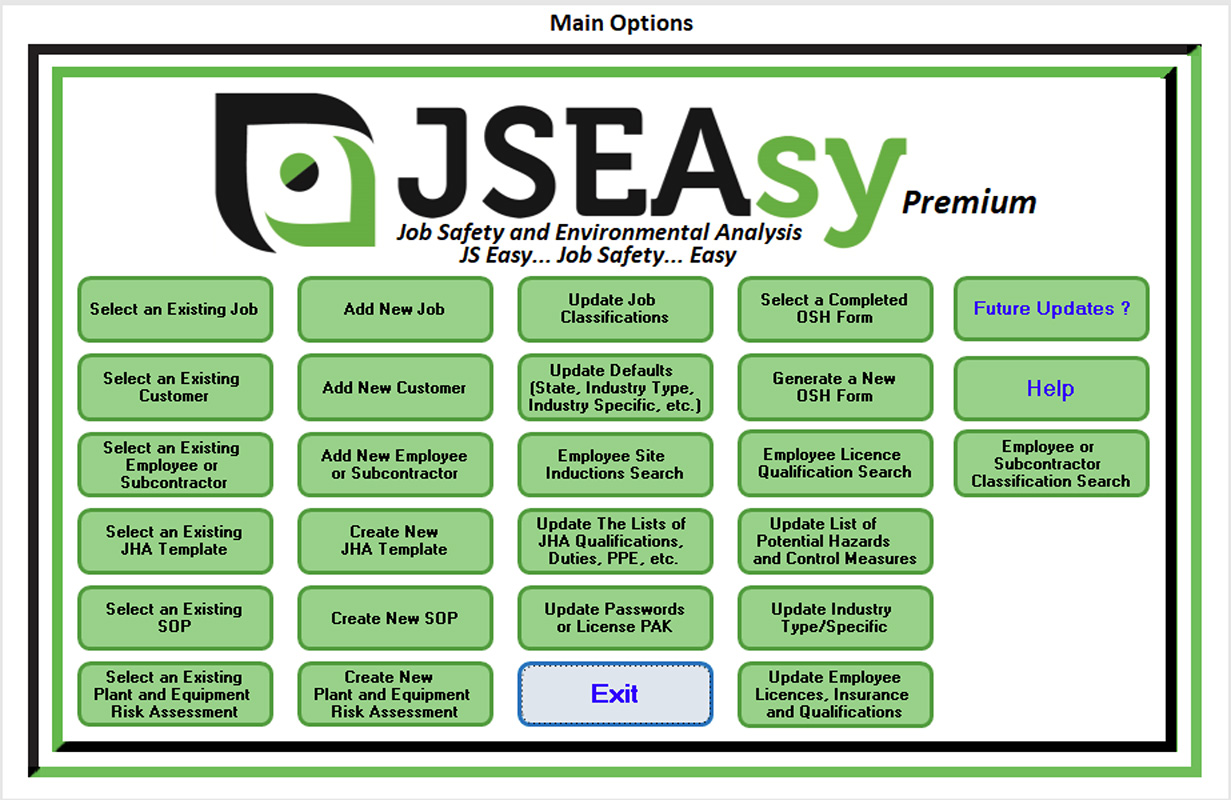 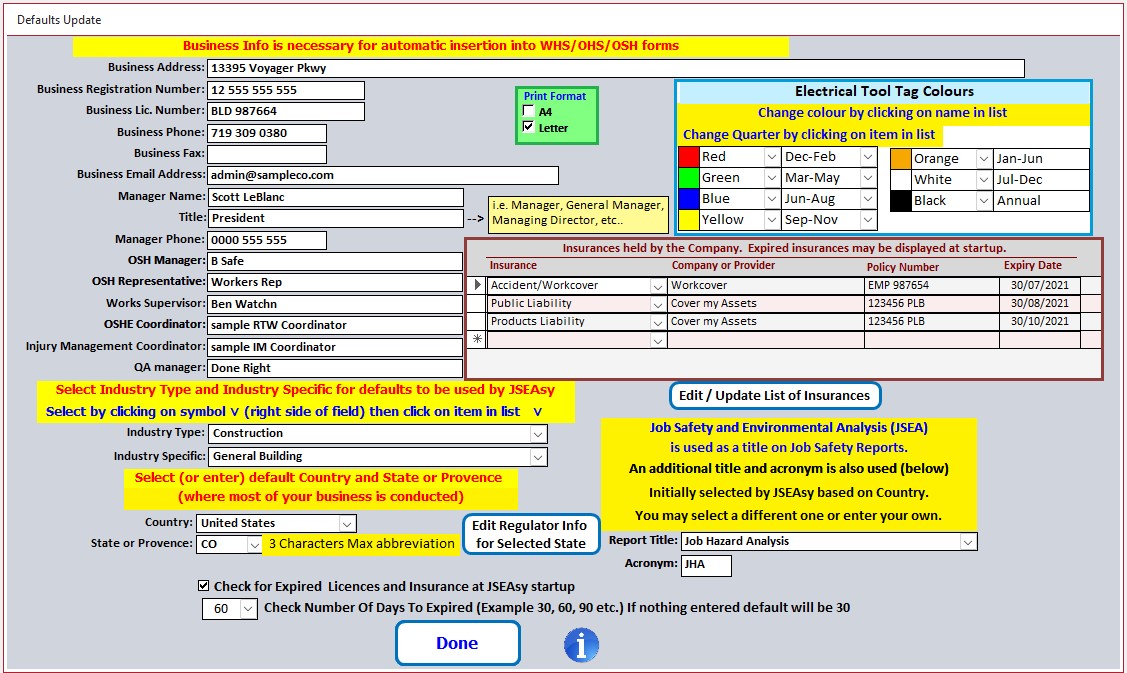 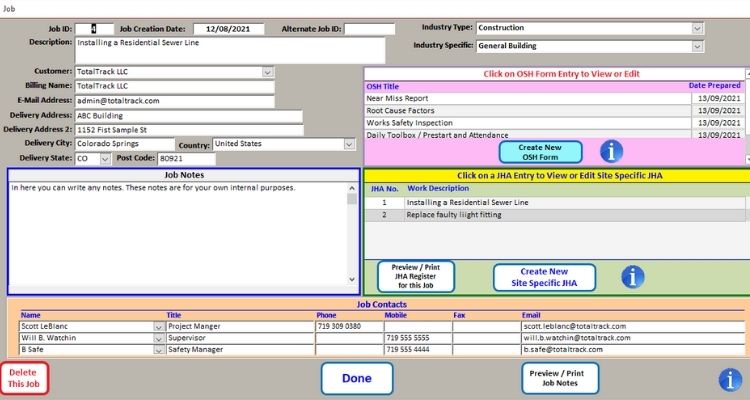 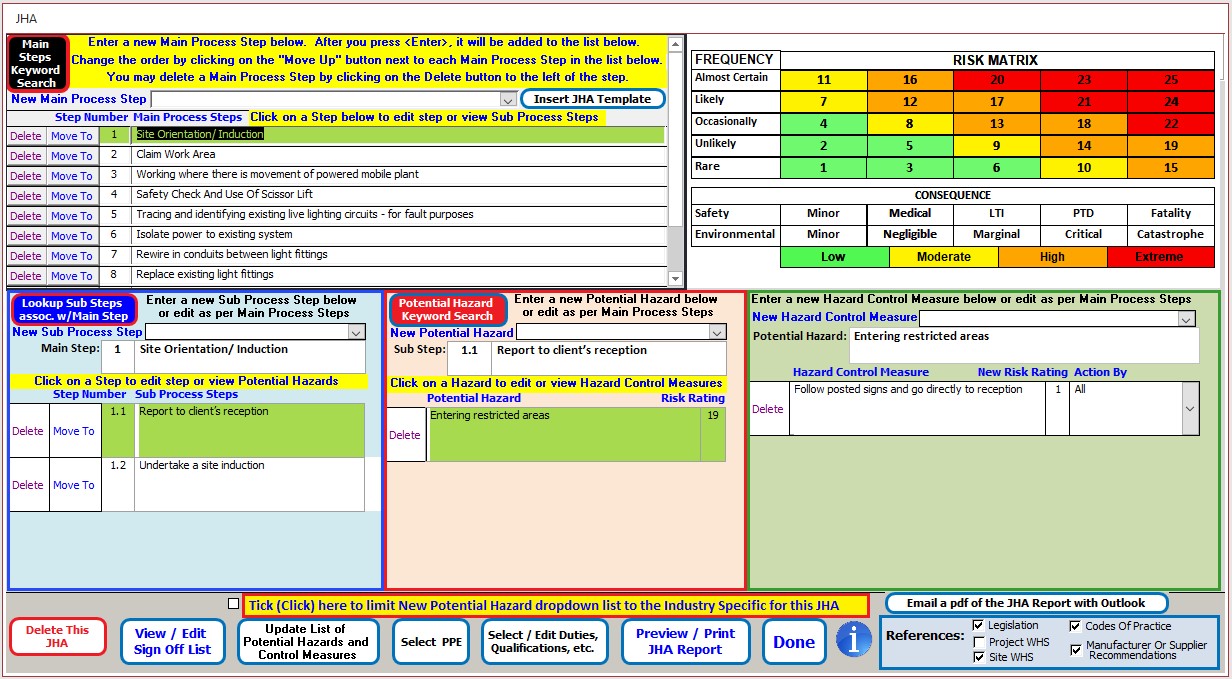 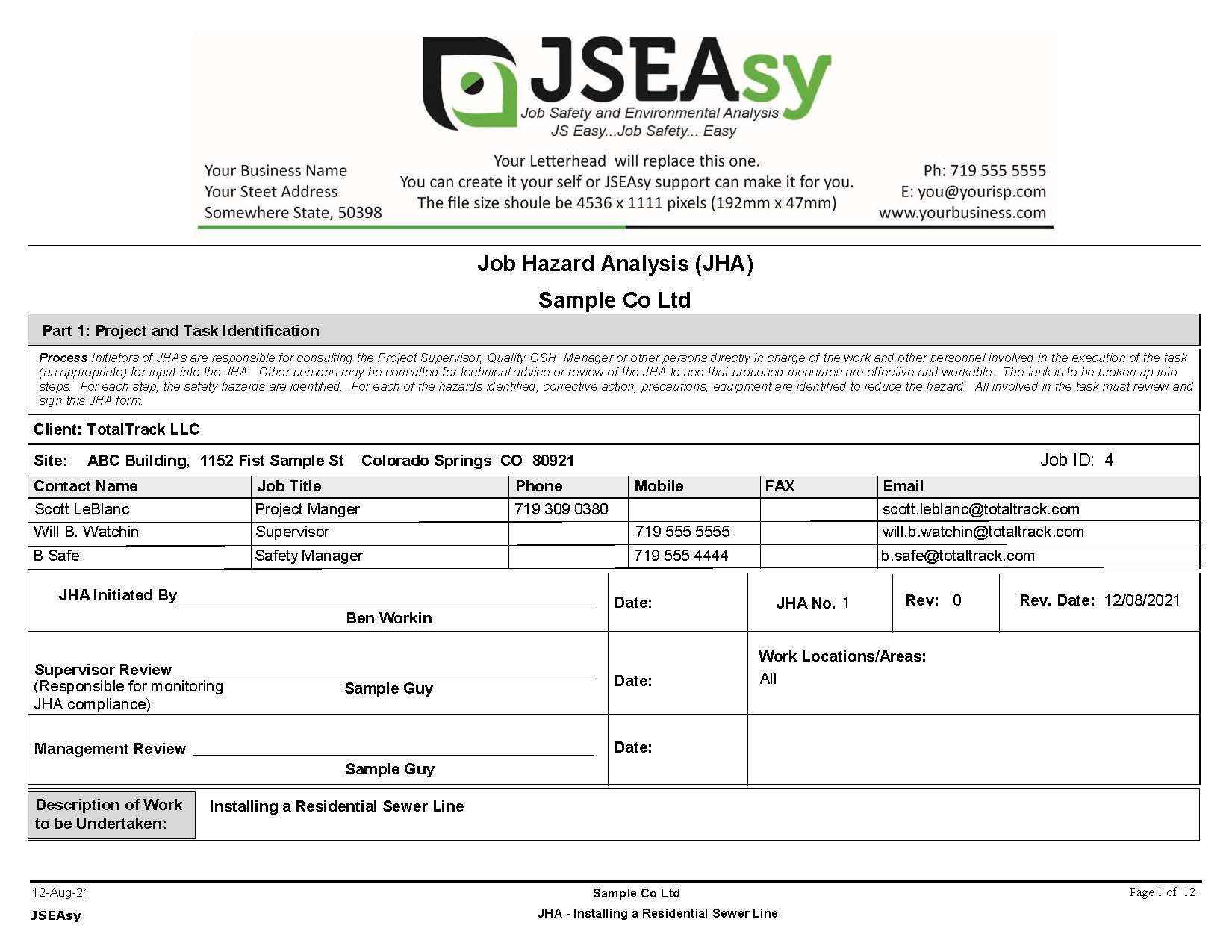 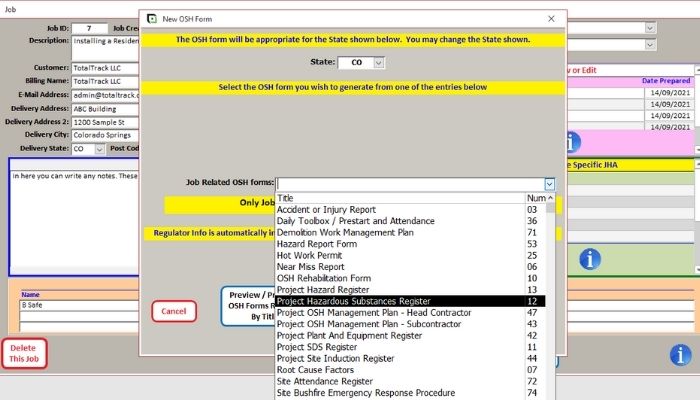 | Public Safety Pro powered by Incode Screenshots |