
Greenshot vs. LaunchBrightly
Greenshot vs. LaunchBrightly
| Product | Rating | Most Used By | Product Summary | Starting Price |
|---|---|---|---|---|
 Greenshot | N/A | Greenshot is a free and open source screenshot tool for Windows, used to create screenshots of a selected region, window or fullscreen; or even complete (scrolling) web pages from Internet Explorer. Greenshot also supports screenshot annotation, highlighting or obfuscation of parts of the screenshot. And screenshots can be exported in various ways: save to file, send to printer, copy to clipboard, attach to e-mail, send Office programs or upload to photo sites like Flickr or Picasa, and others. | $0 | |
 LaunchBrightly | N/A | LaunchBrightly’s screenshot automation platform enables users to set up simple automation recipes to auto-generate the latest screenshots of a product and, automatically and continuously, update the screenshots in a help documentation as the product changes. | $275 per month per screenshot generated |
| Greenshot | LaunchBrightly | |||||||||||||||
|---|---|---|---|---|---|---|---|---|---|---|---|---|---|---|---|---|
| Editions & Modules | No answers on this topic |
| ||||||||||||||
| Offerings |
| |||||||||||||||
| Entry-level Setup Fee | No setup fee | Optional | ||||||||||||||
| Additional Details | — | 20% discount for annual pricing. | ||||||||||||||
| More Pricing Information | ||||||||||||||||
| Greenshot | LaunchBrightly | |
|---|---|---|
| Small Businesses |  Sendspark Score 10.0 out of 10 | Sendspark Score 10.0 out of 10 |
| Medium-sized Companies |  Snagit Score 9.6 out of 10 | Snagit Score 9.6 out of 10 |
| Enterprises | Snagit Score 9.6 out of 10 | Snagit Score 9.6 out of 10 |
| All Alternatives | View all alternatives | View all alternatives |
| Greenshot | LaunchBrightly | |
|---|---|---|
| ScreenShots | LaunchBrightly Screenshots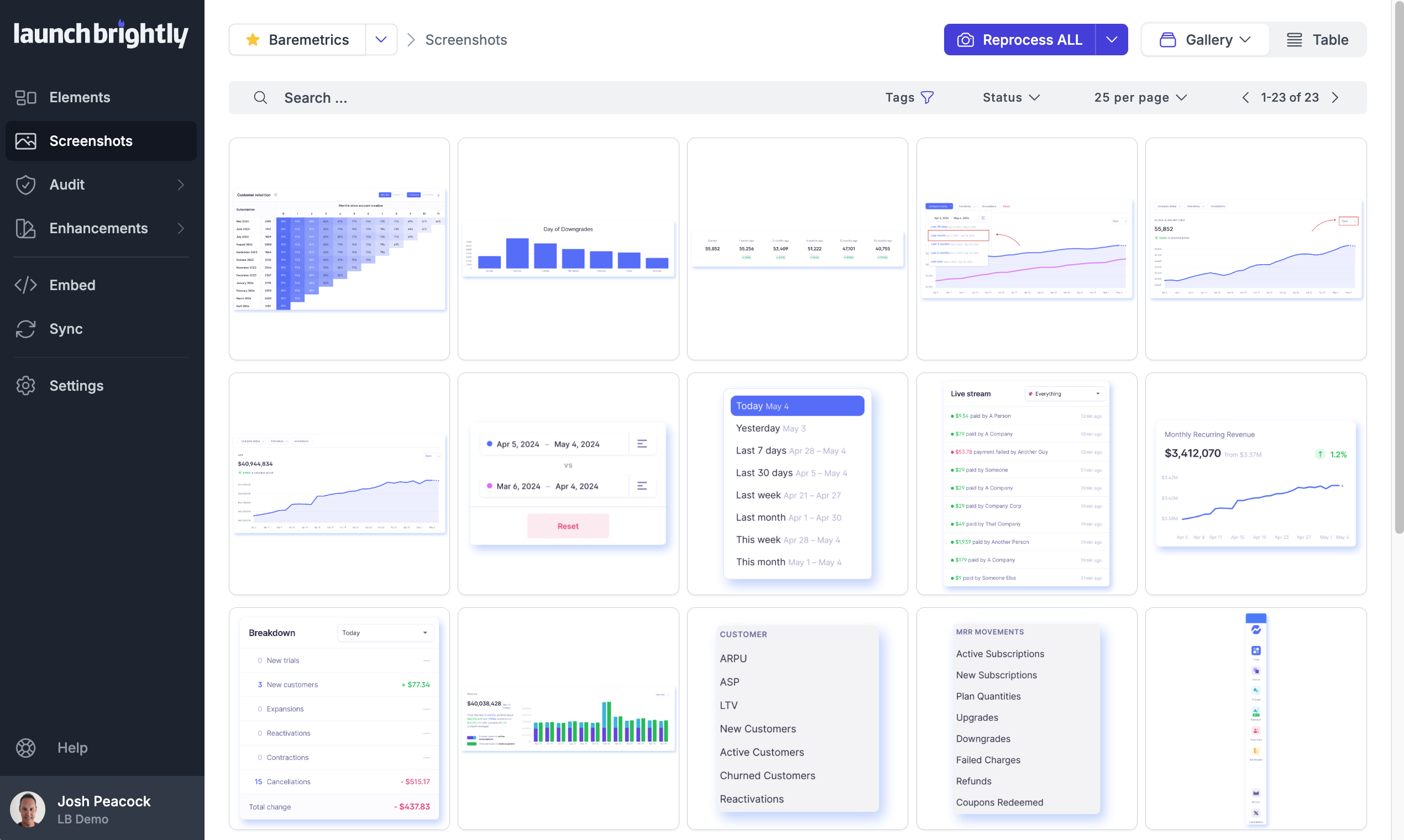 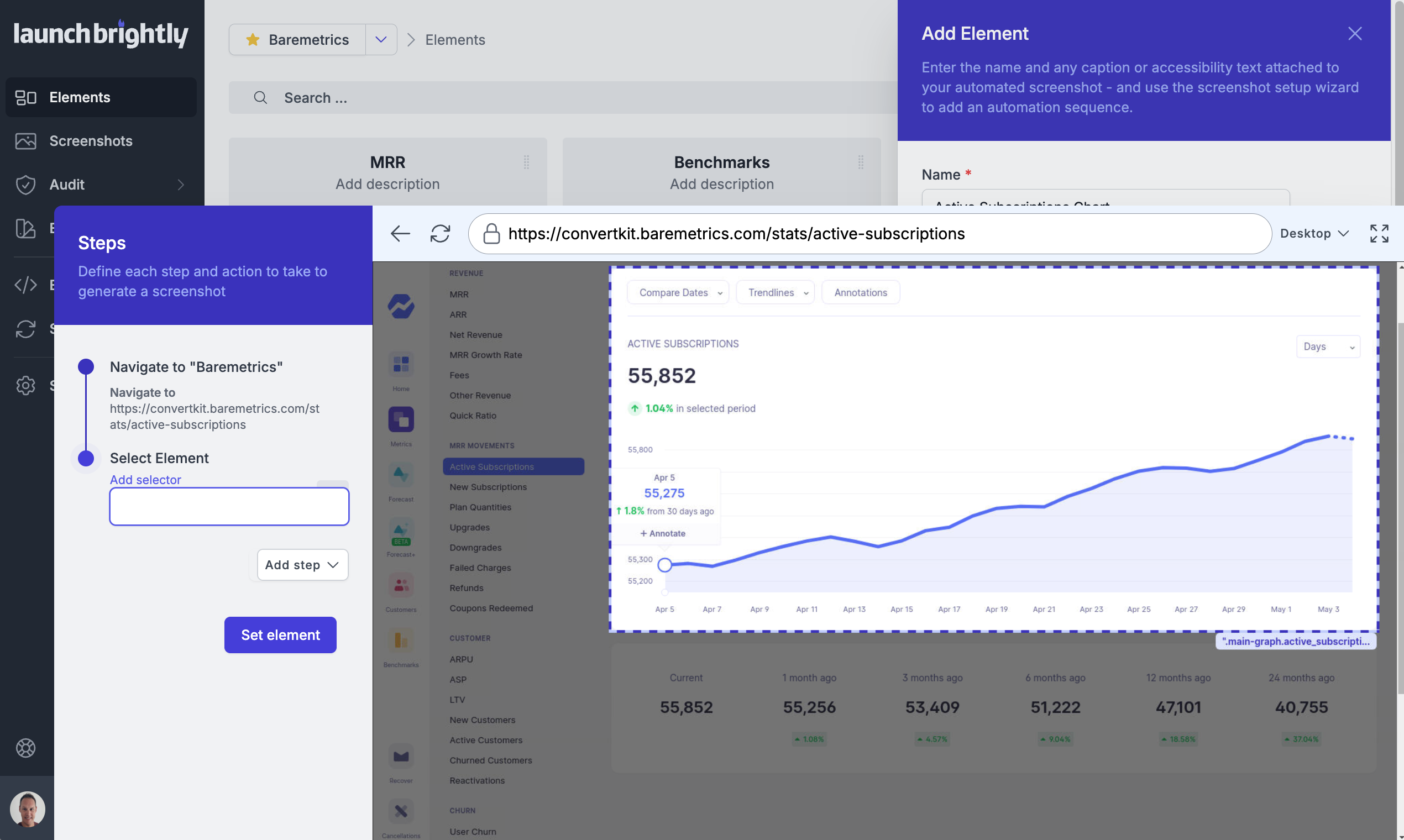 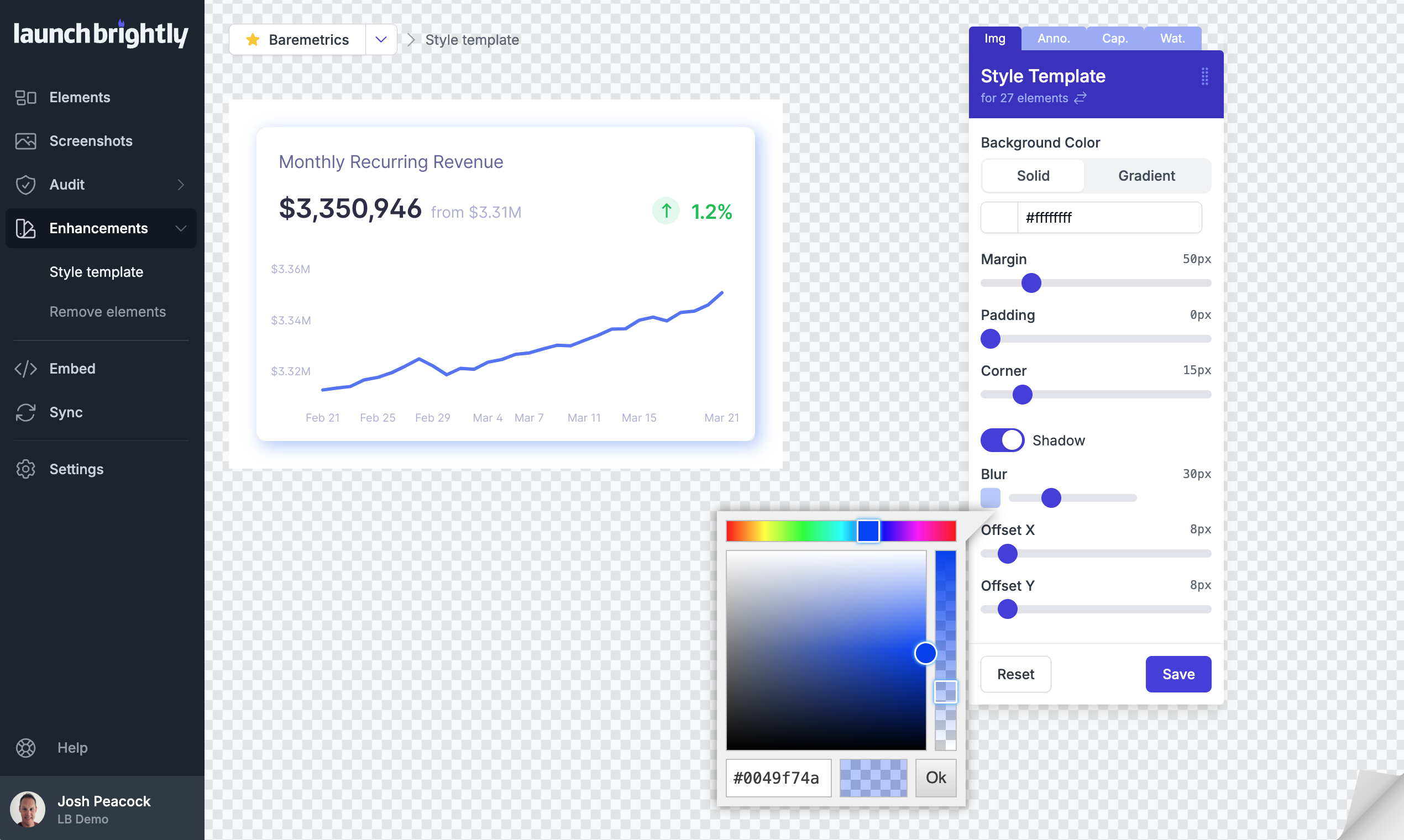 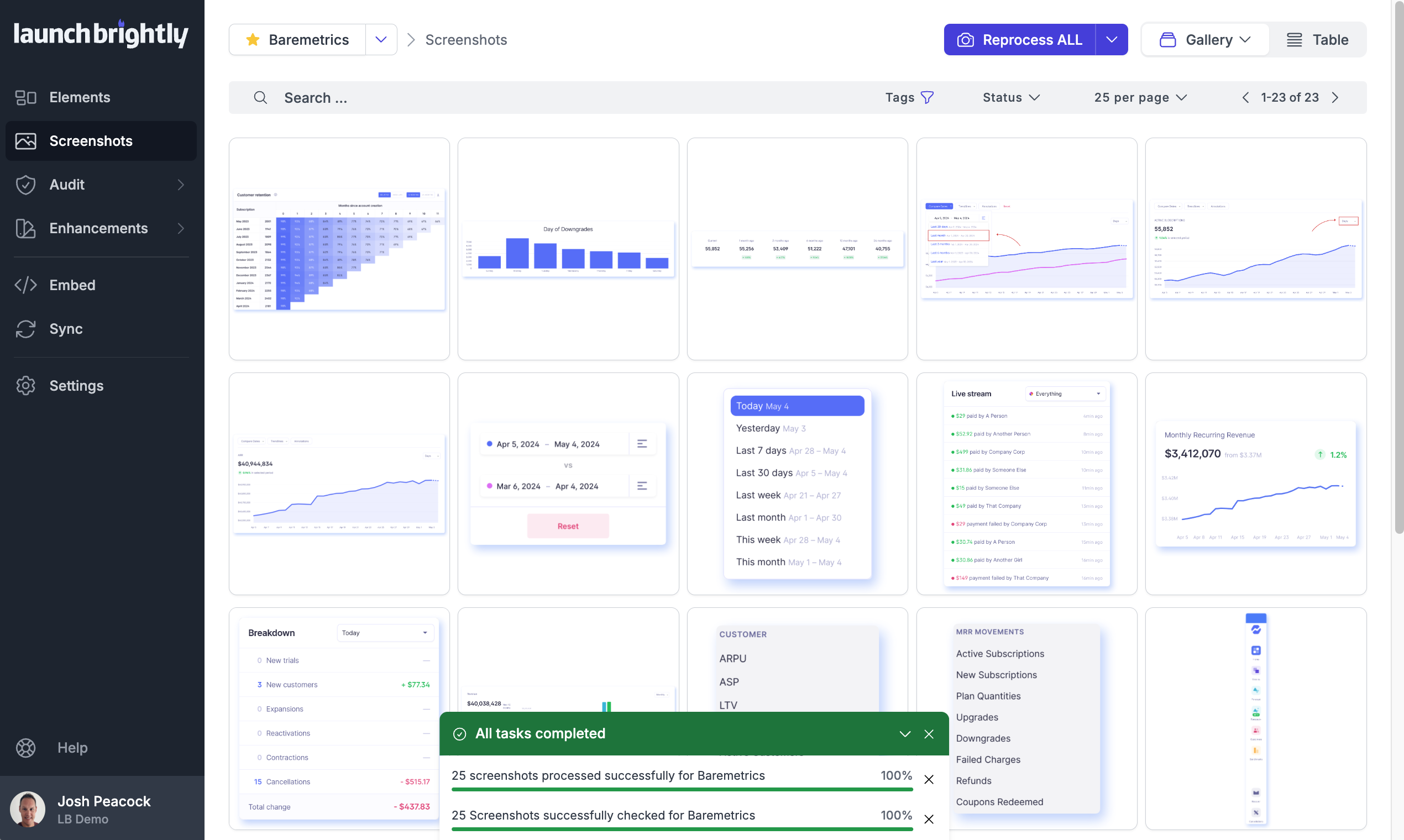 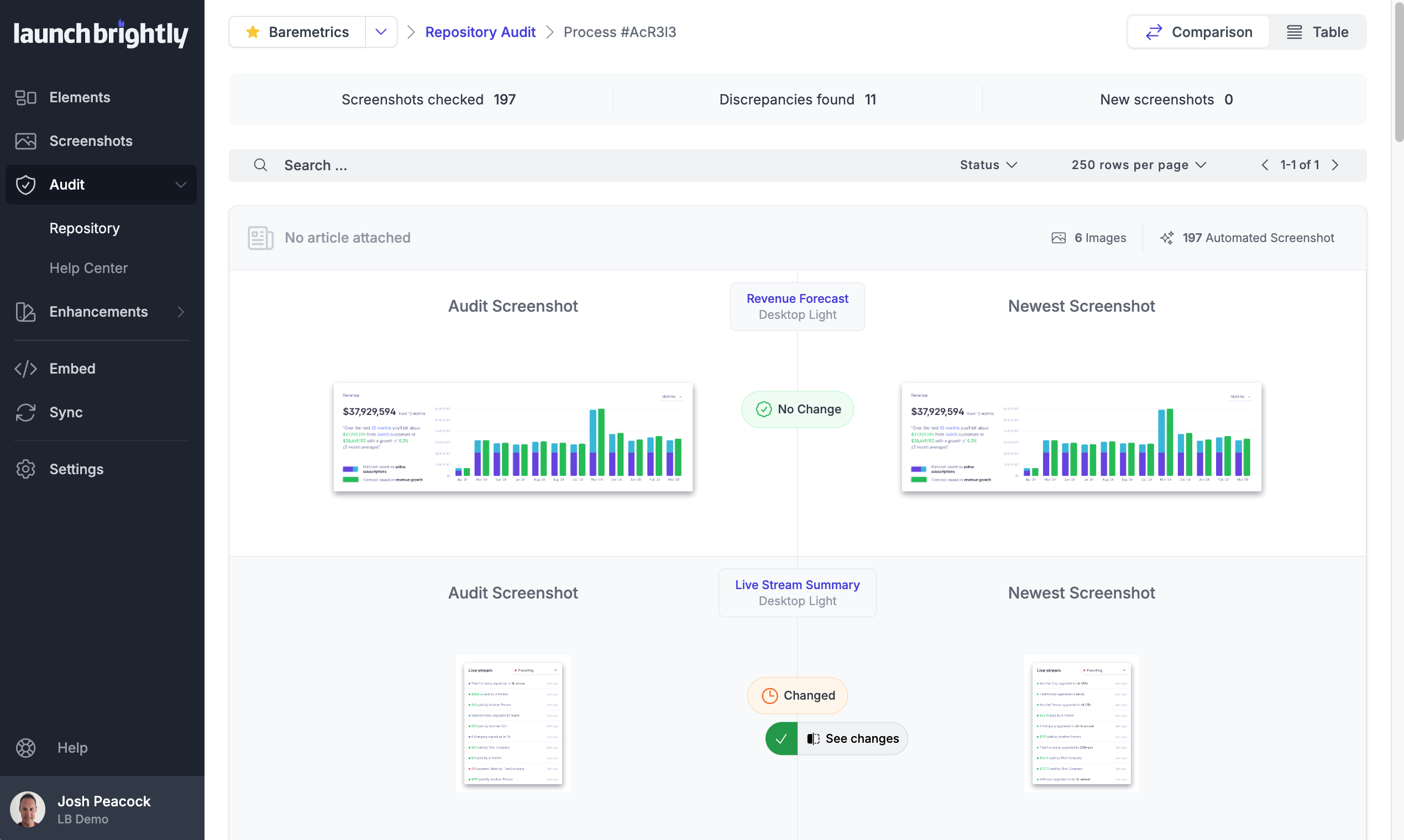  |