LingoHub vs. Translate.com

Overview
ProductRatingMost Used ByProduct SummaryStarting Price
LingoHub
Score 9.2 out of 10
N/A
The LingoHub platform enables project managers, marketers, developers, and translators to work together, coordinating localization. Integrations with CMS, development, design, and support tools keep teams aligned, while CAT features, AI-driven workflows, and automated quality checks ensure reliable multilingual content.
$0
per month
Translate.com
Score 9.0 out of 10
N/A
Translate.com headquartered in Chicago helps companies establish brand presence on a global scale with a focus on personalizing the customer experience.N/A
Pricing
LingoHubTranslate.com
Editions & Modules
Starter
$55
per month
Team
$135
per month
Pro
$395
per month
Enterprise
1199 and more
per month
No answers on this topic
Offerings
Pricing Offerings
LingoHubTranslate.com
Free Trial
YesNo
Free/Freemium Version
YesNo
Premium Consulting/Integration Services
NoNo
Entry-level Setup FeeNo setup feeNo setup fee
Additional Details
More Pricing Information
Community Pulse
LingoHubTranslate.com
User Ratings
LingoHubTranslate.com
Likelihood to Recommend
9.2
(3 ratings)
9.0
(1 ratings)
Usability
9.2
(3 ratings)
-
(0 ratings)
User Testimonials
LingoHubTranslate.com
Likelihood to Recommend
Lingohub
A multinational company is managing a large-scale localization project with translators, reviewers, and project managers spread across different countries. They need a platform that allows seamless collaboration, ensures translation consistency, and maintains version control without delays caused by time zone differences or manual file exchanges.
Read full review
Translate.com
The user interface is excellent and straightforward. There are different levels of translation this application offers, and each level is priced differently. We can choose between a translator machine or a human translator.
Read full review
Pros
Lingohub
  • Translation
  • Localization
  • Prefill function
Read full review
Translate.com
  • I can translate letters.
  • I can translate emails.
  • I can translate webpage
Read full review
Cons
Lingohub
  • Updates
  • Interface changes
Read full review
Translate.com
  • They should improve their translate tools to translate without any error.
  • They should build an app version
Read full review
Usability
Lingohub
Overall it's very easy to use. It has a well design and intuitive GUI and its customer support is fast enough when there is something unclear.
Read full review
Translate.com
No answers on this topic
Alternatives Considered
Lingohub
No answers on this topic
Translate.com
We can hire a specific human translator for a specific task or translate a language that is tricky. The accuracy of the translation is very high. This tool is the best when it comes to professional use and can be used while traveling too. User friendly and cheaper than others.
Read full review
Return on Investment
Lingohub
  • Lingohub improved our localization efficiency by automating workflows, reducing manual tasks, and enhancing team collaboration
  • By enabling high-quality translations and maintaining consistent branding across languages, Lingohub has supported our global business objectives
  • No negative impacts
Read full review
Translate.com
  • The tool is still a work in progress and needs more features to be added.
  • They should add more languages.
Read full review
ScreenShots

LingoHub Screenshots

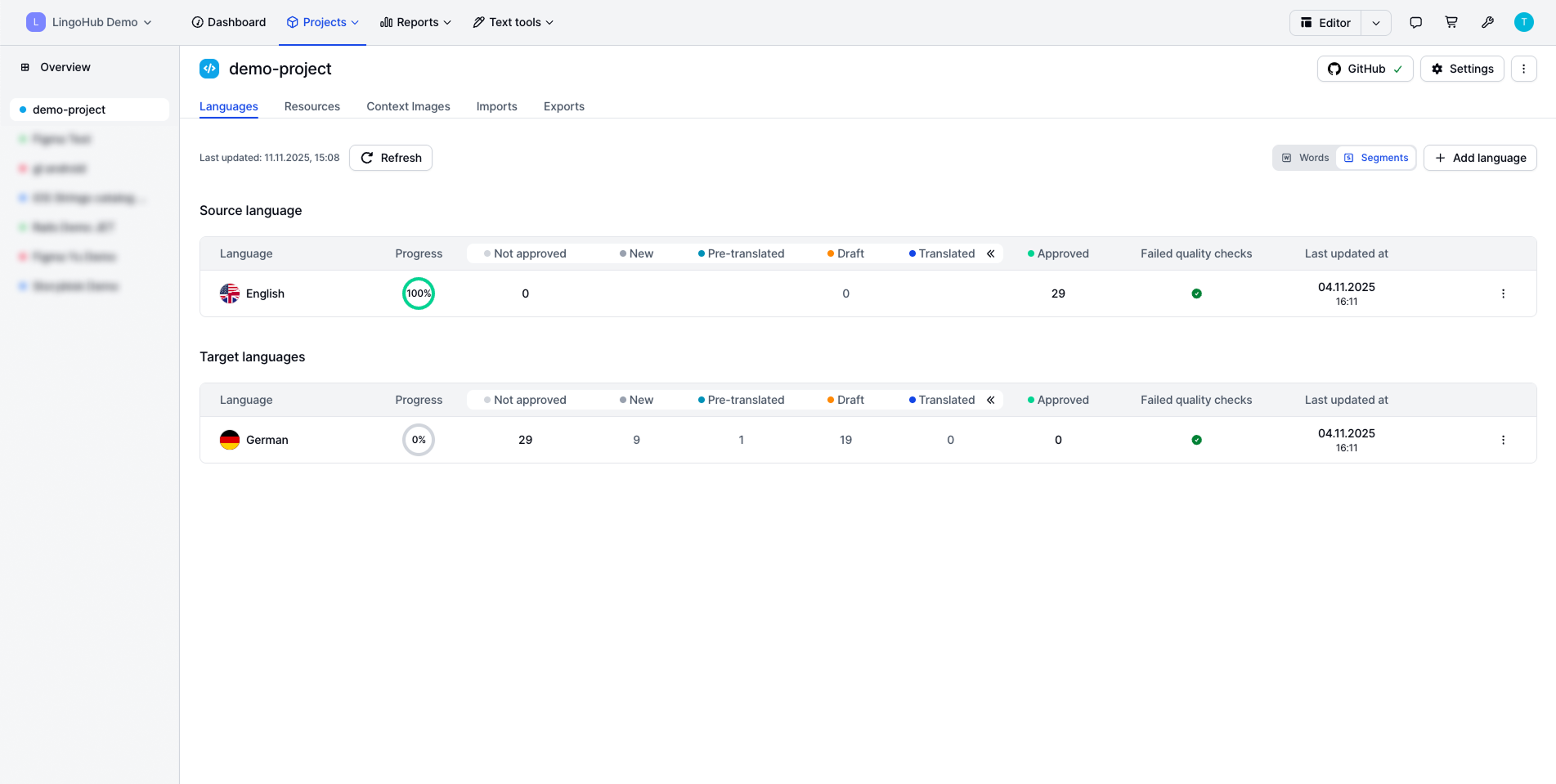
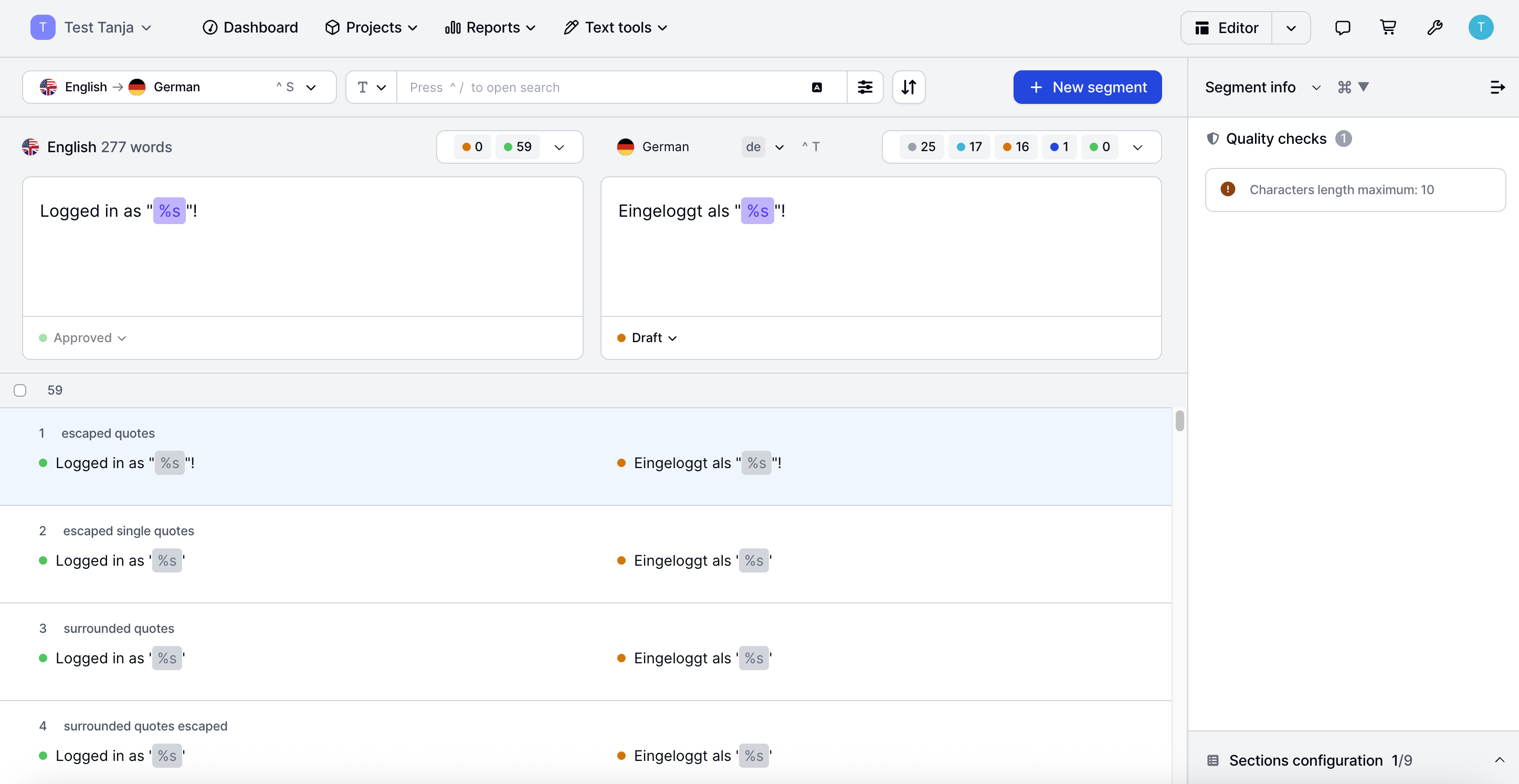
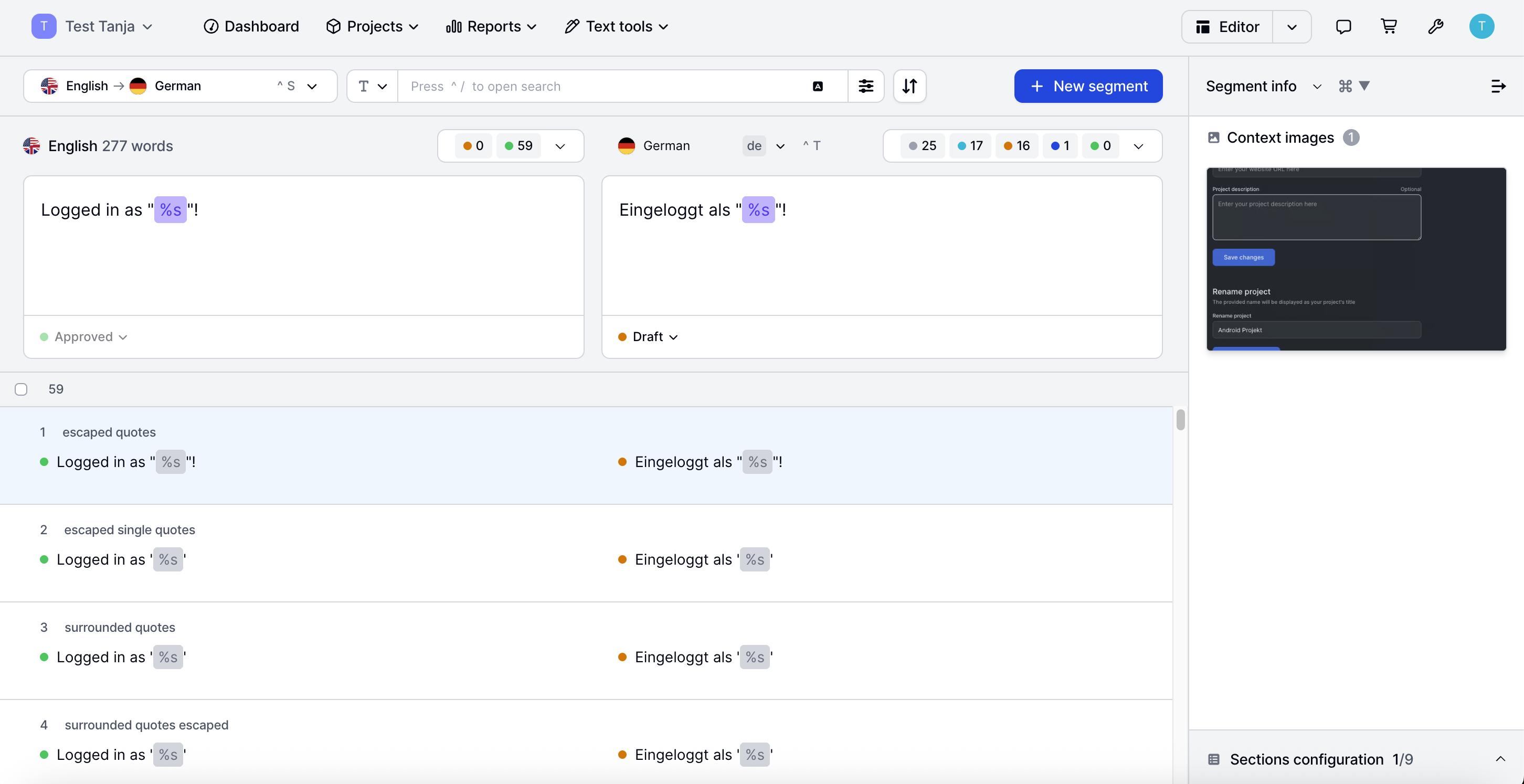
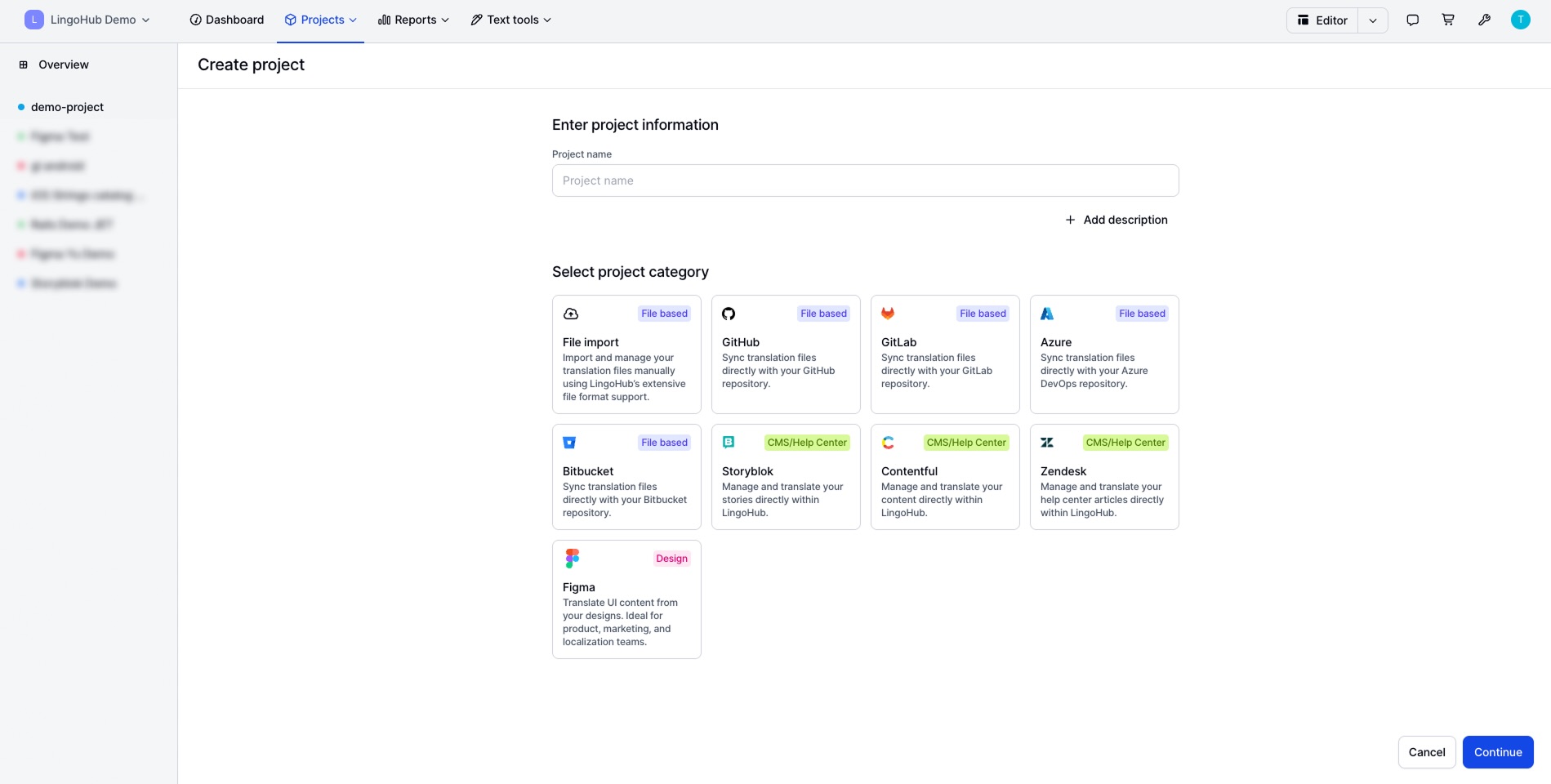
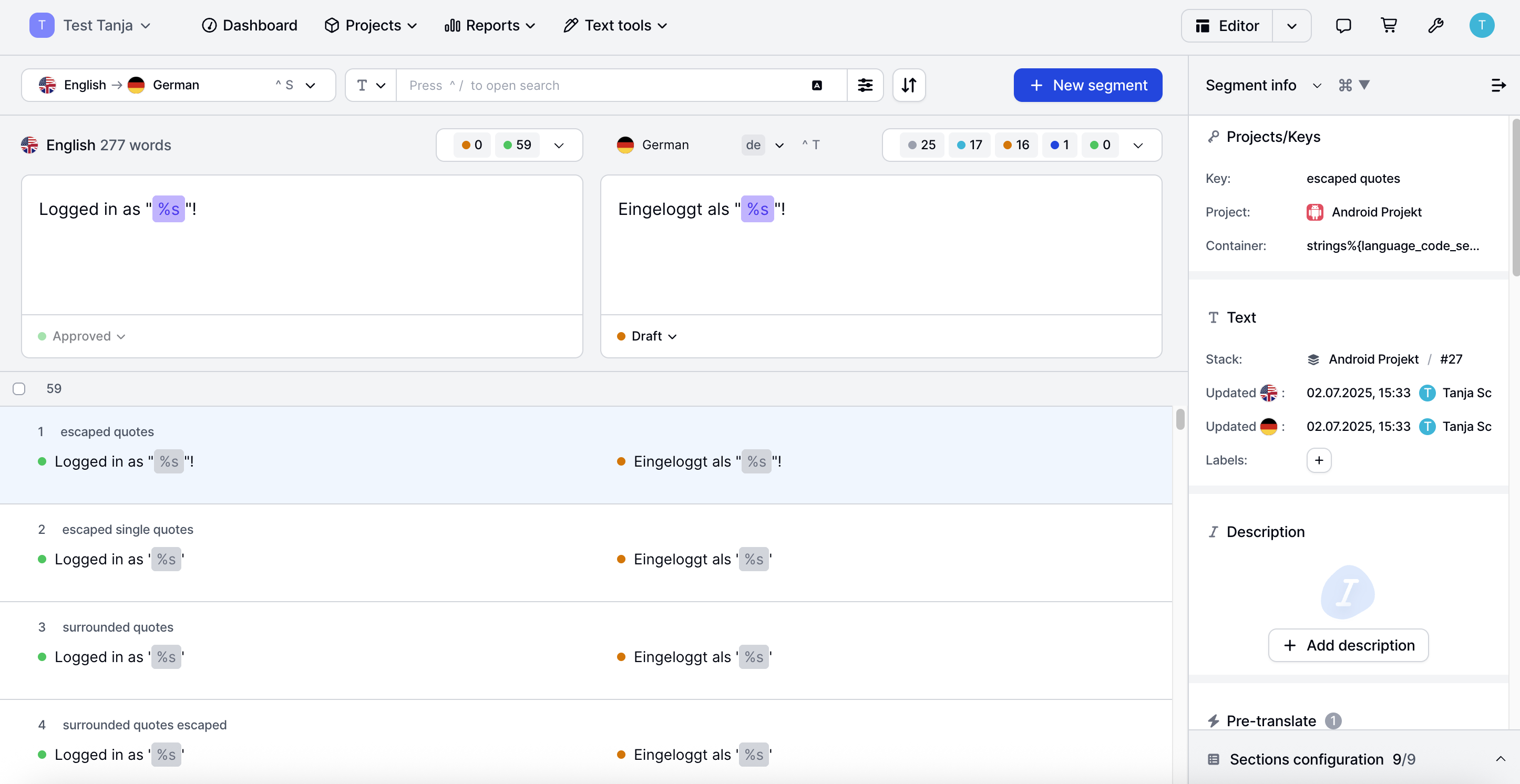
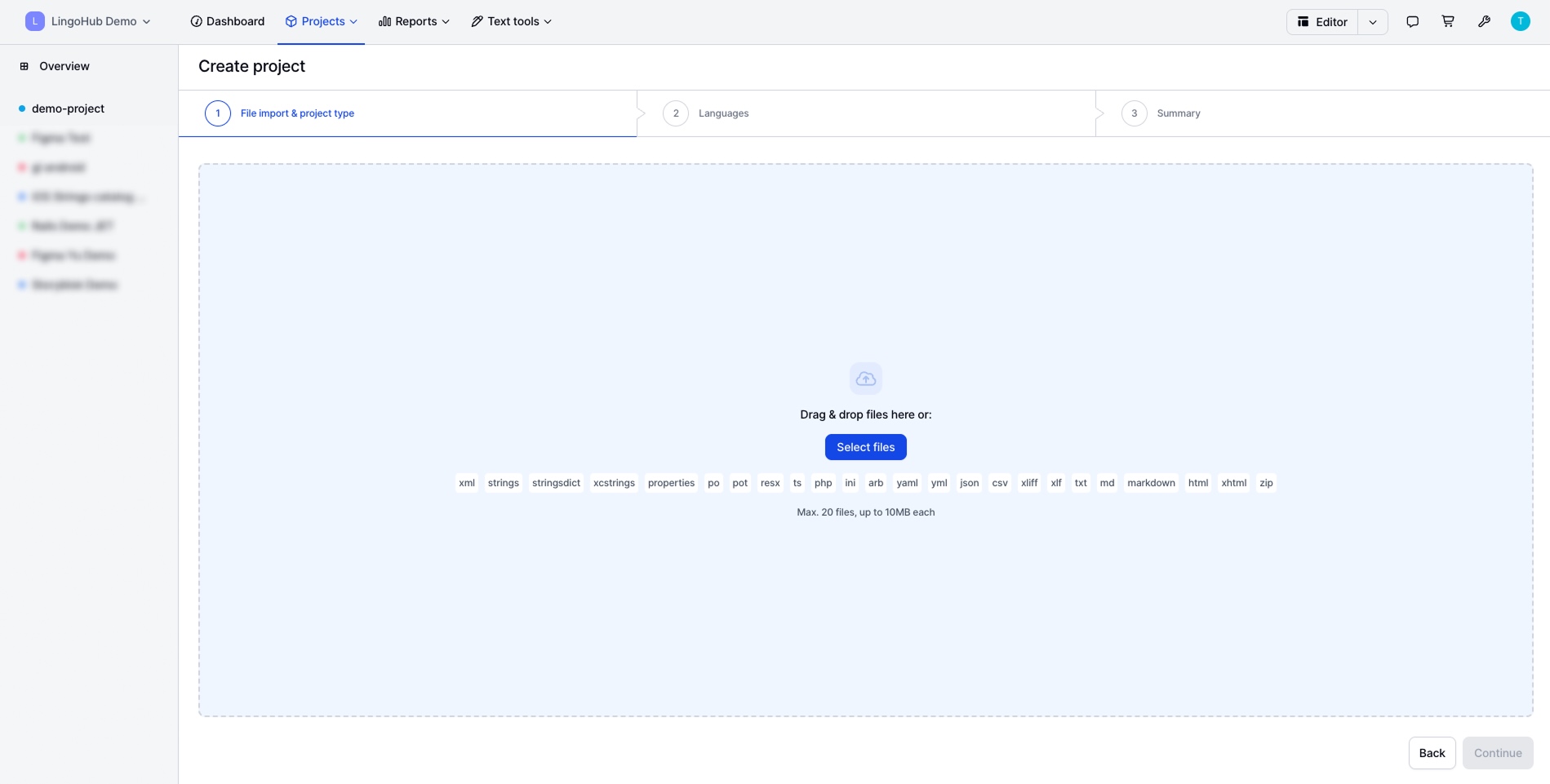
Screenshot of where to get a snapshot of projects. This screen displays source and target languages, progress, quality checks, and lifecycle status. Viewers can see active integrations and open the editor with one click.Screenshot of the interface to run automated quality checks, spot potential issues, and ensure consistent, error-free content. Viewers can also review flagged segments.Screenshot of visual context to boost translation accuracy. Users can upload screenshots (context images), preview them alongside original content, and ensure every phrase fits perfectly.Screenshot of some of the available connections. LingoHub can integrate with CMS, code repositories, and design platforms to streamline the entire localization workflow.Screenshot of the editor and context panel side by side. Here is where users can translate in a clean, focused workspace while instantly accessing comments, screenshots, and quality insights to make confident, context-aware decisions.Screenshot of content import, with support for 40+ file types and frameworks to ensure smooth localization across codebases, apps, and platforms.