
ManageEngine Vulnerability Manager Plus vs. Tenable Nessus
ManageEngine Vulnerability Manager Plus vs. Tenable Nessus
| Product | Rating | Most Used By | Product Summary | Starting Price |
|---|---|---|---|---|
 ManageEngine Vulnerability Manager Plus | N/A | ManageEngine Vulnerability Manager Plus is an exposure management solution that helps organizations proactively detect, prioritize, and fix vulnerabilities from one console. It combines asset discovery, AI-powered vulnerability assessment and threat prioritization with built-in patching to speed up remediation. It discovers and manages desktops, laptops, servers, virtual machines, DMZ servers, and network devices, giving real-time visibility into known, unknown, zero-day, and actively exploited… | $90 per month 1 technician | |
 Tenable Nessus | N/A | Tenable headquartered in Columbia offers Nessus, a vulnerability scanning and security assessment solution used to analyze an entity's security posture, vulnerability testing, and provide configuration assessments. | $2,790 |
| ManageEngine Vulnerability Manager Plus | Tenable Nessus | |||||||||||||||
|---|---|---|---|---|---|---|---|---|---|---|---|---|---|---|---|---|
| Editions & Modules | No answers on this topic |
| ||||||||||||||
| Offerings |
| |||||||||||||||
| Entry-level Setup Fee | Optional | No setup fee | ||||||||||||||
| Additional Details | — | — | ||||||||||||||
| More Pricing Information | ||||||||||||||||
| ManageEngine Vulnerability Manager Plus | Tenable Nessus |
|---|
| ManageEngine Vulnerability Manager Plus | Tenable Nessus | ||||||||||||||||||||||||
|---|---|---|---|---|---|---|---|---|---|---|---|---|---|---|---|---|---|---|---|---|---|---|---|---|---|
| Threat Intelligence |
| ||||||||||||||||||||||||
| Vulnerability Management Tools |
|
| ManageEngine Vulnerability Manager Plus | Tenable Nessus | |
|---|---|---|
| Small Businesses |  Action1 Score 9.6 out of 10 | Action1 Score 9.6 out of 10 |
| Medium-sized Companies | Action1 Score 9.6 out of 10 | Action1 Score 9.6 out of 10 |
| Enterprises |  CrowdStrike Falcon Score 9.0 out of 10 | CrowdStrike Falcon Score 9.0 out of 10 |
| All Alternatives | View all alternatives | View all alternatives |
| ManageEngine Vulnerability Manager Plus | Tenable Nessus | |
|---|---|---|
| Likelihood to Recommend | 8.7 (4 ratings) | 9.0 (9 ratings) |
| Likelihood to Renew | 10.0 (1 ratings) | 9.1 (1 ratings) |
| Usability | 8.9 (4 ratings) | 8.0 (5 ratings) |
| Support Rating | - (0 ratings) | 7.1 (4 ratings) |
| ManageEngine Vulnerability Manager Plus | Tenable Nessus | |
|---|---|---|
| Likelihood to Recommend | ManageEngine A Div of Zoho Corporation Pvt Ltd
|  Tenable
|
| Pros | ManageEngine A Div of Zoho Corporation Pvt Ltd
| Tenable
 Tejas Gandhi Associate Security Consultant |
| Cons | ManageEngine A Div of Zoho Corporation Pvt Ltd
| Tenable
|
| Likelihood to Renew | ManageEngine A Div of Zoho Corporation Pvt Ltd
| Tenable
|
| Usability | ManageEngine A Div of Zoho Corporation Pvt Ltd
| Tenable
|
| Support Rating | ManageEngine A Div of Zoho Corporation Pvt Ltd No answers on this topic | Tenable
|
| Alternatives Considered | ManageEngine A Div of Zoho Corporation Pvt Ltd
| Tenable
 Omar Israel Sánchez Monroy Auditor de Seguridad de la Información |
| Return on Investment | ManageEngine A Div of Zoho Corporation Pvt Ltd
| Tenable
Tejas Gandhi Associate Security Consultant |
| ScreenShots | ManageEngine Vulnerability Manager Plus Screenshots 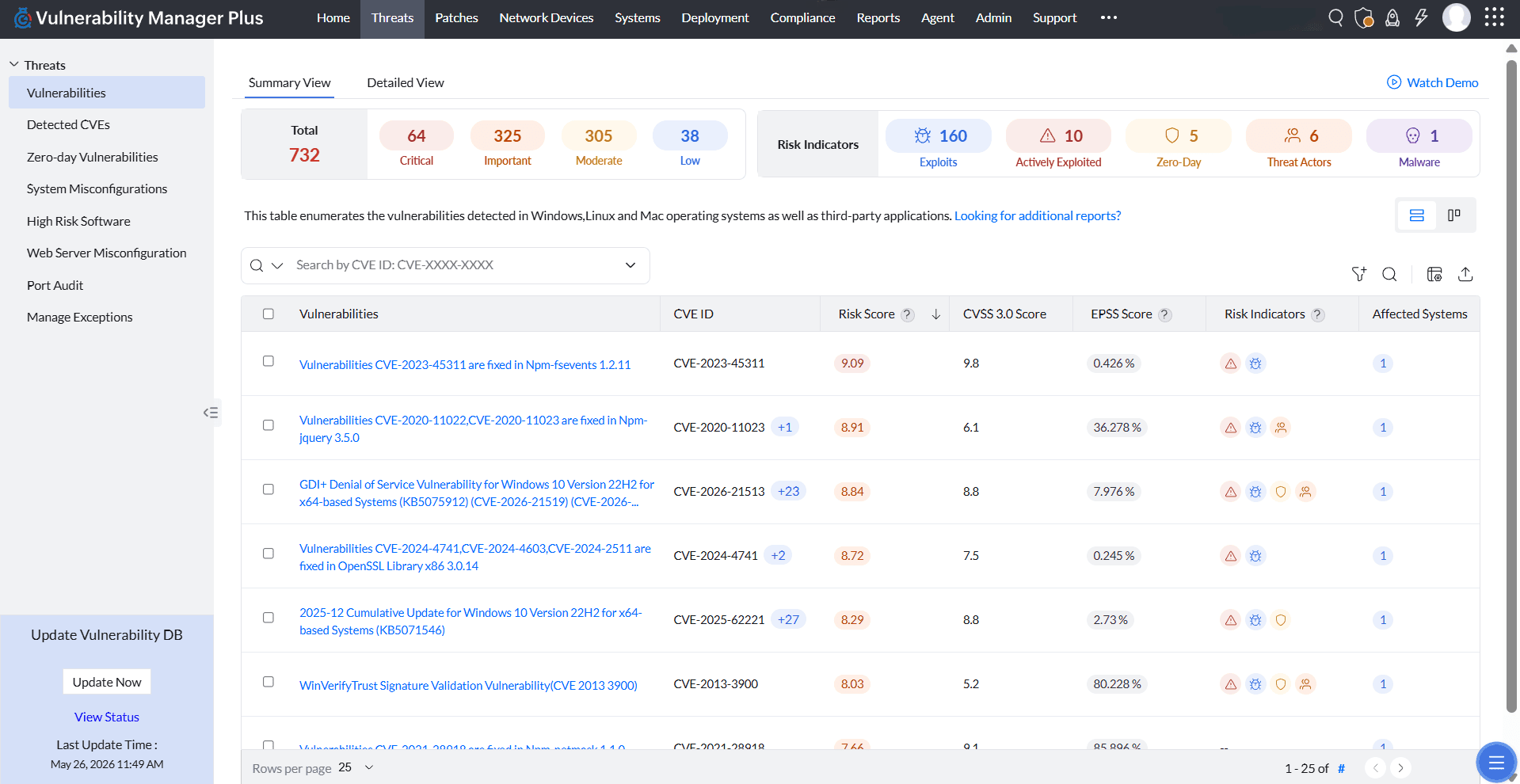 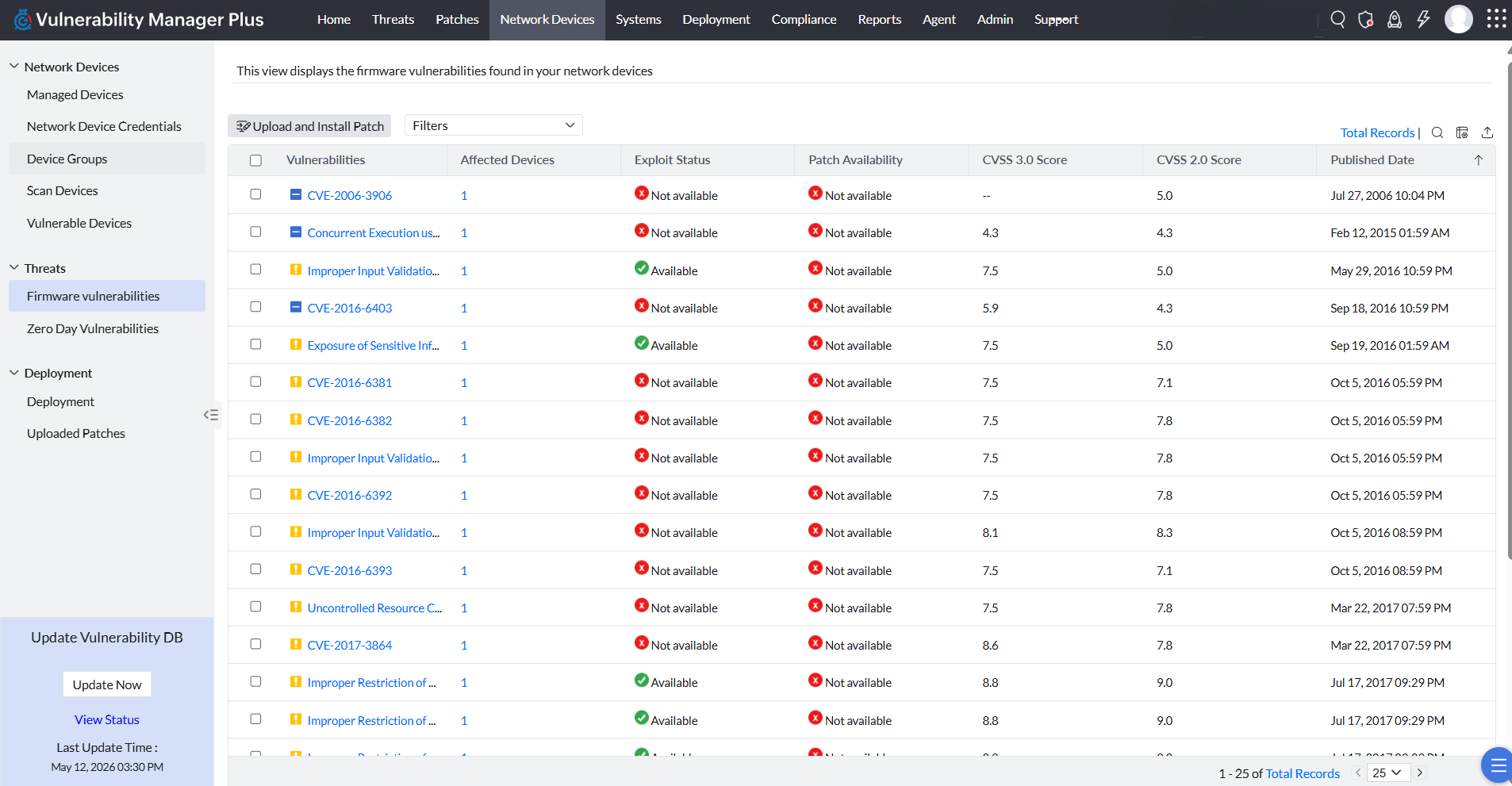 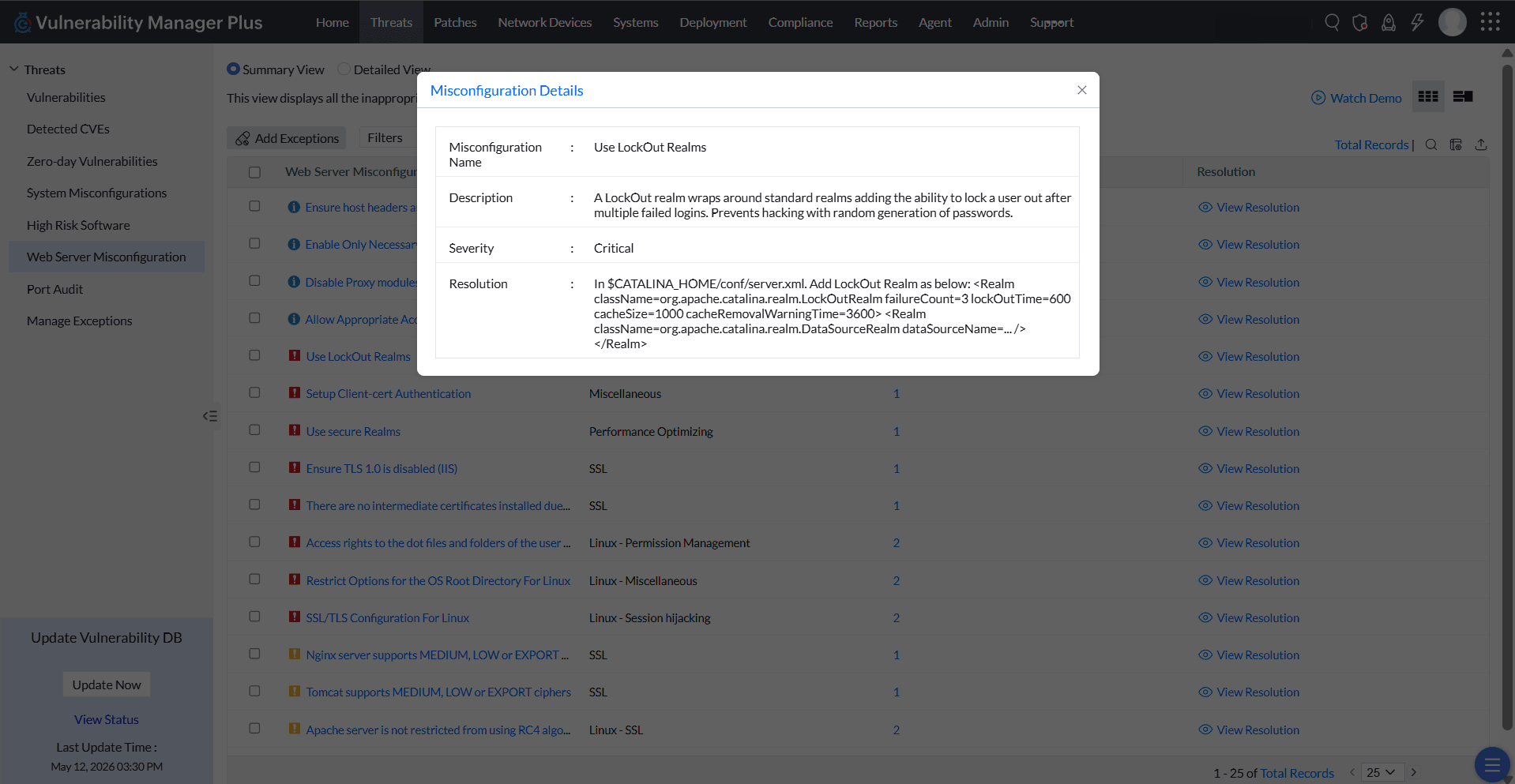  |
