TrustRadius: an HG Insights company

Save this comparison

Save this comparison

Add Product

Recommended Comparisons

    Overview
    ProductRatingMost Used ByProduct SummaryStarting Price

    Moovly

    Score7 out of 10
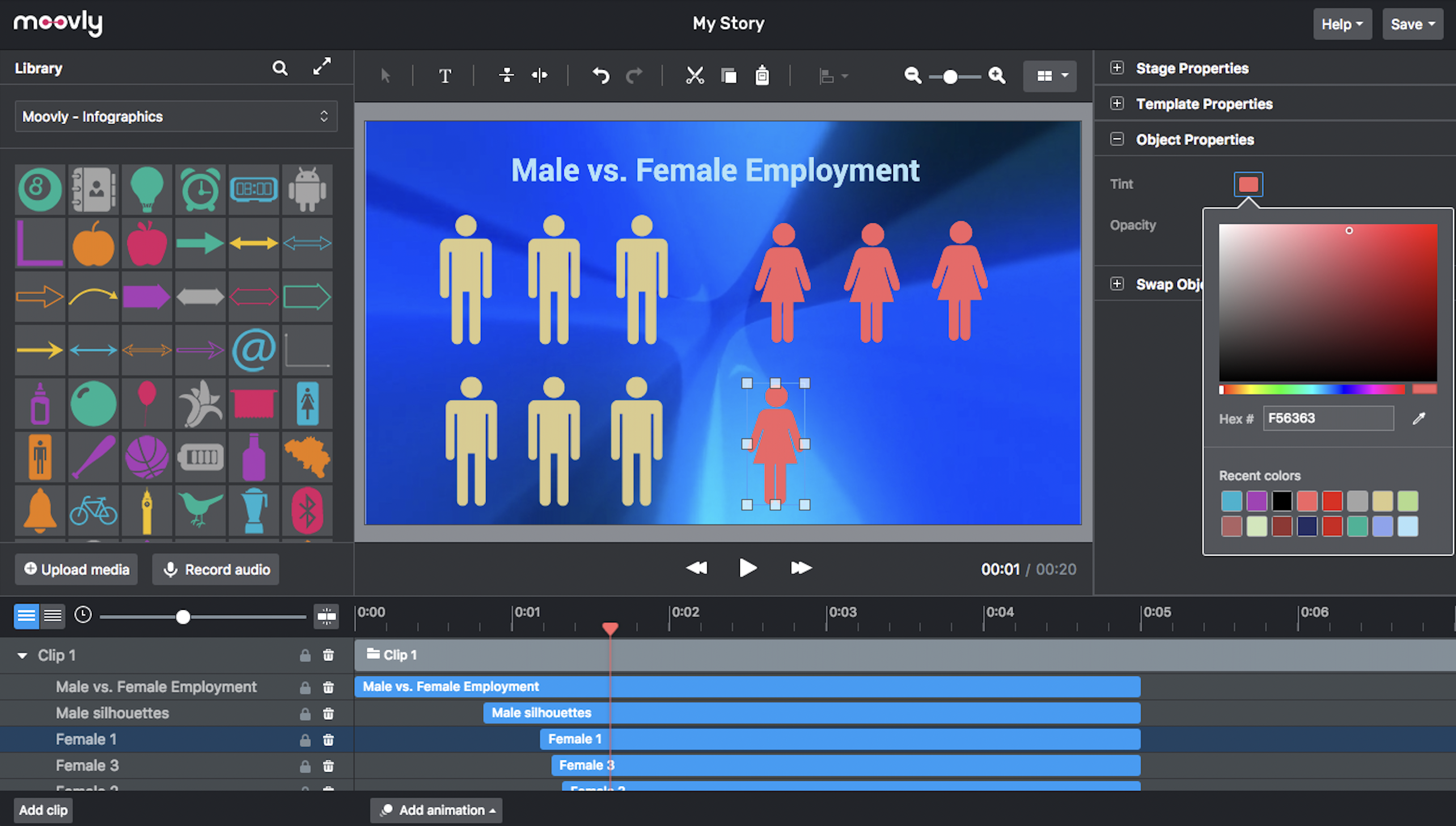
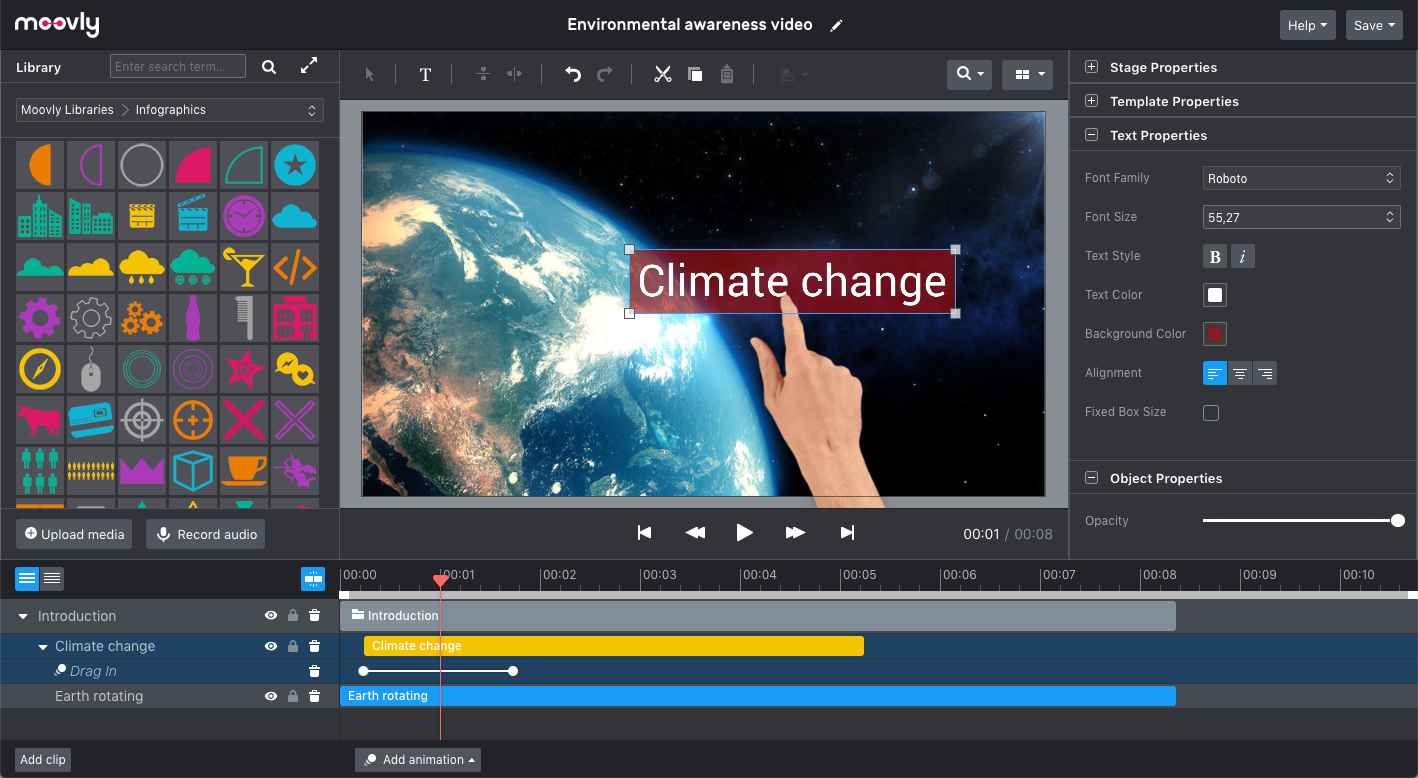
    N/AMoovly aims to enable users to create videos in any style without being an expert. Moovly's drag-and-drop interface lets users combine media objects from their libraries with the user's own uploaded media, as well as animate, synchronize, and time all objects in a timeline. Export content in any video format for online publishing, social media, projection, television, smartphone, or tablet. Moovly also includes more than a million royalty-free media objects to use freely. …N/A

    Videolink

    Score9.1 out of 10
    N/AVideolink brings clarity and collaboration to team conversations through video recording, sharing and instant playback. It can be used to record a screen or camera in seconds, send a link, and add visual context to information – whether it’s customer feedback, internal updates, or product walkthroughs. Instead of chasing down details in chat logs or ambiguous tickets, Videolink lets teams share ideas that are clear, direct, and…

    $0

    per active video

    Pricing
    MoovlyVideolink
    Editions & Modules
    No answers on this topic
    Free
    $0
    per month Up to 25 active videos and unlimited users
    Pro
    $20
    per month For 100 active videos and unlimited users
    Advanced
    Custom Plans
    Offerings
    Pricing Offerings
    MoovlyVideolink
    Free Trial
    NoNo
    Free/Freemium Version
    NoYes
    Premium Consulting/Integration Services
    NoNo
    Entry-level Setup FeeNo setup feeOptional
    Additional Details—Only saved videos are counted. If a video is deleted, it only counts for the month it was active — never after. Videolink has no per-seat usage fees. You’re only billed for videos your team actually keeps.
    More Pricing Information
    Features
    MoovlyVideolink
    Video Marketing
    Comparison of Video Marketing features of Moovly and Videolink
    Feature
    Moovly
    8.0
    1 Ratings
    5% above category average
    Videolink
    -
    Ratings
    Video personalization8.01 Ratings00 Ratings
    Video Security
    Comparison of Video Security features of Moovly and Videolink
    Feature
    Moovly
    8.0
    1 Ratings
    7% below category average
    Videolink
    -
    Ratings
    Video link sharing8.01 Ratings00 Ratings
    Internal video8.01 Ratings00 Ratings
    External video8.01 Ratings00 Ratings
    Best Alternatives
    MoovlyVideolink
    Small Businesses
    Vidyard
    Score8.3 out of 10
    Sendspark
    Score10 out of 10
    Medium-sized Companies
    Vidyard
    Score8.3 out of 10
    Snagit
    Score9.7 out of 10
    Enterprises
    Panopto
    Score7.5 out of 10
    Snagit
    Score9.7 out of 10
    All AlternativesView all alternativesView all alternatives
    User Ratings
    MoovlyVideolink
    Likelihood to Recommend
    7.0
    (1 ratings)
    9.1
    (2 ratings)
    Usability
    -
    (0 ratings)
    9.1
    (2 ratings)
    User Testimonials
    MoovlyVideolink
    Likelihood to Recommend
    Moovly
    It would really depend on the use case if I am going to recommend Moovely to someone else. There are just situations where a stand-alone software just makes more sense. However, I would recommend Moovely over other web-based products on the sheer amount of access of options for stock images/video, compared to some others on the market right now.
    Incentivized
    Read full review
    Videolink
    The way we work is evolving. Remote teams — especially after the COVID-19 pandemic — rely more than ever on tools that bridge the gap between distance and real-time collaboration.
    Asynchronous updates have become a key part of solving daily challenges, and we’ve seen the benefits first-hand as an organisation.
    Incentivized
    Read full review
    Pros
    Moovly
    • Very easy and intuitive
    • A large audio/video library
    • Great tutorials
    Incentivized
    Read full review
    Videolink
    • Quick video sharing
    • Basic editing
    • Inline comments
    Read full review
    Cons
    Moovly
    • It would be perfect if green screen ability was available on the first tier
    • integrate with more cloud storage options
    Incentivized
    Read full review
    Videolink
    • More video editing tools
    Incentivized
    Read full review
    Usability
    Moovly
    No answers on this topic
    Videolink
    The interface is clean, and features like video requests, in-browser editing, and commenting make the workflow seamless for our team.
    Read full review
    Return on Investment
    Moovly
    • Reliability.
    • It saves a lot of time.
    Incentivized
    Read full review
    Videolink
    • Productivity
    • Delivery-driven communication
    Incentivized
    Read full review
    ScreenShots

    Moovly Screenshots

    Screenshot of An easy, browser-based editor application that does not require software installation.Screenshot of Moovly features many different styles, including the popular hand-drawing whiteboard style.Screenshot of Choose objects from over free 1,000,000 stock videos, motion graphics, music and sounds, illustrations, and photos. Or browse the integrated Getty Images libraries (>75 million media objects) and purchase the used media when satisfied.Screenshot of The Moovly interface can be adapted in line with the needs and guidelines of enterprises, brands or integration partners, including white labeling.Screenshot of Preview, duplicate, publish, download or share your video projects from your dashboard.Screenshot of Combine motion graphics with animated text, music, voice-over, sounds to create any type of video: explainers, promotion videos, communication content, e-learning, tutorials - you name it.

    Videolink Screenshots

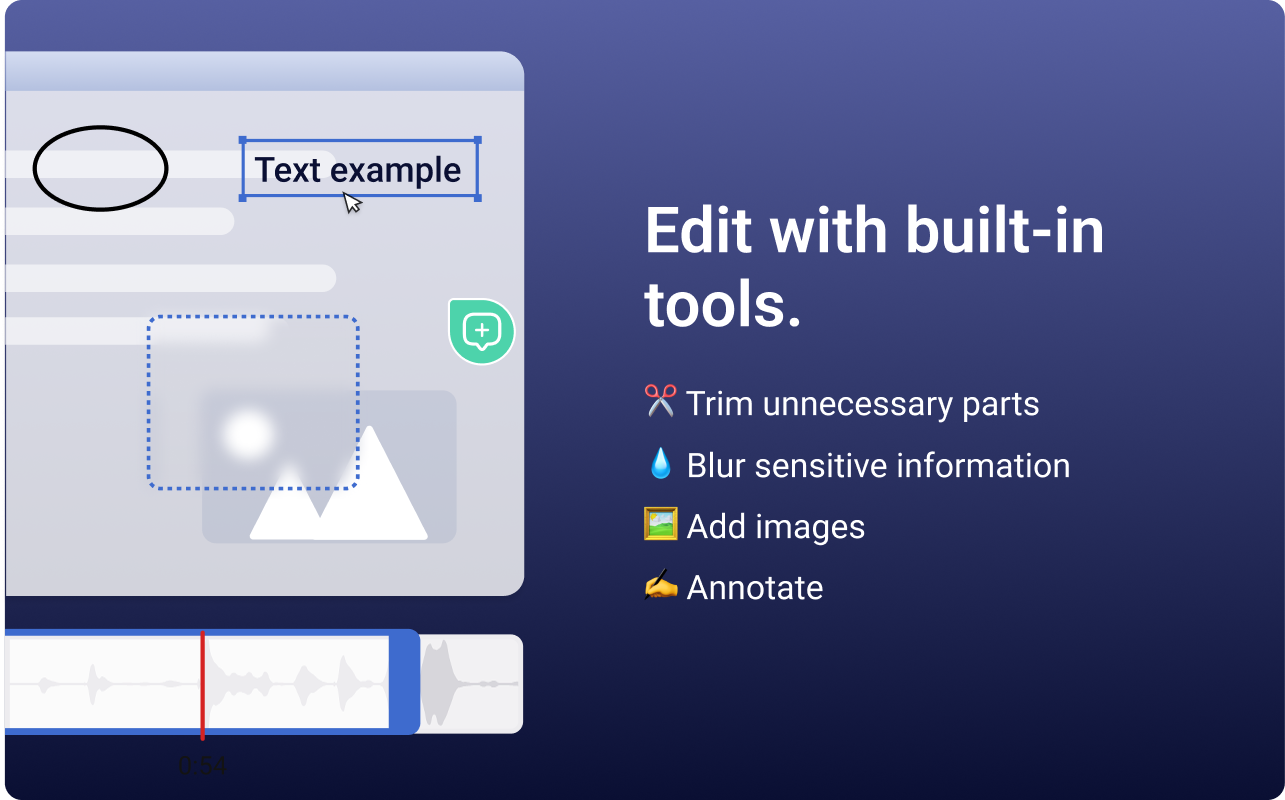
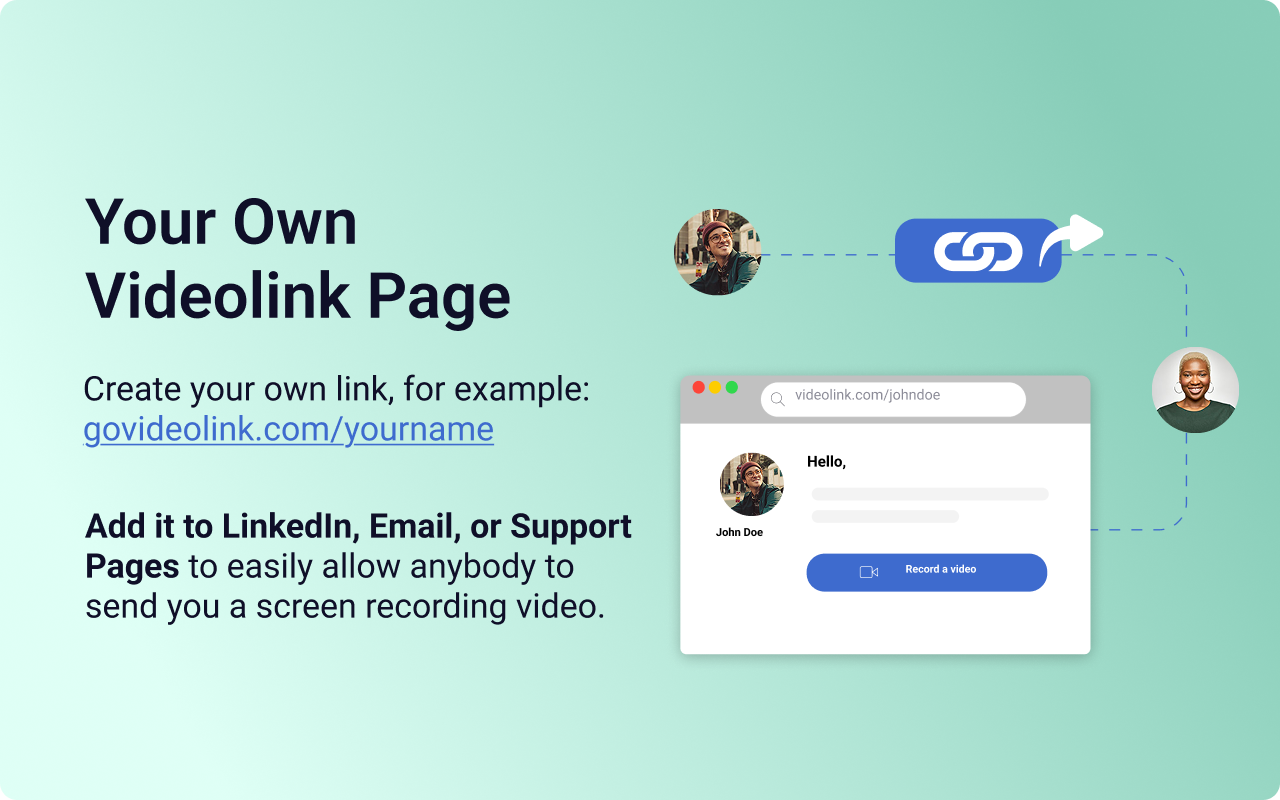
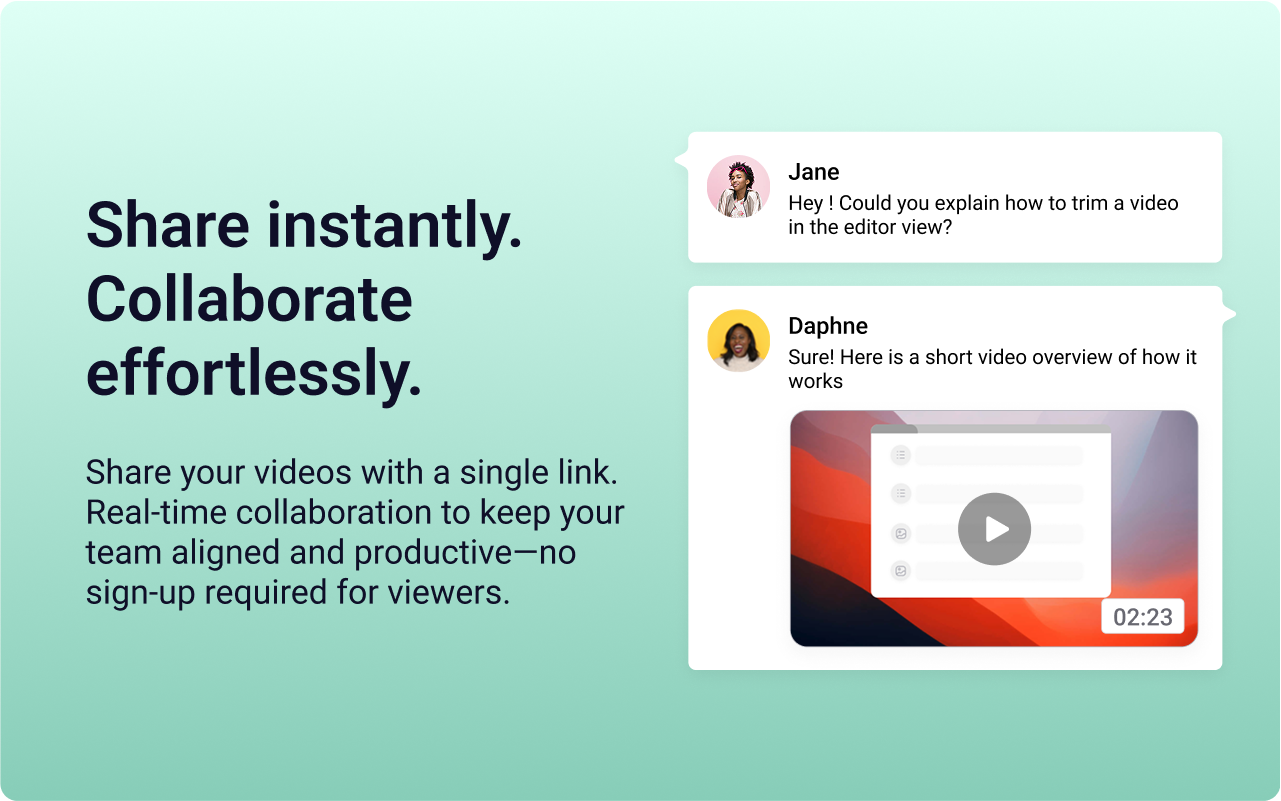
    Screenshot of the Videolink editor, used to trim out excess content, blur sensitive info, annotate key areas, and insert images.Screenshot of a Videolink page, used to create a personal shareable link – like govideolink.com/yourname – that lets anyone send a recorded video directly.Screenshot of single link sharing, so viewers don’t need an account to watch, comment, or provide feedback.