
Pinggy vs. VMware NSX
Pinggy vs. VMware NSX
| Product | Rating | Most Used By | Product Summary | Starting Price |
|---|---|---|---|---|
 Pinggy | N/A | Pinggy is presented as a simple localhost tunneling solution. With Pinggy, users can create HTTP, TCP, UDP, or TLS tunnels to a localhost, enabling instant access to websites or applications, even behind firewalls and NATs. There is no need to download anything, no complex server configurations - just streamlined, secure access for developers, teams, and innovators. | $3 per month per seat | |
 VMware NSX | N/A | VMware NSX is network virtualization technology. VMware NSX is no longer sold as a standalone product and is now available as a part of VMware Cloud Foundation. | N/A |
| Pinggy | VMware NSX | |||||||||||||||
|---|---|---|---|---|---|---|---|---|---|---|---|---|---|---|---|---|
| Editions & Modules |
| No answers on this topic | ||||||||||||||
| Offerings |
| |||||||||||||||
| Entry-level Setup Fee | $30 per month per seat | No setup fee | ||||||||||||||
| Additional Details | Plan: Enterprise Contact Us: contact@pinggy.io Features: 1. Dedicated Servers / On Premise 2. Unlimited persistent tunnels 3. Unlimited custom subdomains 4. Unlimited custom domains 5. Unlimited persistent TCP/UDP ports 6. Unlimited Teams 7. API to monitor and manage tunnels 8. Priority Discord & Call Support | — | ||||||||||||||
| More Pricing Information | ||||||||||||||||
| Pinggy | VMware NSX |
|---|
| Pinggy | VMware NSX | |
|---|---|---|
| Small Businesses |  Cloudflare Score 8.9 out of 10 | No answers on this topic |
| Medium-sized Companies | Cloudflare Score 8.9 out of 10 | No answers on this topic |
| Enterprises |  NGINX Score 9.1 out of 10 | No answers on this topic |
| All Alternatives | View all alternatives | View all alternatives |
| Pinggy | VMware NSX | |
|---|---|---|
| Likelihood to Recommend | - (0 ratings) | 7.0 (3 ratings) |
| Pinggy | VMware NSX | |
|---|---|---|
| Likelihood to Recommend | Pinggy No answers on this topic |  VMware by Broadcom
|
| Pros | Pinggy No answers on this topic | VMware by Broadcom
|
| Cons | Pinggy No answers on this topic | VMware by Broadcom
|
| Alternatives Considered | Pinggy No answers on this topic | VMware by Broadcom
|
| Return on Investment | Pinggy No answers on this topic | VMware by Broadcom
|
| ScreenShots | Pinggy Screenshots   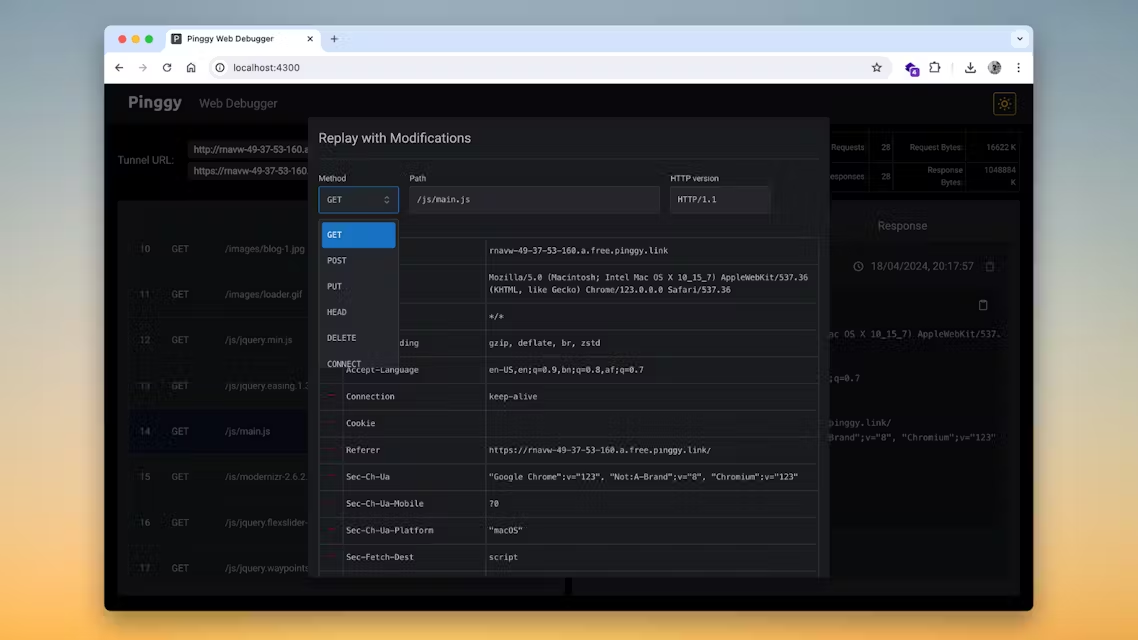  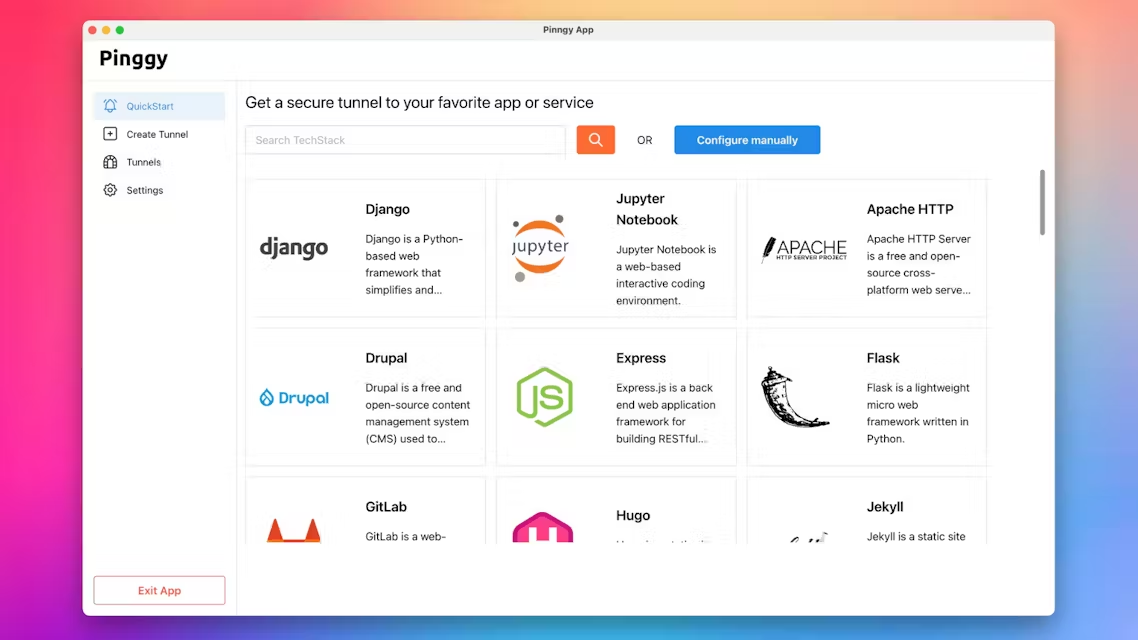 |