PowerSchool eSchoolPLUS vs. Securly Classroom

Overview
ProductRatingMost Used ByProduct SummaryStarting Price
PowerSchool eSchoolPLUS
Score 7.0 out of 10
N/A
eSchoolPLUS is a student information system for managing student demographics, grades, scheduling & attendance, discipline & report cards, and other information in k-12. eSchoolPLUS was developed by Sungard K-12 Education which was acquired by PowerSchool in March 2017. It is now owned and supported by PowerSchool.N/A
Securly Classroom
Score 8.0 out of 10
N/A
Securly Classroom gives teachers management over all Chromebooks in the classroom through a web-based console allowing them to guide, monitor, and communicate with students. Get class started quickly by pushing sites to student devices, keep them on task with web lock and custom blacklists, communicate discreetly with students with hand-raise and chat features, and keep an eye on things with screen and tab views, and students’ browsing histories.N/A
Pricing
PowerSchool eSchoolPLUSSecurly Classroom
Editions & Modules
No answers on this topic
Offerings
Pricing Offerings
PowerSchool eSchoolPLUSSecurly Classroom
Free Trial
NoYes
Free/Freemium Version
NoYes
Premium Consulting/Integration Services
NoNo
Entry-level Setup FeeNo setup feeNo setup fee
Additional Details
More Pricing Information
Community Pulse
PowerSchool eSchoolPLUSSecurly Classroom
Considered Both Products
PowerSchool eSchoolPLUS
Chose PowerSchool eSchoolPLUS
PowerSchool eSchoolPLUS effectively allowed for access to all data, while enabling links to other critical PowerSchool platforms like Kickboard, Enrollment, and other software platforms.
Chose PowerSchool eSchoolPLUS
eSchoolPLUS was much easier to use at all levels of our organization. The ability to input grades vs. the competencies and standards-based assessments given in primary and intermediate grades as a game changer. Many of our district employees prefer eSchoolPLUS hands down.
Chose PowerSchool eSchoolPLUS
PowerSchool is more user friendly when compared to Blackbaud, even with the need to learn the steps and where things are located. It was easy for me to move from using one system in a previous district to using PowerSchool in another district.
Chose PowerSchool eSchoolPLUS
One platform is SKEDULA that would be a direct competitor with eSchoolPLUS. However, the issue with SKEDULA is that they do not have the breadth of tools that eSchoolPLUS and PowerSchool offers. With SKEDULA you can also input grades and marking periods, but the platform they …
Chose PowerSchool eSchoolPLUS
We have used Gradespeed in the past, but that was over 10 years ago and I was not involved in the transition to the new software. I just know that when eSchoolPLUS came into use, we transitioned smoothly and efficiently.
Securly Classroom

No answer on this topic

Features
PowerSchool eSchoolPLUSSecurly Classroom
Student and Faculty Administration
Comparison of Student and Faculty Administration features of Product A and Product B
PowerSchool eSchoolPLUS
8.4
Ratings
1% above category average
Securly Classroom
-
Ratings
Integrations with 3rd-Party Education Technology10.00 Ratings00 Ratings
Online Registration Management5.00 Ratings00 Ratings
District Communications, such as messaging and alerting5.00 Ratings00 Ratings
Roster Management10.00 Ratings00 Ratings
Platform Customization10.00 Ratings00 Ratings
Teacher Self-Service6.00 Ratings00 Ratings
Student Data Security10.00 Ratings00 Ratings
Community Support8.00 Ratings00 Ratings
Class Scheduling9.00 Ratings00 Ratings
State and National-level Reporting10.00 Ratings00 Ratings
Compliance Support10.00 Ratings00 Ratings
Teacher and Parent Mobile Application8.00 Ratings00 Ratings
Best Alternatives
PowerSchool eSchoolPLUSSecurly Classroom
Small Businesses

No answers on this topic

No answers on this topic

Medium-sized Companies
Schoolmint Hero
Schoolmint Hero
Score 9.7 out of 10

No answers on this topic

Enterprises
Schoolmint Hero
Schoolmint Hero
Score 9.7 out of 10

No answers on this topic

All AlternativesView all alternativesView all alternatives
User Ratings
PowerSchool eSchoolPLUSSecurly Classroom
Likelihood to Recommend
10.0
(0 ratings)
10.0
(0 ratings)
Availability
7.0
(0 ratings)
-
(0 ratings)
Performance
8.0
(0 ratings)
-
(0 ratings)
Product Scalability
7.0
(0 ratings)
-
(0 ratings)
User Testimonials
PowerSchool eSchoolPLUSSecurly Classroom
Likelihood to Recommend
PowerSchool eSchoolPLUS is a highly effective data warehouse, with easy input and nearly boundless ways to get to the raw information. For a team with strong capabilities in report writing (say, SQL/IBM Cognos, etc) the opportunity to get to the base of the information and communicate it well is incredibly strong. However, if you are relying on stock reports to get you what you need, it may be imperfect.
Read full review
As stated earlier it is very well suited to monitor computer use in the classroom and for virtual learning. The ability to send links to students who have trouble opening them is helpful, especially when students are home and don't have a teacher present to help. It is also helpful with its individual chat rooms where students can communicate privately with the teacher.
Read full review
Pros
  • One-stop resource for student data, from test scores to medical alerts.
  • Parent information, including contact and custody details, are readily accessible.
  • Clean and easy-to-use format makes finding what you need very easy.
Read full review
No answers on this topic
Cons
  • It can be difficult to find information when first beginning with it.
  • It can take many steps to perform one task.
  • Can run slowly on certain networks.
Read full review
No answers on this topic
Reliability and Availability
This would be the same reasoning as in the previous question. It is all about having enough bandwidth to run it across your district and buildings.
Read full review
No answers on this topic
Performance
Reports do run in a reasonable amount of time based upon the number of entries you are working with. You are also able to continue working on other areas while the report is being created so your device is not tied up during this process.
Read full review
No answers on this topic
Alternatives Considered
One platform is SKEDULA that would be a direct competitor with eSchoolPLUS. However, the issue with SKEDULA is that they do not have the breadth of tools that eSchoolPLUS and PowerSchool offers. With SKEDULA you can also input grades and marking periods, but the platform they use is harder to use on the website. Their mobile platform is easy, but its web platform is extremely slow to use. They also send you to an alternate website for inputting marking period grades, rather than being able to input final marking period grades and comments directly into the normal grading section of the student/teacher portal. I would rather eSchoolPLUS over SKEDULA as it has more functions and has a much more appealing Menu drop down and links. Navigating the website quickly is important, and that navigation system they have is actually the simplest to understand and use that I've been able to use in education. Moodle is another platform I do use and would recommend to some degree, but it would not be my choice when compared to the variety of functions in scheduling, reporting, and intervention that eSchoolPLUS provides.
Read full review
No answers on this topic
Scalability
There are days when PowerSchool can be very slow when loading. You definitely have to make sure you have the bandwidth in your district to run the platform appropriately.
Read full review
No answers on this topic
Return on Investment
  • Our Return on Investment is high, as it makes our jobs easier, allowing us more time to troubleshoot and train staff instead of digging for student information.
  • Overall our business objective is to store and access student information quickly, efficiently, and securely. eSchoolPLUS allows us to do that.
  • eSchoolPLUS has no negative impact on our ROI. Sometimes, after an update, there is a learning curve and bug fixes that need to be worked around, but in general, it is a great product and there is little downtime for our organization.
Read full review
No answers on this topic
ScreenShots

Securly Classroom Screenshots

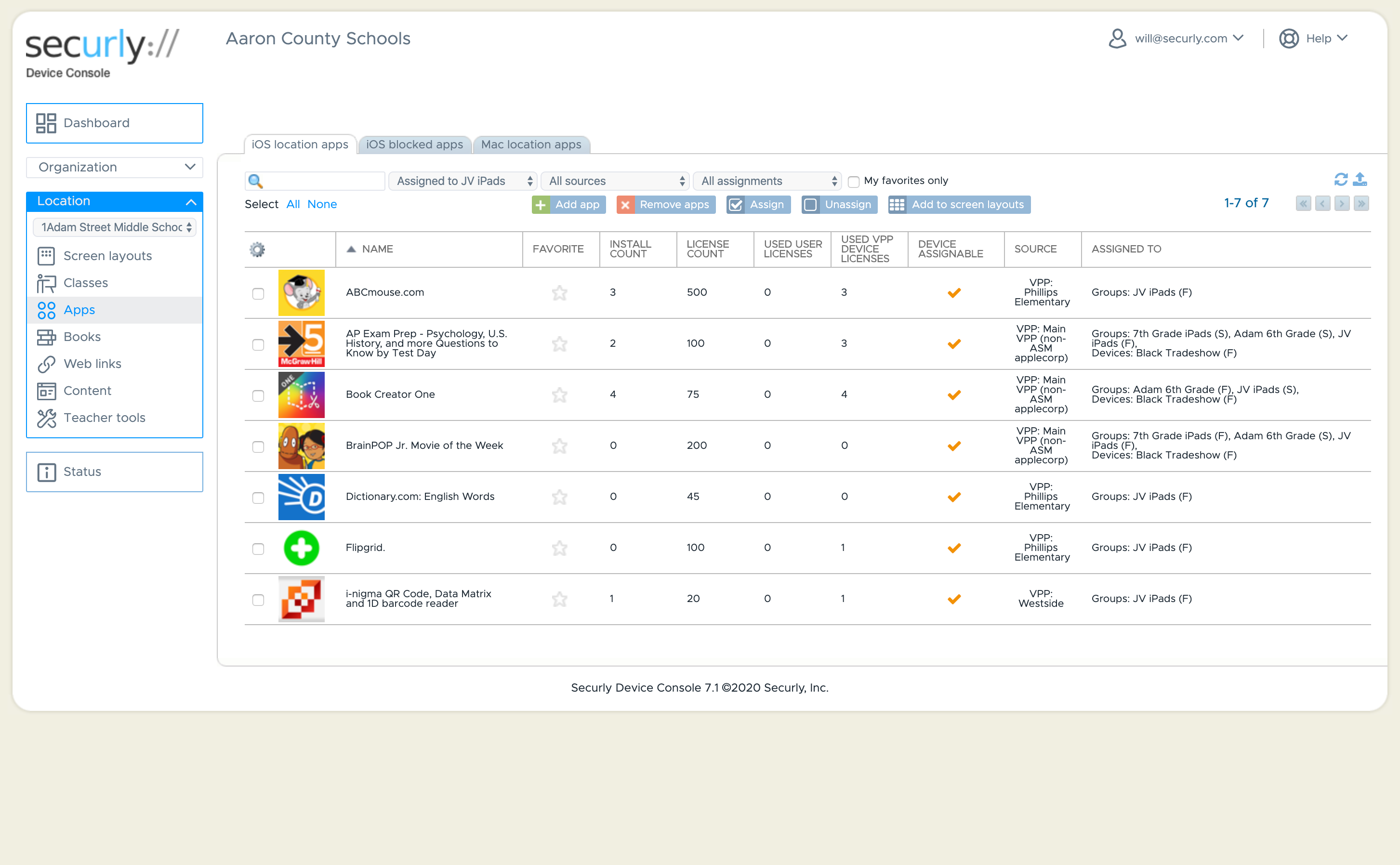
Screenshot of Dashboard ViewScreenshot of Customize your student's iOS experienceScreenshot of Classroom Management - Screen ViewScreenshot of Classroom ManagementScreenshot of Classroom ManagementScreenshot of iOS Application Management