
Proffitify vs. Tally
Proffitify vs. Tally
| Product | Rating | Most Used By | Product Summary | Starting Price |
|---|---|---|---|---|
 Proffitify | N/A | Free Proffitify Accounting & GST Billing Software | N/A | |
 Tally | Small Businesses (1-50 employees) | Tally is an online form builder designed to make creating online forms simple and free. No coding required — users simply type questions like they would in a doc to get started. The form editor is designed to accommodate both beginners and experienced users, scaling from simple forms to sophisticated workflows. Key Features: Unlimited forms and submissions Conditional logic and calculations Multi-page and password-protected… | $0 |
| Proffitify | Tally | |||||||||||||||
|---|---|---|---|---|---|---|---|---|---|---|---|---|---|---|---|---|
| Editions & Modules | No answers on this topic |
| ||||||||||||||
| Offerings |
| |||||||||||||||
| Entry-level Setup Fee | No setup fee | No setup fee | ||||||||||||||
| Additional Details | — | Some of Tally's advanced features are available for free without limits. Tally Pro ($29/month) adds team collaboration features, while Tally Business ($89/month) includes enterprise controls like email verification and submissions data retention control. | ||||||||||||||
| More Pricing Information | ||||||||||||||||
| Proffitify | Tally |
|---|
| Proffitify | Tally | ||||||||||||
|---|---|---|---|---|---|---|---|---|---|---|---|---|---|
| Survey Format & Appearance |
| ||||||||||||
| Survey Content |
| ||||||||||||
| Survey Logic |
| ||||||||||||
| Survey Reporting & Analytics |
| ||||||||||||
| Survey Administration & Security |
|
| Proffitify | Tally | |
|---|---|---|
| Small Businesses |  Intuit Lacerte Score 9.5 out of 10 |  Square 9 Softworks Score 9.3 out of 10 |
| Medium-sized Companies |  Lappa Score 8.9 out of 10 |  Qualaroo Score 7.0 out of 10 |
| Enterprises |  Vertex Score 8.7 out of 10 |  Quadient Inspire Score 9.5 out of 10 |
| All Alternatives | View all alternatives | View all alternatives |
| Proffitify | Tally | |
|---|---|---|
| Likelihood to Recommend | - (0 ratings) | 10.0 (1 ratings) |
| Usability | - (0 ratings) | 10.0 (1 ratings) |
| Proffitify | Tally | |
|---|---|---|
| Likelihood to Recommend | AlienHu Private Limited No answers on this topic | Tally
|
| Usability | AlienHu Private Limited No answers on this topic | Tally
|
| ScreenShots | Proffitify Screenshots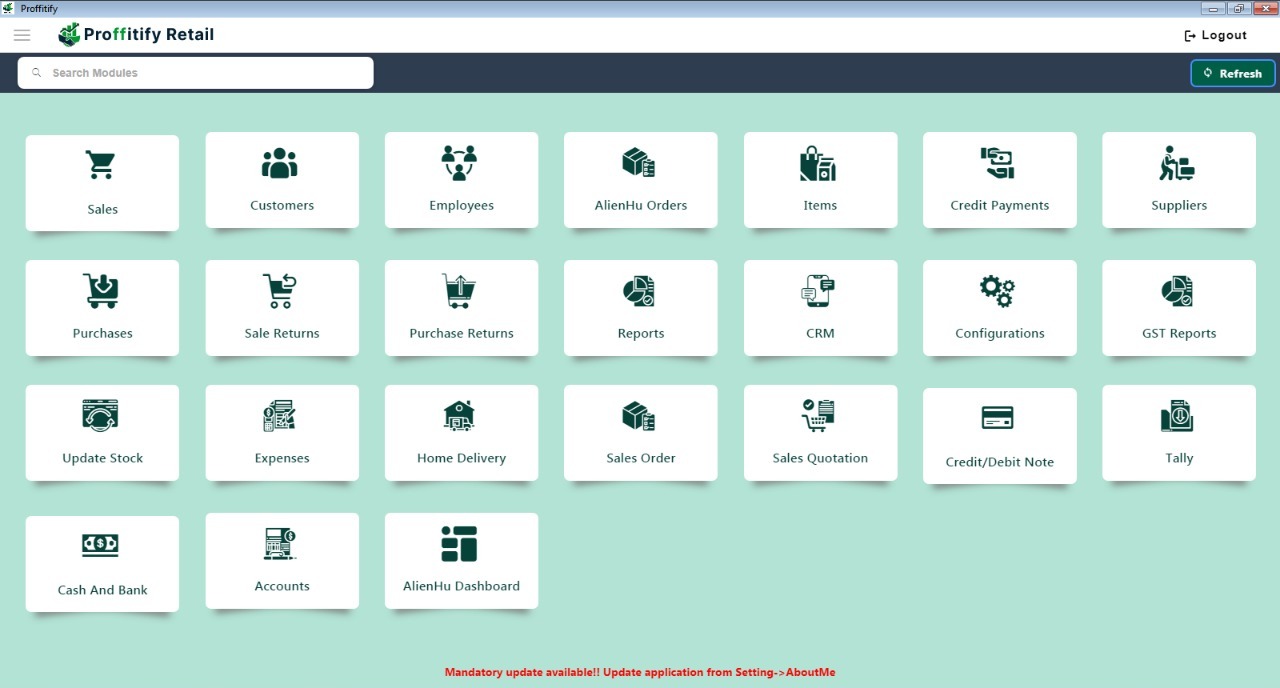 | Tally Screenshots      |