
Q10 vs. Sejda
Q10 vs. Sejda
| Product | Rating | Most Used By | Product Summary | Starting Price |
|---|---|---|---|---|
 Q10 | Mid-Size Companies (51-1,000 employees) | Q10 offers cloud software that supports academic, administrative and virtual education management, suppoting Universities, Technological Institutes and Continuing Education. The software is used to create a space through which students can access dynamic content, participate in forums, complete assignments, and solve quizzes. Q10 software also support administrative activities, such as student enrollment and registration, as well as curriculum design, financial administration, institutional well… | $980 per year | |
 Sejda | N/A | N/A | $5 one-time fee |
| Q10 | Sejda | |||||||||||||||
|---|---|---|---|---|---|---|---|---|---|---|---|---|---|---|---|---|
| Editions & Modules |
|
| ||||||||||||||
| Offerings |
| |||||||||||||||
| Entry-level Setup Fee | No setup fee | No setup fee | ||||||||||||||
| Additional Details | Q10 uses a flat-rate annual subscription model per institution, with unlimited students included in all plans. Pricing does not scale with the number of students — institutions pay a fixed annual fee regardless of their size or enrollment volume. Initial data migration, onboarding training, and technical support are included in all plans at no additional cost. Pricing is listed in USD and may vary slightly by country due to local market conditions. | — | ||||||||||||||
| More Pricing Information | ||||||||||||||||
| Q10 | Sejda | |
|---|---|---|
| Small Businesses | No answers on this topic |  Tungsten Power PDF Score 9.7 out of 10 |
| Medium-sized Companies |  Ellucian Banner Score 6.0 out of 10 |  pdfFiller Score 9.0 out of 10 |
| Enterprises |  PeopleAdmin Higher Ed Platform, from Powerschool Score 7.0 out of 10 |  Bluebeam Score 9.2 out of 10 |
| All Alternatives | View all alternatives | View all alternatives |
| Q10 | Sejda | |
|---|---|---|
| Likelihood to Recommend | - (0 ratings) | 6.0 (1 ratings) |
| Q10 | Sejda | |
|---|---|---|
| Likelihood to Recommend | Q10 No answers on this topic | Sejda
|
| Pros | Q10 No answers on this topic | Sejda
|
| Cons | Q10 No answers on this topic | Sejda
|
| Alternatives Considered | Q10 No answers on this topic | Sejda
|
| Return on Investment | Q10 No answers on this topic | Sejda
|
| ScreenShots | Q10 Screenshots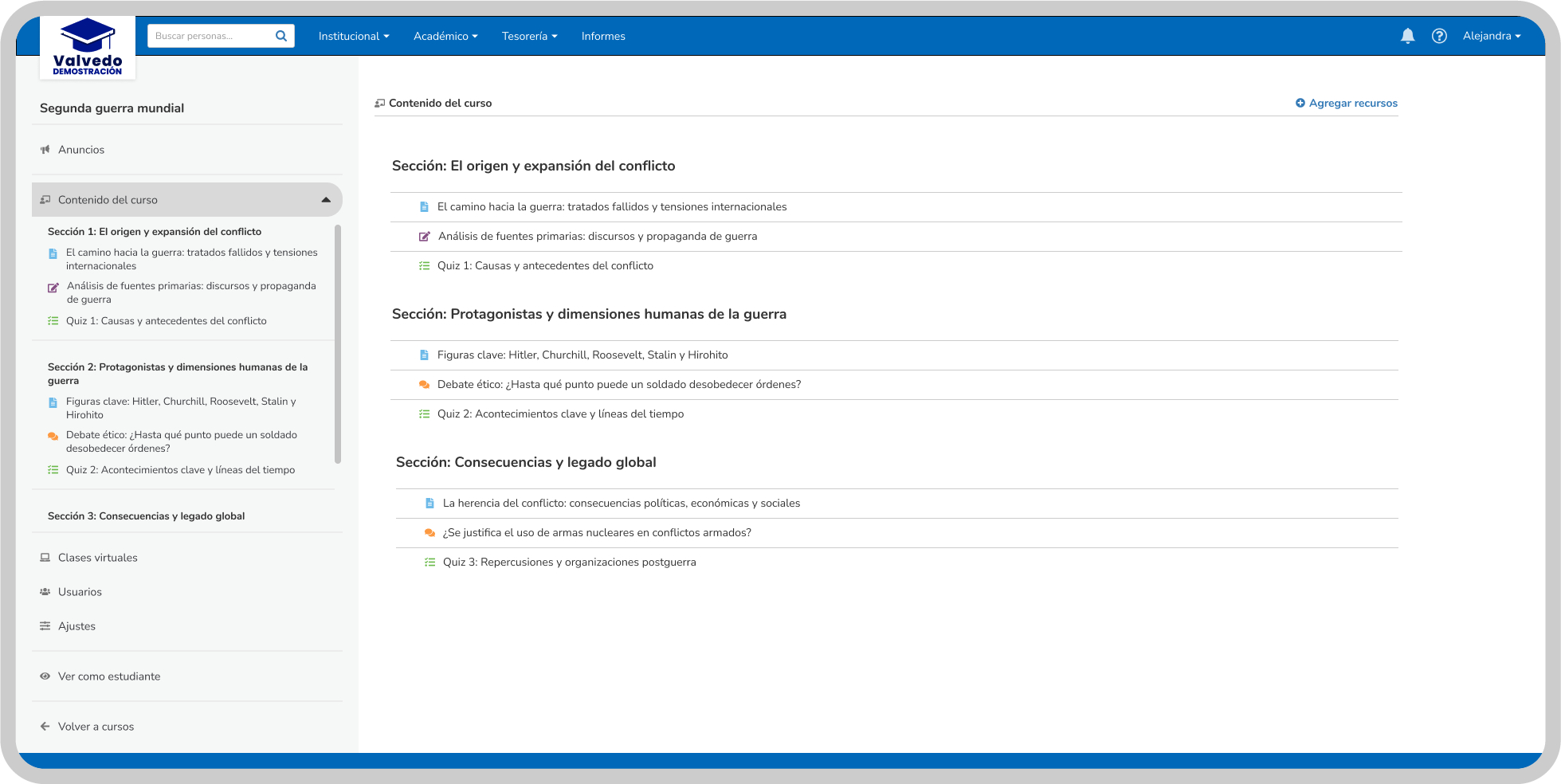 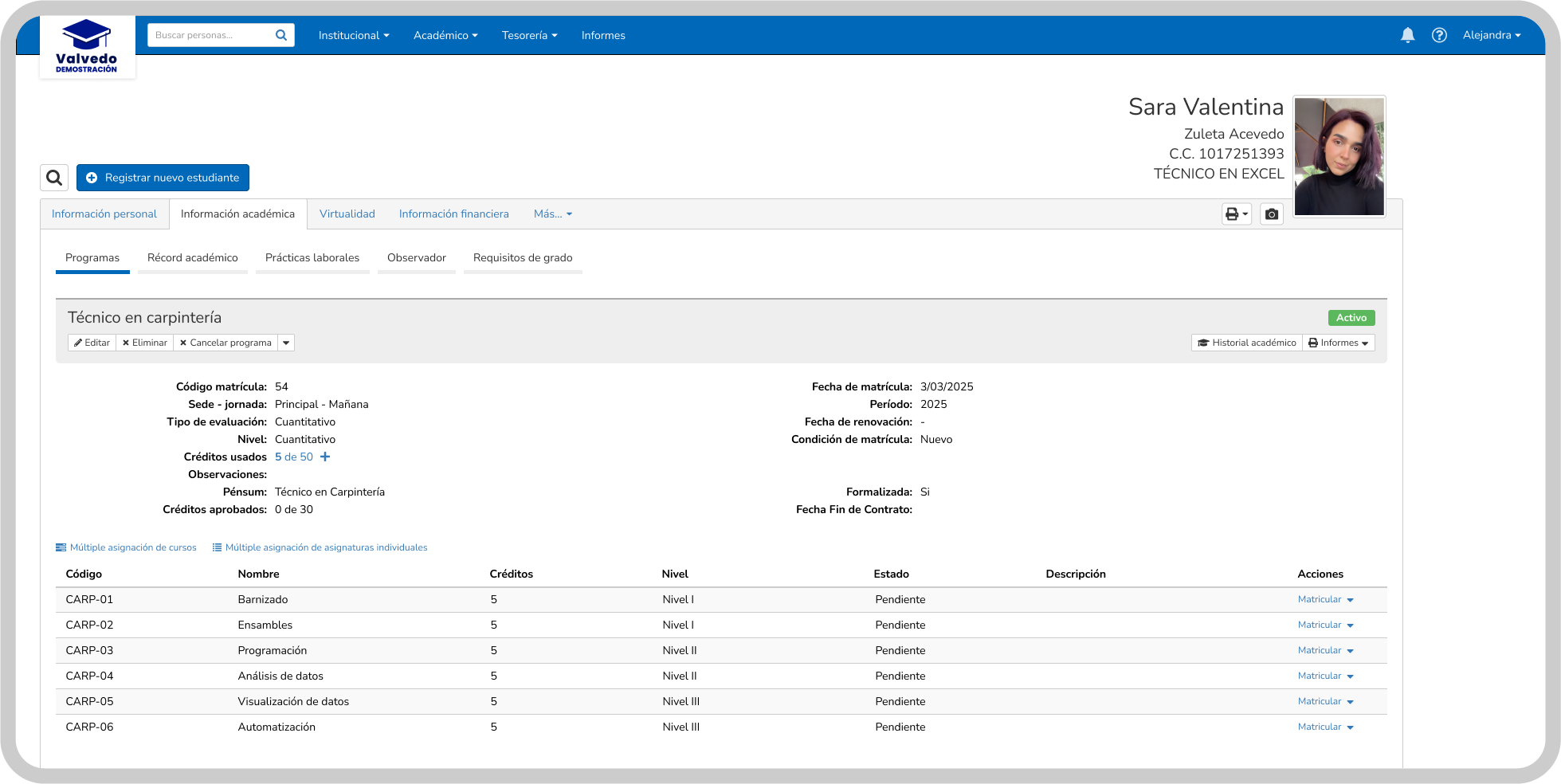 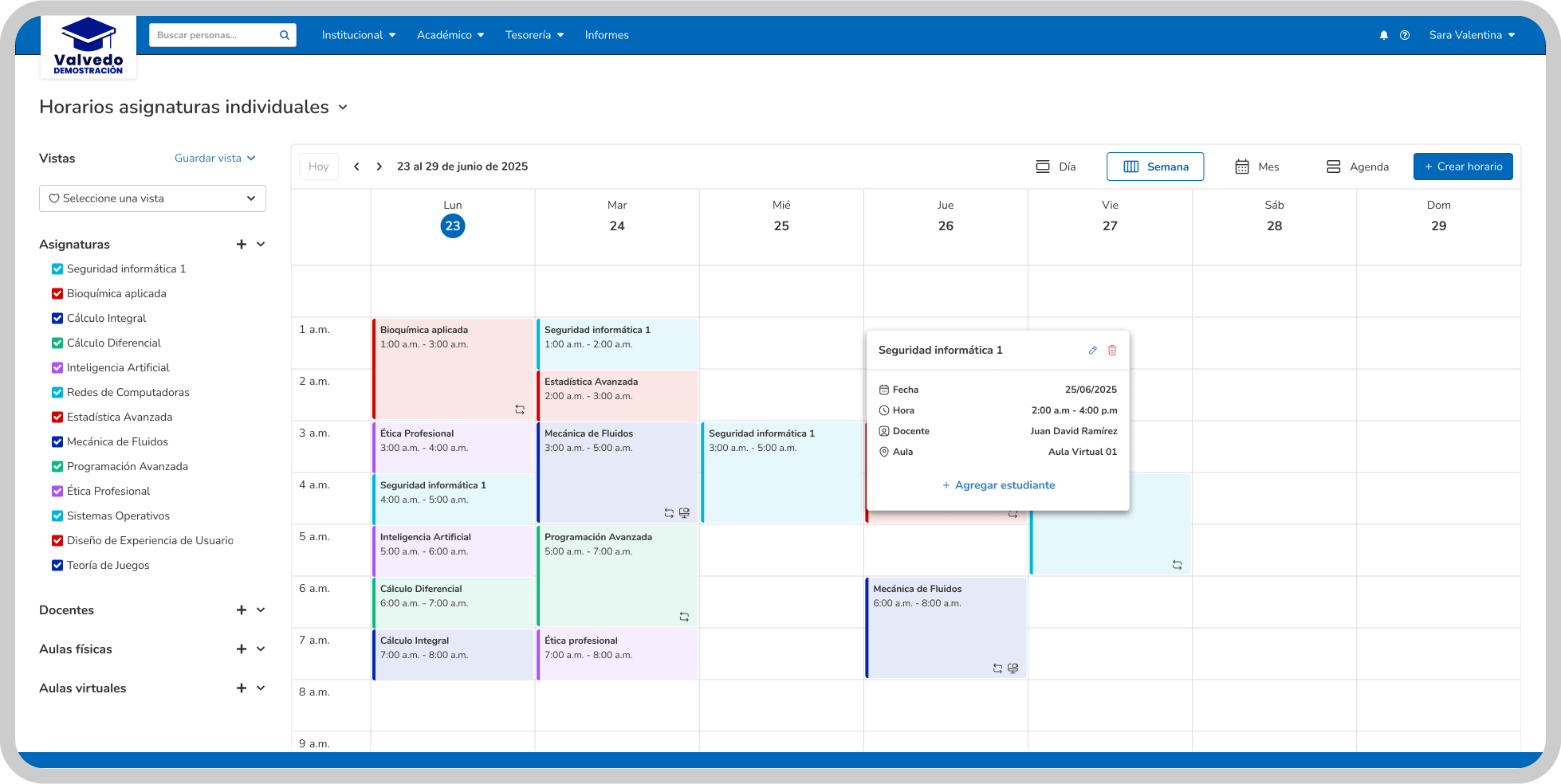 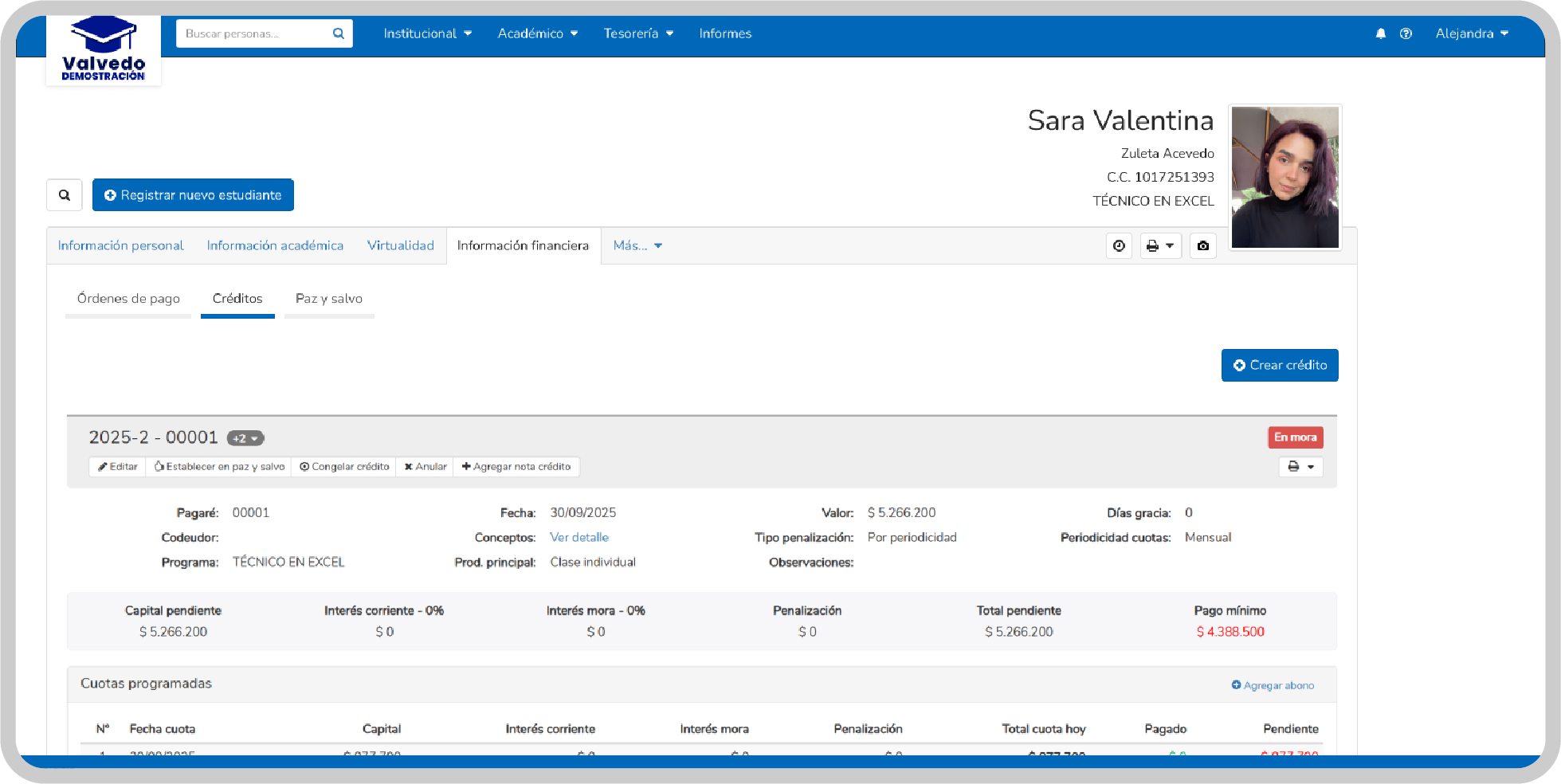 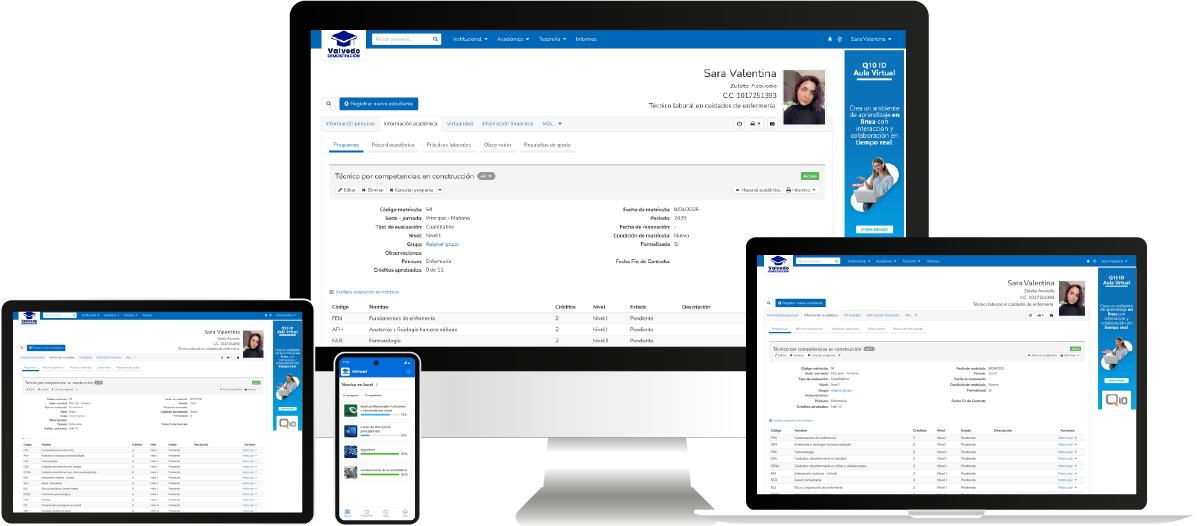 |