
S-Docs vs. SmartDocuments
| Product | Rating | Most Used By | Product Summary | Starting Price |
|---|---|---|---|---|
 S-Docs | Score8 out of 10 | Small Businesses (1-50 employees) | S-Docs headquartered in New York offers what they present as a secure document generator and E-signature solution built on the Salesforce Platform. It aims to help users to create and e-sign sophisticated documents that improve efficiency, reduce errors and eliminate tedious work. | $25 per month per user |
 SmartDocuments | Score9 out of 10 | N/A | SmartDocuments' software enables organizations to create smart documents. With it, the user first creates smart templates that then turn into interactive documents, to save employees a considerable amount of time. In addition, the vendor states the resulting content will always meet the highest standard and match the corporate identity. SmartDocuments is developed with the goal of enabling employees to create perfect documents with minimal effort in no time at… | N/A |
| S-Docs | SmartDocuments | |||||||||||||||
|---|---|---|---|---|---|---|---|---|---|---|---|---|---|---|---|---|
| Editions & Modules |
| No answers on this topic | ||||||||||||||
| Offerings |
| |||||||||||||||
| Entry-level Setup Fee | Optional | No setup fee | ||||||||||||||
| Additional Details | S-Docs for Salesforce is priced by seat. Organizations that are interested in the enterprise edition - including per-document pricing and Experience Cloud plans, can reach out to sales. S-Docs for HubSpot is priced by usage. S-Docs for HubSpot Team Edition comes with 500 documents and 250 e-Signature requests per year. S-Docs for HubSpot Professional Edition comes with 2,500 documents and 800 e-Signature requests per year. Nonprofit discounts are available. | — | ||||||||||||||
| More Pricing Information | ||||||||||||||||
| S-Docs | SmartDocuments | |
|---|---|---|
| Small Businesses |  Formstack for Salesforce Score7.1 out of 10 | Formstack for Salesforce Score7.1 out of 10 |
| Medium-sized Companies | Formstack for Salesforce Score7.1 out of 10 | Formstack for Salesforce Score7.1 out of 10 |
| Enterprises |  Conga Composer Score7.9 out of 10 | Conga Composer Score7.9 out of 10 |
| All Alternatives | View all alternatives | View all alternatives |
| S-Docs | SmartDocuments | |
|---|---|---|
| Likelihood to Recommend | 9.0 | - |
| S-Docs | SmartDocuments | |
|---|---|---|
| Likelihood to Recommend |
| No answers on this topic |
| Pros |
| No answers on this topic |
| Alternatives Considered |
| No answers on this topic |
| Return on Investment |
| No answers on this topic |
| ScreenShots | S-Docs Screenshots    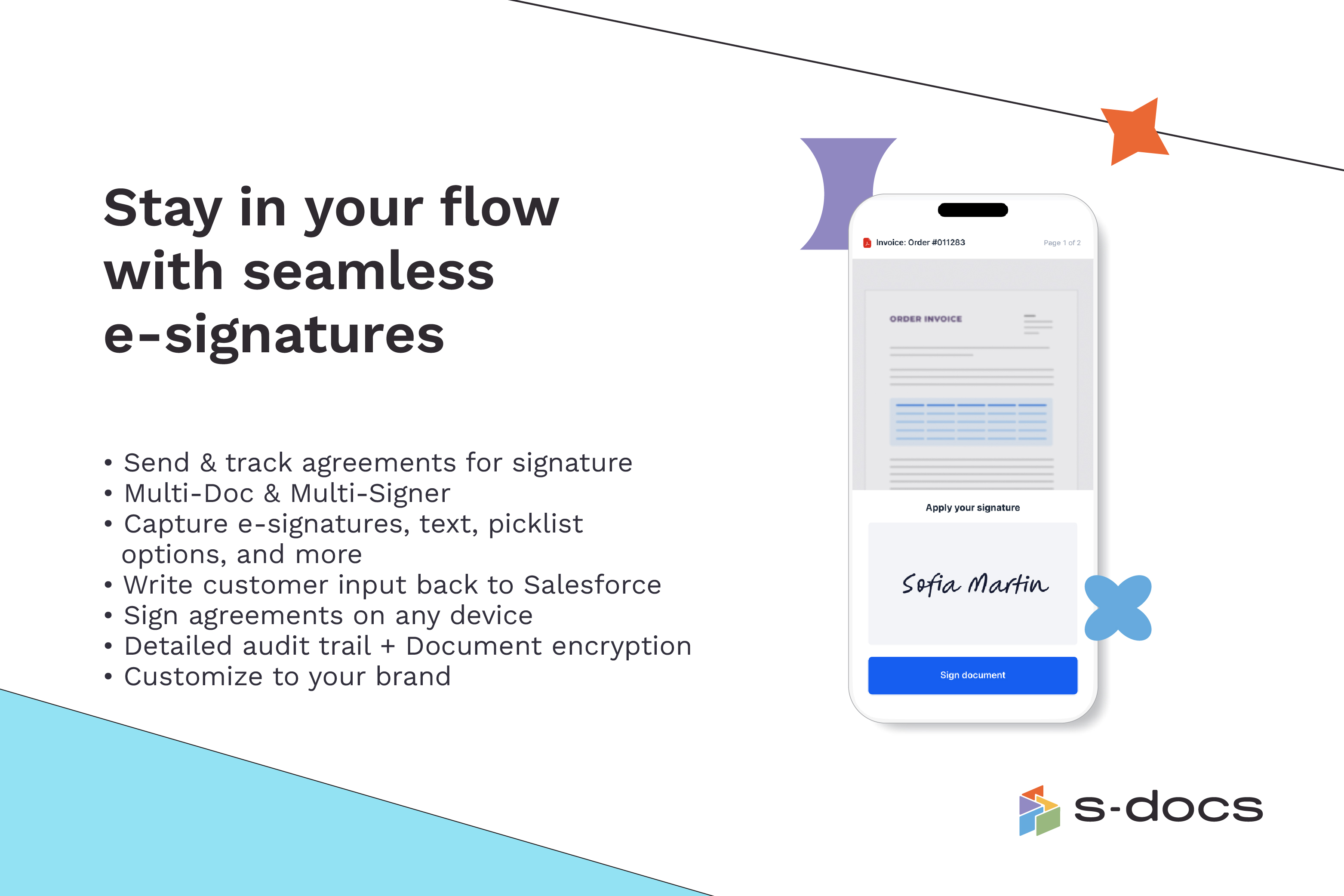  |