S-Docs vs. Wise

Overview
ProductRatingMost Used ByProduct SummaryStarting Price
S-Docs
Score 8.7 out of 10
Small Businesses (1-50 employees)
S-Docs headquartered in New York offers what they present as a secure document generator and E-signature solution built on the Salesforce Platform. It aims to help users to create and e-sign sophisticated documents that improve efficiency, reduce errors and eliminate tedious work.
$65
per month per user
Wise
Score 9.4 out of 10
N/A
Wise, formerly TransferWise, from the company of the same name headquartered in London, provides international accounts and payment solutions for businesses. Wise helps businesses pay international invoices, vendors, and employees with the real exchange rate, in 80 countries, boasting cheaper rates than traditional banking options. It also helps to make faster, lower-cost payouts to all business customers, freelancers, employees, investors, and suppliers around the world.
$0.41
one-time fee
Pricing
S-DocsWise
Editions & Modules
S-Docs for Salesforce
$25
per month (billed annually) per user
S-Docs for Salesforce with e-Signature
$40
per month (billed annually) per user
S-Docs & S-Sign Bundle
$40
per month per user (Minimum contract of $8,400)
S-Docs for HubSpot Team Edition
$65
per month per installation
S-Docs for HubSpot Professional Edition
$275
per month per installation
ATM Fees over 100 USD per month
2%
One time/%
Accounting Funding transactions
2%
One time/%
Receiving USD wire payments
4.14 USD
One time/%
Getting the Wise Debit card
5 USD
One time/%
Getting account details in 10 currencies
31 USD
One time/%
Sending money
From 0.41%
One time/%
Converting money
From 0.41%
One time/%
Offerings
Pricing Offerings
S-DocsWise
Free Trial
YesNo
Free/Freemium Version
YesNo
Premium Consulting/Integration Services
NoNo
Entry-level Setup FeeOptionalNo setup fee
Additional DetailsS-Docs for Salesforce is priced by seat. Organizations that are interested in the enterprise edition - including per-document pricing and Experience Cloud plans, can reach out to sales. S-Docs for HubSpot is priced by usage. S-Docs for HubSpot Team Edition comes with 500 documents and 250 e-Signature requests per year. S-Docs for HubSpot Professional Edition comes with 2,500 documents and 800 e-Signature requests per year. Nonprofit discounts are available.
More Pricing Information
Community Pulse
S-DocsWise
Best Alternatives
S-DocsWise
Small Businesses
airSlate WorkFlow
airSlate WorkFlow
Score 9.9 out of 10
Square Invoices
Square Invoices
Score 9.2 out of 10
Medium-sized Companies
Foxit PDF Editor
Foxit PDF Editor
Score 8.6 out of 10
Apple Pay
Apple Pay
Score 8.9 out of 10
Enterprises
Conga Composer
Conga Composer
Score 8.3 out of 10
Adyen
Adyen
Score 8.7 out of 10
All AlternativesView all alternativesView all alternatives
User Ratings
S-DocsWise
Likelihood to Recommend
9.0
(1 ratings)
9.0
(24 ratings)
Support Rating
-
(0 ratings)
10.0
(1 ratings)
User Testimonials
S-DocsWise
Likelihood to Recommend
S-Docs Inc.
S-Docs would be great for anyone looking to make the process of getting signatures more seamless and less time intensive. You can get a signature in minutes no matter where the signee is located. No more having to worry about printing, scanning, and emailing over important and time-sensitive documents.
Read full review
TransferWise
For a small business looking to expand internationally, transferwise offers lower admin fee and no hidden fee which is very important. It also remove the hassle and headache of setting up accounts with the local banks. Other than the low fees, the best part is we can use transferwise safely with a peace of mind as it is being regulated by the MAS. Lastly, any small business can set up their transferwise account within minutes which is very convenient
Read full review
Pros
S-Docs Inc.
  • onboarding
  • approval of marketing spend
  • approval of travel expenses
Read full review
TransferWise
  • Quick - because funds are transferred domestically, even when going international, you don't have to wait long.
  • Easy - the printout of what information I needed to give the sending bank was complete and easy to understand.
  • Affordable - the fees on both ends were minimal.
Read full review
Cons
S-Docs Inc.
No answers on this topic
TransferWise
  • For large money transfers, the tax is a bit expensive so it would be nice if that was adjusted or if there was some economy of scale.
  • Ability to schedule recurring transfers could be useful.
  • Be able to transfer money by using a mobile phone number, like with Mobile Pay or Bizum, when the sender and receiver of the money are in different countries.
Read full review
Support Rating
S-Docs Inc.
No answers on this topic
TransferWise
We haven't really had to engage with TransferWise support. The platform is simple and easy to use.
Read full review
Alternatives Considered
S-Docs Inc.
just as easy to use as dousign. Since I do not make the purchasing decisions, I am not sure how these prices compare to each other
Read full review
TransferWise
We considered PayPal payment, ACH bank transfer, and simply mailing a check. TransferWise's fees were much lower than PayPal and our bank. Postage might have been less than TransferWise's fee, but payment could have taken more than a week rather than hours (or days in the case of a new payee).
Read full review
Return on Investment
S-Docs Inc.
  • increased efficiency
  • increased security
Read full review
TransferWise
  • We can save around 5% on our transfer fees
  • The online account management is easier than going into banks personally
  • There's no negative impact...
Read full review
ScreenShots

S-Docs Screenshots

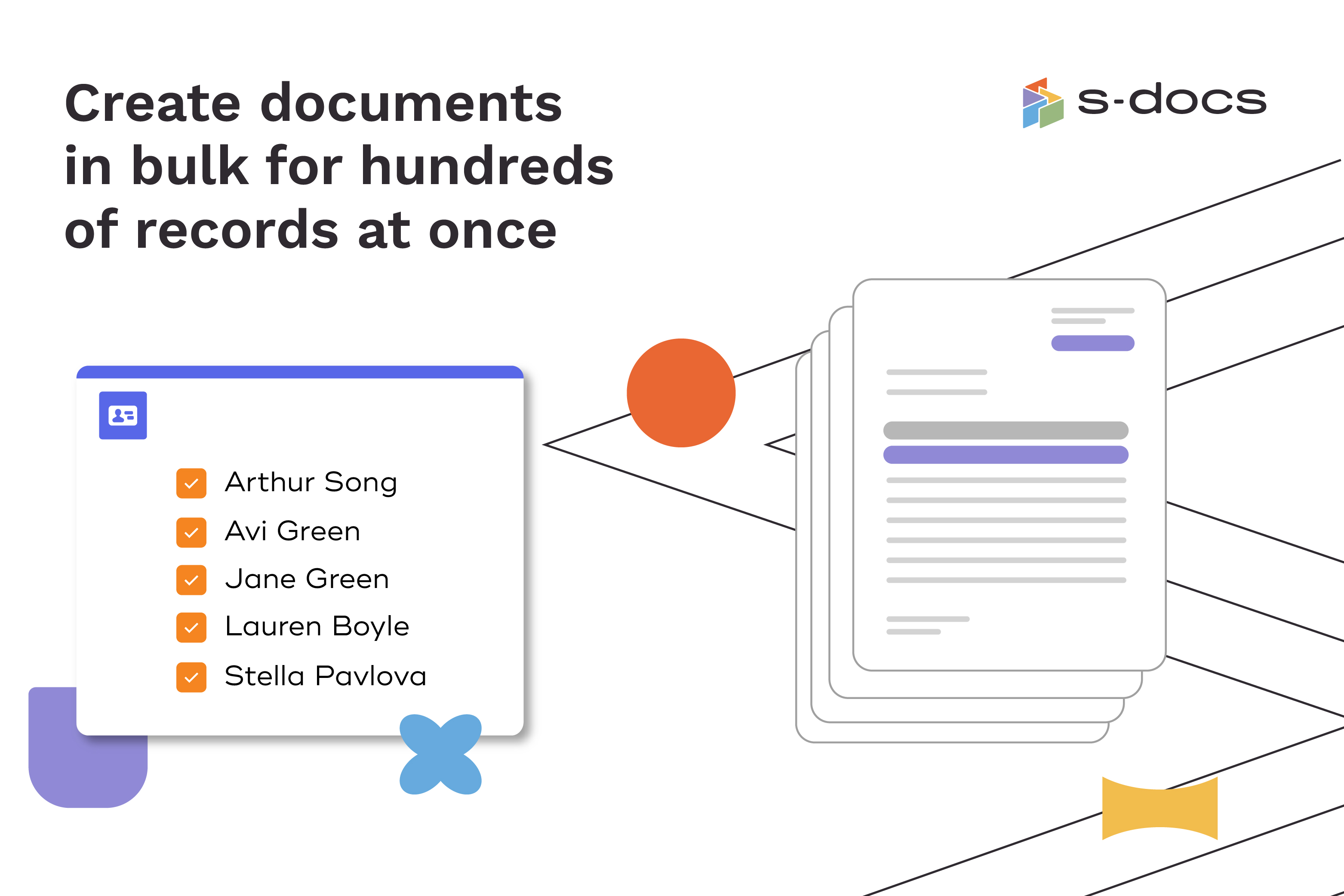
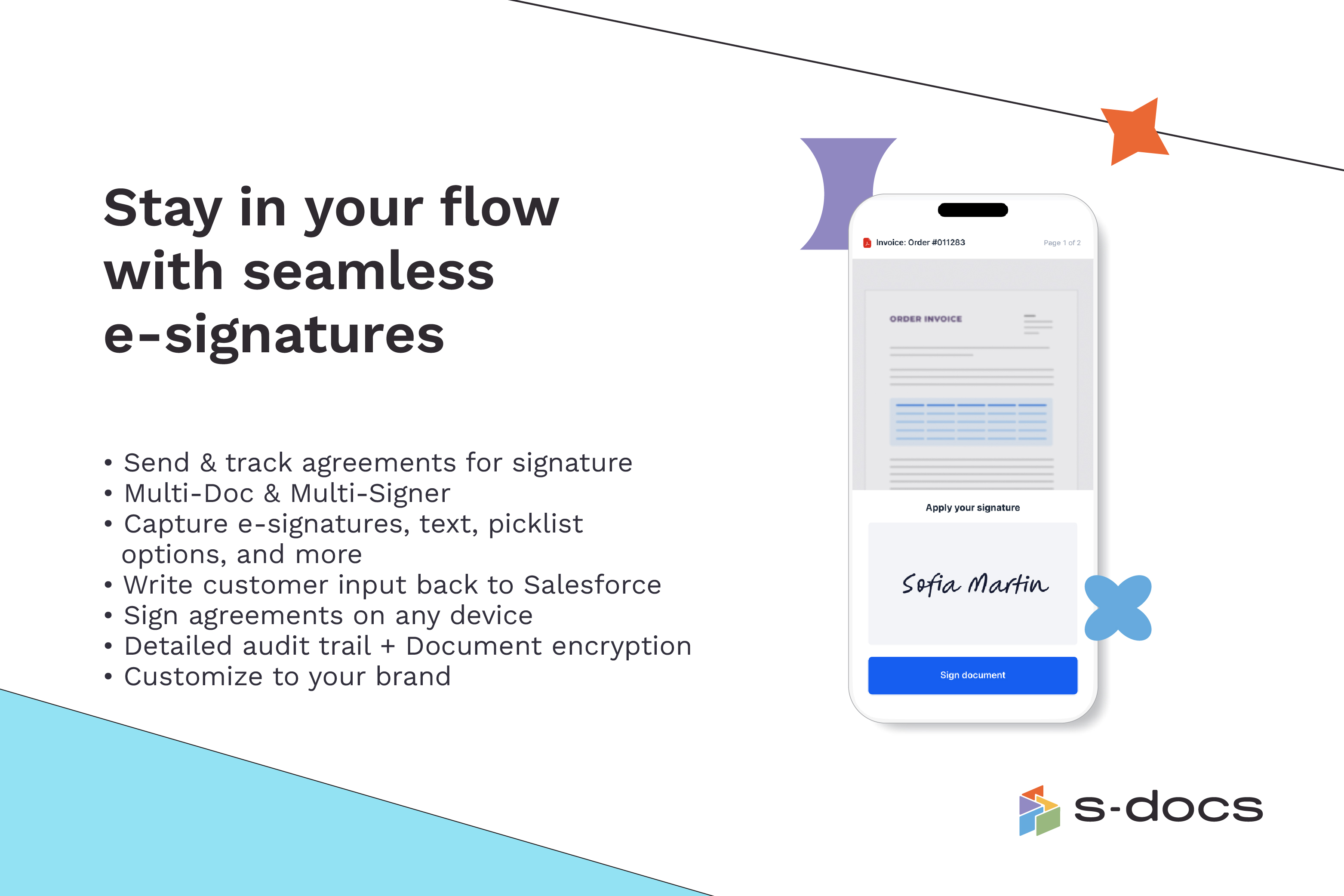
Screenshot of how to create business documents in flexible formatsScreenshot of how to create documents via clicks or automaticallyScreenshot of how to generate documents in bulk for hundreds of records at onceScreenshot of how to edit generated documents without downloading external programsScreenshot of how to request secure e-Signatures via email or in personScreenshot of how to create templates with the drag-and-drop interface