Chose S-Docs
just as easy to use as dousign. Since I do not make the purchasing decisions, I am not sure how these prices compare to each other.

| Product | Rating | Most Used By | Product Summary | Starting Price |
|---|---|---|---|---|
 S-Docs | Small Businesses (1-50 employees) | S-Docs headquartered in New York offers what they present as a secure document generator and E-signature solution built on the Salesforce Platform. It aims to help users to create and e-sign sophisticated documents that improve efficiency, reduce errors and eliminate tedious work. | $25 per month (billed annually) per user | |
 Woodpecker | N/A | A document automation solution that works with Microsoft Word, designed to simplify Word document assembly by building a Word add-in that automates legal document creation within the user's own existing processes and workflows. | $59 per month 2 user seats included |
| S-Docs | Woodpecker | |||||||||||||||
|---|---|---|---|---|---|---|---|---|---|---|---|---|---|---|---|---|
| Editions & Modules |
|
| ||||||||||||||
| Offerings |
| |||||||||||||||
| Entry-level Setup Fee | Optional | $199 one-time fee for the Teams plan | ||||||||||||||
| Additional Details | S-Docs for Salesforce is priced by seat. Organizations that are interested in the enterprise edition - including per-document pricing and Experience Cloud plans, can reach out to sales. S-Docs for HubSpot is priced by usage. S-Docs for HubSpot Team Edition comes with 500 documents and 250 e-Signature requests per year. S-Docs for HubSpot Professional Edition comes with 2,500 documents and 800 e-Signature requests per year. Nonprofit discounts are available. | — | ||||||||||||||
| More Pricing Information | ||||||||||||||||
| S-Docs | Woodpecker | |
|---|---|---|
| Considered Both Products |  S-Docs |  Woodpecker No answer on this topic |
| S-Docs | Woodpecker | |
|---|---|---|
| Small Businesses |  airSlate WorkFlow Score 10.0 out of 10 | airSlate WorkFlow Score 10.0 out of 10 |
| Medium-sized Companies |  Foxit PDF Editor Score 8.6 out of 10 | Foxit PDF Editor Score 8.6 out of 10 |
| Enterprises |  Conga Composer Score 8.0 out of 10 | Conga Composer Score 8.0 out of 10 |
| All Alternatives | View all alternatives | View all alternatives |
| S-Docs | Woodpecker | |
|---|---|---|
| Likelihood to Recommend | 9.0 (0 ratings) | - (0 ratings) |
| S-Docs | Woodpecker | |
|---|---|---|
| Likelihood to Recommend |
| No answers on this topic |
| Pros |
| No answers on this topic |
| Alternatives Considered |
| No answers on this topic |
| Return on Investment |
| No answers on this topic |
| ScreenShots | S-Docs Screenshots  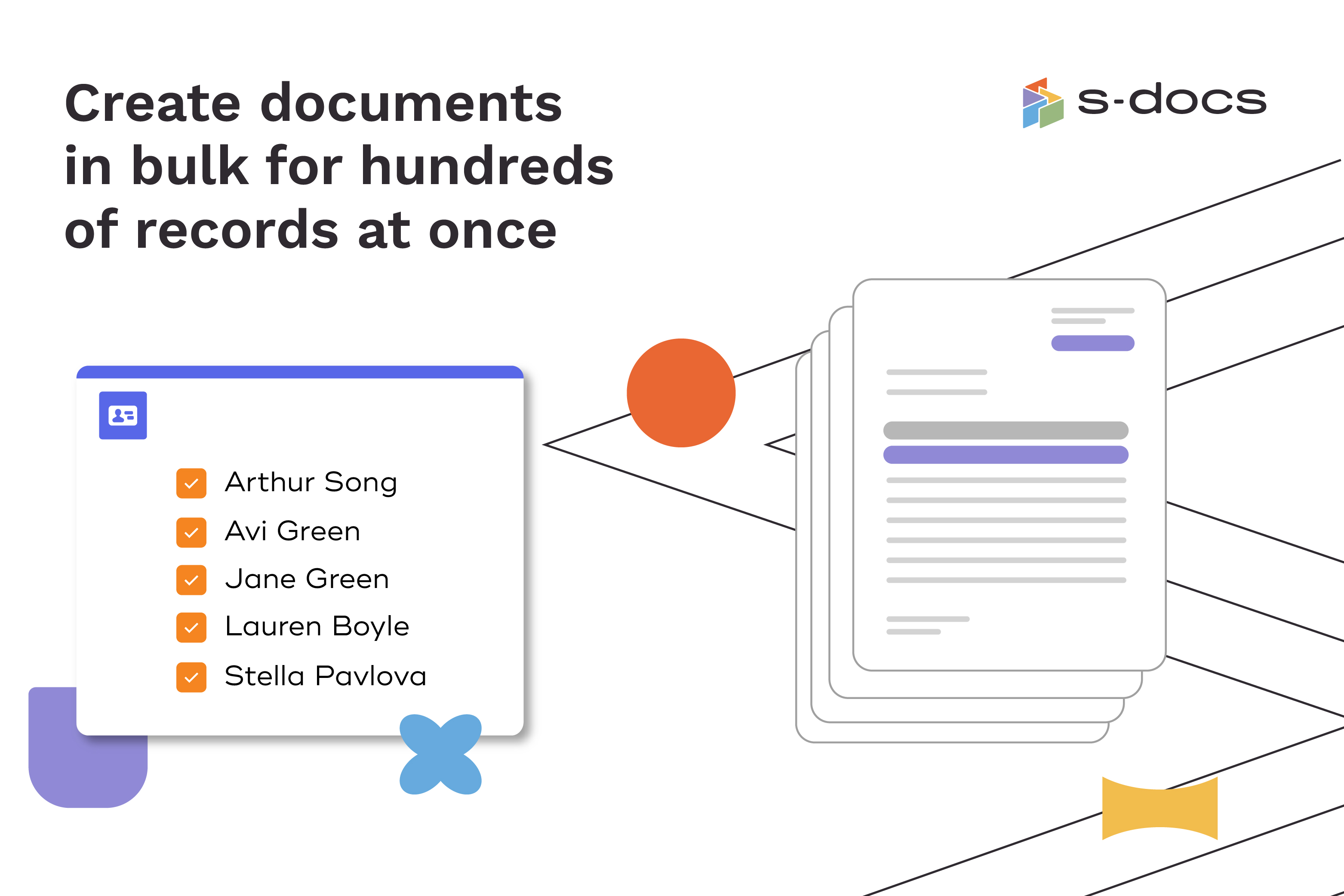  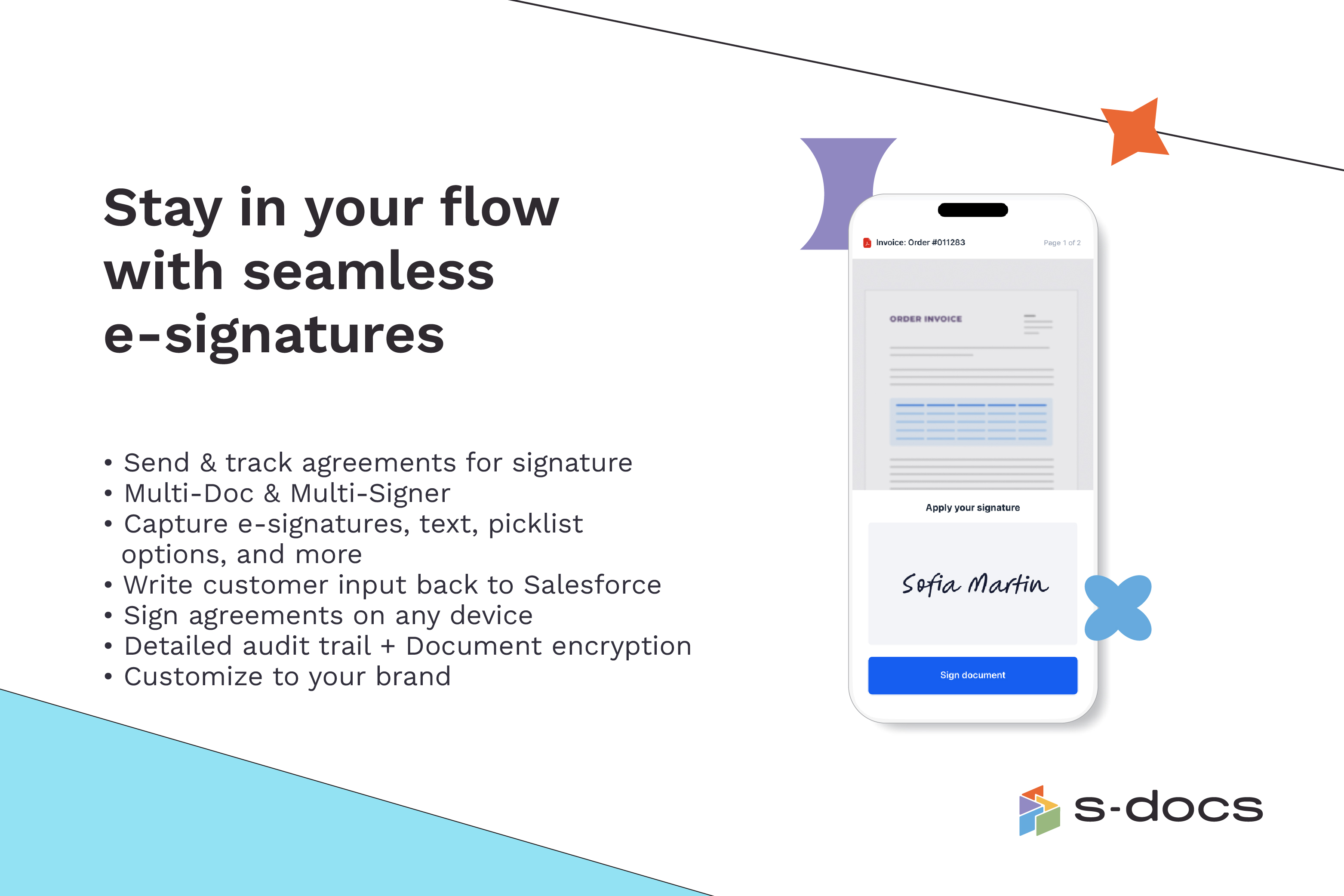  |