TrustRadius: an HG Insights company

Save this comparison

Save this comparison

Add Product

Recommended Comparisons

    Overview
    ProductRatingMost Used ByProduct SummaryStarting Price

    Sejda

    Score6 out of 10
    N/AN/A

    $5

    one-time fee

    Videolink

    Score9.1 out of 10
    N/AVideolink brings clarity and collaboration to team conversations through video recording, sharing and instant playback. It can be used to record a screen or camera in seconds, send a link, and add visual context to information – whether it’s customer feedback, internal updates, or product walkthroughs. Instead of chasing down details in chat logs or ambiguous tickets, Videolink lets teams share ideas that are clear, direct, and…

    $0

    per active video

    Pricing
    SejdaVideolink
    Editions & Modules
    Web Week Pass
    $5
    one-time fee
    Web Monthly
    $7.50
    per month
    Desktop+Web Annual
    $63
    per year
    Free
    $0
    per month Up to 25 active videos and unlimited users
    Pro
    $20
    per month For 100 active videos and unlimited users
    Advanced
    Custom Plans
    Offerings
    Pricing Offerings
    SejdaVideolink
    Free Trial
    YesNo
    Free/Freemium Version
    NoYes
    Premium Consulting/Integration Services
    NoNo
    Entry-level Setup FeeNo setup feeOptional
    Additional Details—Only saved videos are counted. If a video is deleted, it only counts for the month it was active — never after. Videolink has no per-seat usage fees. You’re only billed for videos your team actually keeps.
    More Pricing Information
    Best Alternatives
    SejdaVideolink
    Small Businesses
    Tungsten Power PDF
    Score9.8 out of 10
    Sendspark
    Score10 out of 10
    Medium-sized Companies
    PDF Xchange Viewer and Editor
    Score9.3 out of 10
    Snagit
    Score9.7 out of 10
    Enterprises
    Adobe Acrobat Reader
    Score8.6 out of 10
    Snagit
    Score9.7 out of 10
    All AlternativesView all alternativesView all alternatives
    User Ratings
    SejdaVideolink
    Likelihood to Recommend
    6.0
    (1 ratings)
    9.1
    (2 ratings)
    Usability
    -
    (0 ratings)
    9.1
    (2 ratings)
    User Testimonials
    SejdaVideolink
    Likelihood to Recommend
    Sejda
    If all that you need is a simple read function for pdf documents, Sejda does fine. If you want to be able to highlight items or convert the pdf document into a Word document for editing and revisions, this tool does not provide strong functionality.
    Incentivized
    Read full review
    Videolink
    The way we work is evolving. Remote teams — especially after the COVID-19 pandemic — rely more than ever on tools that bridge the gap between distance and real-time collaboration.
    Asynchronous updates have become a key part of solving daily challenges, and we’ve seen the benefits first-hand as an organisation.
    Incentivized
    Read full review
    Pros
    Sejda
    • PDF reader
    • Zoom and scan functions
    • Key word search
    Incentivized
    Read full review
    Videolink
    • Quick video sharing
    • Basic editing
    • Inline comments
    Read full review
    Cons
    Sejda
    • Our version has no editing or markup capability
    • Does not do a robust job of converting pdf to Word
    • Search is not always reliable or accurate
    Incentivized
    Read full review
    Videolink
    • More video editing tools
    Incentivized
    Read full review
    Usability
    Sejda
    No answers on this topic
    Videolink
    The interface is clean, and features like video requests, in-browser editing, and commenting make the workflow seamless for our team.
    Read full review
    Alternatives Considered
    Sejda
    Adobe has more functionality, but there have been some concerns about ongoing support. Sejda was seen as a viable alternative for the majority of our users, who only need to read pdf documents, and not do any revisions or markups.
    Incentivized
    Read full review
    Videolink
    No answers on this topic
    Return on Investment
    Sejda
    • Filled the gap from our prior pdf product
    • Slightly less capital investment, to my understanding
    • Users have not been happy with the reduced functionality
    Incentivized
    Read full review
    Videolink
    • Productivity
    • Delivery-driven communication
    Incentivized
    Read full review
    ScreenShots

    Videolink Screenshots

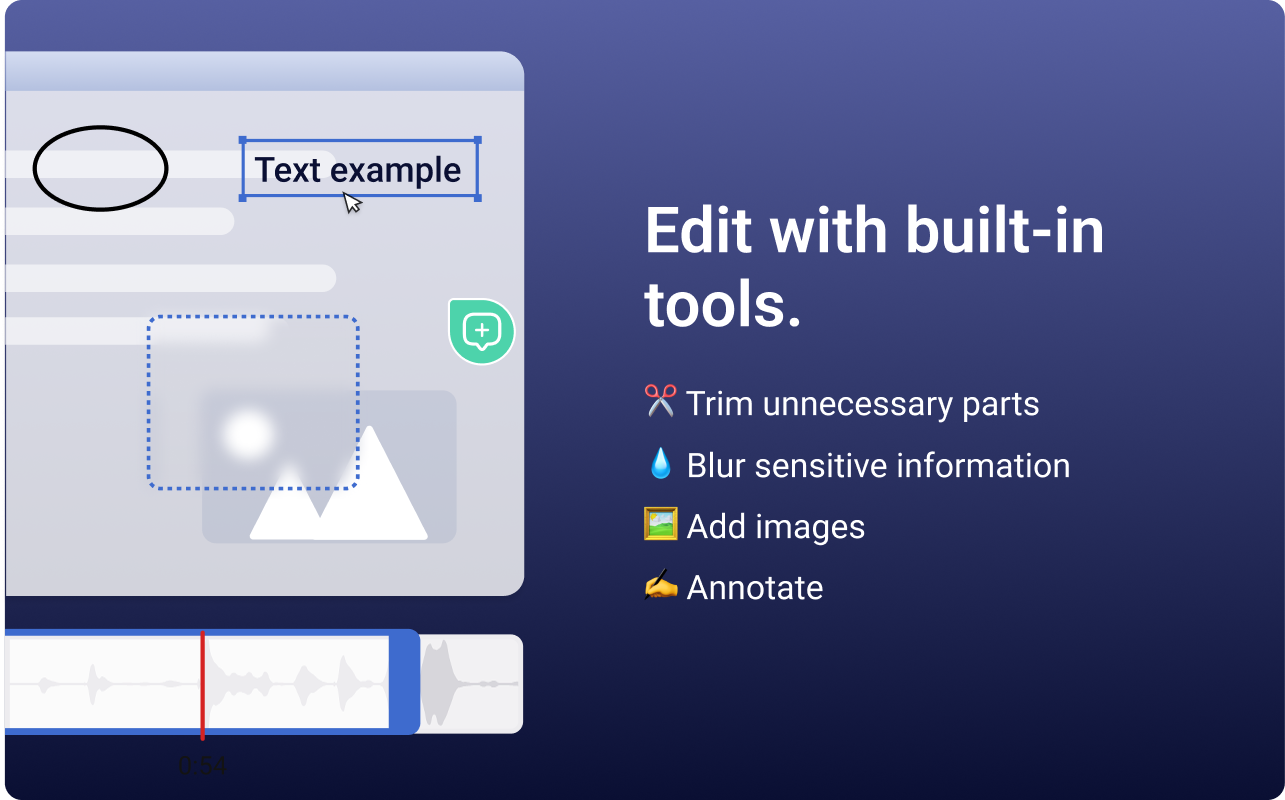
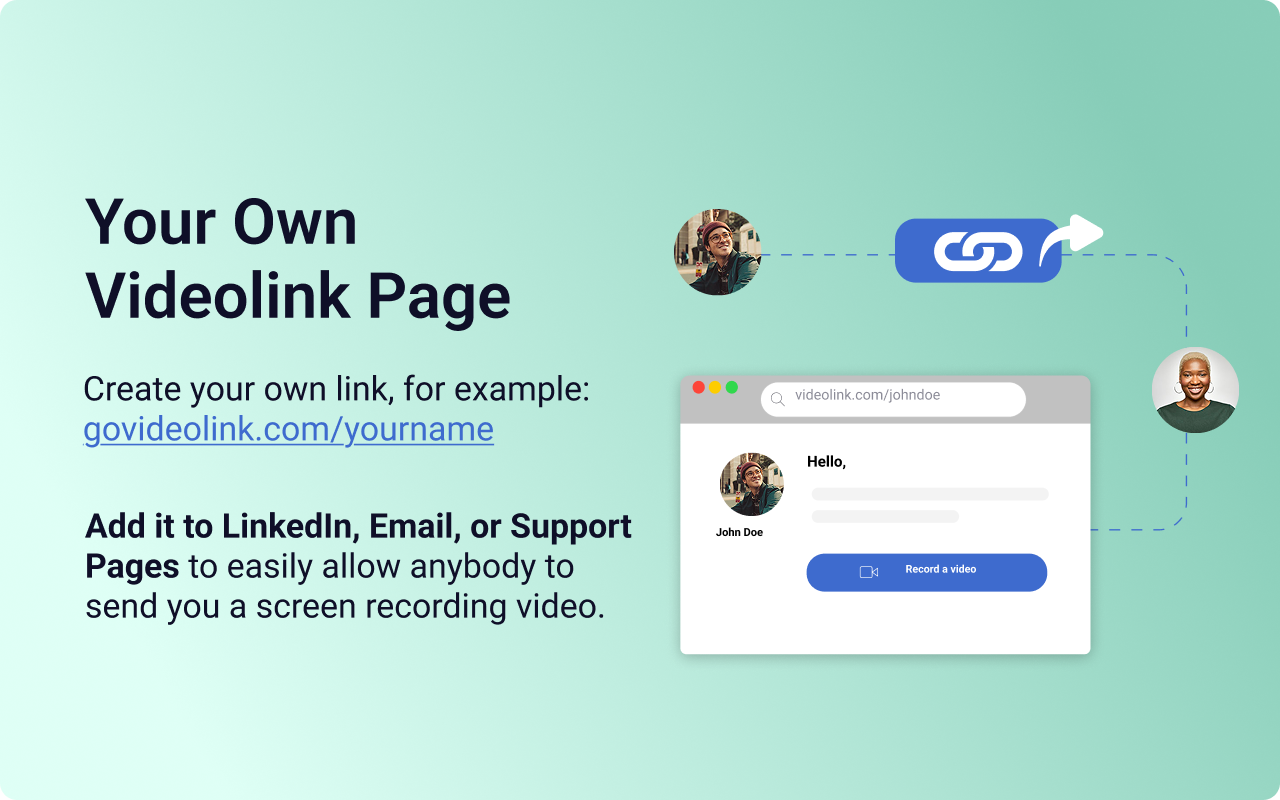
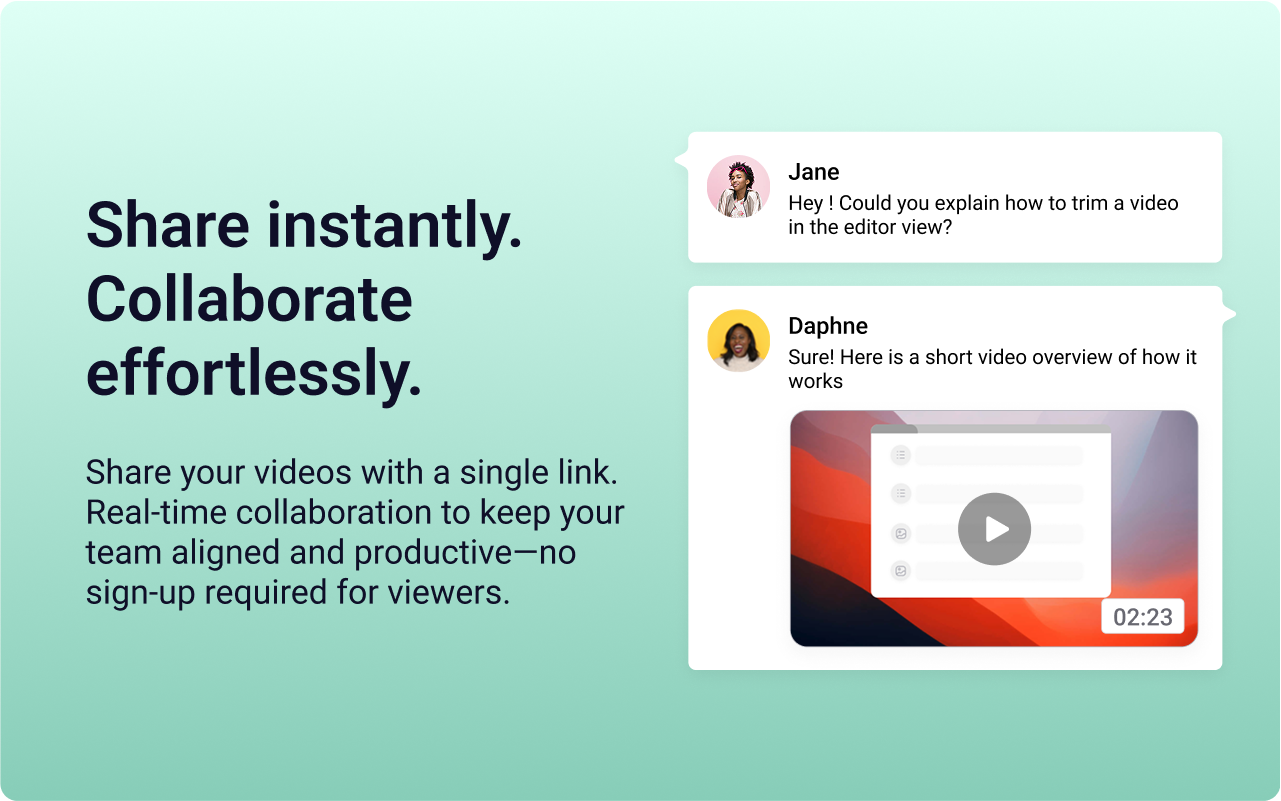
    Screenshot of the Videolink editor, used to trim out excess content, blur sensitive info, annotate key areas, and insert images.Screenshot of a Videolink page, used to create a personal shareable link – like govideolink.com/yourname – that lets anyone send a recorded video directly.Screenshot of single link sharing, so viewers don’t need an account to watch, comment, or provide feedback.