Sentry Solo vs. Verkada

Overview
ProductRatingMost Used ByProduct SummaryStarting Price
Sentry Solo
Score 0.0 out of 10
Mid-Size Companies (51-1,000 employees)
Sentry Solo is an access management solution that shifts control to a mobile platform, thereby eliminating the need for traditional hardware such as keypads, kiosks, and fobs. Its VirtualKey and VirtualKeypad features provide a streamlined solution that cuts down expenses and management overhead. This includes addressing common issues like misplaced or lost fobs, breakdowns, and maintenance costs. VirtualKey: With the VirtualKey feature, users can open any access point directly…N/A
Verkada
Score 8.8 out of 10
N/A
Verkada’s enterprise security solution combines security cameras and access control with cloud-based software in a scalable system. Headquartered in San Mateo, Verkada boasts more than 6,000 organizations, including 30+ Fortune 500 companies, as users of Verkada Command to protect people and assets, secure facilities, and gain new insights that improve the efficiency of their operations.
$798
per month
Pricing
Sentry SoloVerkada
Editions & Modules
No answers on this topic
Camera - CD31
$798
one year license + device
Camera - CD41
$998
one year license + device
VX52 Viewing Station
$998
one-year license + hardware
Camera - CD51
$1,198
one year license + device
SV11 Environmental Sensor
$1,248
one year license + device
Camera - CD61
$1,598
one year license + device
AC41 - Door Controller
$1,848
one year license + device
Alarm License + Monitoring, BP41 Alarm Panel + BC51 Alarm Console
$3,746
one year license + devices
Offerings
Pricing Offerings
Sentry SoloVerkada
Free Trial
NoNo
Free/Freemium Version
NoNo
Premium Consulting/Integration Services
NoNo
Entry-level Setup FeeNo setup feeNo setup fee
Additional DetailsAll Product Purchases Include: 10-year product warranty Unlimited users Cloud archive for video clips Automatic firmware & software updates Technical support
More Pricing Information
Best Alternatives
Sentry SoloVerkada
Small Businesses

No answers on this topic

No answers on this topic

Medium-sized Companies
CheckPoint
CheckPoint
Score 8.5 out of 10

No answers on this topic

Enterprises
CheckPoint
CheckPoint
Score 8.5 out of 10

No answers on this topic

All AlternativesView all alternativesView all alternatives
User Ratings
Sentry SoloVerkada
Likelihood to Recommend
-
(0 ratings)
9.0
(1 ratings)
User Testimonials
Sentry SoloVerkada
Likelihood to Recommend
Gate Sentry
No answers on this topic
Verkada
They need to be powered where there is ethernet. This makes it hard for areas outside in larger fields and such (that are not tied to that). But for a hard-wired business, that wants to do away from home run copper back to the on-prem box, this is a great alternative.
Read full review
Cons
Gate Sentry
No answers on this topic
Verkada
  • Vape sensing archive downloads don't tie in with contextual camera.
Read full review
Alternatives Considered
Gate Sentry
No answers on this topic
Verkada
We looked at Meraki/Cisco cameras, as well as various on-prem servers. Nothing really stacked up when it came to features, cost, and ease of use. Meraki/Cisco came the closest but the licensing was not ideal.
Read full review
Return on Investment
Gate Sentry
No answers on this topic
Verkada
  • It was initially cheaper to get the system install.
  • Time savings for myself has paid over ten times it's worth.
  • All positive ROI.
Read full review
ScreenShots

Sentry Solo Screenshots

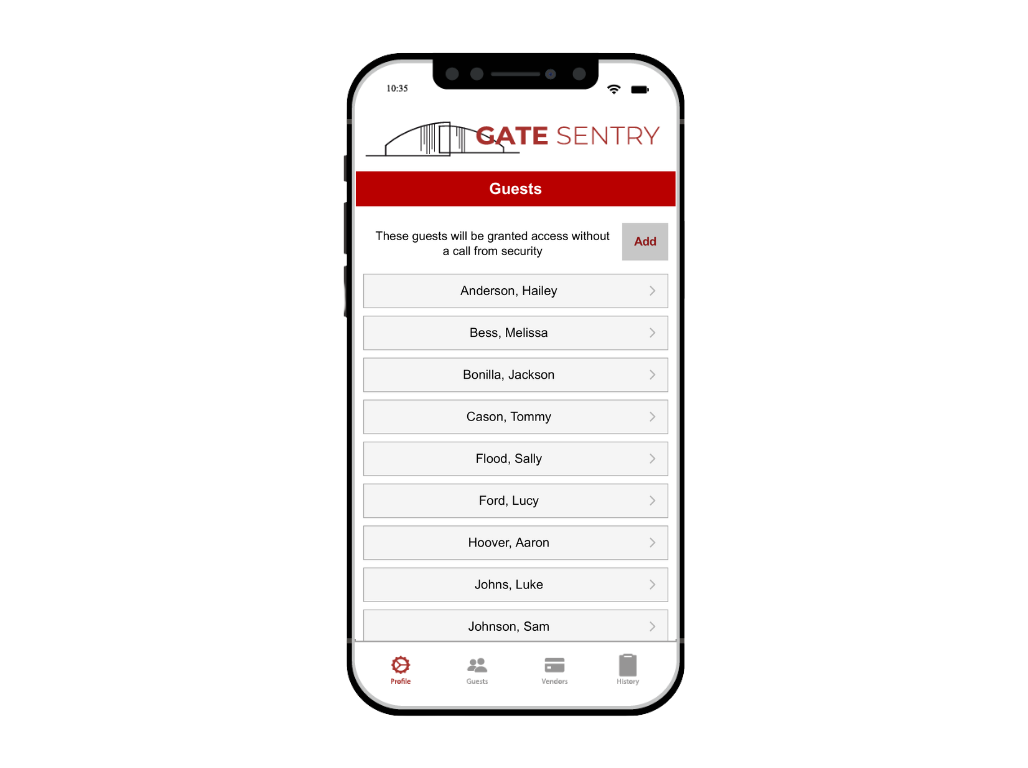
Screenshot of Sentry Solo — VirtualKey and VirtualKeypad eliminate hardware and make access mobile. This software can be added to any door, gate, or amenity entrance.Screenshot of VirtualKey — Users can directly open any access point from their mobile device within the Gate Sentry app using the VirtualKey, eliminating the need for clicks, keys, and fobs.Screenshot of Adding Visitors — Sentry Solo also extends to visitor access. Users add their visitors' names and phone numbers within the app, categorizing them as permanent or temporary. The system automatically sends a text to the visitor, containing a unique 5-digit access code specific to that visitor. Permanent visitors always have access, while temporary visitors' codes expire as set by the user.Screenshot of VirtualKeypad — Upon scanning the QR code with their mobile device, visitors are presented with the VirtualKeypad, eliminating the need for any app downloads, and transitioning the process to a mobile format. Visitors simply enter their unique 5-digit code into the VirtualKeypad, which then grants them access.