
Couchdrop vs. SFTP To Go
Couchdrop vs. SFTP To Go
| Product | Rating | Most Used By | Product Summary | Starting Price |
|---|---|---|---|---|
 Couchdrop | N/A | Couchdrop is a cloud-native b2b file exchange platform that simplifies secure file transfers across organizations with zero infrastructure management. Supporting direct SFTP, FTP/S, and AS2 transfers, Couchdrop includes multiple file ingestion methods, file sharing, and a no-code automation builder. | $50 per month | |
 SFTP To Go | Small Businesses (1-50 employees) | SFTP To Go is a cloud-based Managed File Transfer (MFT) solution that helps businesses securely send, receive, and manage files without dealing with complex file servers or manual scripts. Built on AWS, it provides a reliable and scalable platform for handling file transfers with unlimited concurrent connections. IT and security teams use SFTP To Go to centralize file sharing, improve visibility, and reduce time spent on infrastructure maintenance. SFTP To Go helps… | $180 per month |
| Couchdrop | SFTP To Go | |||||||||||||||
|---|---|---|---|---|---|---|---|---|---|---|---|---|---|---|---|---|
| Editions & Modules |
|
| ||||||||||||||
| Offerings |
| |||||||||||||||
| Entry-level Setup Fee | No setup fee | No setup fee | ||||||||||||||
| Additional Details | Prices are month-to-month with no lock-in. Couchdrop is self-serve and does not have a set-up fee. | — | ||||||||||||||
| More Pricing Information | ||||||||||||||||
| Couchdrop | SFTP To Go | |
|---|---|---|
| Small Businesses |  DataMotion Score 9.5 out of 10 | DataMotion Score 9.5 out of 10 |
| Medium-sized Companies | DataMotion Score 9.5 out of 10 | DataMotion Score 9.5 out of 10 |
| Enterprises |  Fortra's GoAnywhere MFT Score 7.6 out of 10 | Fortra's GoAnywhere MFT Score 7.6 out of 10 |
| All Alternatives | View all alternatives | View all alternatives |
| Couchdrop | SFTP To Go | |
|---|---|---|
| ScreenShots | Couchdrop Screenshots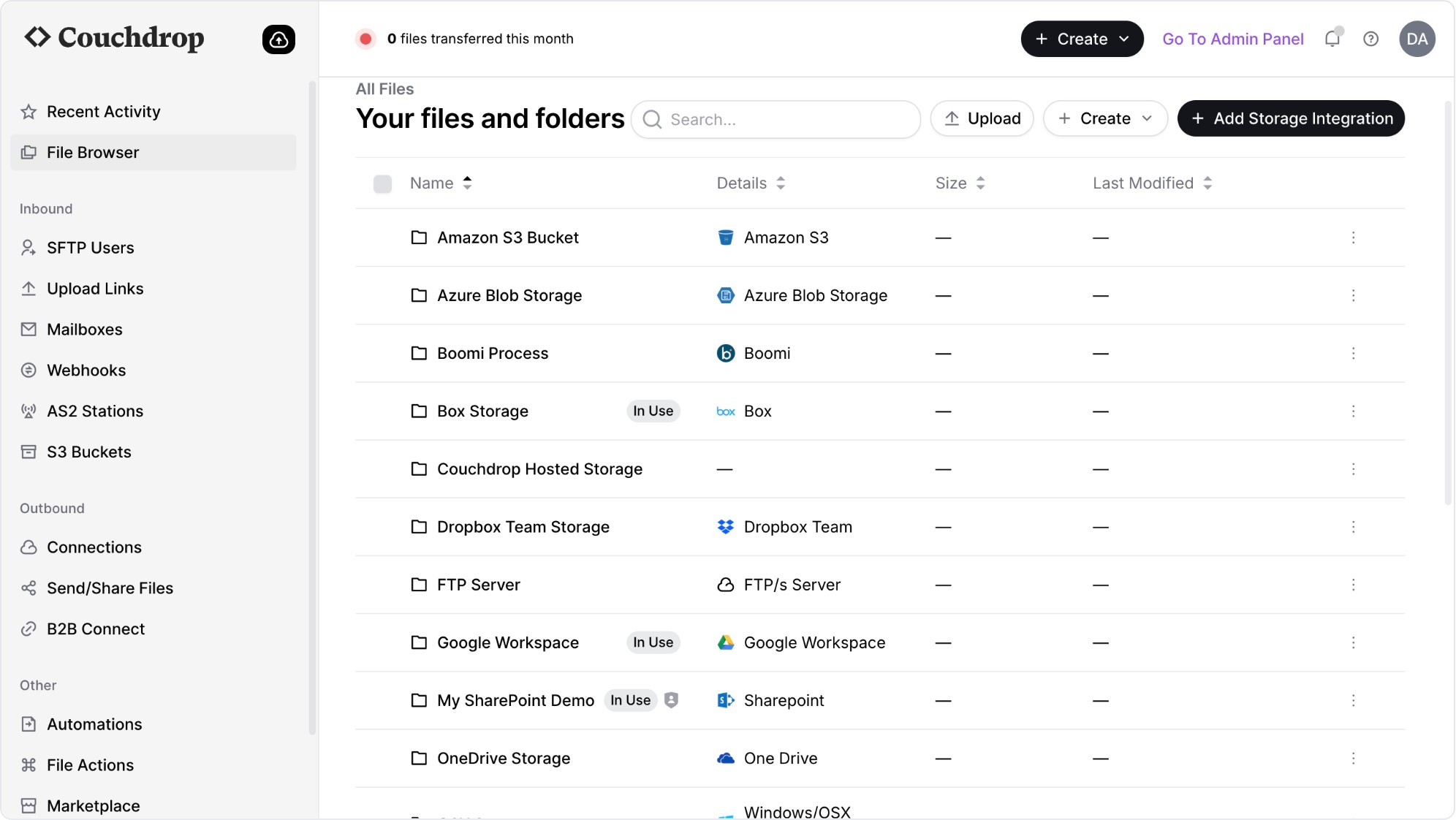 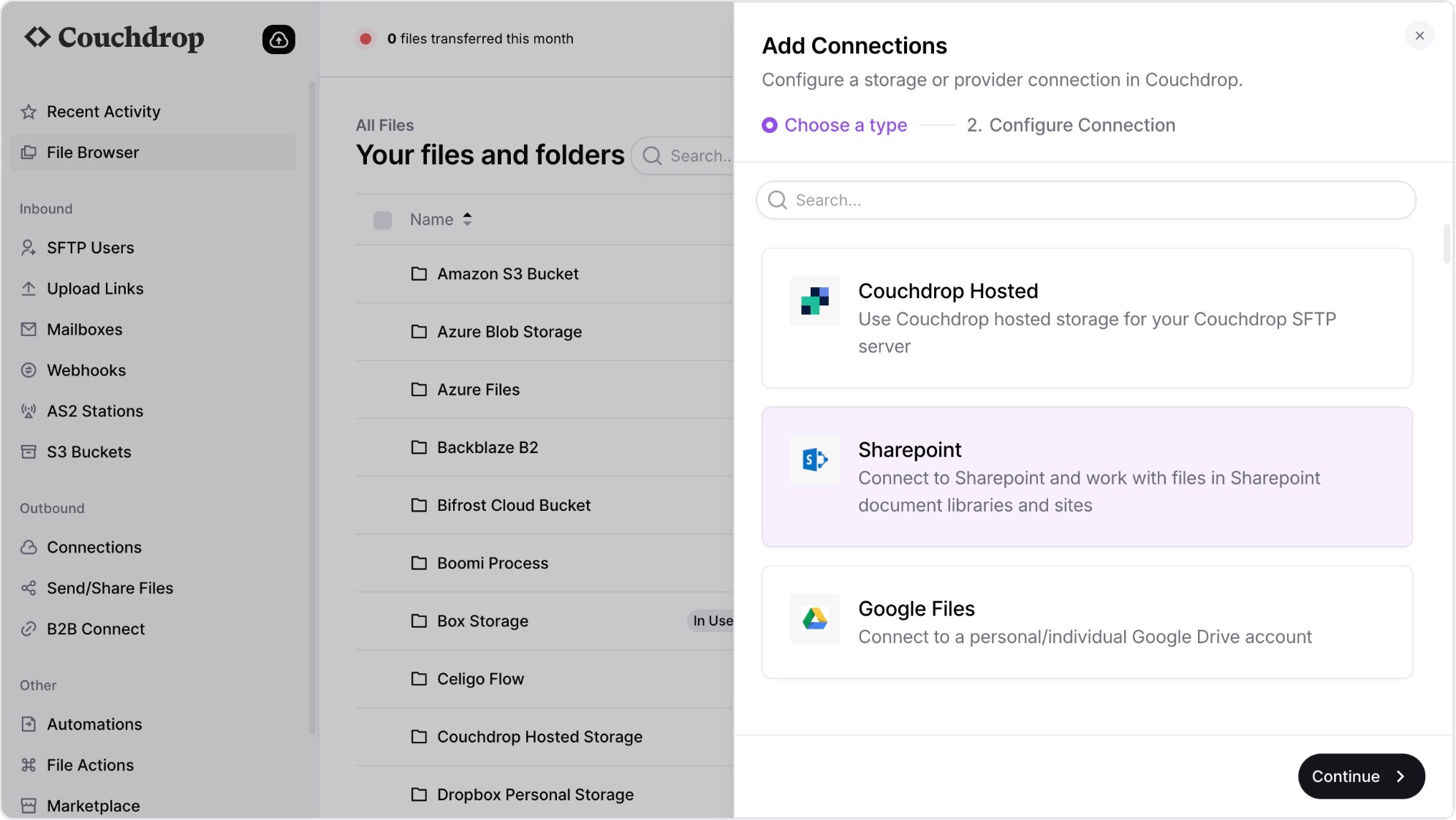 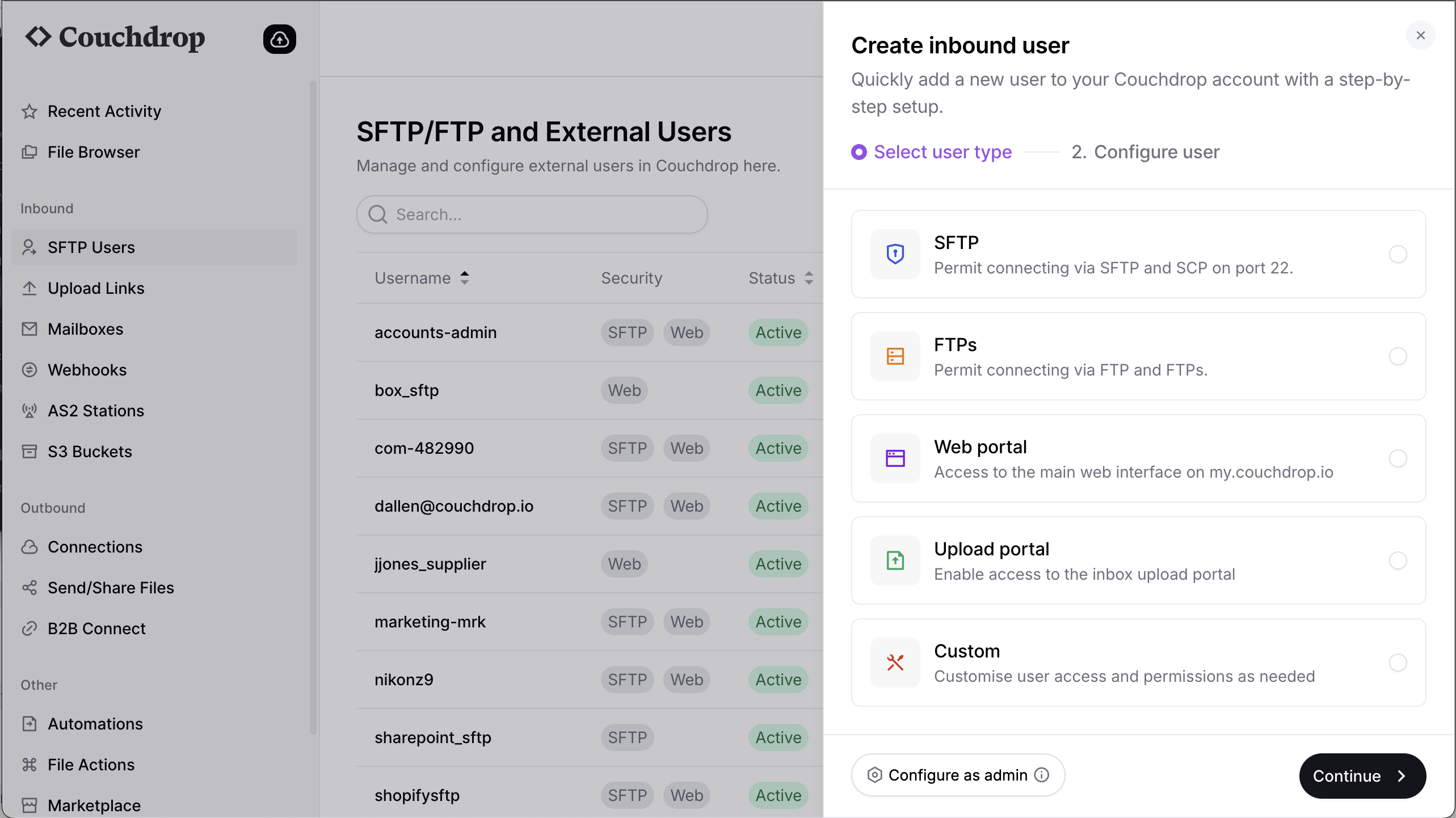 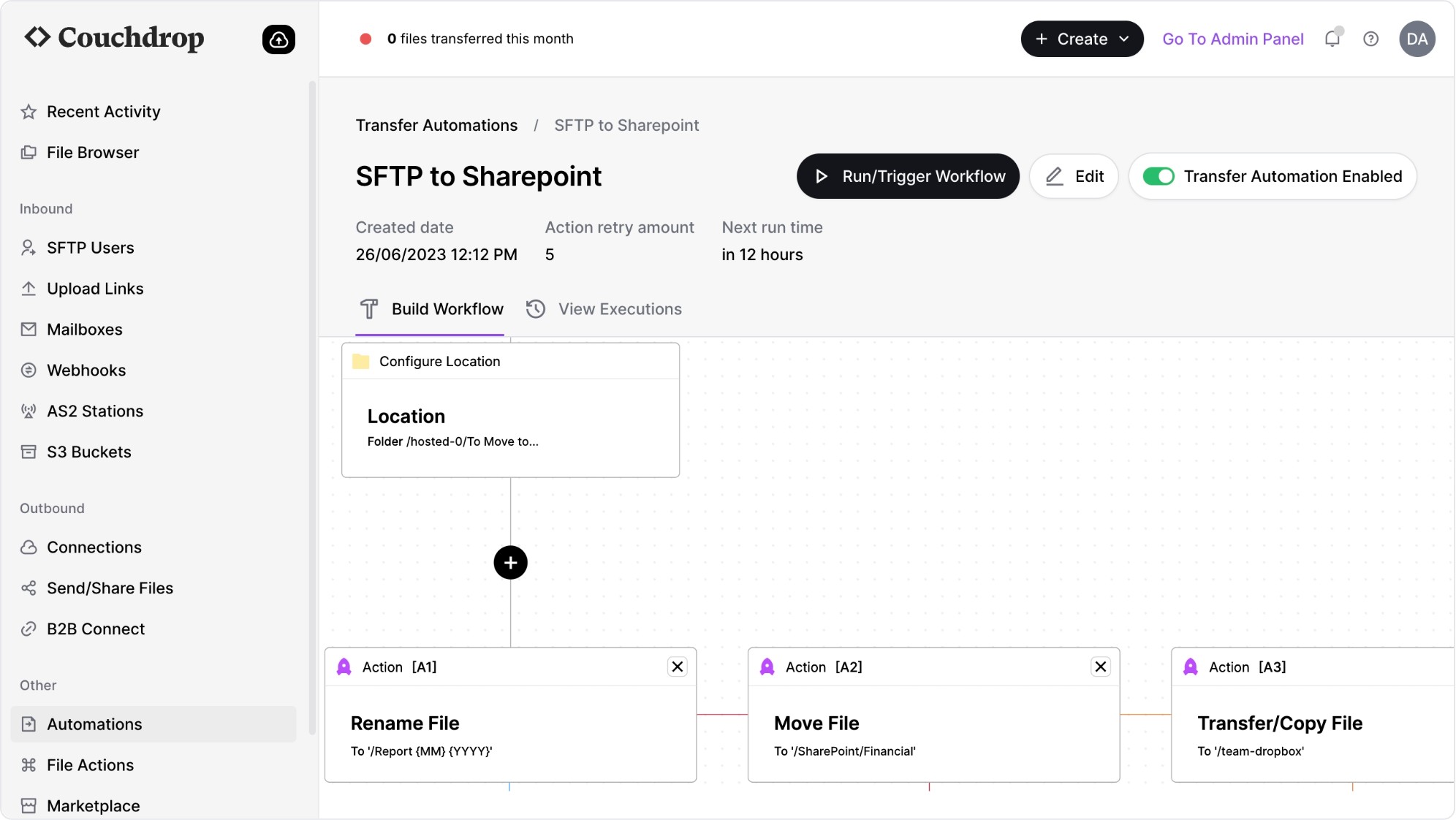 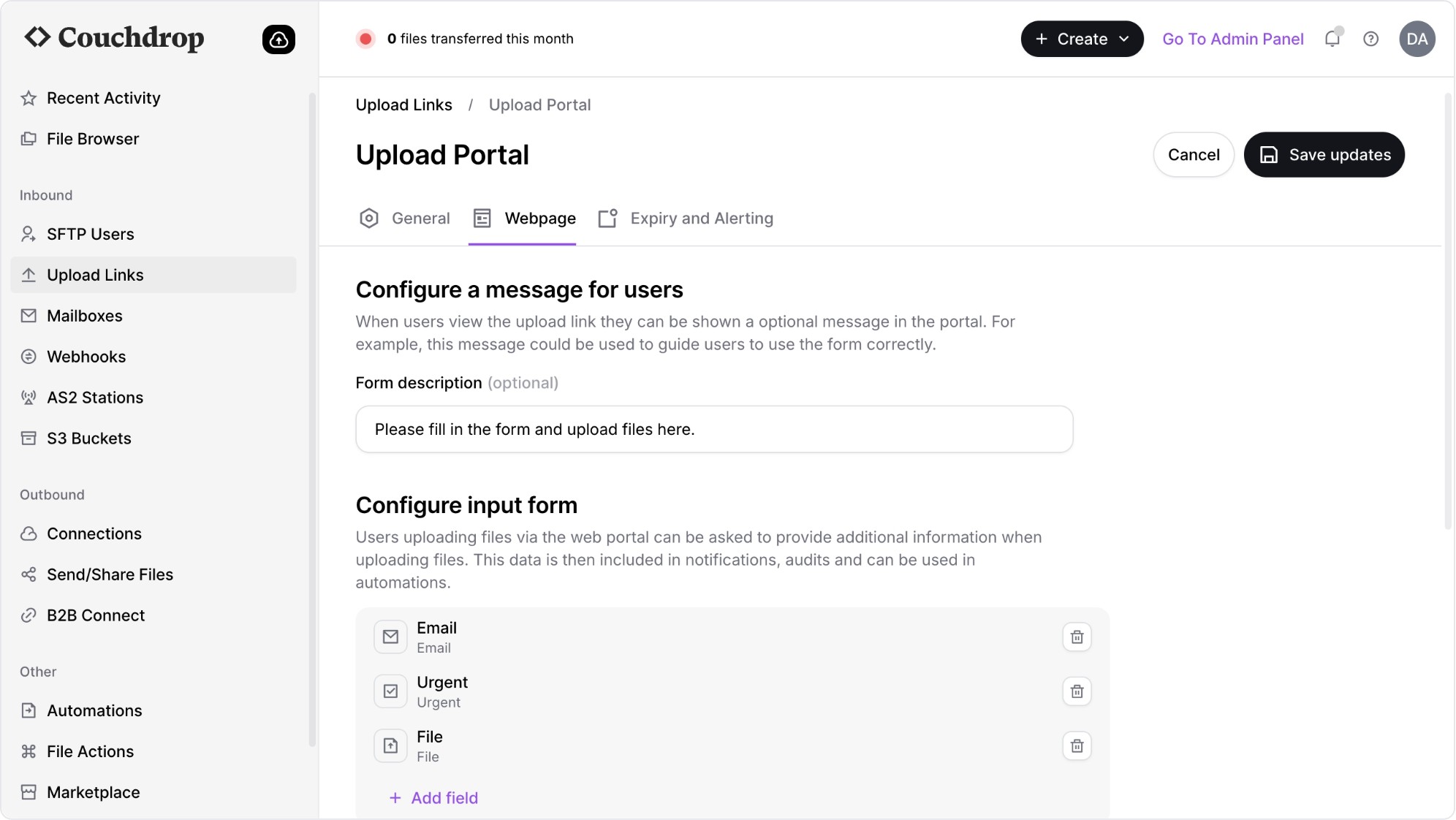 | SFTP To Go Screenshots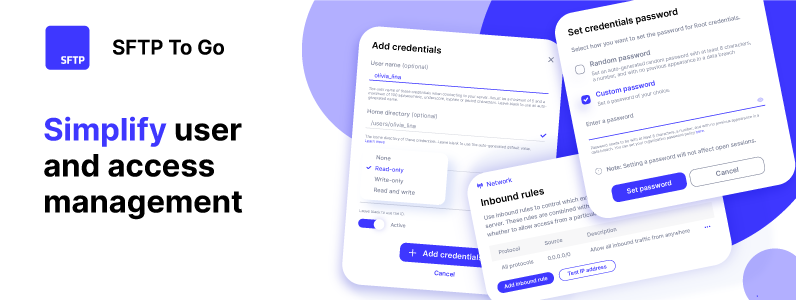 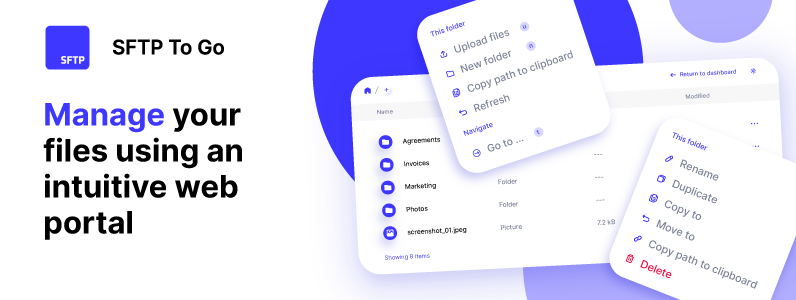 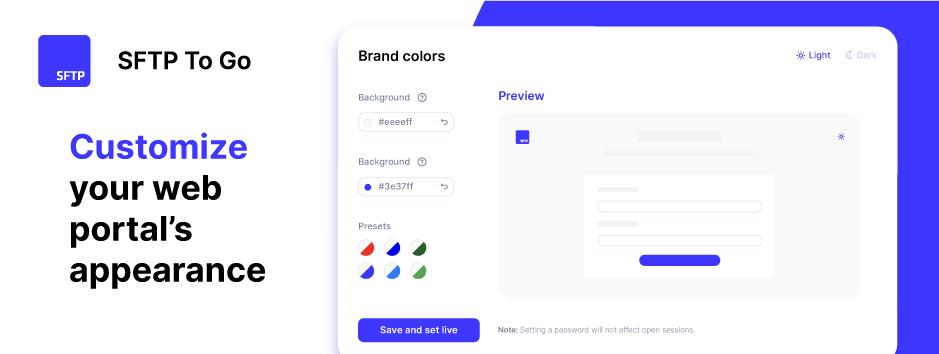  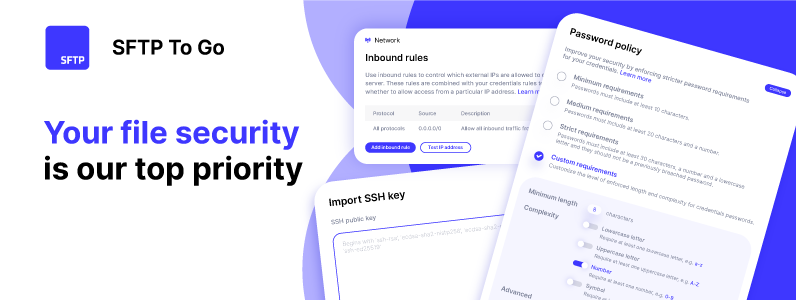 |