
Shocase vs. Vidcast by Webex Leap
| Product | Rating | Most Used By | Product Summary | Starting Price |
|---|---|---|---|---|
 Shocase | N/A | N/A | Shocase is a product video and documentation platform that helps SaaS teams turn screen recordings into polished product demos, tutorials, training videos, release updates, and written guides. It combines screen recording, AI-assisted video editing, script generation and editing, AI voiceovers, dubbing, captions, transcripts, and documentation creation in one workflow. Teams can record their product once and transform the recording into reusable content for product marketing, customer… | $49 per month per user |
 Vidcast by Webex Leap | Score8.5 out of 10 | N/A | Vidcast is an asynchronous video messaging solution that uses recorded, instantly-shareable video to keep teams connected at any time. With Vidcast, users can record, edit and share short video messages as a way to provide feedback and updates without being tripped up by meeting schedules and time zones. | N/A |
| Shocase | Vidcast by Webex Leap | |||||||||||||||
|---|---|---|---|---|---|---|---|---|---|---|---|---|---|---|---|---|
| Editions & Modules |
| No answers on this topic | ||||||||||||||
| Offerings |
| |||||||||||||||
| Entry-level Setup Fee | No setup fee | No setup fee | ||||||||||||||
| Additional Details | — | — | ||||||||||||||
| More Pricing Information | ||||||||||||||||
| Shocase | Vidcast by Webex Leap | |
|---|---|---|
| Small Businesses |  Sendspark Score10 out of 10 | Sendspark Score10 out of 10 |
| Medium-sized Companies |  Snagit Score9.7 out of 10 | Snagit Score9.7 out of 10 |
| Enterprises | Snagit Score9.7 out of 10 | Snagit Score9.7 out of 10 |
| All Alternatives | View all alternatives | View all alternatives |
| Shocase | Vidcast by Webex Leap | |
|---|---|---|
| Likelihood to Recommend | - | 7.8 |
| Usability | - | 7.8 |
| Shocase | Vidcast by Webex Leap | |
|---|---|---|
| Likelihood to Recommend | No answers on this topic |
|
| Pros | No answers on this topic |
|
| Cons | No answers on this topic |
|
| Usability | No answers on this topic |
|
| Alternatives Considered | No answers on this topic |
|
| Return on Investment | No answers on this topic |
|
| ScreenShots | Shocase Screenshots 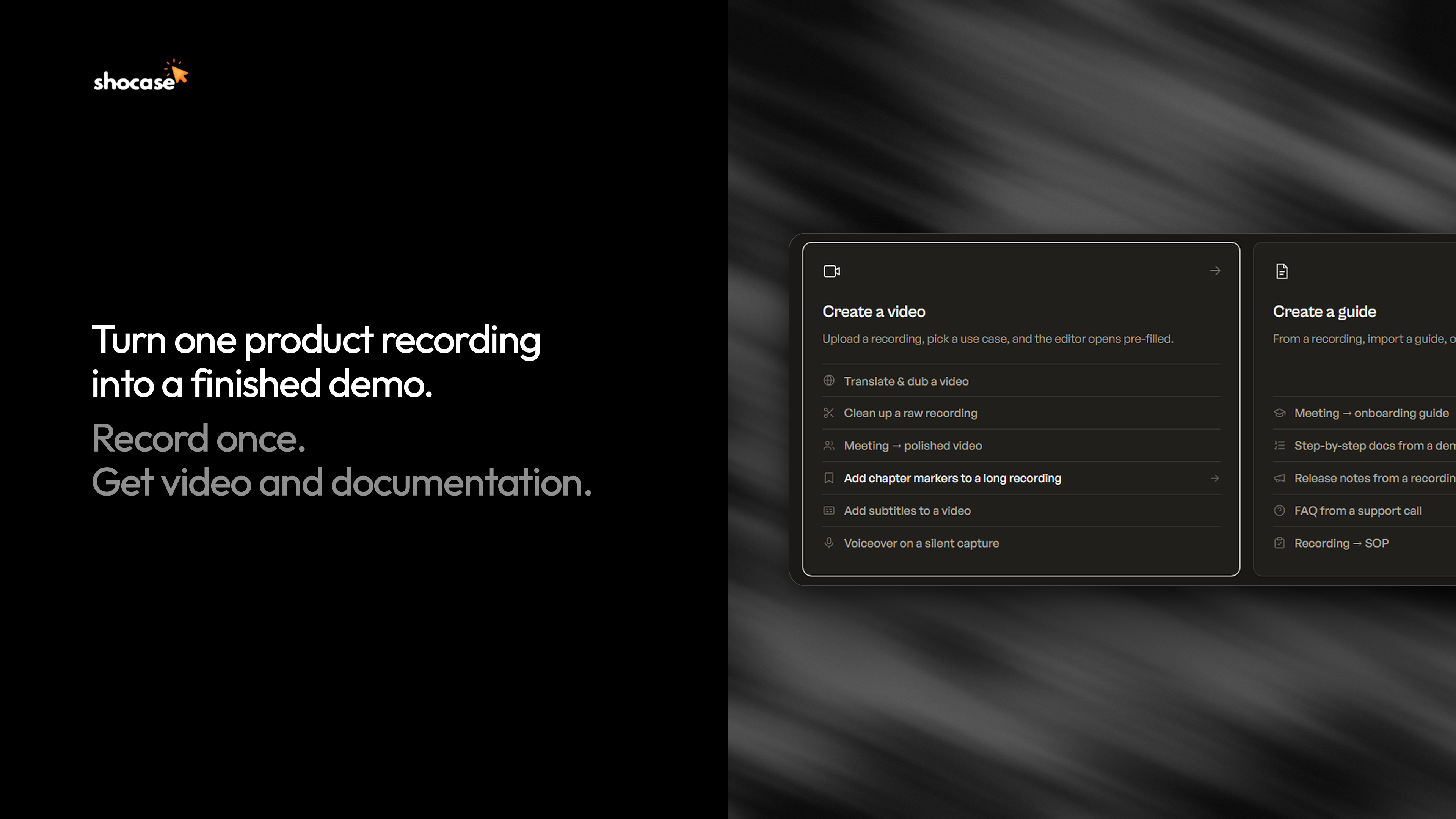   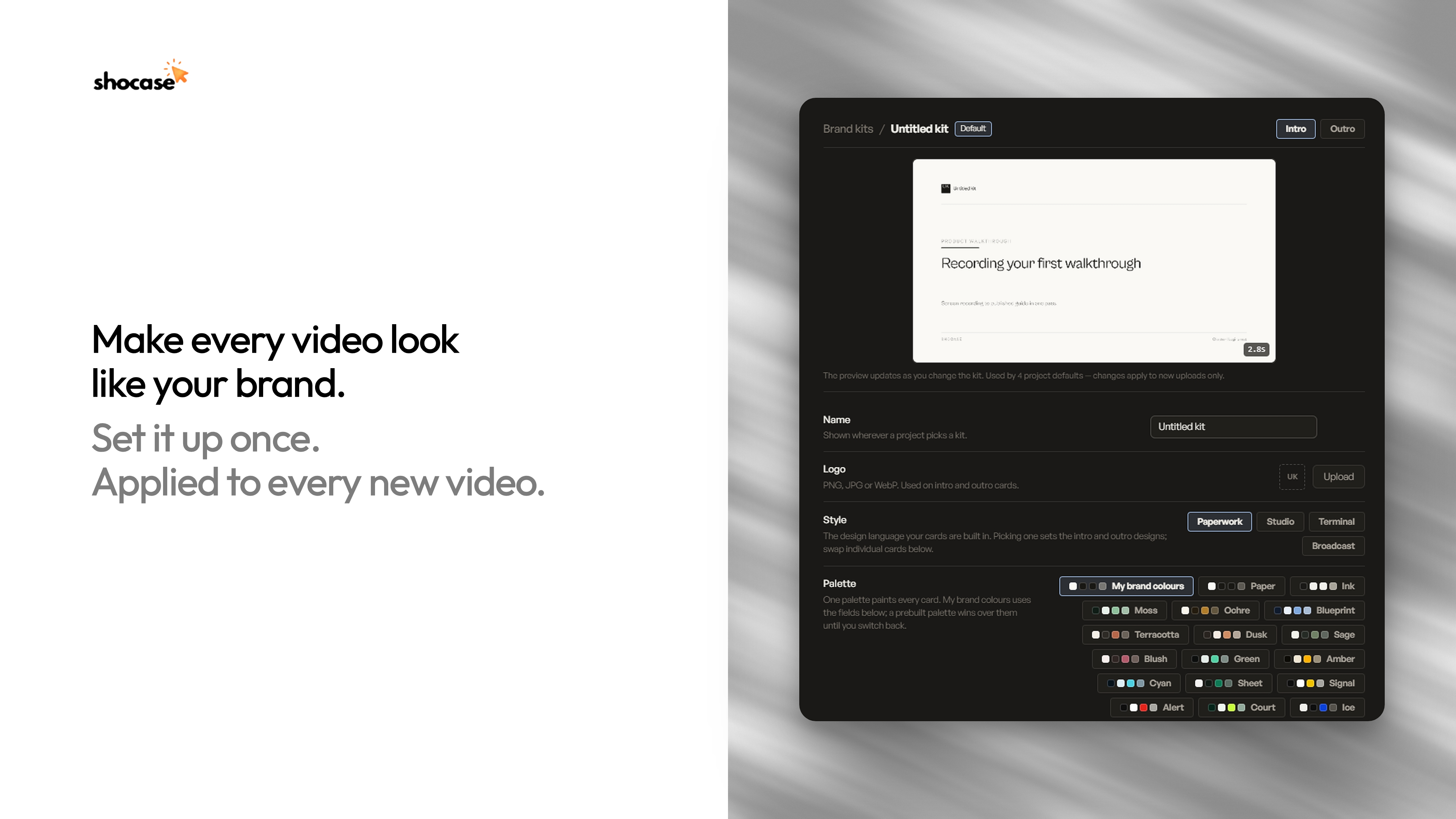  |
