
Markido Engage vs. think-cell
Markido Engage vs. think-cell
| Product | Rating | Most Used By | Product Summary | Starting Price |
|---|---|---|---|---|
 Markido Engage | N/A | Markido offers a PowerPoint add-in called Engage which helps users of any skill-level create more visually impressive presentations. Engage comes with thousands of design assets that users can incorporate into any presentation using drag and drop functionality. Users can also create and edit infographics and data maps right in PowerPoint. | $29 per month per user | |
 think-cell | N/A | think-cell is a software company in Berlin, Germany, with a focus on developing graphics products, boasting more than 950,000 users world-wide, who use the software for their daily business to create graphical presentations. The eponymous think-cell software is a charting and layout software that automates PowerPoint work, to improve slide creation efficiency and quality, so users can create well-laid-out and great-looking slides. | $298.80 per year 1-4 users |
| Markido Engage | think-cell | |||||||||||||||
|---|---|---|---|---|---|---|---|---|---|---|---|---|---|---|---|---|
| Editions & Modules | No answers on this topic | No answers on this topic | ||||||||||||||
| Offerings |
| |||||||||||||||
| Entry-level Setup Fee | No setup fee | No setup fee | ||||||||||||||
| Additional Details | Approx 34% discount available for annual pricing. | — | ||||||||||||||
| More Pricing Information | ||||||||||||||||
| Markido Engage | think-cell | |
|---|---|---|
| Small Businesses |  Canva Score 9.1 out of 10 | Canva Score 9.1 out of 10 |
| Medium-sized Companies |  Mentimeter Score 8.6 out of 10 | Mentimeter Score 8.6 out of 10 |
| Enterprises | Mentimeter Score 8.6 out of 10 | Mentimeter Score 8.6 out of 10 |
| All Alternatives | View all alternatives | View all alternatives |
| Markido Engage | think-cell | |
|---|---|---|
| ScreenShots | think-cell Screenshots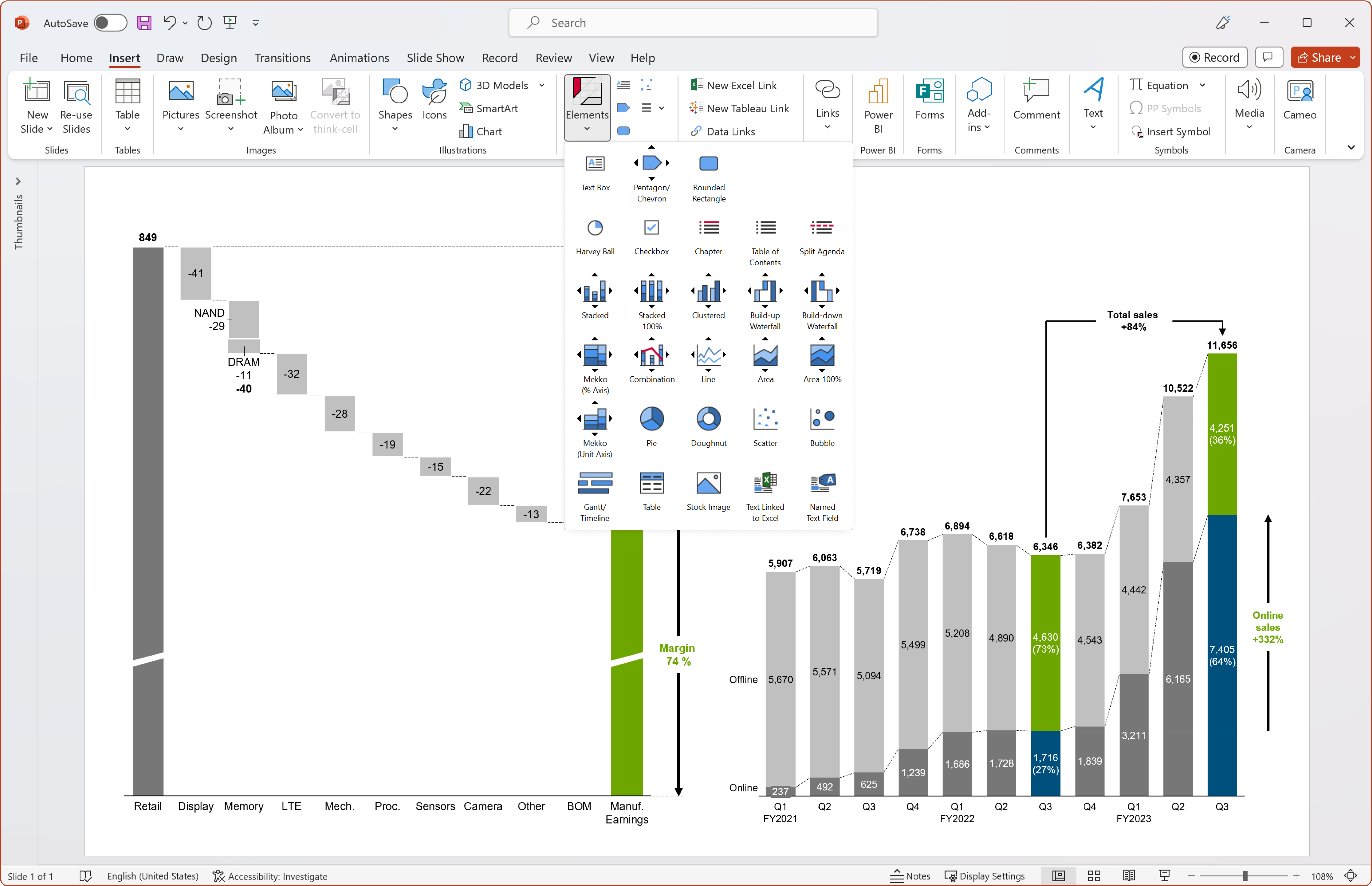 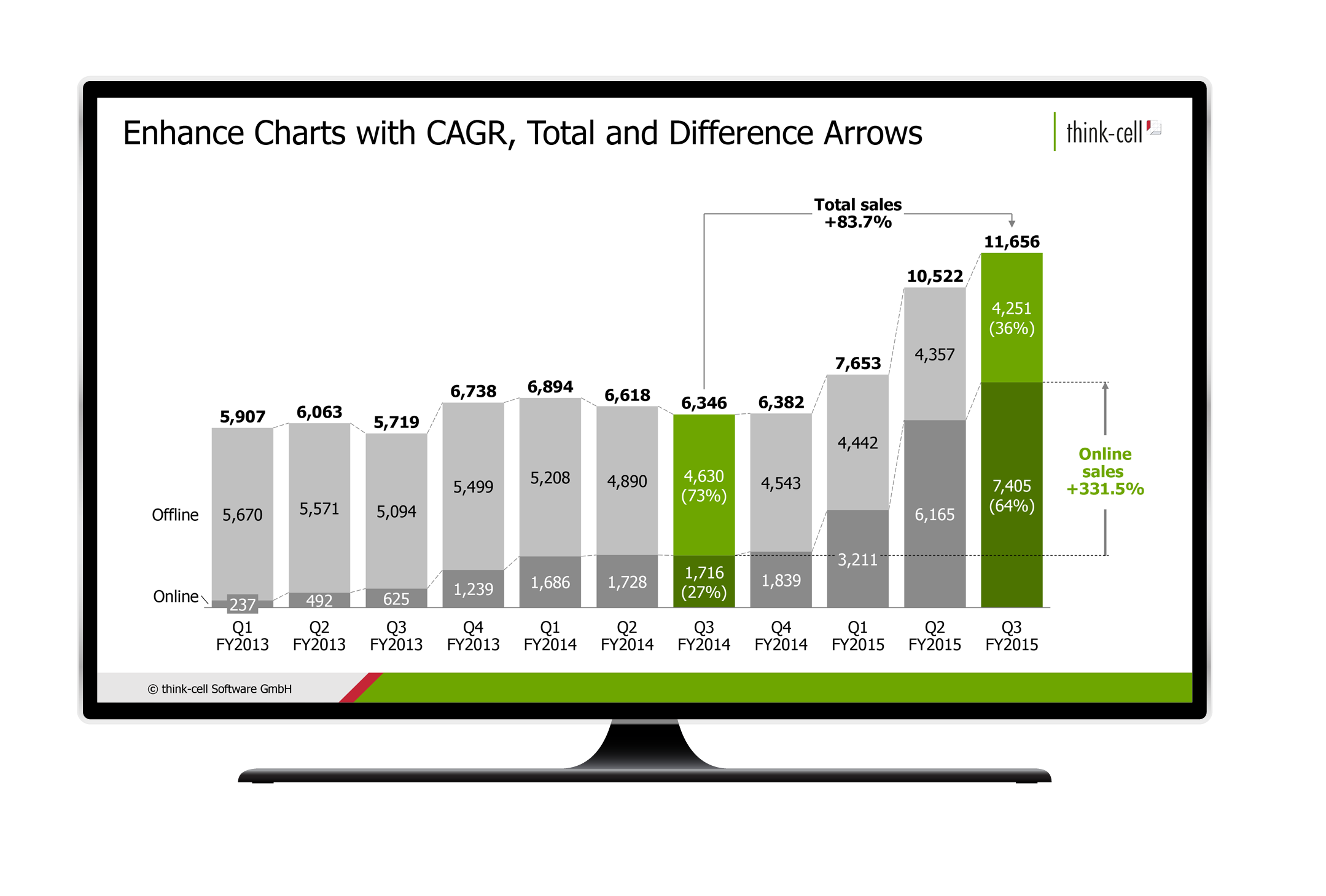 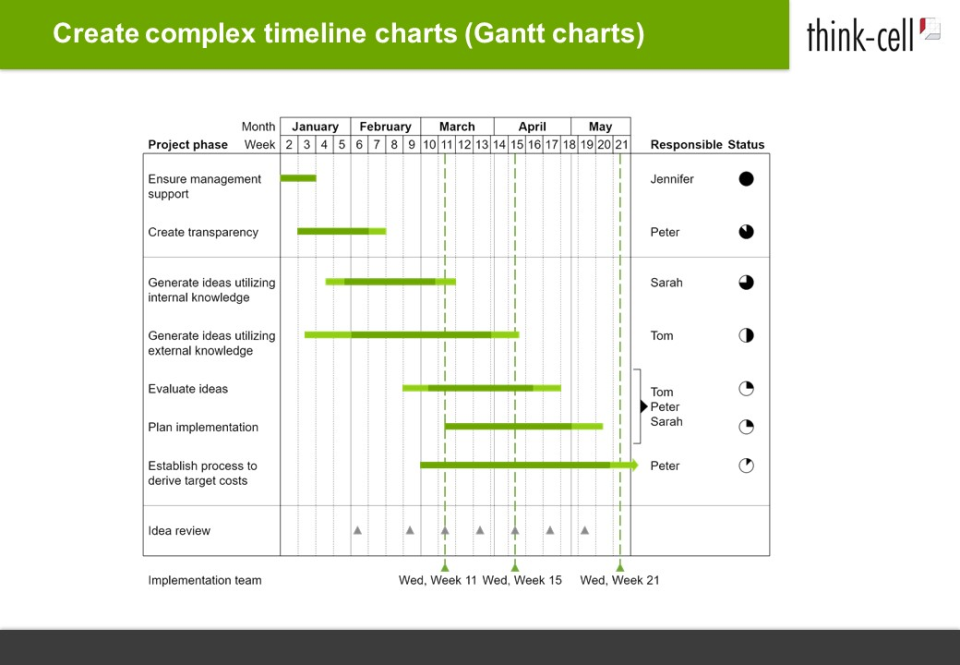  |