TrustRadius: an HG Insights company

AccessPatrol by CurrentWare vs. ManageEngine Device Control Plus

Save this comparison

Save this comparison

Add Product

Recommended Comparisons

    Overview
    ProductRatingMost Used ByProduct SummaryStarting Price

    AccessPatrol by CurrentWare

    Score6 out of 10
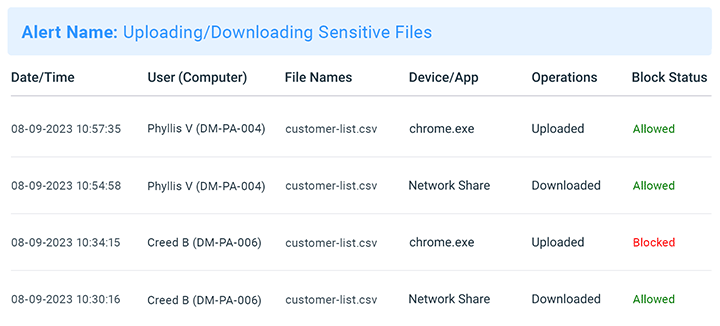
    N/AAccessPatrol by CurrentWare provides a solution for securing company endpoints against data breaches caused by illicit data transfers and rogue USB devices. AccessPatrol can be used to block flash drives, cell phones, tablets, Bluetooth, and more. File operations alerts and permissions can be configured to alert IT administrators to suspicious file operations and proactively prevent data transfers by unauthorized users.

    $72

    per year per user

    ManageEngine Device Control Plus

    Score7 out of 10
    N/AManageEngine Device Control Plus is a USB & peripheral device control solution, built to manage, restrict, and audit every USB drive, Bluetooth, and other peripheral devices connected to endpoints across an organization.N/A
    Pricing
    AccessPatrol by CurrentWareManageEngine Device Control Plus
    Editions & Modules
    10-99 Users
    $6
    per month (billed annually) per user
    100+ Users
    Volume & prepurchase discounts available. Please contact sales for info.
    Per User Per Month
    No answers on this topic
    Offerings
    Pricing Offerings
    AccessPatrol by CurrentWareManageEngine Device Control Plus
    Free Trial
    YesNo
    Free/Freemium Version
    NoNo
    Premium Consulting/Integration Services
    NoNo
    Entry-level Setup FeeNo setup feeNo setup fee
    Additional DetailsPricing is based on the volume of licenses purchased. There are additional discounts available for educational organizations, non-profits, managed services providers, and businesses that pre-purchase multiple-year plans.—
    More Pricing Information
    User Ratings
    AccessPatrol by CurrentWareManageEngine Device Control Plus
    Likelihood to Recommend
    -
    (0 ratings)
    7.3
    (2 ratings)
    Usability
    -
    (0 ratings)
    9.1
    (1 ratings)
    User Testimonials
    AccessPatrol by CurrentWareManageEngine Device Control Plus
    Likelihood to Recommend
    CurrentWare Inc.
    No answers on this topic
    ManageEngine A Div of Zoho Corporation Pvt Ltd
    Good way to protect your network if you have a lot of sensitive data. If you have visitors sign an NDA when they come in, then this should be part of your software suite. It is a bit expensive for what it does so I would avoid buying if you don't need more than a cursory logging of USB activity.
    Incentivized
    Read full review
    Pros
    CurrentWare Inc.
    No answers on this topic
    ManageEngine A Div of Zoho Corporation Pvt Ltd
    • Remote control
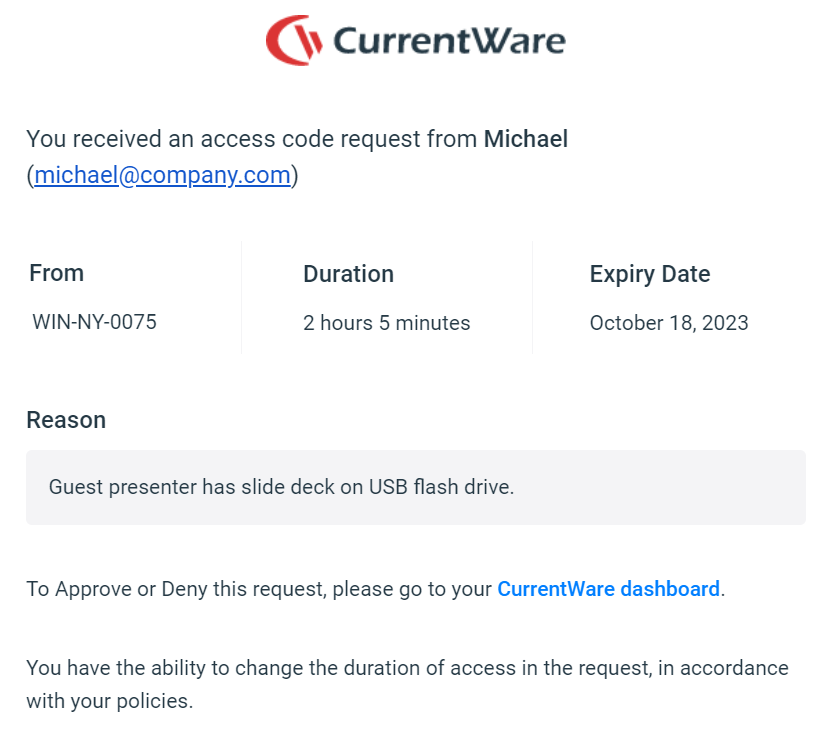
    • Temporary access for contractors \ third parties
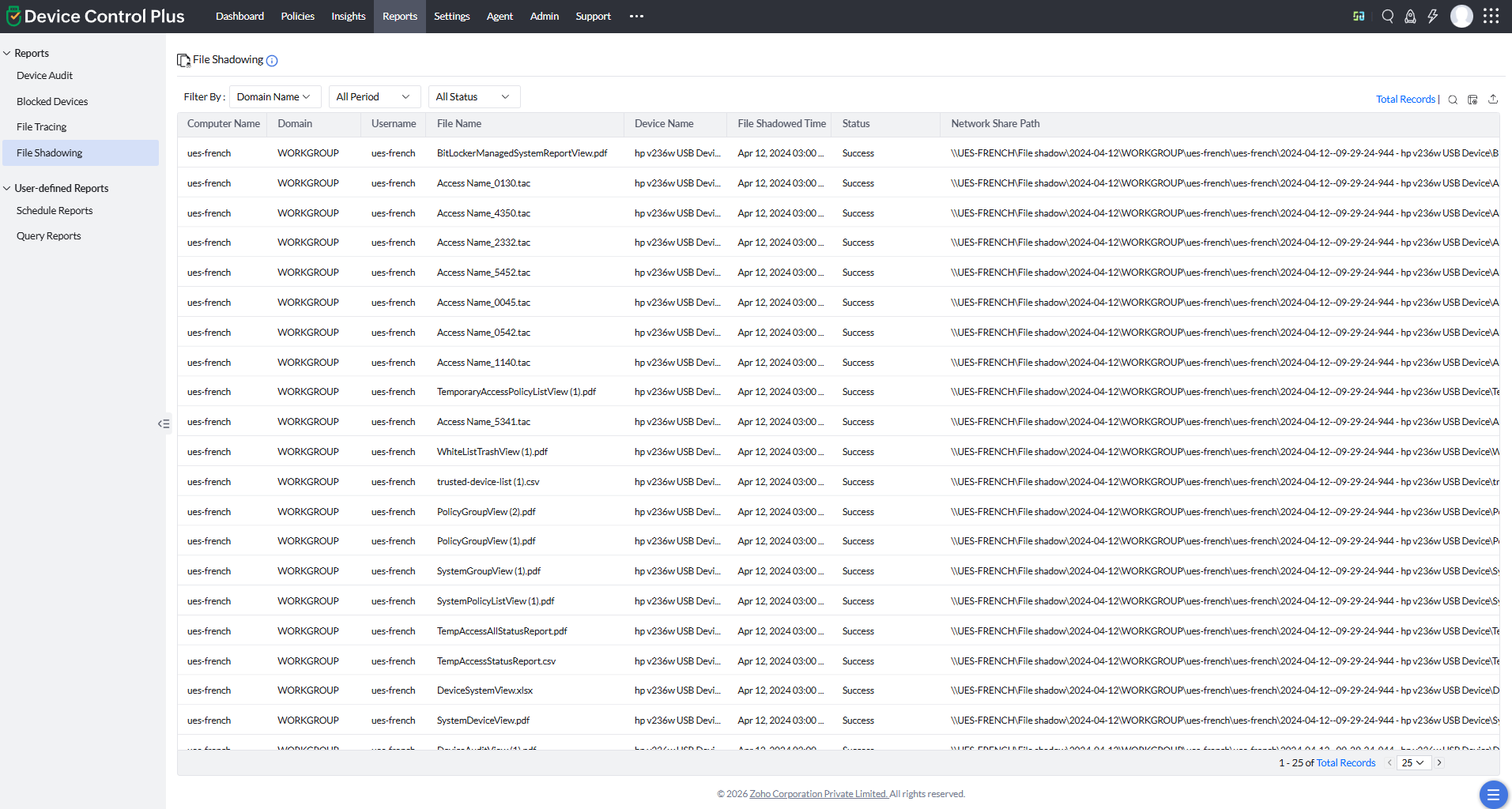
    • File access control
    Incentivized
    Read full review
    Cons
    CurrentWare Inc.
    No answers on this topic
    ManageEngine A Div of Zoho Corporation Pvt Ltd
    • UI
    • Taskbar icon
    • Self service portal
    Incentivized
    Read full review
    Usability
    CurrentWare Inc.
    No answers on this topic
    ManageEngine A Div of Zoho Corporation Pvt Ltd
    The interface is the same across all of their products so it makes it easy to know how they lay things out.
    Incentivized
    Read full review
    Alternatives Considered
    CurrentWare Inc.
    No answers on this topic
    ManageEngine A Div of Zoho Corporation Pvt Ltd
    I've only ever used Group Policy to control USB usage.
    Incentivized
    Read full review
    Return on Investment
    CurrentWare Inc.
    No answers on this topic
    ManageEngine A Div of Zoho Corporation Pvt Ltd
    • Reduced maintenance window.
    • Completion of third party access requests far quicker.
    • Works very well with existing ManageEngine products.
    Incentivized
    Read full review
    ScreenShots

    AccessPatrol by CurrentWare Screenshots
    Screenshot of AccessPatrol's web console. This password-protected console is accessible to designated operators using a desktop or laptop that is connected to the LAN that the CurrentWare console is installed on.

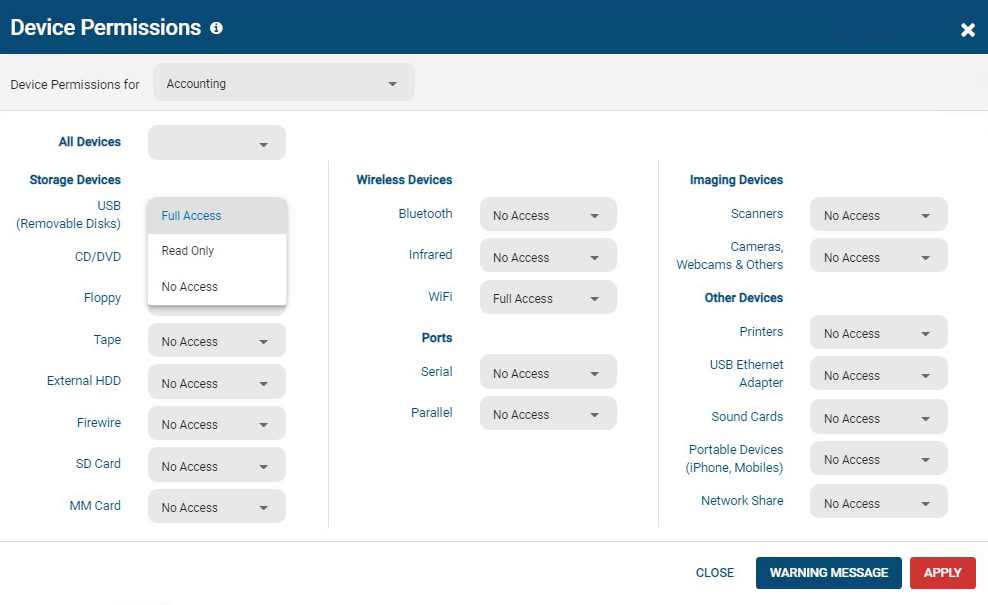
All users and computers with CurrentWare Clients installed can be managed from the console, including offsite/remote workers.Screenshot of AccessPatrol's device permissions window. This is the list of devices that can be blocked with AccessPatrol, including removable storage devices such as USB flash drives, optical media, and floppy disks. AccessPatrol can also block WiFi, Printers/Scanners, and other peripheral devices.

If specific USB devices need to be allowed that can be whitelisted using the Allowed List. By design AccessPatrol does not block USB-based HID devices such as keyboards and mice; blocking USBs will still allow these devices to function as normal.Screenshot of AccessPatrol's USB activity dashboards provide aggregated and granular USB activity data at a glance including file operations and blocked vs allowed devicesScreenshot of AccessPatrol's Block File Transfers window.  File transfers can be blocked based on extensions or specific file names.Product screenshotProduct screenshot

    ManageEngine Device Control Plus Screenshots
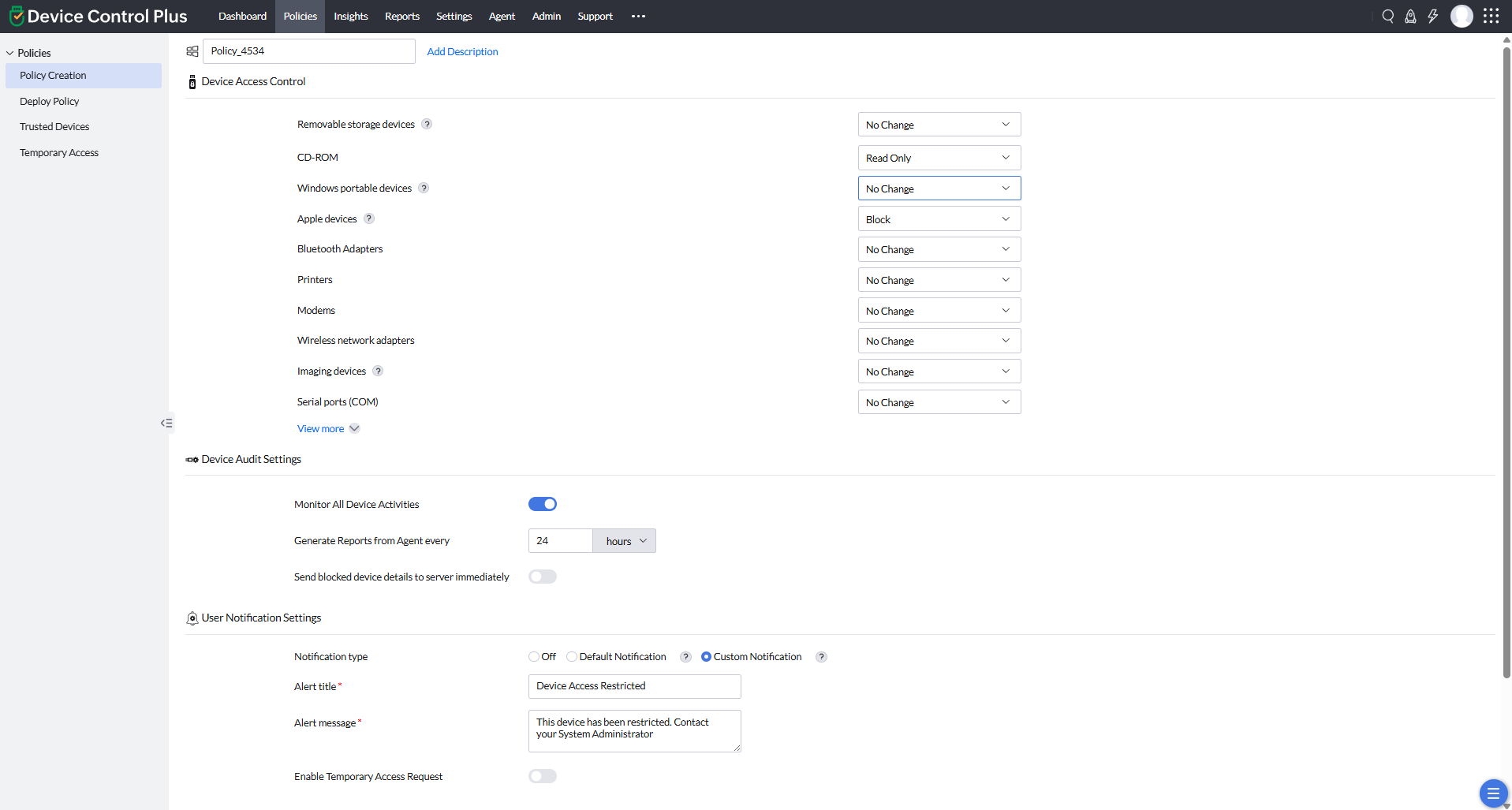
    Screenshot of Product DashboardScreenshot of Device Access ControlScreenshot of Trusted devicesScreenshot of Policy Creation - USB EncryptionScreenshot of File shadowingScreenshot of Reports