
Adobe Acrobat Reader vs. Wondershare HiPDF
| Product | Rating | Most Used By | Product Summary | Starting Price |
|---|---|---|---|---|
 Adobe Acrobat Reader | Score8.3 out of 10 | N/A | Acrobat Reader is a PDF viewer and converter, available as a free download from Adobe. Users can view, sign, collaborate on and annotate PDF files, or edit and convert PDFs into file formats like Excel and Word. | N/A |
 Wondershare HiPDF | N/A | N/A | Wondershare HiPDF is an AI-powered online PDF solution that offers a wide range of features such as creating, editing, converting, and managing PDF documents across various file formats like Microsoft Word, Excel, PowerPoint, and image formats. | $5.99 per month per user |
| Adobe Acrobat Reader | Wondershare HiPDF | |||||||||||||||
|---|---|---|---|---|---|---|---|---|---|---|---|---|---|---|---|---|
| Editions & Modules | No answers on this topic |
| ||||||||||||||
| Offerings |
| |||||||||||||||
| Entry-level Setup Fee | No setup fee | No setup fee | ||||||||||||||
| Additional Details | — | Access to all features, including OCR & AI tools No Batch Processing limit No adverts | ||||||||||||||
| More Pricing Information | ||||||||||||||||
| Adobe Acrobat Reader | Wondershare HiPDF | |
|---|---|---|
| Considered Both Products | No answer on this topic | No answer on this topic |
| Key User Insights | ||
| Would buy again | ||
95% Would buy again 71 Answers | No answers on this topic | |
| Delivers good value for the price | ||
97% Delivers good value for the price 67 Answers | No answers on this topic | |
| Happy with the feature set | ||
97% Happy with the feature set 73 Answers | No answers on this topic | |
| Lived up to sales and marketing promises | ||
98% Lived up to sales and marketing promises 45 Answers | No answers on this topic | |
| Implementation went as expected | ||
96% Implementation went as expected 49 Answers | No answers on this topic | |
| Adobe Acrobat Reader | Wondershare HiPDF | ||||||||||||||||||||||||||||||||||
|---|---|---|---|---|---|---|---|---|---|---|---|---|---|---|---|---|---|---|---|---|---|---|---|---|---|---|---|---|---|---|---|---|---|---|---|
| PDF Editors |
| ||||||||||||||||||||||||||||||||||
| Adobe Acrobat Reader | Wondershare HiPDF | |
|---|---|---|
| Small Businesses |  Foxit PDF Editor Score8.4 out of 10 | Foxit PDF Editor Score8.4 out of 10 |
| Medium-sized Companies |  PDF Xchange Viewer and Editor Score9.3 out of 10 | PDF Xchange Viewer and Editor Score9.3 out of 10 |
| Enterprises |  Email to PDF for Outlook Score8 out of 10 | Adobe Acrobat Reader Score8.3 out of 10 |
| All Alternatives | View all alternatives | View all alternatives |
| Adobe Acrobat Reader | Wondershare HiPDF | |
|---|---|---|
| Likelihood to Recommend | 9.5 | - |
| Likelihood to Renew | 7.2 | - |
| Usability | 9.5 | - |
| Implementation Rating | 10.0 | - |
| Adobe Acrobat Reader | Wondershare HiPDF | |
|---|---|---|
| Likelihood to Recommend |
| No answers on this topic |
| Pros |
| No answers on this topic |
| Cons |
| No answers on this topic |
| Likelihood to Renew |
| No answers on this topic |
| Usability |
| No answers on this topic |
| Implementation Rating |
| No answers on this topic |
| Alternatives Considered |
| No answers on this topic |
| Return on Investment |
| No answers on this topic |
| ScreenShots | Wondershare HiPDF Screenshots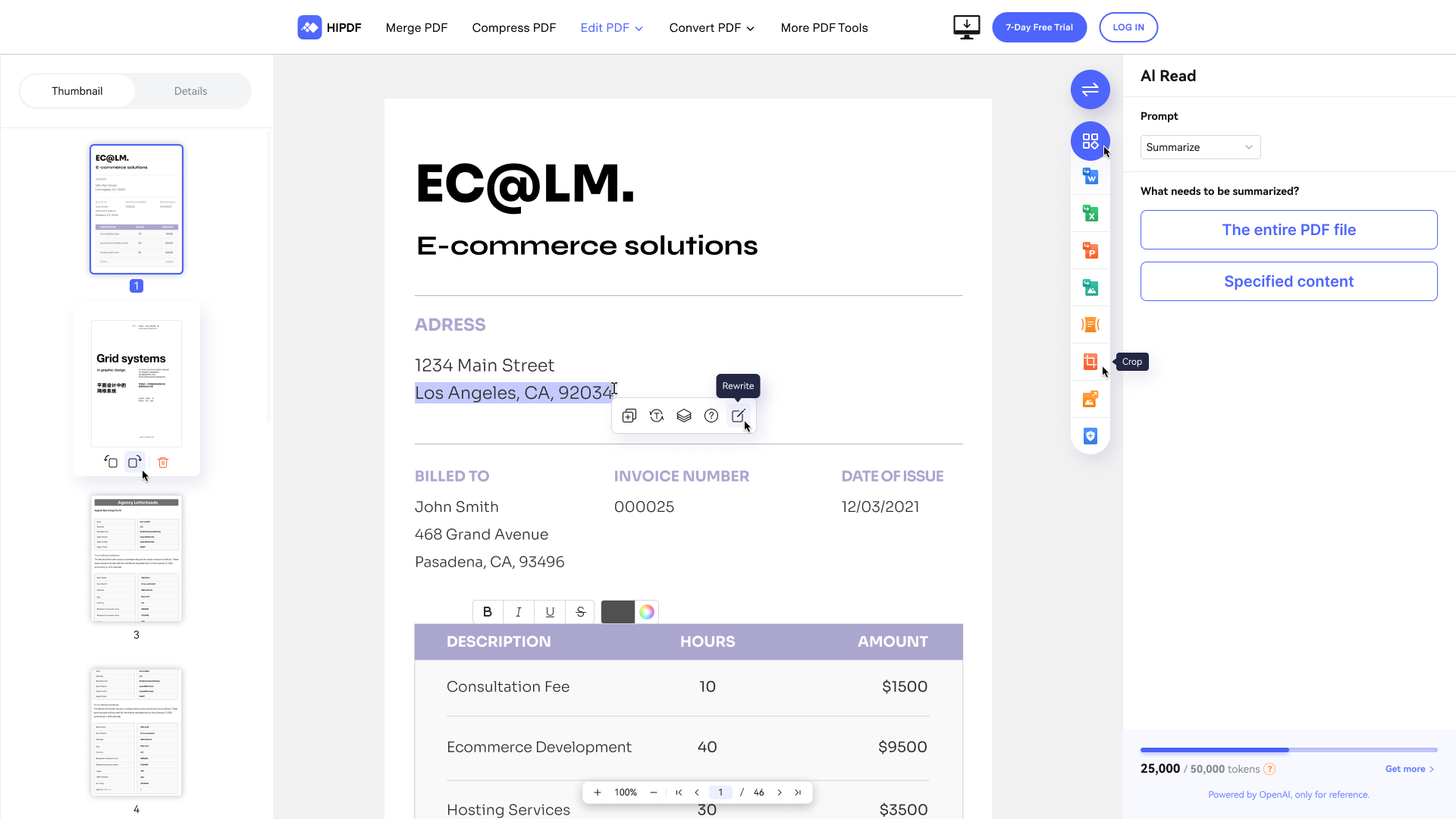 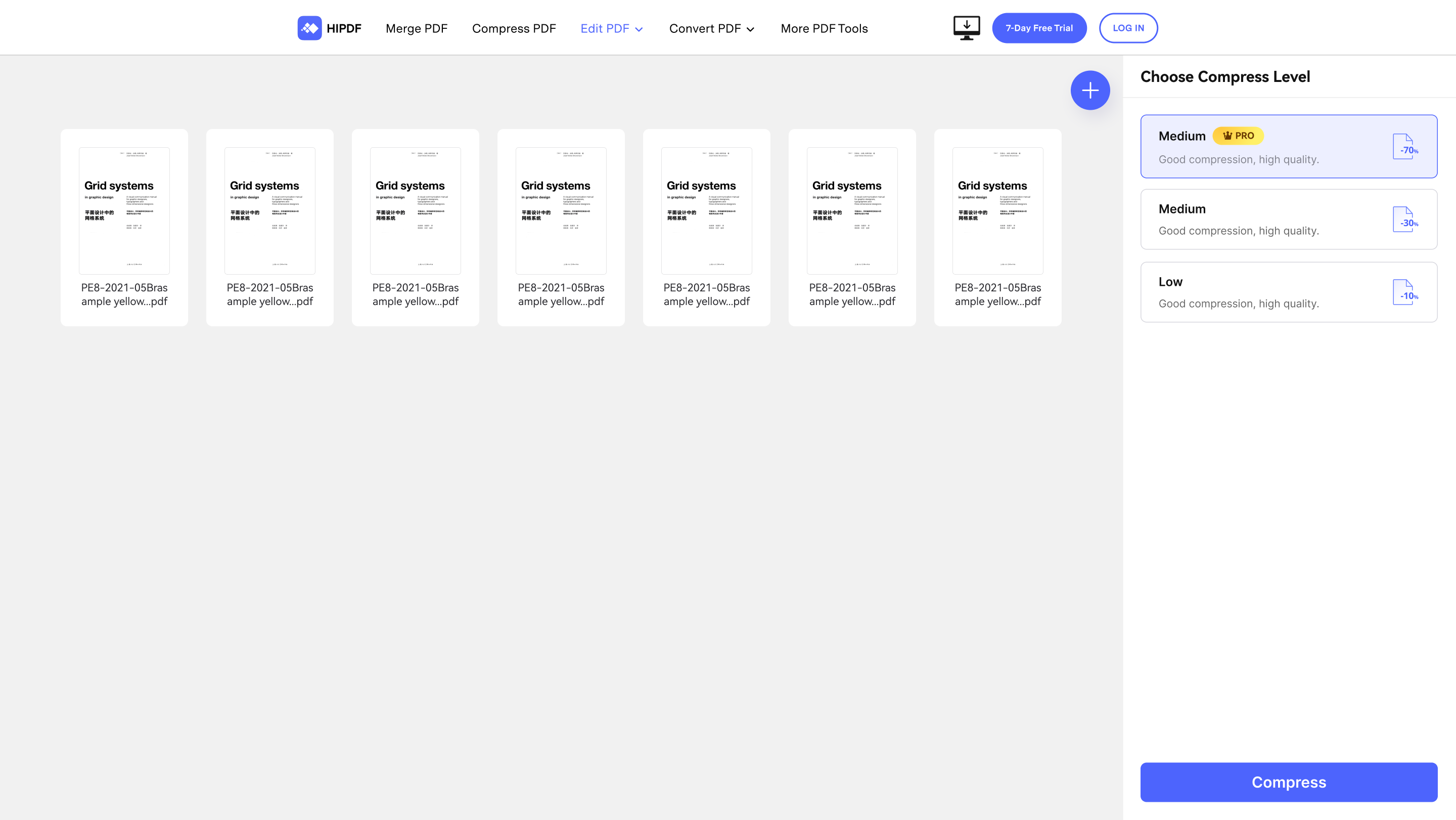 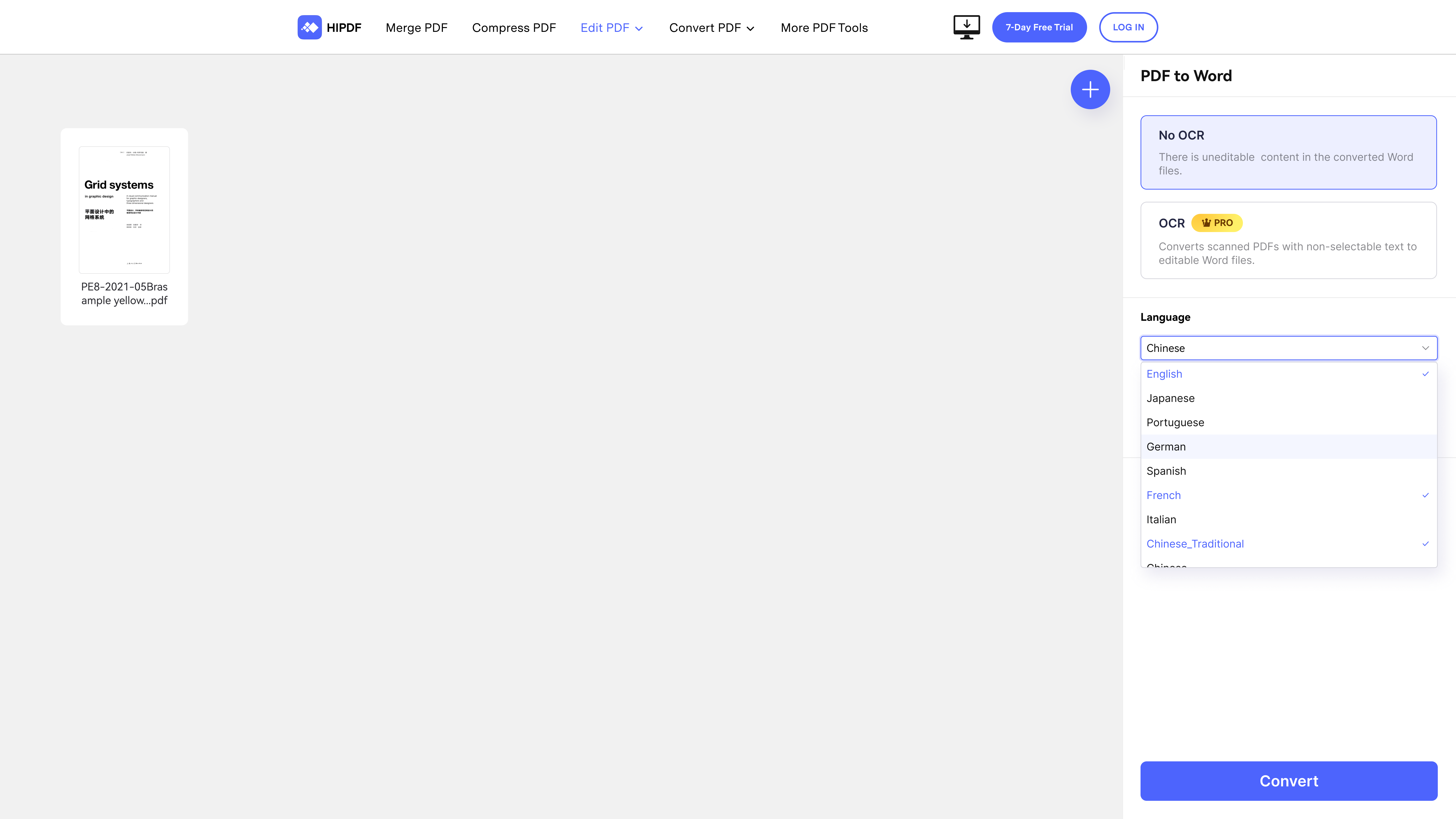 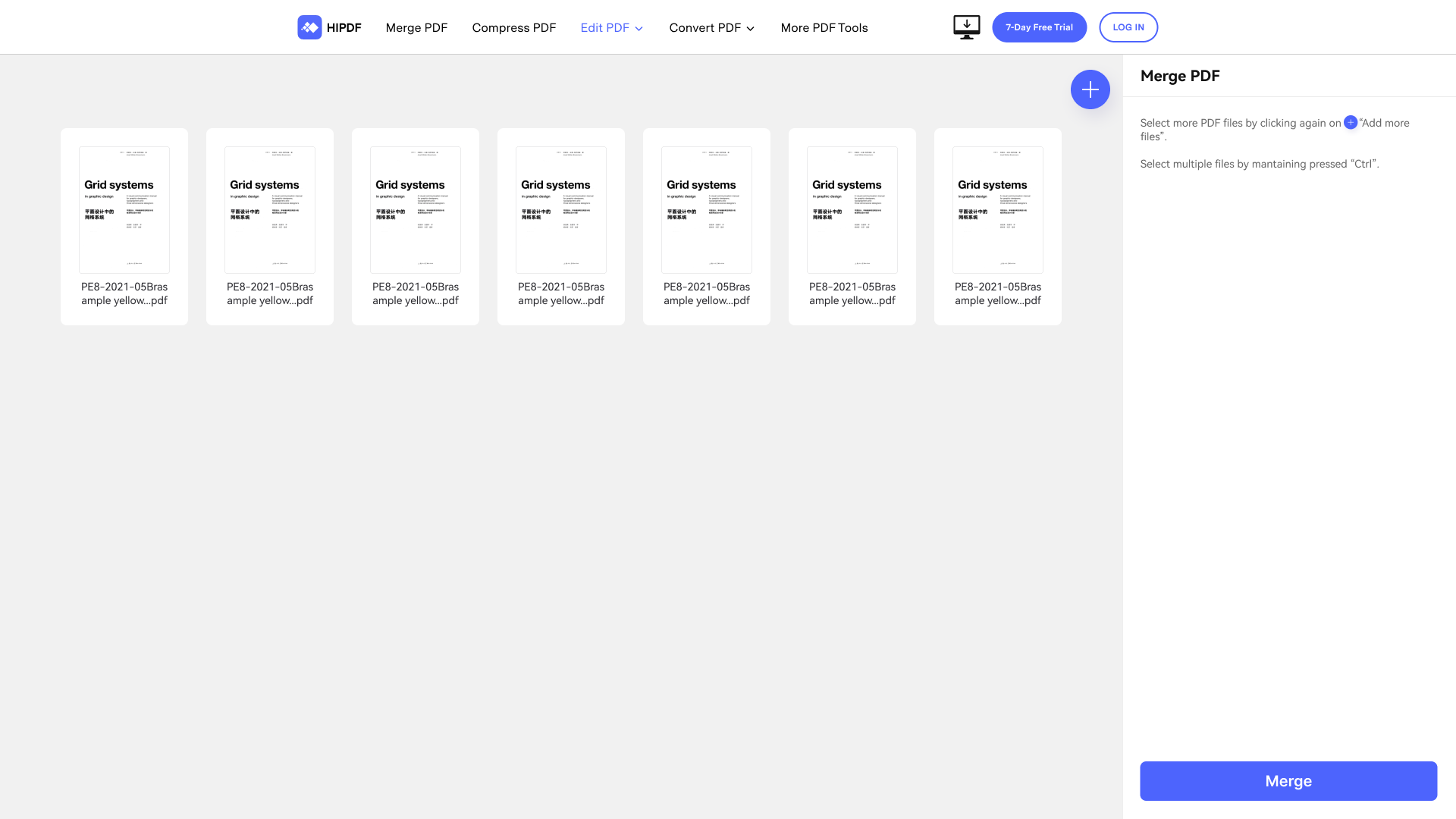   |


