Amazon CloudSearch vs. Dropbox Dash

Overview
ProductRatingMost Used ByProduct SummaryStarting Price
Amazon CloudSearch
Score 8.6 out of 10
N/A
Amazon CloudSearch is enterprise search as a service, from Amazon Web Services.N/A
Dropbox Dash
Score 8.0 out of 10
N/A
Dropbox Dash improves productivity while safeguarding content by combining AI universal search and organization with universal content access control. Connecting Dash with everyday work apps creates a central hub for all of a company’s information. Its access permission controls guarantee the company’s content is seen only by the right people, both inside and outside Dash. Combined with universal search, AI-powered insights, and content collections, Dash is designed to make it easy to find,…N/A
Pricing
Amazon CloudSearchDropbox Dash
Editions & Modules
No answers on this topic
Offerings
Pricing Offerings
Amazon CloudSearchDropbox Dash
Free Trial
NoNo
Free/Freemium Version
NoNo
Premium Consulting/Integration Services
NoNo
Entry-level Setup FeeNo setup feeNo setup fee
Additional Details
More Pricing Information
Community Pulse
Amazon CloudSearchDropbox Dash
Best Alternatives
Amazon CloudSearchDropbox Dash
Small Businesses
Yext
Yext
Score 8.9 out of 10
Yext
Yext
Score 8.9 out of 10
Medium-sized Companies
Guru
Guru
Score 9.6 out of 10
Guru
Guru
Score 9.6 out of 10
Enterprises
Guru
Guru
Score 9.6 out of 10
Guru
Guru
Score 9.6 out of 10
All AlternativesView all alternativesView all alternatives
User Ratings
Amazon CloudSearchDropbox Dash
Likelihood to Recommend
7.0
(1 ratings)
-
(0 ratings)
User Testimonials
Amazon CloudSearchDropbox Dash
Likelihood to Recommend
Amazon AWS
Amazon Cloudsearch can be suitable for some queries that require fast data. For example, in our case, we used CloudSearch, in a tool called Global Search. That will search everything like names, emails and a lot of stuff in our application. If you want fast data and you have a simple query, Global Search isn't appropriate for you.
Read full review
Dropbox
As I mentioned in previous sections of the review, I’d suggest using it to manage various workspaces, but there is no appropriate feature set to do so. If you are just using it to manage a personal Dropbox and associated accounts, it is well worth using.
Read full review
Pros
Amazon AWS
  • Really fast queries
  • Good Reporting
  • Reduce the cost of the server
Read full review
Dropbox
  • Finding lost files
  • Sorting quickly thorough years of labor and record keeping quickly
  • Having a user friendly interface.
Read full review
Cons
Amazon AWS
  • Can take some time to implement
  • The initial configuration can be tricky
  • Takes some time to update the values
Read full review
Dropbox
  • Integration of multiple accounts.
Read full review
Usability
Amazon AWS
No answers on this topic
Dropbox
Ease of use and fast response times
Read full review
Alternatives Considered
Amazon AWS
I didn't investigate the best alternatives to CloudSearch, but did help with implementing this feature in our application. But from what i tested and used - Cloudsearch is very fast to get queries. Some negative points can be the time to implement this and some configurations that can be tricky.
Read full review
Dropbox
I really like the ability in other apps to add multiple calendars. For instance, in Reclaim, I can add both my work and personal calendars, and it can block off work calendar entries for personal events. I want to be able to see everything integrated into Dash, and I hope they add that feature.
Read full review
Return on Investment
Amazon AWS
  • Positive Point - Reduced the server load
  • Negative point - Not suitable for all queries
  • Negative Point - Time to implement this feature
Read full review
Dropbox
  • Huge time saver
  • Productivity has increased
Read full review
ScreenShots

Dropbox Dash Screenshots

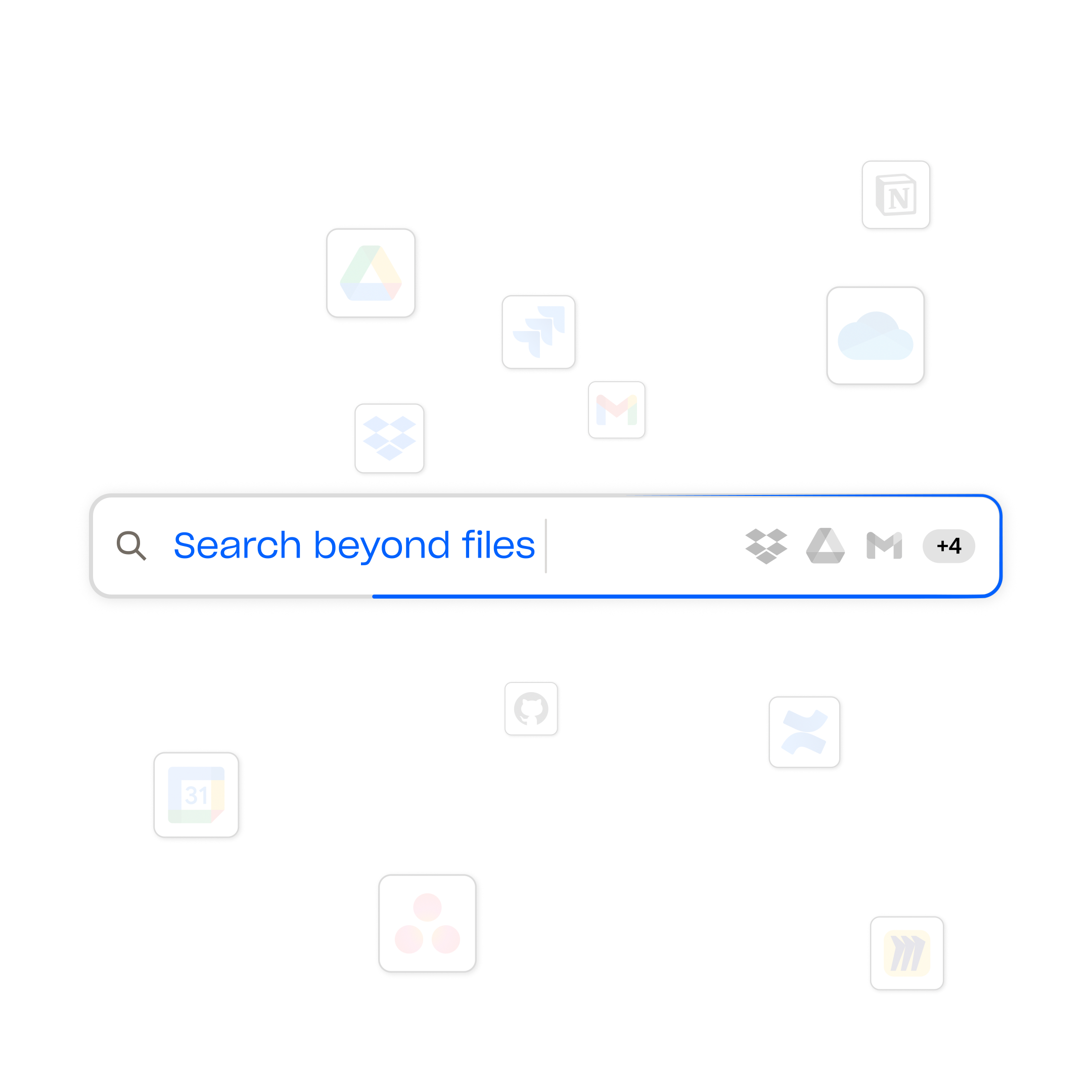
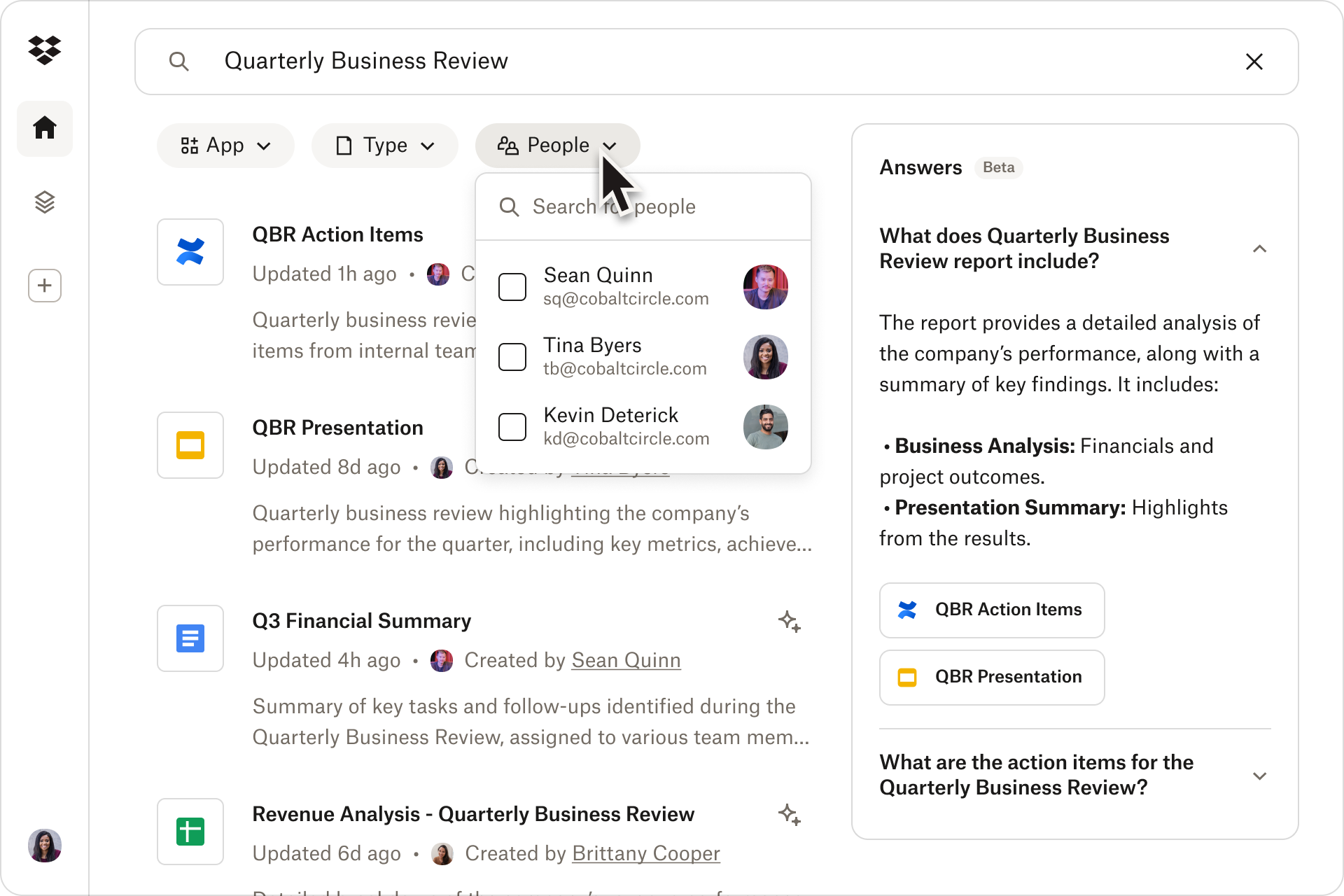
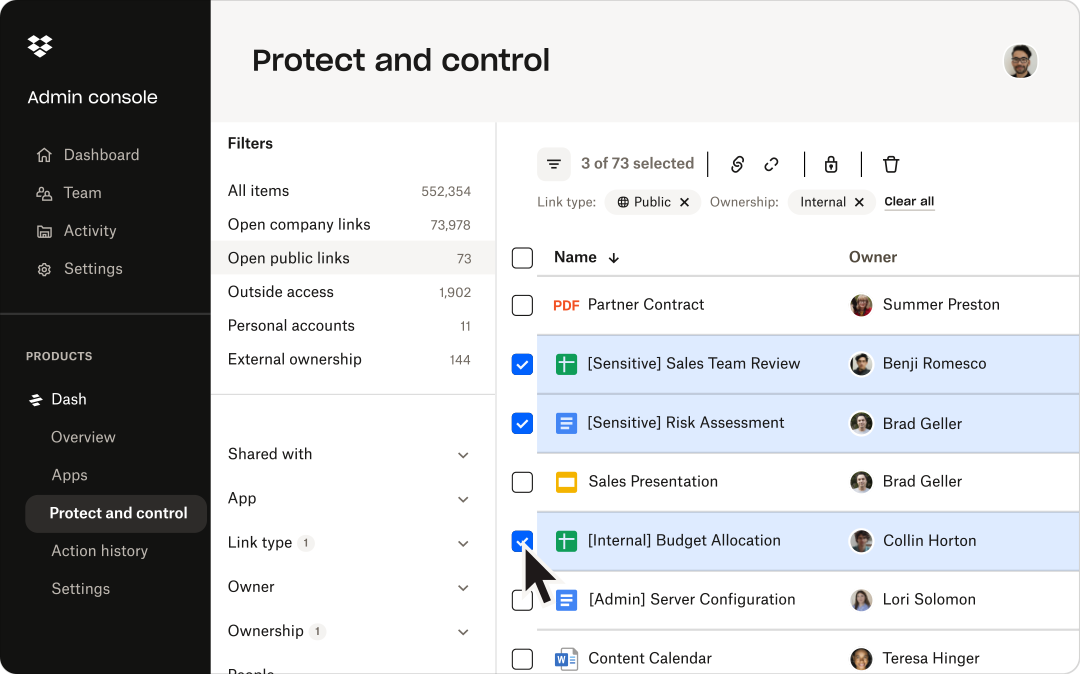
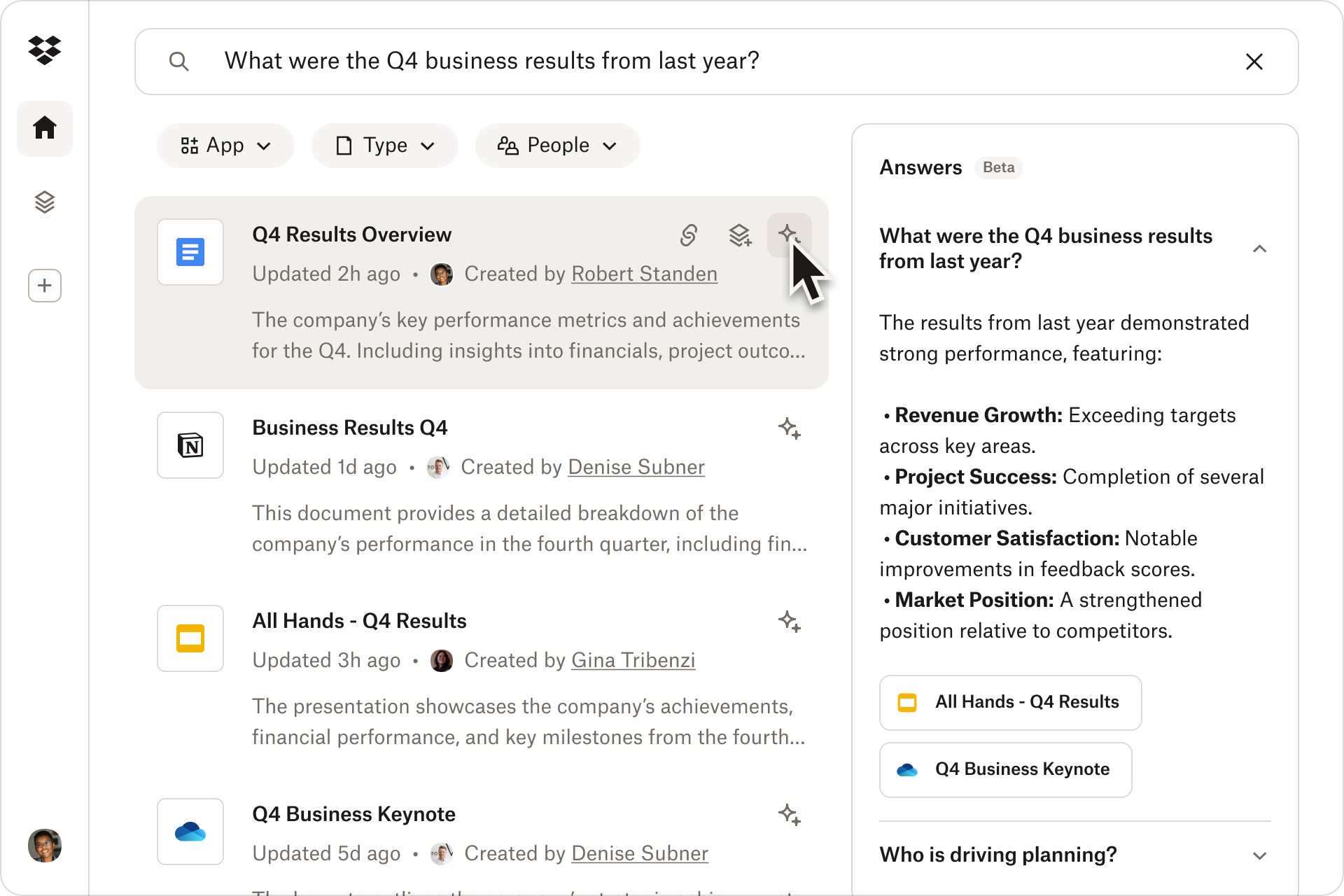
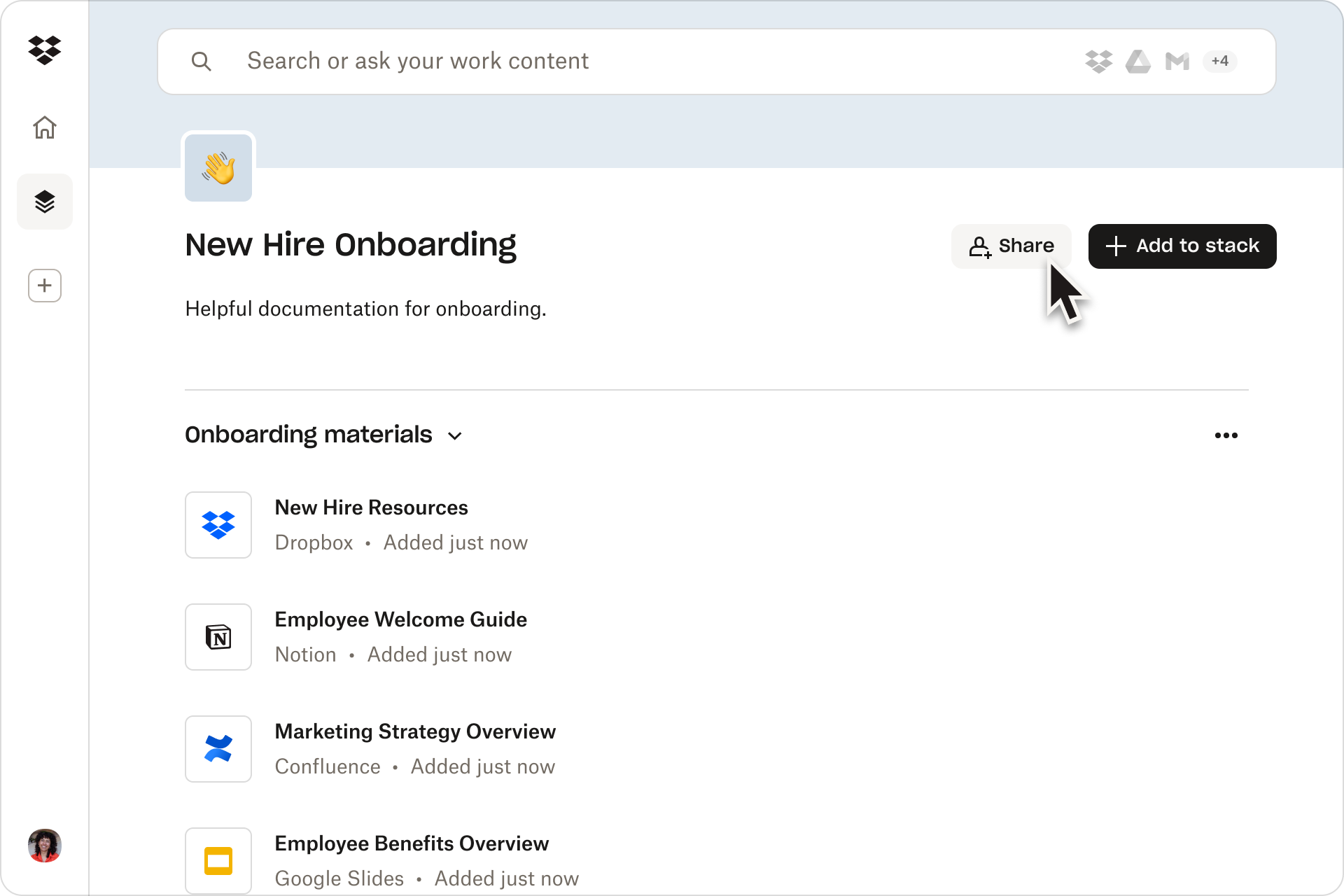
Screenshot of the Dropbox universal search, which works across all connected apps so users can instantly find what they're looking for.Screenshot of the search tool, available across all connected apps, including Dropbox, OneDrive, Gmail, and Google Calendar.Screenshot of content permission management, available across multiple cloud apps from one central spot.Screenshot of a quick summary with AI-powered insights. These are available from documents with just one click.Screenshot of the location to collaborate and stay organized using shareable content collections called stacks.