
TrustRadius: an HG Insights company

Dropbox Dash

Score8 out of 10

3 Reviews and Ratings

What is Dropbox Dash?

Dropbox Dash improves productivity while safeguarding content by combining AI universal search and organization with universal content access control. Connecting Dash with everyday work apps creates a central hub for all of a company’s information. Its access permission controls guarantee the company’s content is seen only by the right people, both inside and outside Dash. Combined with universal search, AI-powered insights, and content collections, Dash is designed to make it easy to find, organize, share and secure work.

Bringing advanced content access control and search capabilities to any size business, Dash is presented as ideal for those who handle large volumes of content and care about protecting sensitive information.

Categories & Use Cases

Media

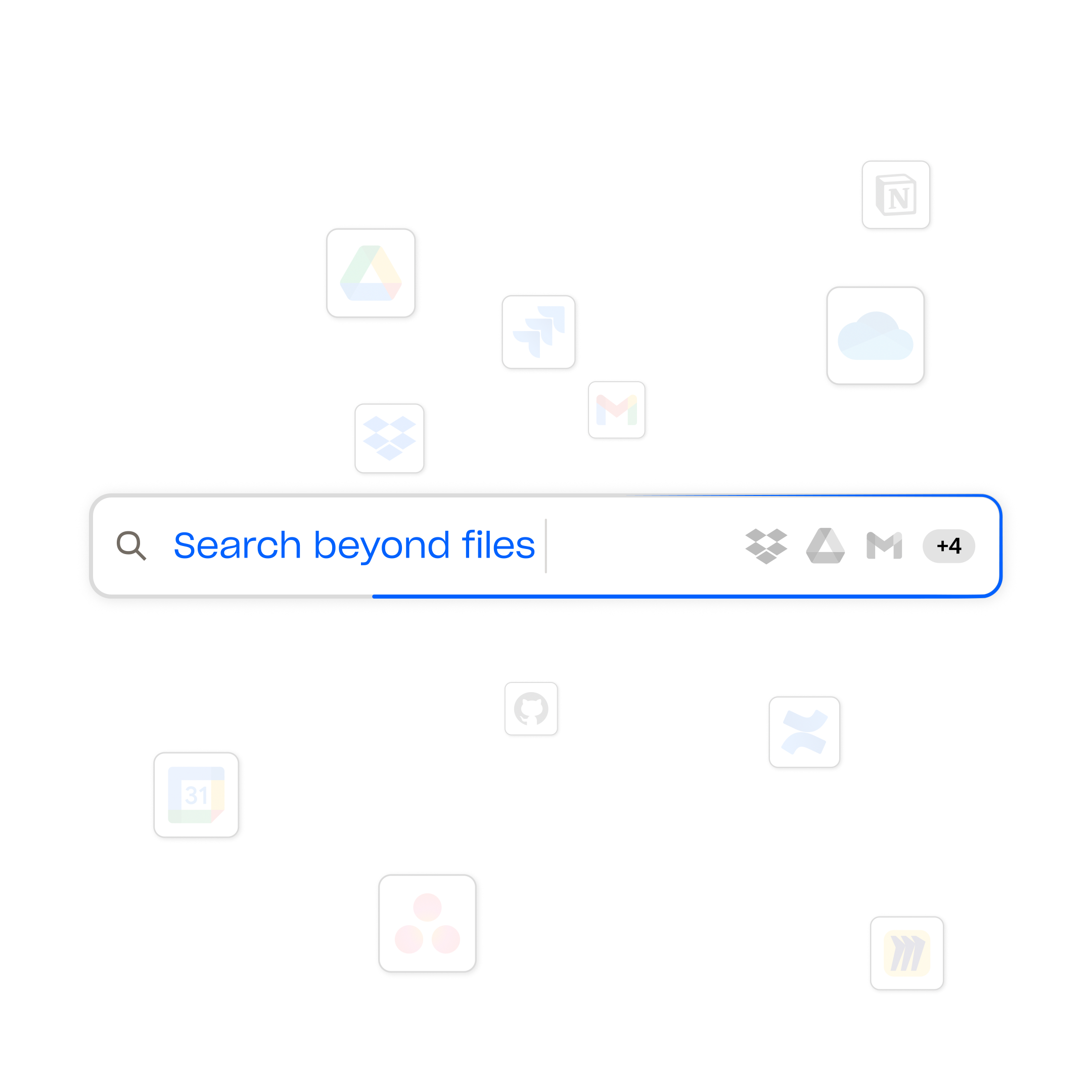
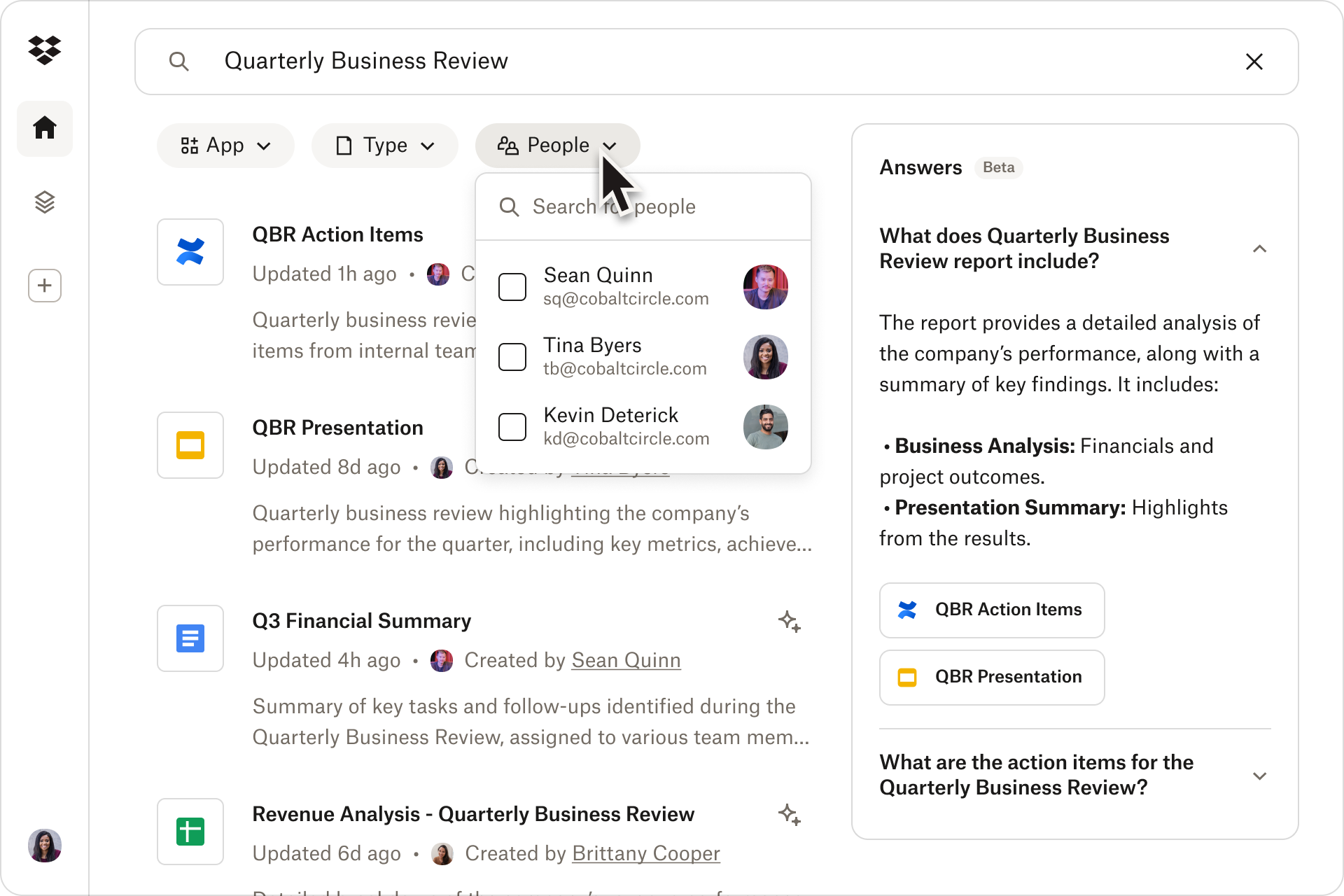
the Dropbox universal search, which works across all connected apps so users can instantly find what they're looking for.
the search tool, available across all connected apps, including Dropbox, OneDrive, Gmail, and Google Calendar.
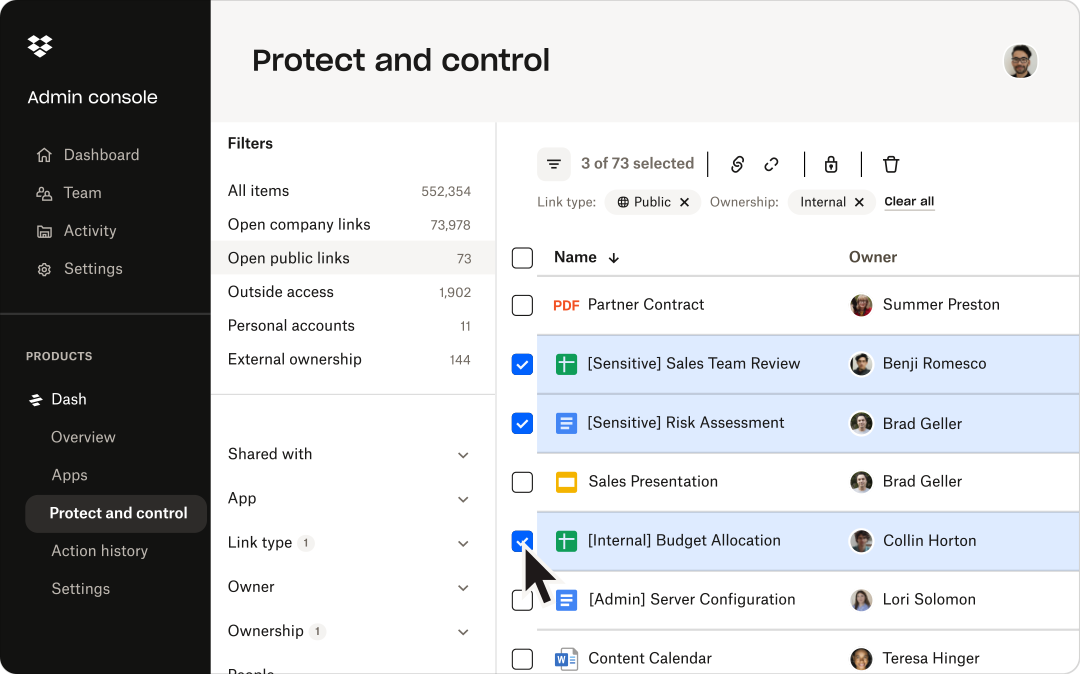
content permission management, available across multiple cloud apps from one central spot.
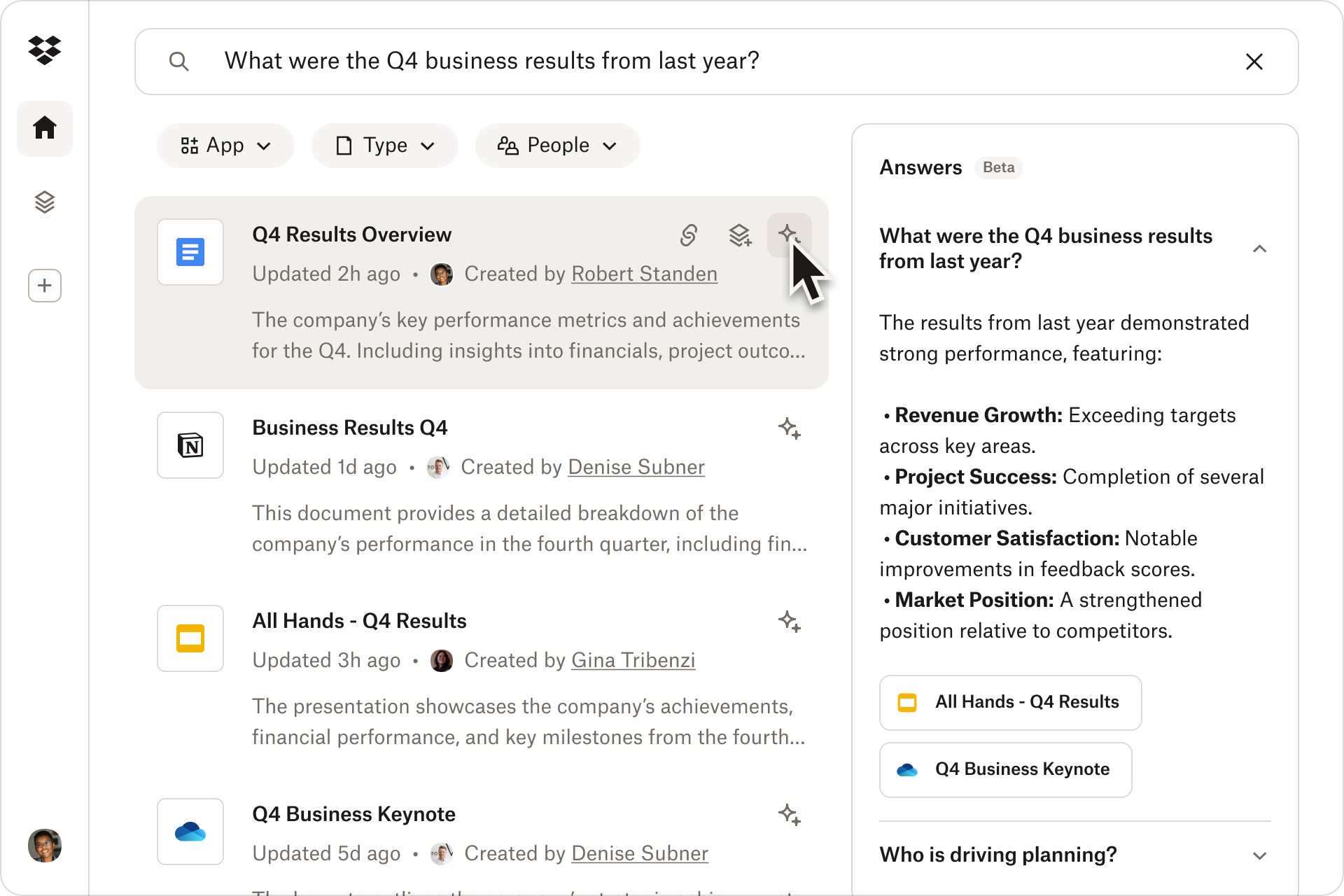
a quick summary with AI-powered insights. These are available from documents with just one click.
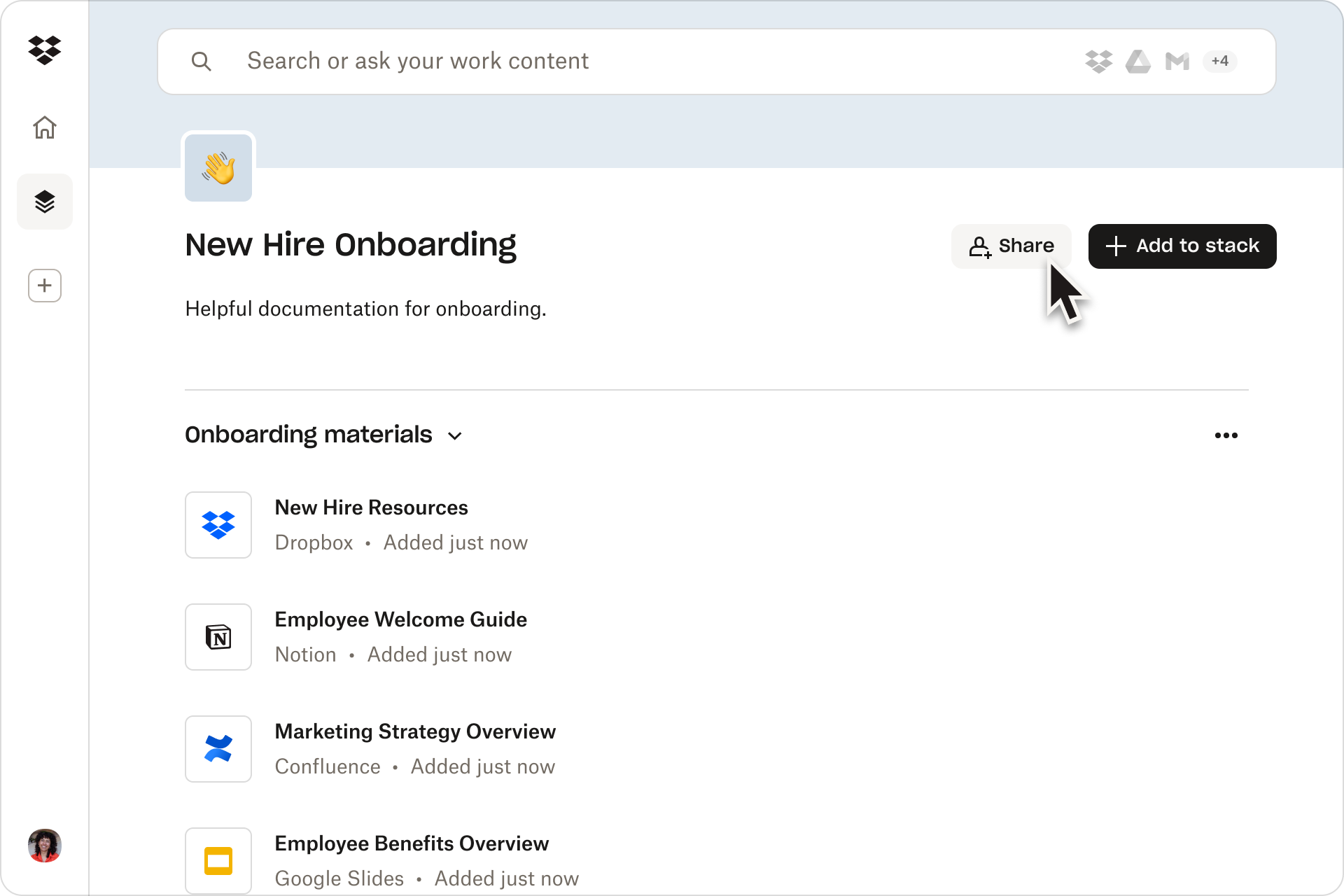
the location to collaborate and stay organized using shareable content collections called stacks.

1 / 5

Dropbox Dash is an excellent choice

Use Cases and Deployment Scope

My consulting work has taken me far and wide, and I have learned much from my clients. I have not always captured my learning in the most obvious locations. Dash has been invaluable in locating these items. Dash has been my go-to for quickly searching my computer for files, photos, agendas, meeting schedules, and videos. It finds these items rapidly, accurately, and in just the place I had left them, if I had only remembered!

I use it to search external drives, my Dropbox files, and those on my hard drive. Ease of use is important to me, and Dropbox Dash met the challenge. Highly recommended.

Pros

  • Finding lost files
  • Sorting quickly thorough years of labor and record keeping quickly
  • Having a user friendly interface.

Cons

  • Finding older files that may have mislabeled.
  • Occasionaly missing files I know are present, but not accurately labeled. A few words off of the precise name can lead to a miss.
  • What was once free has now become a paid subscription.

Return on Investment

  • Huge time saver
  • Productivity has increased

Usability

Other Software Used

Dashlane Password Manager, HubSpot CRM

Dropbox Dash is good but needs additional integrations.

Use Cases and Deployment Scope

I use Dash for personal purposes. I found it helpful to search my calendar and use it to manage workspaces. What was challenging was the inability to add multiple calendars. When I wanted a heads-up view of my day, I was only getting one of my calendars. I'm hopeful that Dropbox will add the ability to integrate multiple Google accounts, or integration with Reclaim or another calendar would be very useful! If you only have one account and need to search through your calendar and associated apps, this is a very good application!

Pros

  • Heads up display.
  • Calendar management for one calendar.
  • Ability to search across multiple apps.

Cons

  • Integration of multiple accounts.

Return on Investment

  • Cannot provide real numbers on ROI.

Usability