Amberscript, headquartered in Amsterdam, helps users transform audio and video to text and subtitles through the use of its AI-driven on-demand software service.
$1.40
per minute
Scribia
Score 0.0 out of 10
N/A
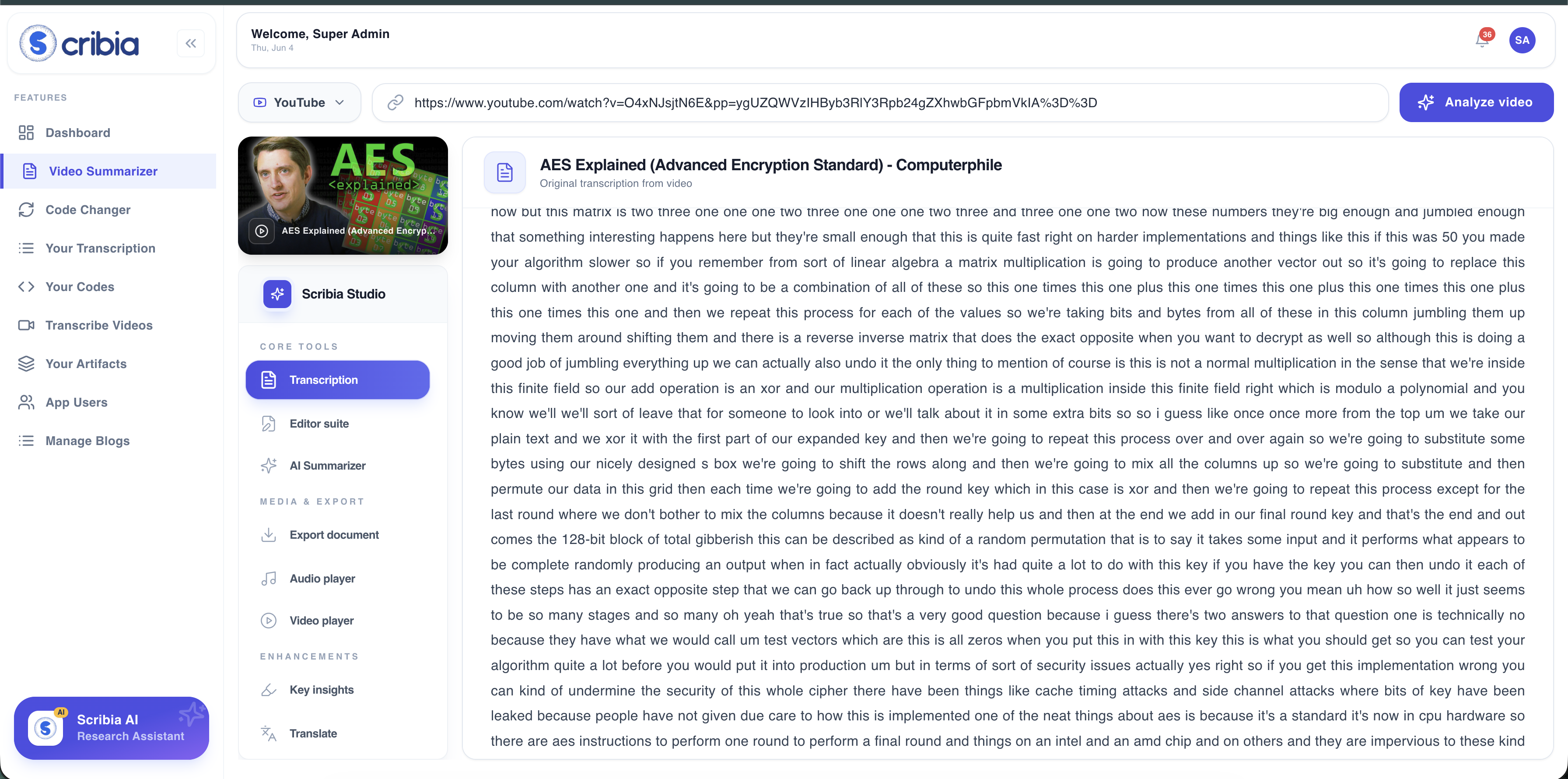
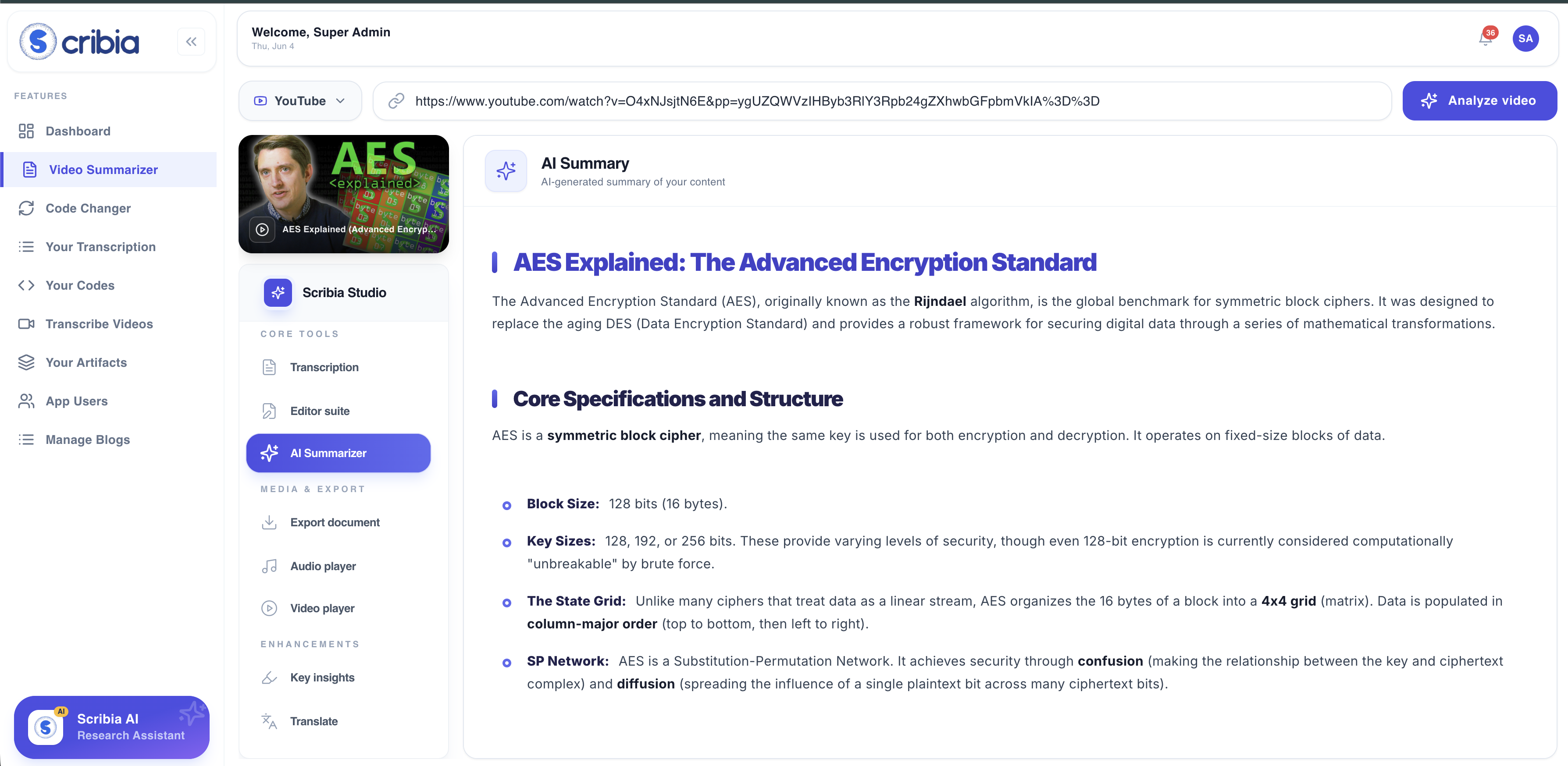
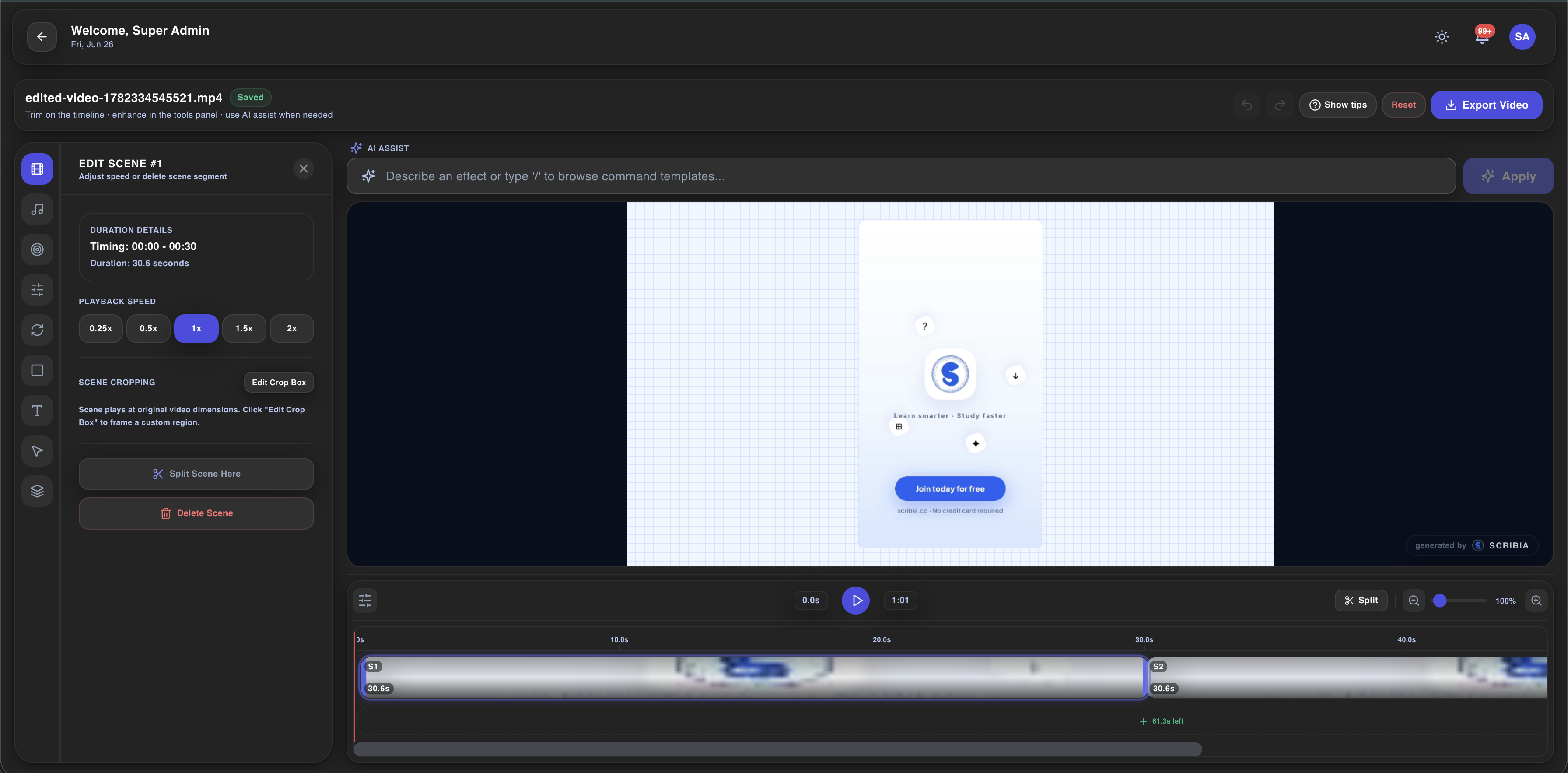
Scribia is a video processing platform that converts video content into structured data, study materials, and exported media files within a unified workspace. Key Features and Benefits Video Summarization and Transcription - The platform provides Transcription capabilities for local file uploads and external video URLs. According to the vendor, the system supports over 50 languages. Scribia generates structured text…
N/A
Pricing
Amberscript
Scribia
Editions & Modules
Pre-Paid
$10
per hour of audio or video uploaded
Subscription
$25
per month
Manual transcription
from $1.40
per minute
No answers on this topic
Offerings
Pricing Offerings
Amberscript
Scribia
Free Trial
Yes
No
Free/Freemium Version
No
Yes
Premium Consulting/Integration Services
No
No
Entry-level Setup Fee
No setup fee
No setup fee
Additional Details
Discount available for annual subscription.
—
More Pricing Information
Community Pulse
Amberscript
Scribia
Considered Both Products
Amberscript
Verified User
Anonymous
Chose Amberscript
I feel that Amazon Transcribe was much more feature-rich, allowing for a much more real-time solution, whereas Amberscript is great for transcribing existing call recordings (or video files) to a rich text file. Amazon Transcribe will do both, while Amberscript only does the …
Amberscript is great for transcribing individual audio (or video) files that reside on your computer. The ability to view and edit the text of the text file (to correct or remove data that you don't want to be shared) before the output is a great option. I feel it may be limited in the ability to transcribe live audio records such as phone calls or meetings, where we would find it very useful to have immediate access to a transcript (for coaching or sharing purposes). I feel the needs are more designed as a solution for pre-existing audio/video files versus working in real-time.
I feel that Amazon Transcribe was much more feature-rich, allowing for a much more real-time solution, whereas Amberscript is great for transcribing existing call recordings (or video files) to a rich text file. Amazon Transcribe will do both, while Amberscript only does the latter. For our business, this was a significant feature loss for Amberscript.
Having an automated speech-to-text conversion allows us to reduce human hours, which would normally take notes or have to review long audio files.
Being able to transcribe multiple call recordings into a searchable text format allows for coaching of issues in a much more efficient format than an audio recording.