Apache Cordova vs. Judo

Overview
ProductRatingMost Used ByProduct SummaryStarting Price
Apache Cordova
Score 8.0 out of 10
N/A
N/AN/A
Judo
Score 0.0 out of 10
N/A
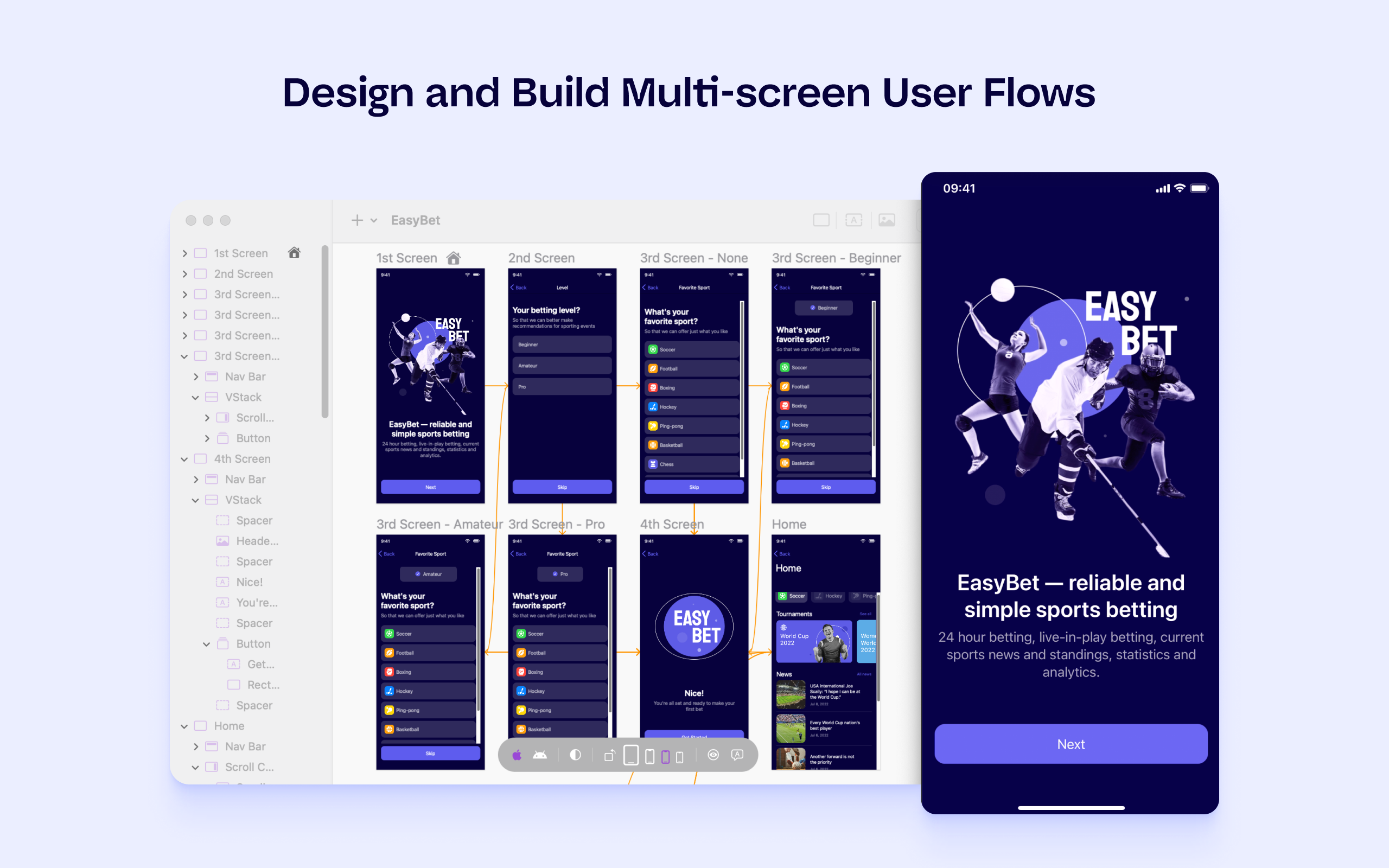
Judo is a design and build tool for SwiftUI apps that helps product teams ship faster and more efficiently. Users can build interfaces while designing in Judo's infinite canvas, avoiding unnecessary back-and-forth between design and development. Judo helps to enhance the user's workflow, reduce friction in design handoff and test fully-functioning prototypes and UI quickly, as well as make data-driven product decisions in real time and publish them instantly.
$9
per month per user
Pricing
Apache CordovaJudo
Editions & Modules
No answers on this topic
Offerings
Pricing Offerings
Apache CordovaJudo
Free Trial
NoYes
Free/Freemium Version
NoNo
Premium Consulting/Integration Services
NoNo
Entry-level Setup FeeNo setup feeNo setup fee
Additional Details
More Pricing Information
Community Pulse
Apache CordovaJudo
Best Alternatives
Apache CordovaJudo
Small Businesses
Swiftify
Swiftify
Score 9.0 out of 10
Swiftify
Swiftify
Score 9.0 out of 10
Medium-sized Companies
Swiftify
Swiftify
Score 9.0 out of 10
Swiftify
Swiftify
Score 9.0 out of 10
Enterprises
Swiftify
Swiftify
Score 9.0 out of 10
Swiftify
Swiftify
Score 9.0 out of 10
All AlternativesView all alternativesView all alternatives
User Ratings
Apache CordovaJudo
Likelihood to Recommend
7.5
(6 ratings)
-
(0 ratings)
User Testimonials
Apache CordovaJudo
Likelihood to Recommend
Apache
It is suitable for making portable applications, with almost the same code for several platforms. You can access native features of the device or use an open source plug-in from the repository to create a local database and access the internal storage of the device. It is wonderful for the construction of a native application, through the use of standard web code. It is not recommended for enterprise applications.
Read full review
Judo
No answers on this topic
Pros
Apache
  • Adobe Phone Gap has an extremely simple user interface that allows for easy learning to occur.
  • Adobe Phone Gap provides support for web languages and allows you to write in three of the main languages and transfer them to another language for use. This solves a common programming issue and is the greatest strength of the software.
  • Their desktop application allows for easy installation and programming.
  • Adobe provides quick support with questions about how to use the software.
  • The build interface notifies you of errors extremely quickly and helps identify the issue in your programming. You get an easy idea of what needs to be updated and adjusted.
Read full review
Judo
No answers on this topic
Cons
Apache
  • Cordova app code runs inside a webview component. So, expect the performance to be a little slower as compared to the native apps. This is more noticeable on older devices though. It is hardly noticeable when it comes to newer mobile devices.
  • Crashes can be hard to debug since the crash logs will not point you to the culprit javascript code. This is not a limitation of Cordova alone. Any other hybrid mobile app development platform suffers the same problem.
  • Even with tools like Safari debugger and Chrome debugger, it can be tricky to measure graphics and animation performance. Achieving smooth animations can be a bit of a challenge sometimes with hybrid mobile apps in general.
Read full review
Judo
No answers on this topic
Alternatives Considered
Apache
Apache Cordova is the mother of all other frameworks. The Ionic developed framework is well suited for development but most of their features are offered by paid services. As Apache Cordova is open source and has a license to modify it, it has no legal problems to work with it. Also, most well-known IDEs recognize the Apache Cordova snippets.
Read full review
Judo
No answers on this topic
Return on Investment
Apache
  • Very economic for ROI purposes
  • Scalable for code reusability down the road
  • Convertible, easily switch platforms if Apache Cordova doesn't suit your needs
Read full review
Judo
No answers on this topic
ScreenShots

Judo Screenshots

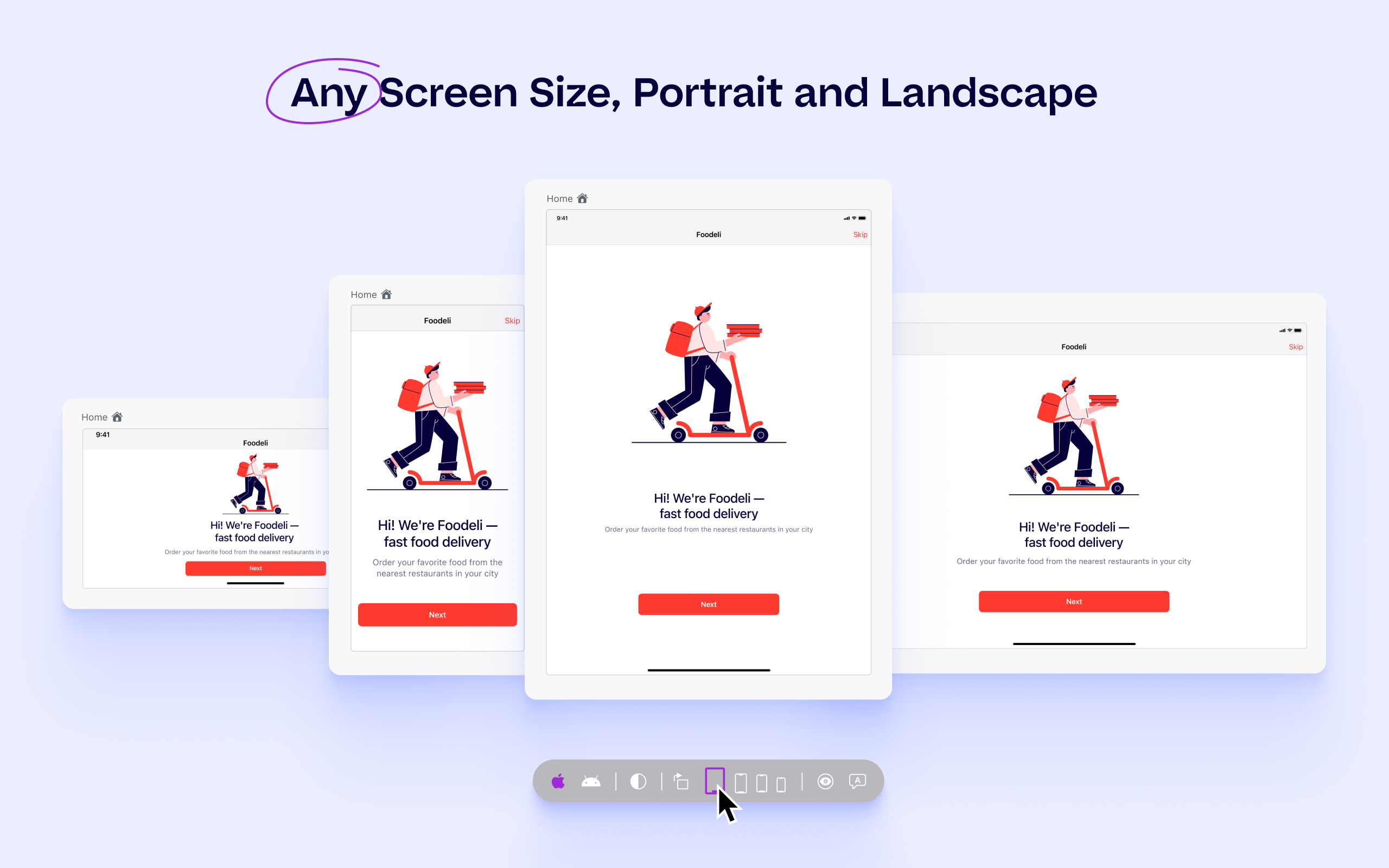
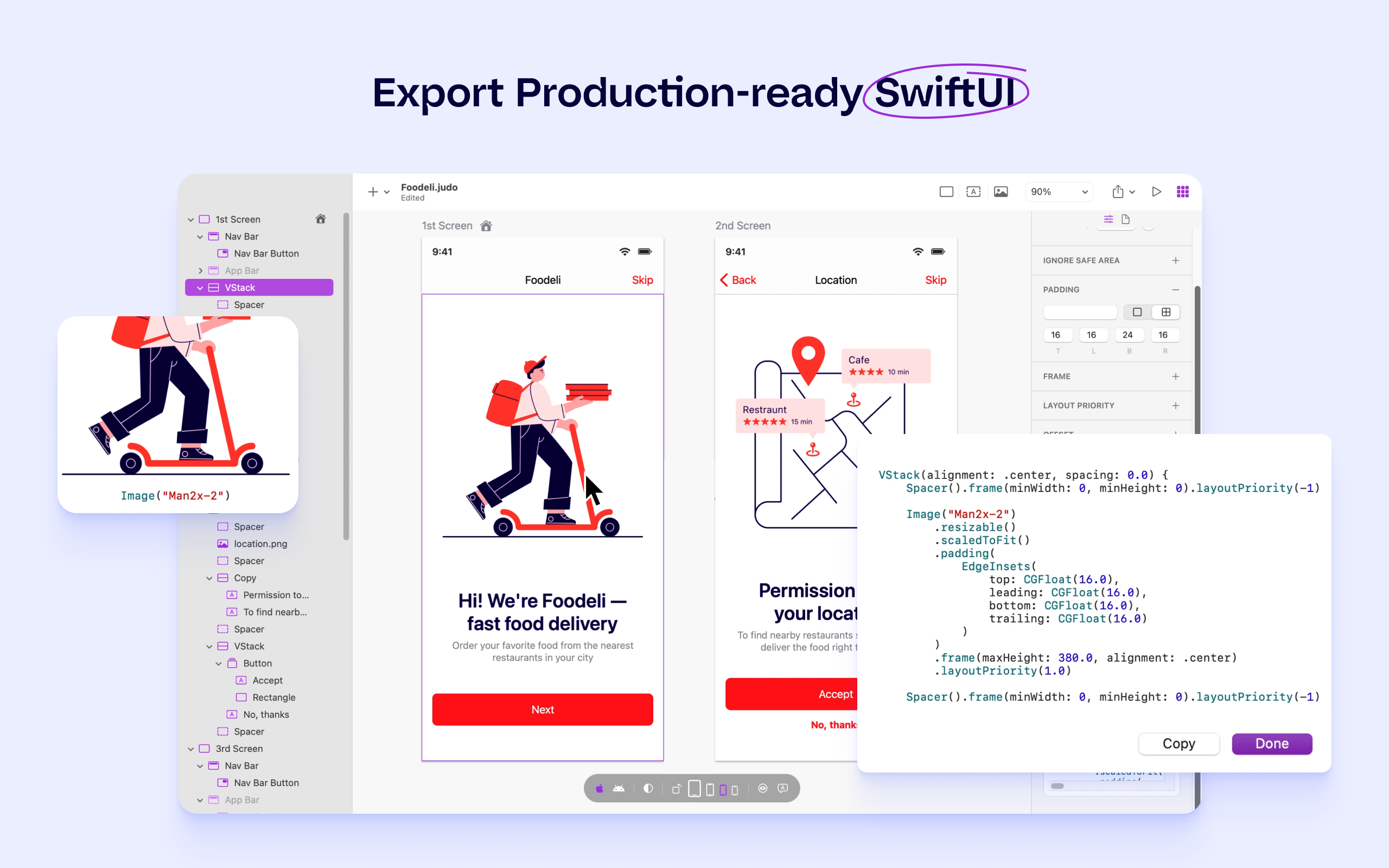
Screenshot of Design and build multi-screen user flowsScreenshot of Connect lists, text and images to existing APIsScreenshot of Preview on any screen size, preview on real devicesScreenshot of Preview in dark and light modeScreenshot of Export production-ready SwiftUIScreenshot of Integrate directly with Xcode